
KDP Metadata Guidelines: Rules for Every Book Field
Official Amazon KDP Guidelines: the metadata for every book field on KDP, in plain words. This is what KDP's own help page says, not a blog opinion.
Title + Subtitle
Fewer than 200 characters
Categories
Up to three
Keywords
Phrases 2-3 words long recommended

By Gundi Gabrielle
10 min read
The KDP metadata guidelines are the rules for every field you fill in when you set up a book: title, subtitle, series, description, author, contributors, publisher, keywords, primary audience, primary marketplace, categories, cover image, and ISBN.
Authors, publishers, and selling partners are responsible for following KDP's content guidelines. KDP puts significant time and resources into enforcing them, using a combination of machine learning, automation, and dedicated teams of human reviewers. It removes content that doesn't follow them and promptly investigates any book when it's told of possible noncompliance. If KDP removes a title, it tells the author, publisher, or selling partner, and they can appeal.
What are the rules for the book title?
Titles are "the most frequently used search attribute." The title field should contain only the actual title of your book as it appears on your book cover. Missing or wrong title information may bury valid results among extra hits. Customers pay special attention to errors in titles and won't trust your book if it has corrupted special characters, extra words, bad formatting, extra descriptive content, and so on. Examples of what's prohibited in the title field, though not limited to these:
- Repeating generic keywords like "notebook," "journal," "gifts," or "books"
- Unauthorized reference to other titles or authors
- Unauthorized reference to a trademarked term
- References that suggest an individual or entity contributed to or was involved with your book when they weren't
- Reference to sales rank (for example, "bestselling")
- Reference to advertisements or promotions (for example, "free")
- Only punctuation (for example, "!!!!!!!!")
- Using only "unknown," "n/a," "na," "blank," "none," "null," or "not applicable"
- HTML tags
If you publish multiple stories as one book, make sure the title field and the cover accurately show the contents, with terms like "Collection," "Compilation," or "Series." Stories in a series must be in sequential order within a book, and collections of individual stories must have all the stories listed in the metadata.
For print books, your title must be on the cover (on the spine or front cover) and must match the metadata you entered during title setup. The title doesn't need to appear in your manuscript, but if it does, it must match the metadata.
What are the subtitle rules?
A subtitle is optional. It's a subordinate title with additional information about your book's content. Your title and subtitle together must be fewer than 200 characters. The subtitle appears on your book's detail page and must follow the same guidelines as your title.
What are the series rules?
A series is a connected set of books, and the field is optional. If your book isn't part of a series, skip it. Public domain and low-content books, such as notebooks and journals, aren't eligible for creating a series. If your book is part of a series, the steps depend on your marketplace:
- USA, UK, Australia, and Europe (kdp.amazon.com): select Add series details and confirm whether you're creating a new series or adding the book to an existing one. Complete all required fields on the Series Setup page. The series title must follow the book title guidelines above.
- Japan (kdp.amazon.co.jp): enter the name of the series in the Series name field. This helps customers find other books in the series, and the name shows after your book's title on your detail page. Because titles are the most often used search attribute, your series name must follow the title guidelines. Enter only the name of the series, not the series number or the book title. Enter the series number in the Series number field as digits only ("3" for the third book, not "Book 3" or "Book 3 of 4").
Books in a series with the same series name can be linked to make a Series Collection page, in order of series number, in the Kindle Store. This improves discoverability by showing customers all the books in the series on a single page. KDP has a page on how to create or update a Series Collection page on kdp.amazon.co.jp.
What are the description rules?
Entice readers with a summary of the story and characters. Don't give away anything that adds to the suspense or surprise. Let readers know what makes your book interesting and give them a sense of what kind of book it is. If you're stuck, research the back cover or inner dust jacket flap of books in your genre, or ask friends or other authors to describe your book. KDP says: "Think of your book description as a 30-second elevator pitch to persuade a casual browser to buy your book."
KDP cannot accept any of the following in the description:
- Pornographic, obscene, or offensive content
- Phone numbers, physical mail addresses, email addresses, or website URLs
- Reviews, quotes, or testimonials
- Requests for customer reviews
- Advertisements, watermarks on images or videos, or promotional material
- Time-sensitive information (for example, dates of promotional tours, seminars, or lectures)
- Availability, price, or alternative ordering information (for example, links to other websites for placing orders)
- Spoiler information for Books, Music, Video, or DVD (BMVD) listings
- Any keywords or book tag phrases
You may use HTML in your description. HTML uses pairs of angle-bracketed tags to display the text they surround. KDP has a page on supported HTML tags in a book description.
👑 Build a description that sells. Golden Bestseller Empire writes it from your book plan. → See the tools
What are the author, contributor, and publisher rules?
- Author: enter the name of your book's primary contributor. You're free to use a pen name, "as long as it does not impair customers' ability to make good buying decisions." If the primary contributor's name is similar to a popular author's name, consider using a pen name, a middle name, or adding an initial. KDP can't accept HTML tags in the author field.
- Contributors (optional): the people involved in creating your book. Use these fields for additional authors, editors, illustrators, translators, and anyone else you want to credit, as long as they worked on that specific book. You can enter multiple contributors. You must enter all contributors of a public domain book. Note: a book that is a translation of another work must credit the translator and the original author in the contributor field. If it isn't a new translation and the translator is unknown, the publisher should list the translator as "Anonymous." Don't add anything other than contributors: no search keywords, HTML tags, or other information. For author contributor fields only, if you enter multiple author names, they appear in the Kindle Store in the same order. All other contributor fields appear below the author names.
- Publisher (eBook only, optional): if you're the author or publisher, you can enter your name or your publishing company's name. KDP isn't a publisher, but a service that supports authors and publishers. Only the name of the author or publisher should go here, because customers see the publisher name on the book's detail page. To avoid confusion, KDP doesn't allow: a reference to another publishing company (including any that previously published the book), a reference to Amazon or Amazon-affiliated companies, a reference to Kindle or KDP, or websites or domain names.
What are the keyword rules?
Keywords (optional) can be a word or a phrase. For best results, KDP recommends phrases 2-3 words long. To find the right keywords, "think like a reader": what topics or genres are your readers searching for?
Avoid keywords that don't accurately describe your book's central storyline, or that are completely unrelated to what's in the book. Inaccurate keywords can lead to unexpected or confusing search results and a poor customer experience. KDP doesn't tolerate keywords that mislead or manipulate customers. Prohibited as keywords, though not limited to these:
- References to other authors
- References to books by other authors
- Sales rank (for example, "bestselling")
- Advertisements or promotions (for example, "free")
- Anything unrelated to your book's content
- HTML tags
What are the primary audience and marketplace rules?
- Sexually explicit images or title: you must select Yes or No to continue with title setup and choose categories. Select Yes if your book has either of these: sexually explicit images on the cover or inside (for example, nudity or sexual poses), or sexually explicit language in the title or subtitle (for example, words or phrases that refer to sexual acts, devices, fluids, or genitalia). Selecting Yes automatically makes your book ineligible for Children's categories, to give all customers the right shopping experience.
- Reading age (optional): it tells customers your intended audience on your detail page. If you don't include an appropriate reading age (for example, for a children's book), the book may not be eligible for the children's categories you chose, and it won't appear in age-specific search results in the Amazon Store.
- Primary marketplace: the Amazon Store where you expect most of your sales. You must select it before you can select categories. It's also used to set your list price. Changing your primary marketplace on a published or pre-order book may change your list price, so confirm your list price on the Pricing page before you publish.
What are the category rules?
Categories are the sections of the Amazon Store where customers can find your book. During title setup you choose up to three categories from a list based on your primary audience and marketplace. Avoid categories that aren't relevant to your book's central storyline or are completely unrelated to what's in the book. Inaccurate categories can lead to unexpected or confusing search results and a poor customer experience. KDP doesn't tolerate selecting categories to mislead or manipulate customers. KDP has a page with more on KDP Categories.
What are the cover image and ISBN rules?
- Cover image: the title, subtitle, author name, and series information on your cover should match the matching metadata fields. Covers that may be misleading because they closely resemble another book's layout, color scheme, fonts, or images aren't allowed.
- ISBN (print only): on KDP, you don't need an ISBN to publish an eBook, but you need one to publish a paperback or hardcover (except low-content books). For paperbacks and hardcovers that need an ISBN, KDP can give you a free ISBN or you can use your own. If you put your own ISBN in your manuscript, it must match the ISBN you entered during title setup.
What this means for you
- Write your title exactly as it appears on your cover, and keep title plus subtitle under 200 characters when you enter your details in KDP.
- Keep prices, reviews, links, and contact details out of your description.
- Choose up to three categories that truly fit, and keywords a reader would type.
- Make sure the title, subtitle, author name, and series on your cover match your metadata.
- For print, use KDP's free ISBN or your own. An eBook needs none.
Related reading
- KDP Keywords
- KDP Book Titles and Editions
- KDP Content Guidelines
- Amazon KDP Publishing Guidelines: Every Rule in One Place
Follow the KDP metadata guidelines field by field and your book is easier to find and easier to trust.
Ready to publish? Sign up for KDP and start for free.
Source: KDP Help: Metadata Guidelines for Books — checked October 13, 2026.
Frequently Asked Questions
What are the KDP metadata guidelines?
They are the rules for every field you fill in during title setup: title, subtitle, series, description, author, contributors, publisher, keywords, categories, cover, and ISBN.
How long can a KDP title and subtitle be?
Your title and subtitle together must be fewer than 200 characters. The title field holds only the actual title of your book as it appears on your cover.
How many categories can I choose on KDP?
You choose up to three categories during title setup, from a list based on your primary audience and marketplace.
Do I need an ISBN to publish on KDP?
Not for an eBook. You need an ISBN for a paperback or hardcover, except low-content books. KDP can give you a free ISBN or you can use your own.
Sources & Citations
This page is maintained independently and is not affiliated with Amazon. Always double-check the latest numbers inside your own KDP account before making pricing decisions.
Found this useful? Get more of this site in your Google.
One tap adds us as a preferred source — Google then shows you our posts more often in Search, Top Stories, and AI Overviews.
Created By

Top 100 Business Author · Carnegie Hall Conductor · Founder of Golden Bestseller Empire
Hey, I'm Gundi, and for over a decade, I've helped thousands of everyday people turn what they know into a bestselling book.
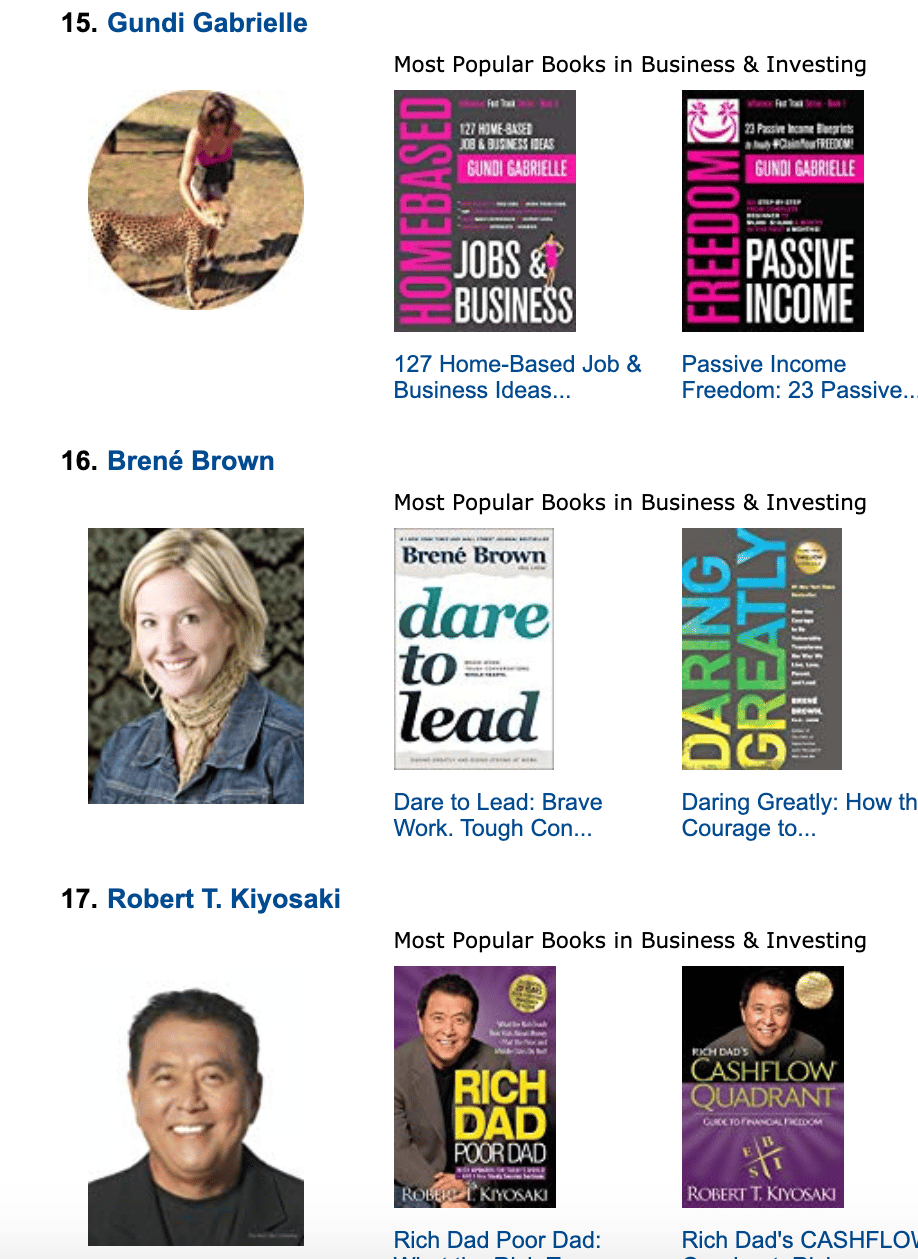
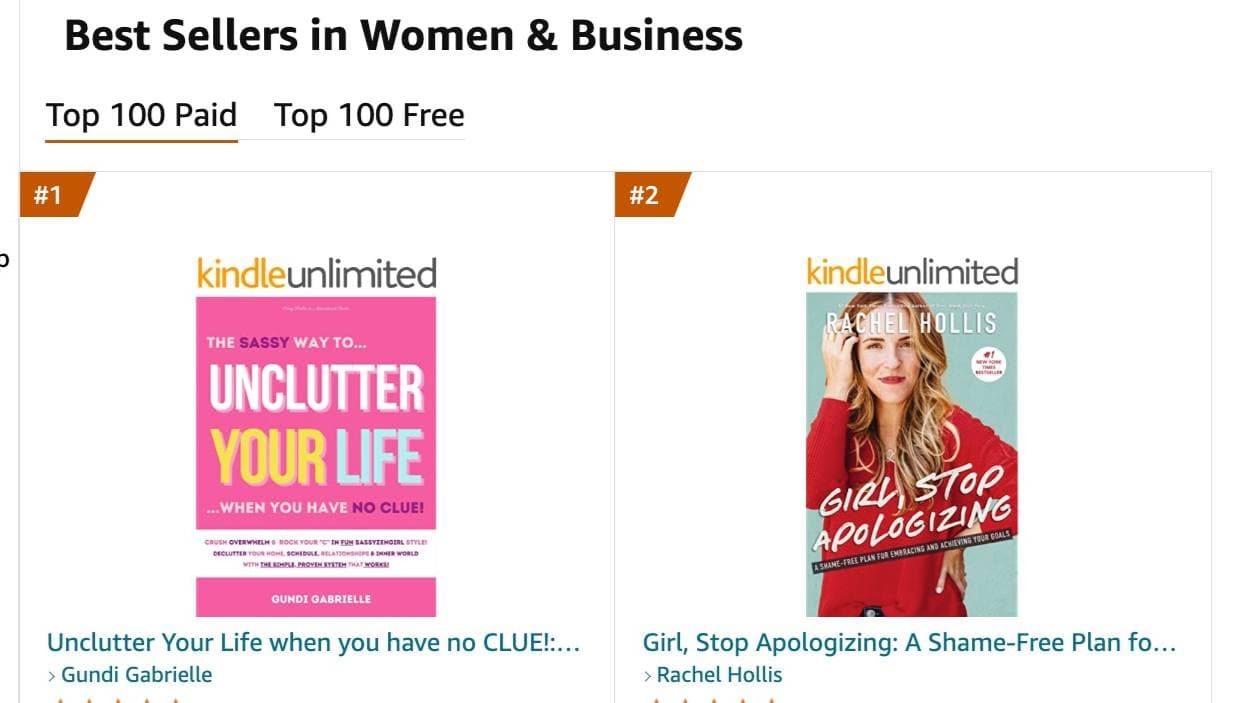
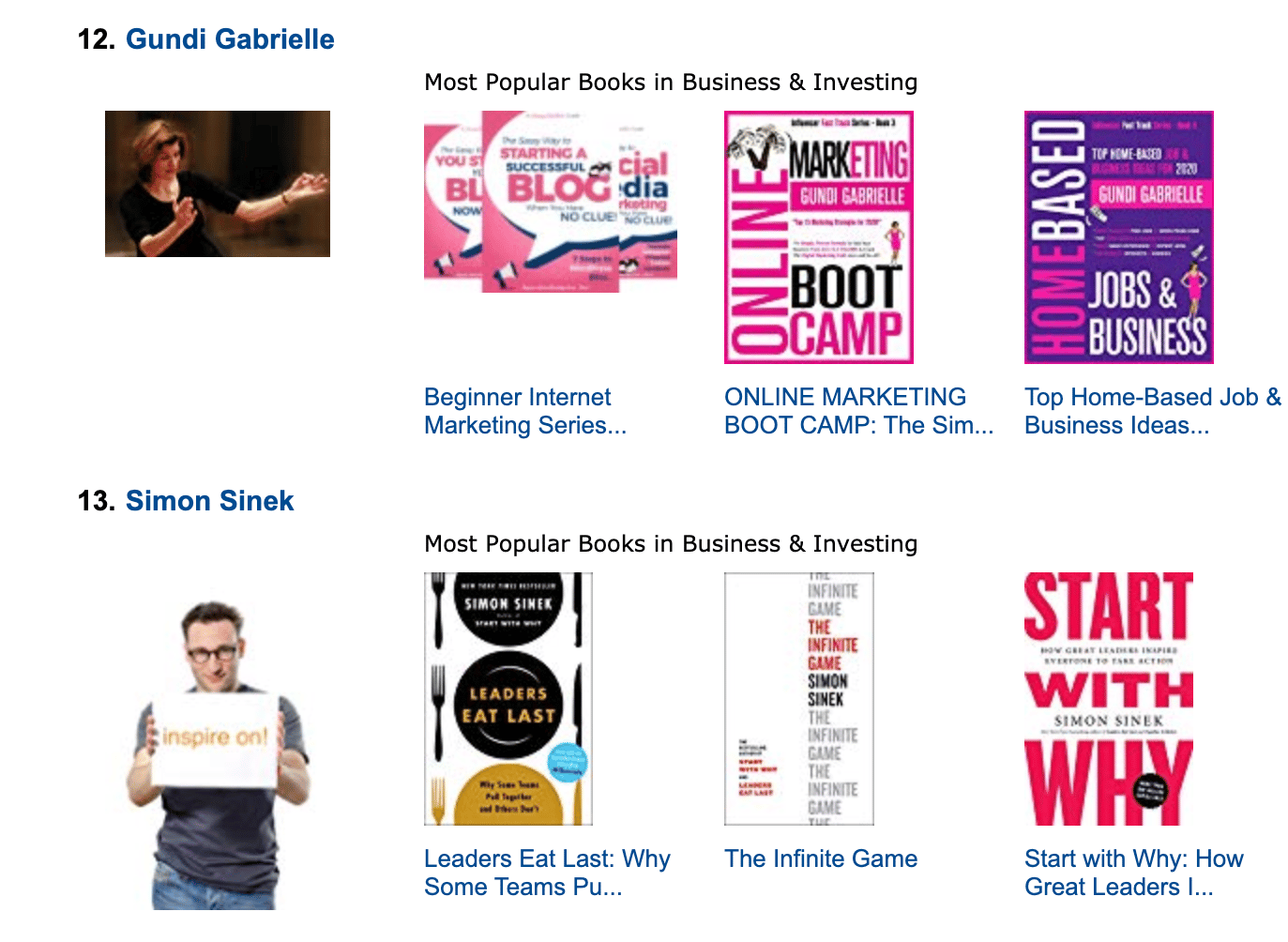
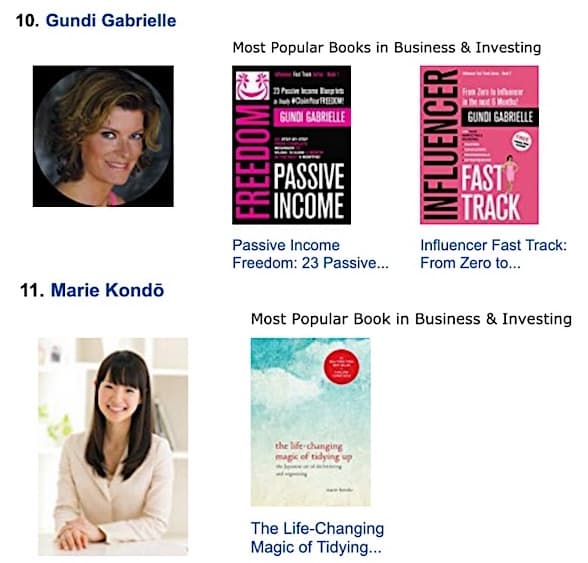
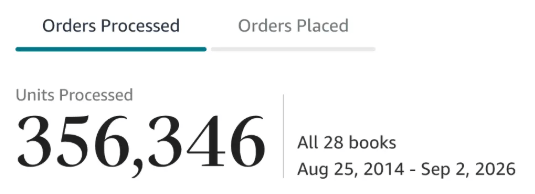
Along the way, I sold over 350,000 books, and was listed in Amazon's Top 100 Business Author Charts, ahead of authors like Simon Sinek, Brené Brown, Tim Ferriss, Robert Kiyosaki, or Brian Tracy.
No traditional publisher. No massive budget. Just understanding Amazon's algorithm and researching what readers actually want.
In my earlier years, I was a classical conductor & organist, touring the world, incl. Carnegie Hall & a performance for the Pope on St. Peter's Square.
These days, I love traveling as a Digital Nomad and orchestrating busy AI Agents 😎. Out of that came Golden Bestseller Empire — a complete AI-Powered Book Publishing Studio now helping authors around the world.
Can't wait to see you inside & help you publish your dream:
Featured In:
More from the Golden Bestseller Blog
Amazon KDP Publishing Guidelines
Start Publishing With KDP: What You Can Publish and Where
Official Amazon KDP Guidelines: what you can publish and how to start, in plain words. This is what KDP's own help page says, not a blog opinion.
Amazon KDP Publishing Guidelines
Self-Publish With KDP: The 3 Simple Steps
Official Amazon KDP Guidelines: the three steps to self-publish with KDP, in plain words. This is what KDP's own help page says, not a blog opinion.
Amazon KDP Publishing Guidelines
Règles relatives au contenu KDP : le guide simple et clair
Règles officielles d'Amazon KDP sur le contenu, expliquées simplement. C'est ce que dit la page d'aide de KDP, pas un avis de blog.
Want a faster way to plan and price your next book?
Golden Bestseller Empire's AI publishing tools help with exactly this kind of decision.