
KDP Book Titles and Editions: All the Rules Explained
KDP book title and edition rules in plain words: what goes in the title field, the 200-character subtitle limit, what counts as a new edition and what you can change later.
Title + Subtitle
200 characters or less
Edition Numbers
Enter 1 for a first edition, 2 for a significantly changed one
New Edition Trigger
Page count change of more than 10%

By Gundi Gabrielle
6 min read
Alrighty, your title is the very first thing readers see... so let's make sure KDP accepts it, and that you know what you can change later :)
Here's the answer in one sentence: the KDP title field holds only the actual title of your book, exactly as it appears on your cover, and a new edition is a unique version of your book with significant changes. KDP says: "The first thing readers see or hear about your book is the title."
Ready? Let's rock it!
What you enter in the title field shows as your book's title on your Amazon detail page. If you publish a unique version of your book with the same title, it counts as a new edition. KDP has a page on the title and edition fields in your book details.
What are KDP's rules for book titles?
Your exact cover title, the same in every format, with no promo words or keyword stuffing:
- Enter your title exactly as it reads on the cover. The title field shows your book's title on its detail page on the Amazon website.
- Make sure your title is exactly the same for your paperback, hardcover, and eBook. That's how they're linked together on a single detail page.
- Don't add anything from this list of prohibited items to the title field:
- Repeating generic keywords like "notebook," "journal," "gifts," or "books"
- Unauthorized references to other titles or authors
- Unauthorized references to a trademarked term
- References to sales rank (for example, "bestselling")
- References to advertisements or promotions (for example, "free")
- Only punctuation (for example, "!!!!!!!!")
- Using only "unknown," "n/a," "na," "blank," "none," "null," or "not applicable"
- HTML tags
How long can a KDP subtitle be?
Your title and subtitle together must be 200 characters or less. A subtitle is an optional secondary title with additional information about your book. The subtitle follows the same guidelines as the title.
KDP's example: Mary Shelley gave her most famous novel the title "Frankenstein" and a subtitle, "The Modern Prometheus." Her book can be called, and is recognized by, both names. By using the subtitle "The Modern Prometheus," she references the Greek Titan as a hint of the novel's themes.
Note: if you use a subtitle, a colon is automatically added between the title and subtitle on the Amazon detail page.
What is an edition on KDP?
An edition is a particular version of your book. The edition number tells readers whether the book is an original version or an updated version. Books that change often or get annual updates, like textbooks, need edition numbers.
- If this is the first time you've published the book and you expect future editions, enter the numeral 1.
- If the book was published before and this version has significant changes, enter the numeral 2 (and so on).
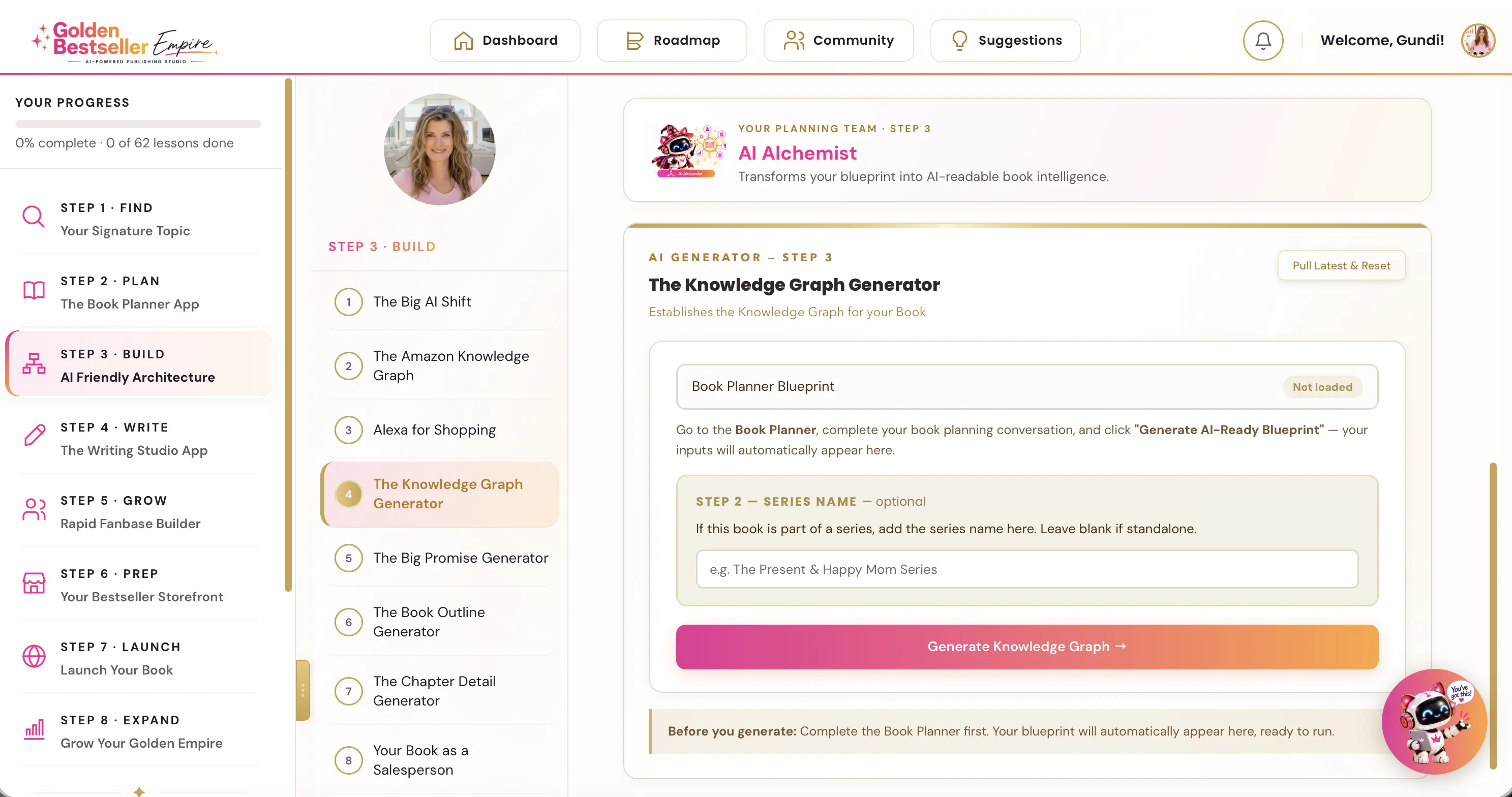
👑 Want a title readers click on? Golden Bestseller Empire is the only app that builds a COSMO Knowledge Graph for your book with one click, straight from your Book Planner Blueprint. Then it uses that map to create your outline, chapter details, title, description, A+ Content, backend keywords and even your Amazon ads, so the real reasons readers buy are woven into your book and your book page from day one. → See how it works
When do I need a new edition on KDP?
Each time you make significant changes to your book, it's a new edition. Significant changes include:
- Updates to the core book details (author name, cover, title, and so on)
- Manuscript updates that change the page count by more than 10%
- Updates to certain book details (sometimes called metadata) that also need a new edition: title, primary author name, ISBN, trim size, and ink and paper type
To create a new edition, repeat the process to create a new title and include the right number in the Edition number field, so readers know it's an updated version of a book that was published before. Small changes like typos or capitalization fixes don't need a new edition number.
Note: previously manufactured copies of your book may still be sold if there's still inventory available or if a third-party seller is offering it. This includes copies printed before your most recent content updates.
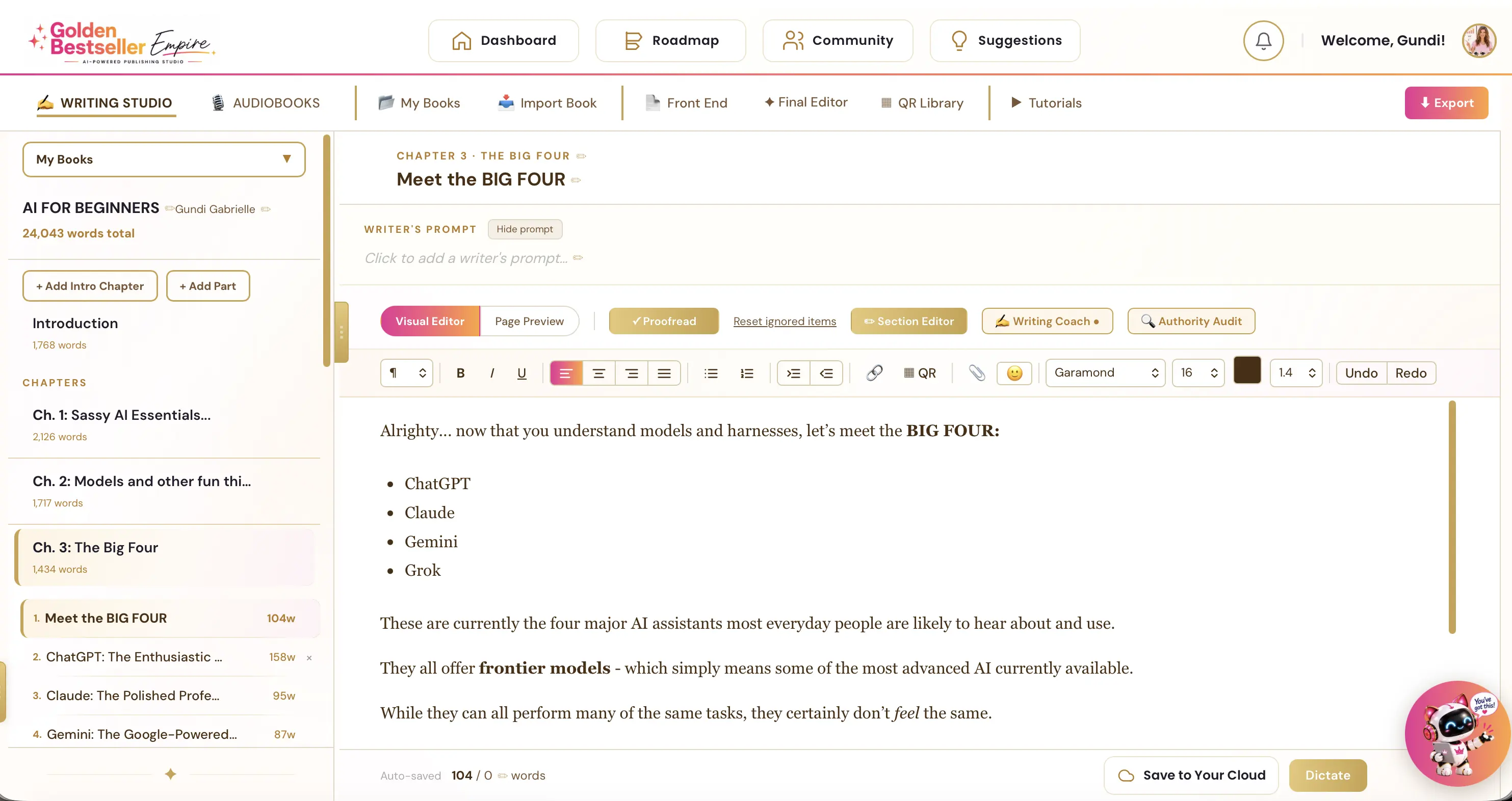
👑 Planning a new edition with significant changes? Golden Bestseller Empire's Writing & Formatting App helps you turn your own ideas into a finished book. An AI Writing Coach, editor and proofreader help along the way. Then it exports KDP-ready PDF and EPUB files. → See how it works
Can I change my book title after publishing on KDP?
For an eBook, yes, any time. For a paperback or hardcover, only within 72 hours of publishing, and the edition number is locked for every format. KDP's "Update your book details" page explains it, and I cover it in my post on what you can change after you publish.
Once a print title is locked, you can publish the book with the updates as a new title. KDP has a help page on creating a book. When you submit it as a new book, you must include this disclaimer at the top of the description field:
"Previously published as [book title] by [author name]."
Notes:
- Significant changes to both the book title and the author name aren't allowed.
- Changes such as typos or capitalization errors in your title don't need a new edition. Contact KDP and they'll help you correct it.
Phew :) So a small typo in your title is never the end of the world.
What should authors do now?
Here's your quick to-do list:
- Enter your title exactly as it appears on your cover, and use the same title for every format.
- Keep title and subtitle to 200 characters or less, with no promo words like "bestselling" or "free".
- Get your print title right before you publish: after 72 hours it's locked. (Your eBook title stays editable.)
- Enter 1 for a first edition, and use a new edition for significant changes, like a page count change of more than 10%.
My take: your title is your best salesperson
After 10 years of publishing, I've learned that a great title and subtitle sell more books than almost anything else on your page. Read yours out loud: does it tell your reader exactly what they'll get? If not, now's the time to fix it.
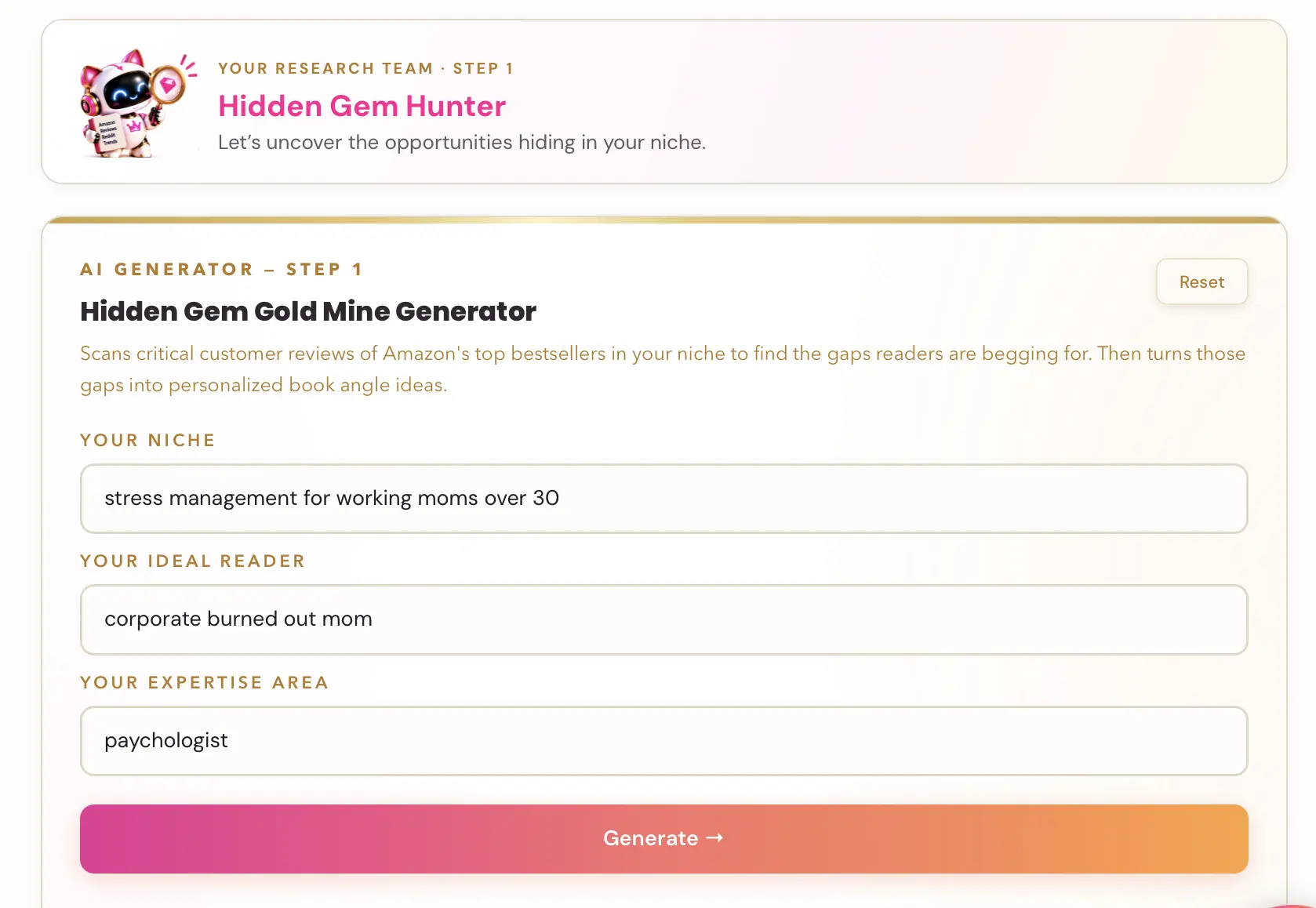
👑 A great title starts with a topic readers already want. Golden Bestseller Empire's 5 Research AI Generators help you find your Signature Topic: where what you know meets what readers in your niche actually want. → Find your Signature Topic
Happy publishing... and may your title make readers click :)
Related reading
- KDP Title Creation Limit
- KDP Metadata Guidelines
- How to Publish on KDP
- Amazon KDP Publishing Guidelines: Every Rule in One Place
- Book Title Generator: six title and subtitle ideas built from your Knowledge Graph.
- Title Copywriting Masterclass: write titles and subtitles that get noticed.
Ready to publish? Sign up for KDP and start for free.
Source: KDP Help: Books Titles & Editions , checked October 13, 2026.
Frequently Asked Questions
What should go in the KDP title field?
Only the actual title of your book, exactly as it appears on your cover. It shows as the title on your Amazon detail page.
How long can a KDP title and subtitle be?
Together, your title and subtitle must be 200 characters or less. A subtitle is optional and follows the same guidelines as the title.
When do I need a new edition on KDP?
When you make significant changes: core details like author name, cover, or title, manuscript updates that change the page count by more than 10%, or changes to details like ISBN, trim size, and ink and paper type.
Can I change my title or edition after publishing?
For an eBook, you can change the title and subtitle any time. For a paperback or hardcover, only within 72 hours of publishing; after that they are locked. The edition number is locked for every format. To change a locked detail, publish a new title and put 'Previously published as [book title] by [author name]' at the top of the description.
Sources & Citations
This page is maintained independently and is not affiliated with Amazon. Always double-check the latest numbers inside your own KDP account before making pricing decisions.
Found this useful? Get more of this site in your Google.
One tap adds us as a preferred source — Google then shows you our posts more often in Search, Top Stories, and AI Overviews.
Created By

Top 100 Business Author · Carnegie Hall Conductor · Founder of Golden Bestseller Empire
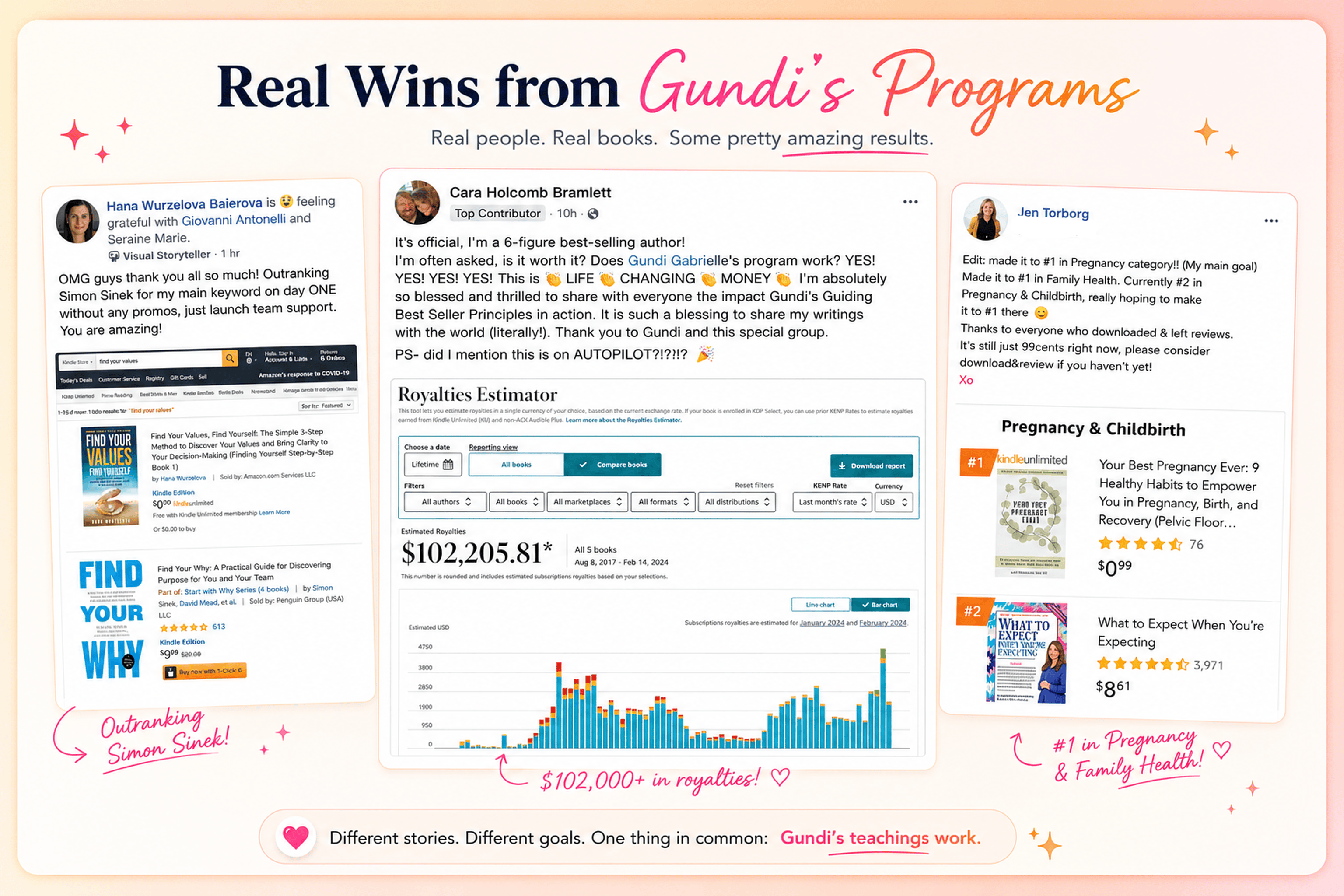
Hey, I'm Gundi, and for over a decade, I've helped thousands of everyday people turn what they know into a bestselling book.
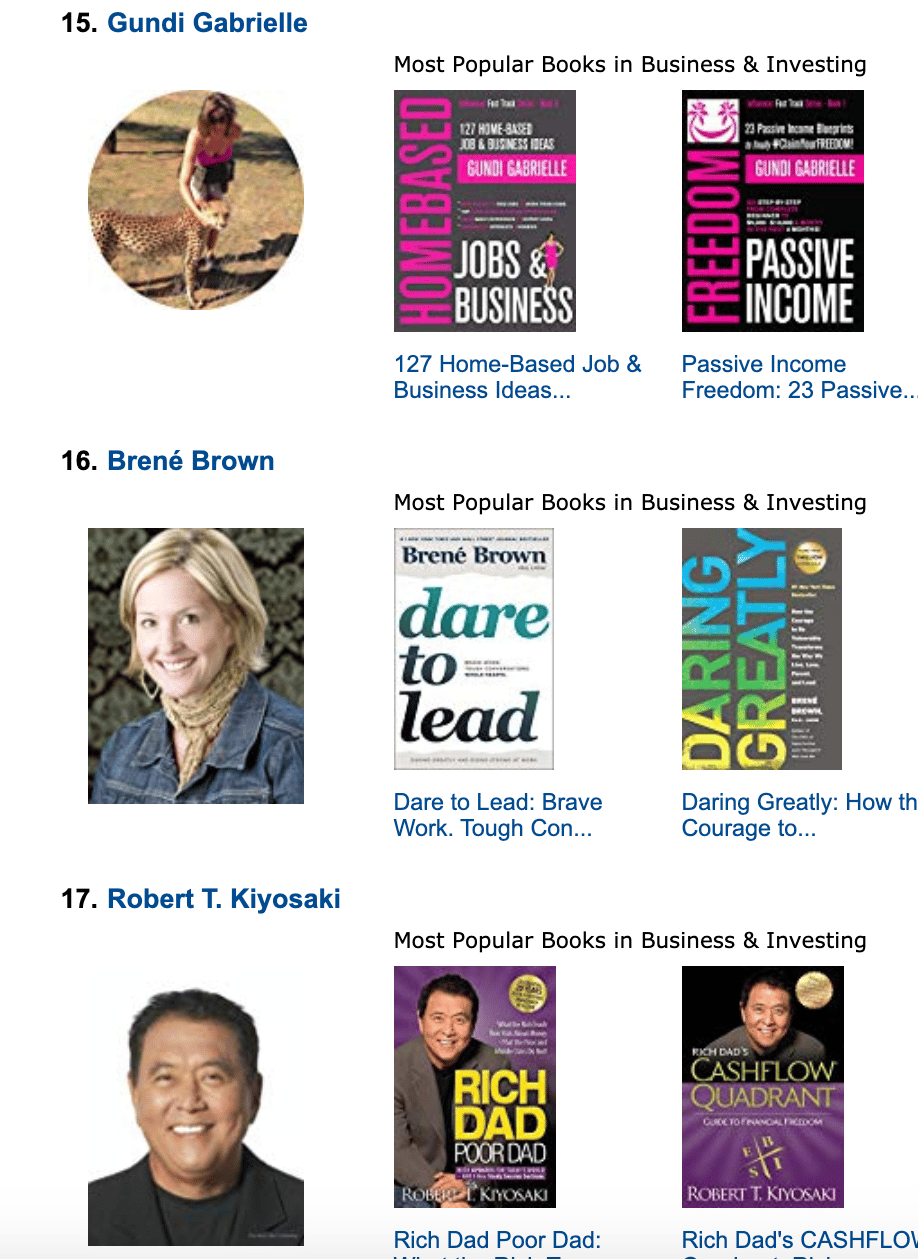
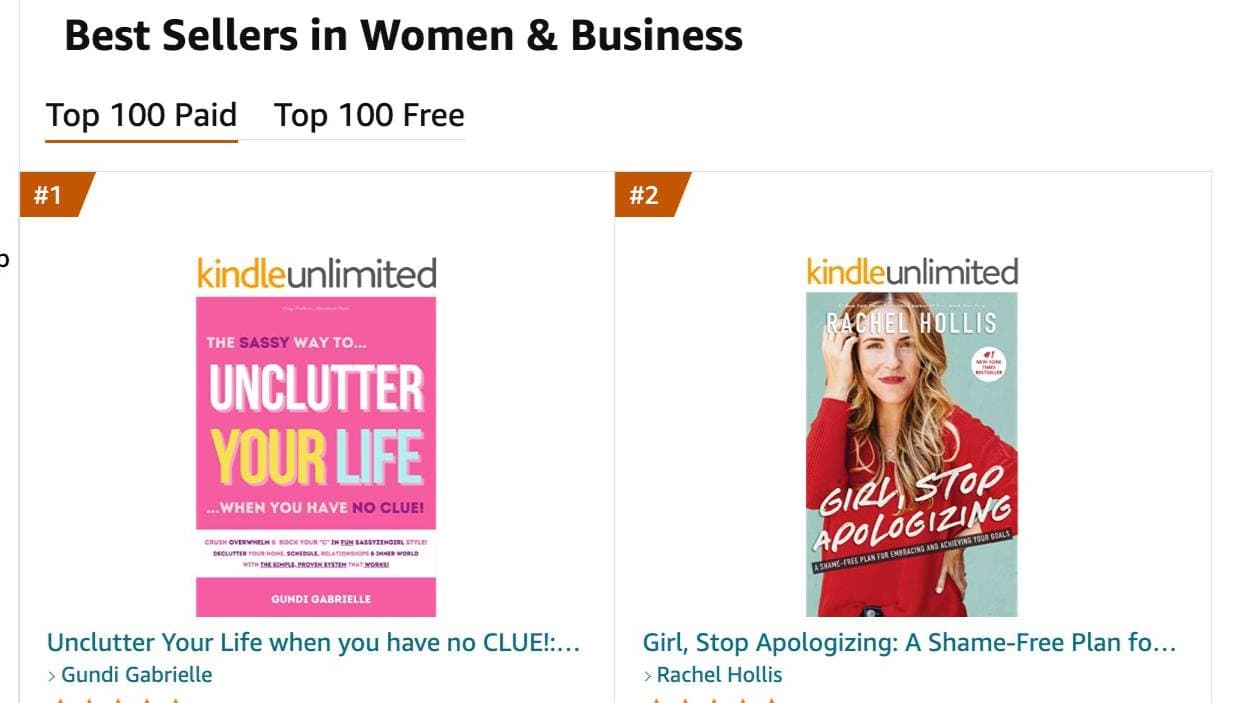
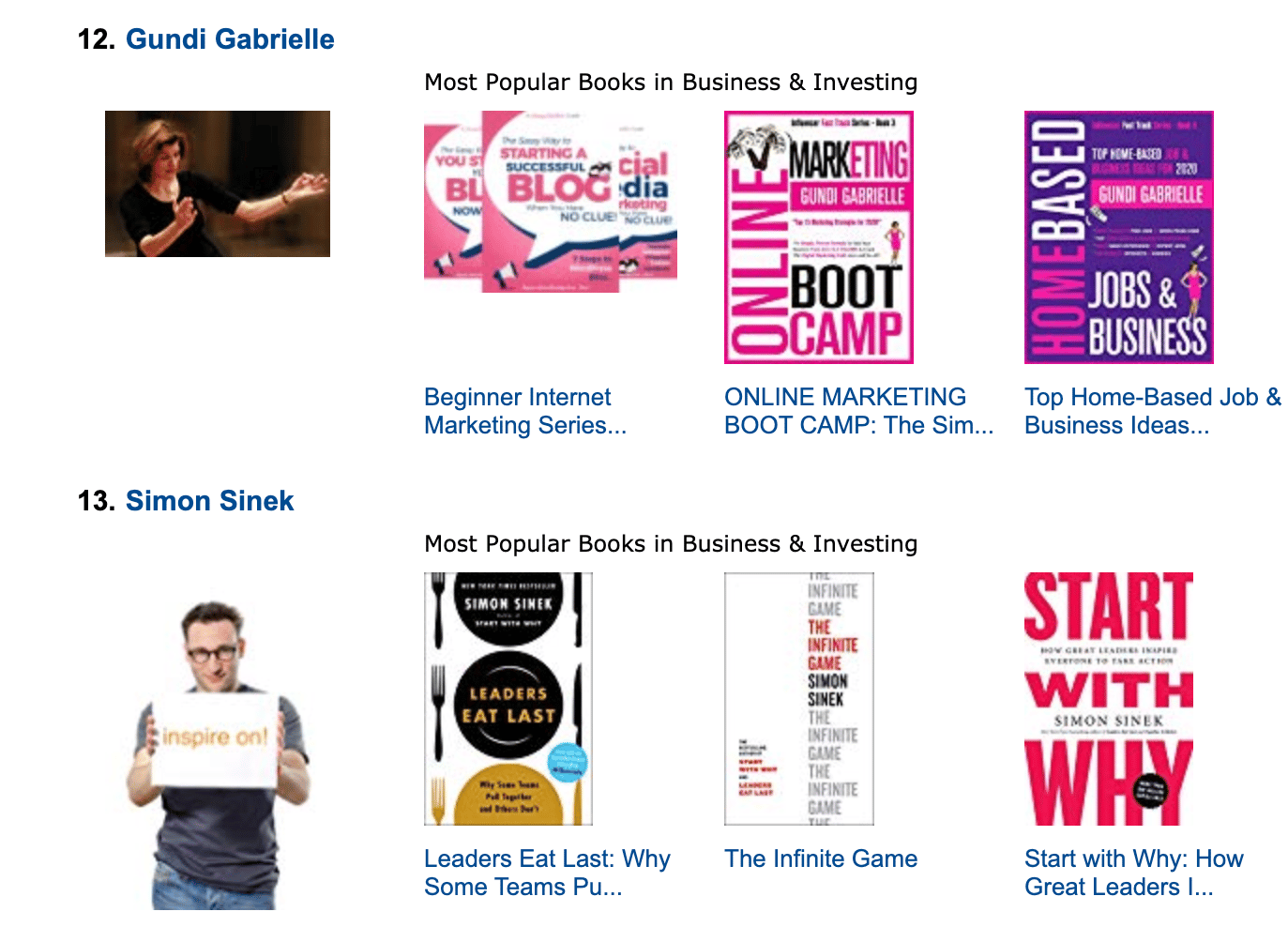
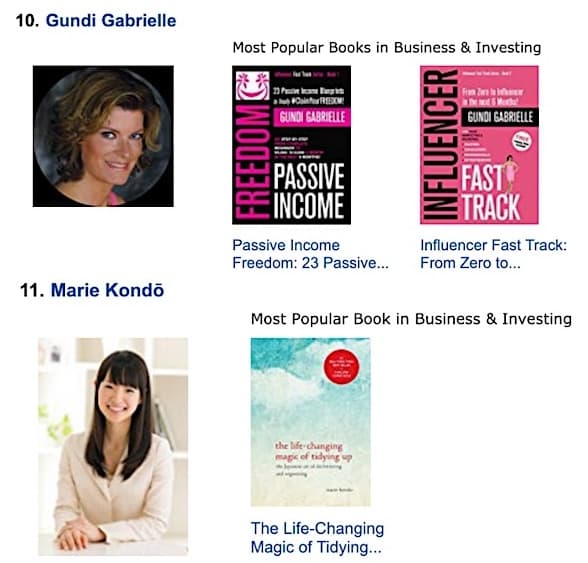
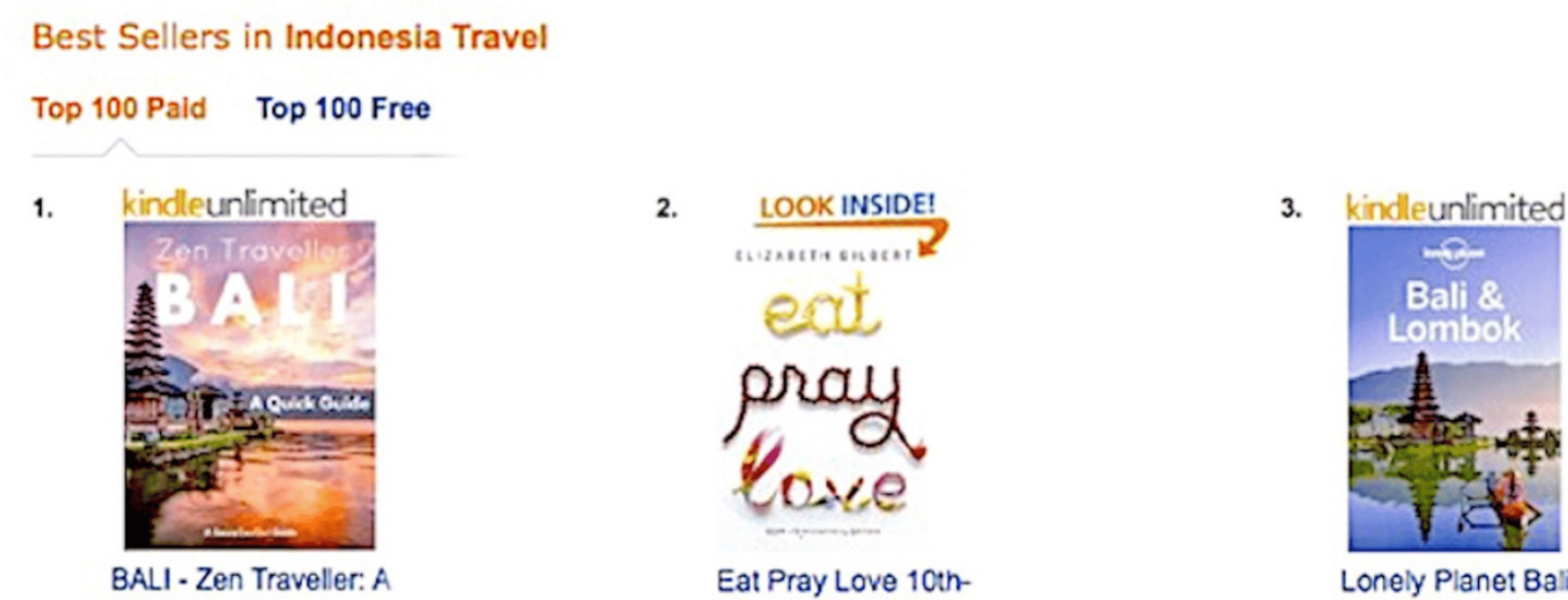
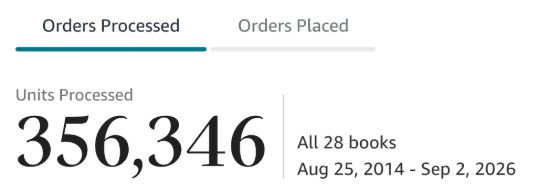
Along the way, I sold over 350,000 books, and was listed in Amazon's Top 100 Business Author Charts, ahead of authors like Simon Sinek, Brené Brown, Tim Ferriss, Robert Kiyosaki, or Brian Tracy.
No traditional publisher. No massive budget. Just understanding Amazon's algorithm and researching what readers actually want.
In my earlier years, I was a classical conductor & organist, touring the world, incl. Carnegie Hall & a performance for the Pope on St. Peter's Square.
These days, I love traveling as a Digital Nomad and orchestrating busy AI Agents 😎. Out of that came Golden Bestseller Empire — a complete AI-Powered Book Publishing Studio now helping authors around the world.
Can't wait to see you inside & help you publish your dream:
Featured In:
More from the Golden Bestseller Blog
Amazon KDP Guidelines & Compliance
Start Publishing With KDP: What You Can Publish and Where
How to start publishing with Amazon KDP: what you can publish for free, what KDP doesn't allow, republishing a book from elsewhere, and KDP Select exclusivity.
Amazon KDP Guidelines & Compliance
Self-Publish With KDP: The 3 Simple Steps
How to self-publish with Amazon KDP in 3 simple steps: prepare your files, publish your eBook, paperback and hardcover, then promote with KDP's free tools.
Amazon KDP Guidelines & Compliance
Règles relatives au contenu KDP : le guide simple et clair
Règles officielles d'Amazon KDP sur le contenu, expliquées simplement. C'est ce que dit la page d'aide de KDP, pas un avis de blog.
Want a faster way to plan and price your next book?
Golden Bestseller Empire's AI publishing tools help with exactly this kind of decision.