
Self-Publish With KDP: The 3 Simple Steps
Official Amazon KDP Guidelines: the three steps to self-publish with KDP, in plain words. This is what KDP's own help page says, not a blog opinion.
Steps
Prepare, publish, promote
Paperbacks and hardcovers printed on demand
Expanded Distribution
US and UK only

By Gundi Gabrielle
4 min read
To self-publish with KDP, you follow three simple steps: prepare your manuscript and cover files, publish in print and digital formats, and promote your book to readers. KDP says it's "simple to publish and sell your book around the world on Amazon." Its page is titled "Publish with us."
Step 1: How do I prepare my manuscript and cover files?
Format your manuscript file and create your front, body, and back matter. That means things like your title page, table of contents, and author bio. Kindle Create can help you format your books.
For your cover, use KDP's free Cover Creator tool, download a template, or create your own cover file. KDP also has guides to preparing your manuscript for eBook, paperback, and hardcover.
Step 2: How do I publish in print and digital formats?
- Enter book details such as the title and the author.
- Upload and preview your prepared manuscript and book cover.
- Select your publishing rights and list price.
KDP says: "We'll make your eBook available in Kindle Stores, and we'll print and ship your paperback and hardcovers on demand to customers around the world." KDP also has a page to learn more about book formats.
Step 3: How do I promote my book to readers?
Use KDP's free marketing tools to help readers find your book:
- KDP Select: offer your eBook on Kindle Unlimited by enrolling in KDP Select.
- Author page: create an author page to share information about yourself and your books.
- Amazon Advertising: set up customized ads to reach more readers (subject to availability per country).
- A+ Content: enhance your book detail page with custom images, text, and tables.
- Expanded Distribution: make your paperback available to bookstores, libraries, and other retailers (US and UK only).
KDP also has a page to learn more about promoting your book.
👑 Plan it, write it, publish it. Golden Bestseller Empire is AI-assisted. You write it. → See how
What do KDP authors say?
KDP shares quotes from three authors in different countries, each with a link to their author page.
- A romance author in Italy says KDP let her live her childhood dream of making a living as a writer, with a direct connection to thousands of readers.
- A romance author in India says KDP is why she writes and publishes at the speed she does, and she loves being her own boss.
- A fantasy author in Germany says that over 10 years later she can't imagine who she'd be without KDP, and urges authors to take unexpected opportunities.
What is Kindle Create?
A free formatting tool. KDP says: "Turn your manuscript into a beautiful book. Whether you're writing a comic book, cookbook, travel guide, or novel, our free formatting tool will help you prepare your manuscript."
What other free KDP tools are there?
"More free KDP tools to help publish your book":
- Kindle Previewer: see how your eBook will look before you publish it.
- Kindle Kids' Book Creator: turn your illustrated children's books into great-looking eBooks.
- KDP Community: join the conversation with new and accomplished KDP authors and publishers.
- Kindle Comic Creator: convert your comics, graphic novels, and manga into eBooks.
How do I join the community of authors?
Have a question about your account or how to market your book? Ask for help from fellow publishers or lend a hand to someone new, and connect with experts and fellow authors in the KDP Community.
What else does the page link to?
- KDP Select: "Earn more money and reach new readers"
- KDP Community: "Connect with experts and fellow authors"
- CreateSpace: "Link your existing account to KDP"
- Audiobook Creation Exchange (ACX): "Indie audiobook publishing made easy"
What this means for you
- Follow the three steps: prepare your files, publish, then promote, all from your KDP account.
- Use KDP's free tools: Kindle Create for formatting, Cover Creator for your cover, and Kindle Previewer to check your eBook.
- Expanded Distribution for paperbacks is only available in the US and UK.
- Enroll in KDP Select if you want your eBook on Kindle Unlimited.
Related reading
- Start Publishing With KDP
- What Is Amazon KDP?
- How to Publish on KDP
- Amazon KDP Publishing Guidelines: Every Rule in One Place
To self-publish with KDP, prepare your files, publish in the formats you want, and promote with the free tools.
Ready to publish? Sign up for KDP and start for free.
Source: KDP: Self Publishing — checked October 13, 2026.
Frequently Asked Questions
What are the steps to self-publish with KDP?
Three steps: prepare your manuscript and cover files, publish in print and digital formats, and promote your book to readers with KDP's free marketing tools.
How does KDP make my book available?
KDP makes your eBook available in Kindle Stores, and prints and ships your paperbacks and hardcovers on demand to customers around the world.
Where is Expanded Distribution available?
KDP says Expanded Distribution, which makes your paperback available to bookstores, libraries, and other retailers, is US and UK only.
What is Kindle Create?
It is KDP's free formatting tool that helps you prepare your manuscript, whether you're writing a comic book, cookbook, travel guide, or novel.
Sources & Citations
This page is maintained independently and is not affiliated with Amazon. Always double-check the latest numbers inside your own KDP account before making pricing decisions.
Found this useful? Get more of this site in your Google.
One tap adds us as a preferred source — Google then shows you our posts more often in Search, Top Stories, and AI Overviews.
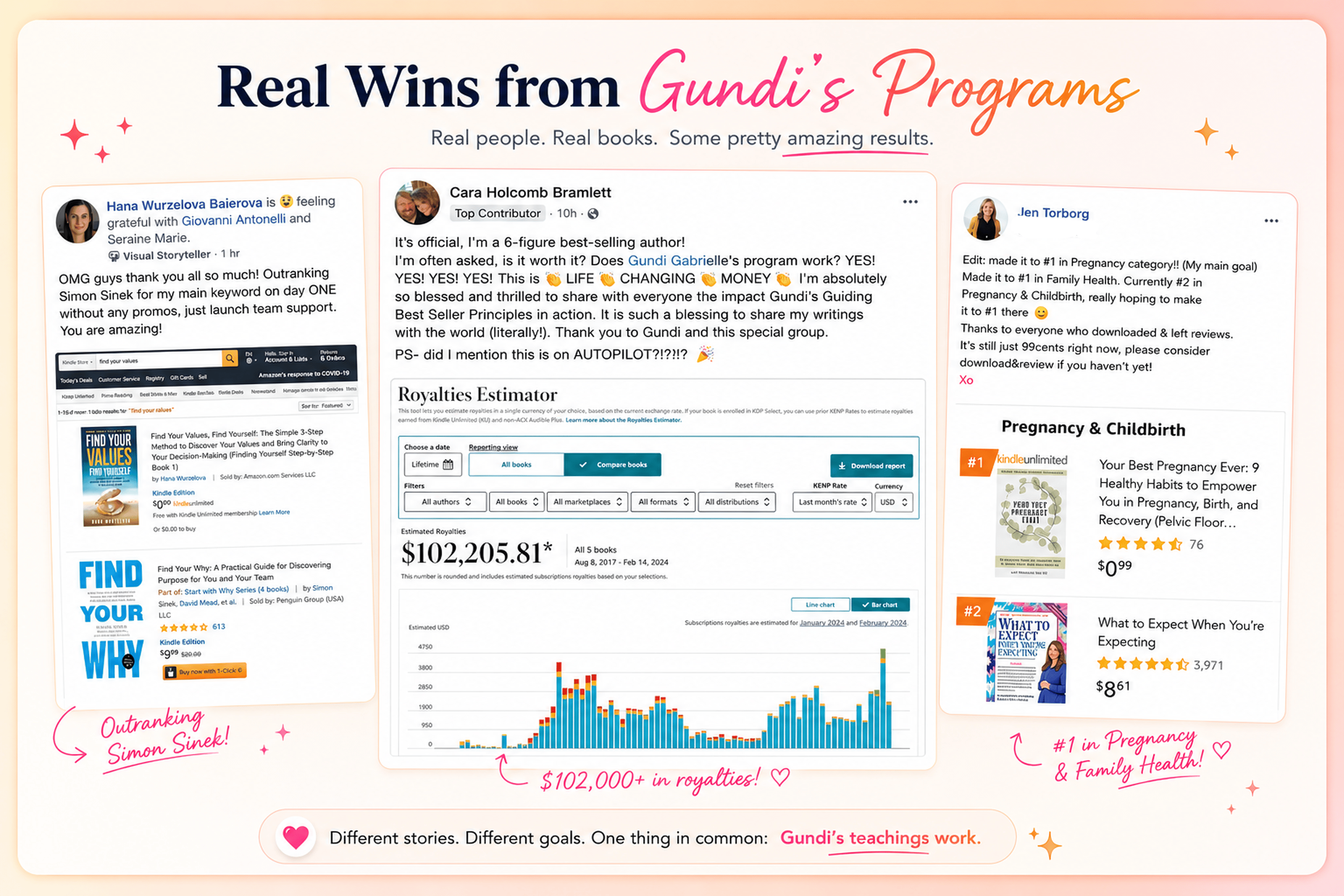
Created By

Top 100 Business Author · Carnegie Hall Conductor · Founder of Golden Bestseller Empire
Hey, I'm Gundi, and for over a decade, I've helped thousands of everyday people turn what they know into a bestselling book.
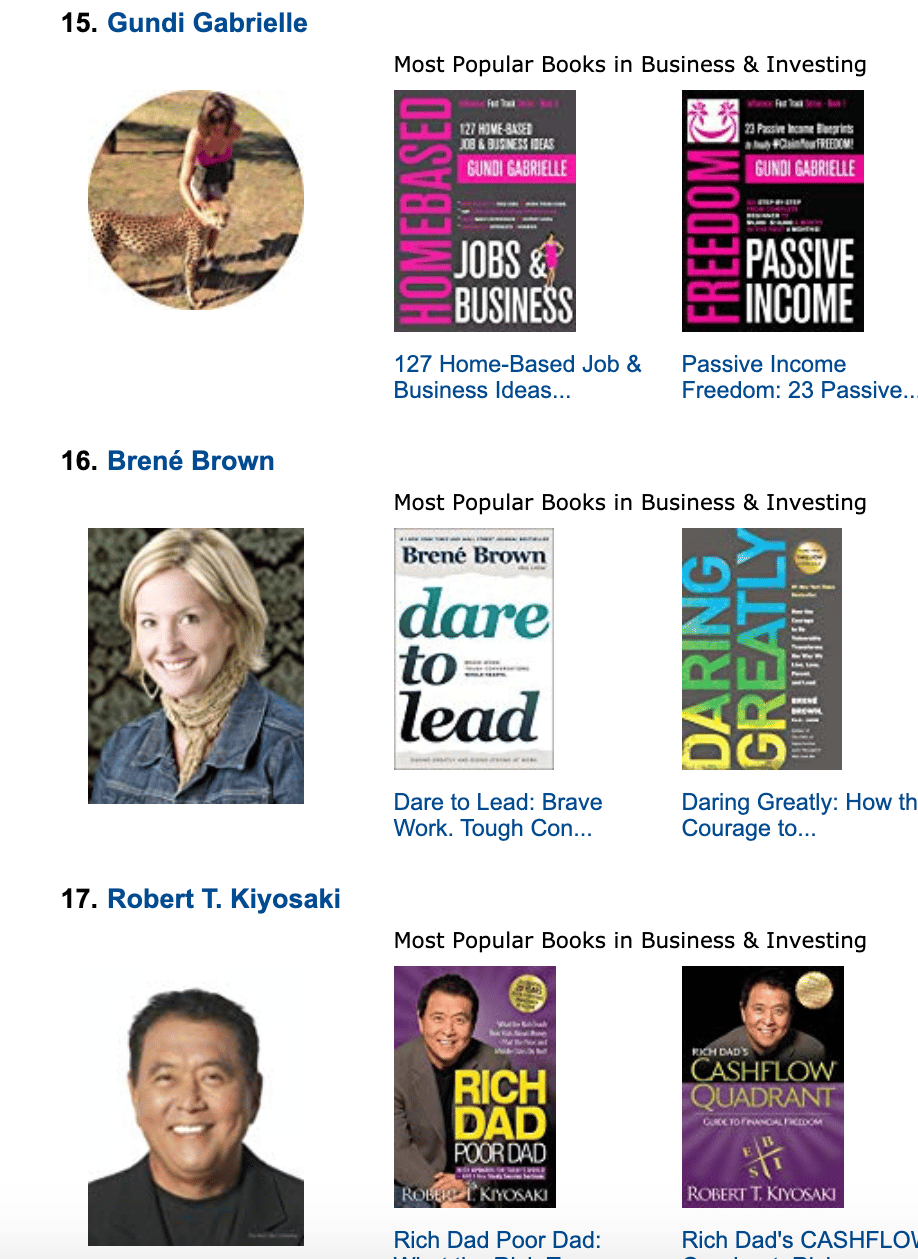
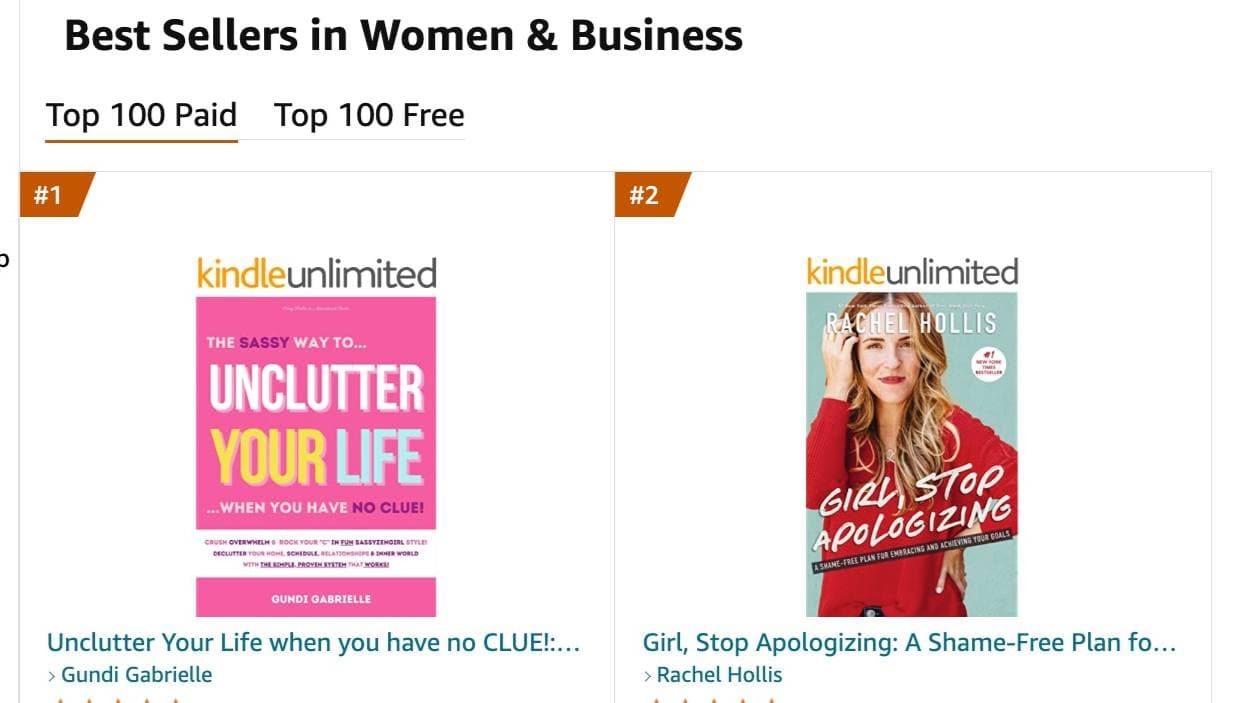
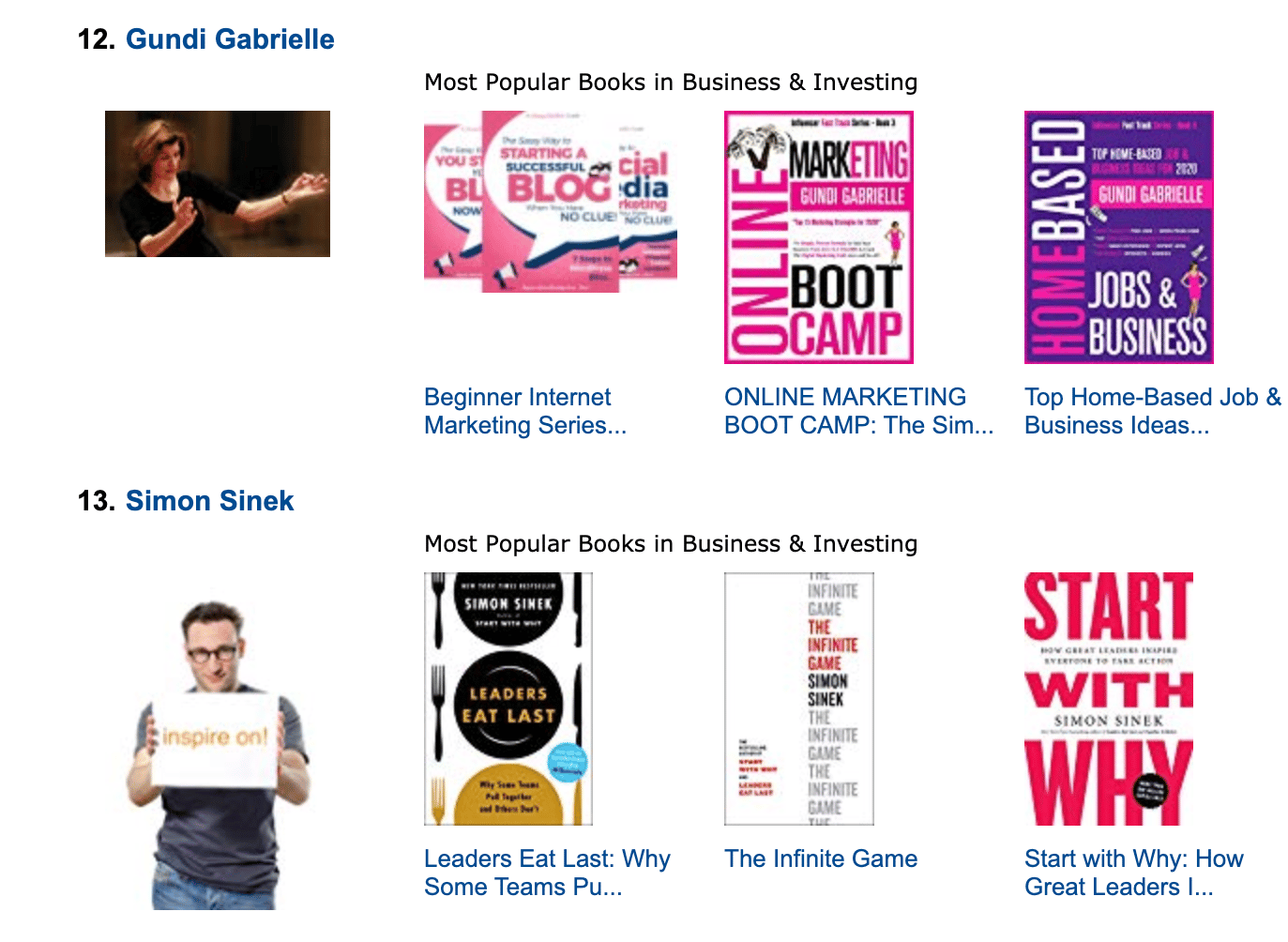
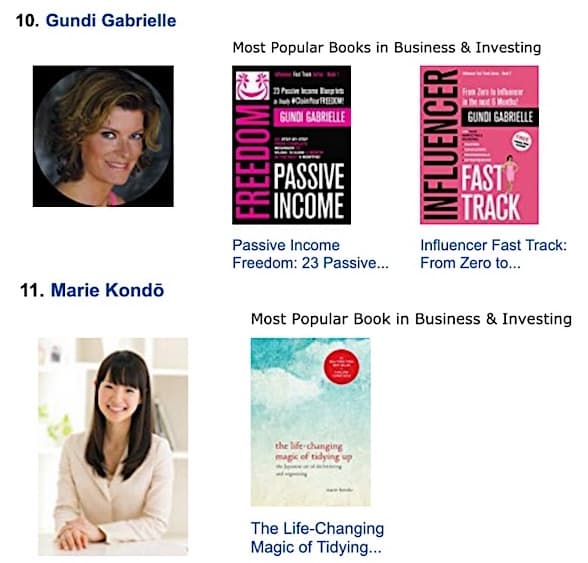
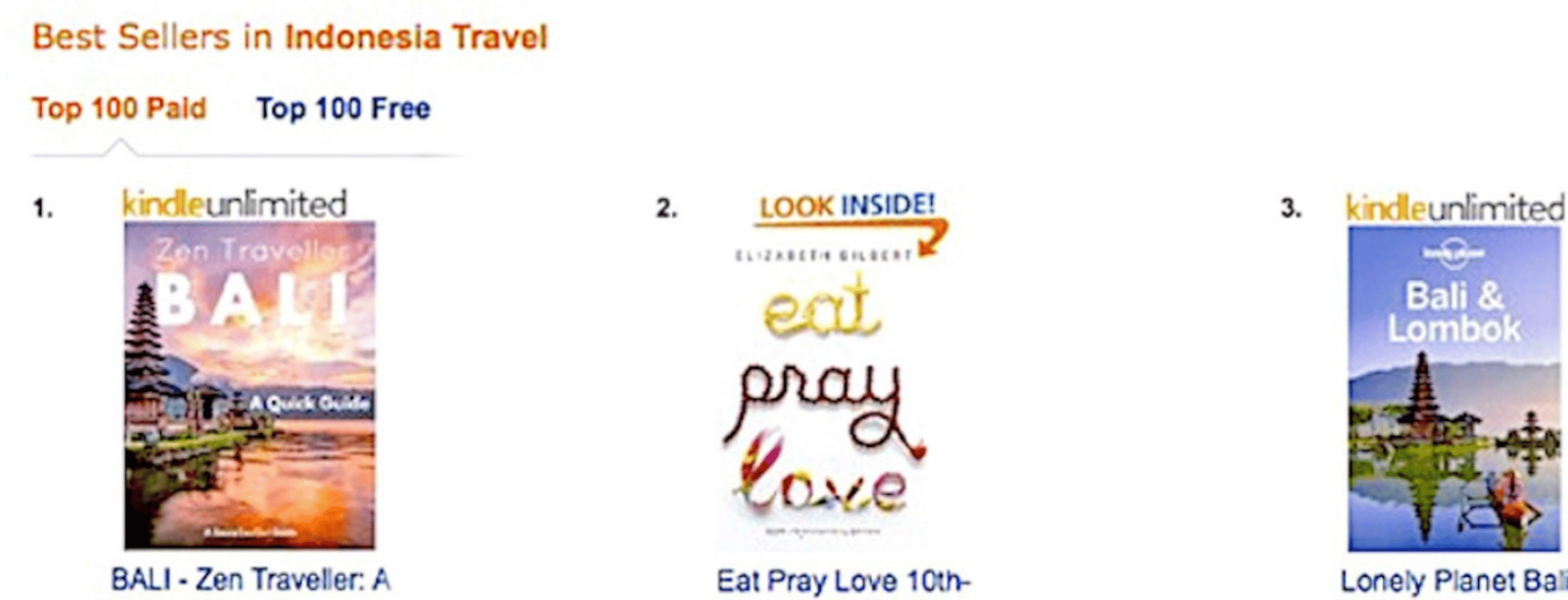
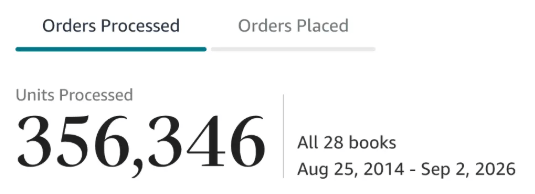
Along the way, I sold over 350,000 books, and was listed in Amazon's Top 100 Business Author Charts, ahead of authors like Simon Sinek, Brené Brown, Tim Ferriss, Robert Kiyosaki, or Brian Tracy.
No traditional publisher. No massive budget. Just understanding Amazon's algorithm and researching what readers actually want.
In my earlier years, I was a classical conductor & organist, touring the world, incl. Carnegie Hall & a performance for the Pope on St. Peter's Square.
These days, I love traveling as a Digital Nomad and orchestrating busy AI Agents 😎. Out of that came Golden Bestseller Empire — a complete AI-Powered Book Publishing Studio now helping authors around the world.
Can't wait to see you inside & help you publish your dream:
Featured In:
More from the Golden Bestseller Blog
Amazon KDP Publishing Guidelines
Start Publishing With KDP: What You Can Publish and Where
Official Amazon KDP Guidelines: what you can publish and how to start, in plain words. This is what KDP's own help page says, not a blog opinion.
Amazon KDP Publishing Guidelines
Règles relatives au contenu KDP : le guide simple et clair
Règles officielles d'Amazon KDP sur le contenu, expliquées simplement. C'est ce que dit la page d'aide de KDP, pas un avis de blog.
Amazon KDP Publishing Guidelines
Kindle X-Ray for Authors: How to Add and Edit in KDP
Official Amazon KDP Guidelines: Kindle X-Ray for authors in KDP, in plain words. This is what KDP's own help page says, not a blog opinion.
Want a faster way to plan and price your next book?
Golden Bestseller Empire's AI publishing tools help with exactly this kind of decision.