
KDP Keywords: Rules, Limits and How to Add Them
Official Amazon KDP Guidelines: the seven keywords you can add on KDP, in plain words. This is what KDP's own help page says, not a blog opinion.
Limit
Up to seven keywords or short phrases
Update
Change keywords as often as you like
Avoid
Quality claims, time-sensitive words, program names

By Gundi Gabrielle
4 min read
KDP keywords are the words and short phrases that help readers find your book on Amazon: use up to seven that accurately describe your book and match what customers search.
To make your book easier to find on Amazon, you need keywords that accurately show your book's content and reflect the words customers use when they search. KDP says: "Along with factors like sales history and Amazon Best Sellers Rank, relevant keywords can boost your placement in search results on the Amazon Store."
How do I add or update KDP keywords?
Edit your book details on your Bookshelf.
- Go to your Bookshelf and click the ellipsis ("…") next to your book.
- Select Edit book details for your book format.
- Under the Keywords section, add or edit your keywords.
- Click Save and Continue at the bottom of the page.
- On the Pricing page, click Publish at the bottom of the page.
For timelines, including new publications and updates to published books, KDP points to its Help page.
What are the best practices for KDP keywords?
- Put keywords in the most logical order. Customers search "military science fiction," but probably not "fiction science military."
- Use up to seven keywords or short phrases. Keep an eye on the character limit in the text field.
- Test them first. Before publishing, search Amazon using the keywords you're considering. If you get irrelevant or unsatisfying results, make some changes. When you search, look at the suggestions that appear in the Search field drop-down.
- Think like a reader. Imagine how you'd search if you were a customer.
What are useful keyword types?
- Setting (Colonial America)
- Character types (single dad, veteran)
- Character roles (strong female lead)
- Plot themes (coming of age, forgiveness)
- Story tone (dystopian, feel-good)
👑 Not sure what readers type? Golden Bestseller Empire maps it for you. → See how
Which keywords should I avoid?
- Information covered elsewhere in your book's metadata (title, contributors, and so on)
- Words already mentioned in your book categories (for example, 19th Century History)
- Subjective claims about quality (for example, "best novel ever")
- Time-sensitive statements ("new," "on sale," "available now")
- Information common to most items in the category ("book")
- Spelling errors
- Variants of spacing, punctuation, capitalization, and pluralization ("80GB" and "80 GB," "computer" and "computers"). The exception is words translated more than one way, like "Mao Zedong" or "Mao Tse-tung," and "Hanukkah" or "Chanukah."
- Anything misleading, like the name of an author not associated with your book. This can create a confusing customer experience. KDP has a zero-tolerance policy for metadata meant to advertise, promote, or mislead.
- Brands you don't own or aren't authorized to use
- Quotation marks in search terms. KDP says: "Single words work better than phrases, and specific words work better than general ones." If you enter "complex suspenseful whodunit" in quotation marks, only people who type all of those words will find your book. For better results, enter it without quotation marks: complex suspenseful whodunit. Then customers can search for any of those words and find your book.
- Amazon program names like "Kindle Unlimited" or "KDP Select"
- HTML tags
Note: this list isn't exhaustive. All keywords must follow KDP's Terms and Conditions.
What other metadata and keyword tips does KDP give?
- Customers are more likely to skim past long titles (over 60 characters).
- Focus your book's description on the book's content.
- Make sure your book's metadata follows KDP's guidelines.
- Your keywords can capture useful, relevant information that won't fit in your title and description (setting, character, plot, theme, and so on).
- You can change keywords and descriptions as often as you like.
- If your book is in different formats (physical, audio), keep your keywords and description consistent across formats.
What this means for you
- Use up to seven keywords in your KDP book details, as short phrases a reader would type.
- Test them by searching Amazon before you publish, and look at the search suggestions.
- Don't repeat words that are already in your title or categories.
- You can change your keywords as often as you like.
Related reading
- KDP Metadata Guidelines
- Amazon KDP Algorithm
- Amazon Book Ranking Algorithm
- Amazon KDP Publishing Guidelines: Every Rule in One Place
Choose your KDP keywords like a reader, keep them accurate, and update them as often as you need.
Ready to publish? Sign up for KDP and start for free.
Source: KDP Help: Make Your Book More Discoverable with Keywords — checked October 13, 2026.
Frequently Asked Questions
How many keywords can I use on KDP?
KDP says to use up to seven keywords or short phrases, and to watch the character limit in the text field.
How do I add or update KDP keywords?
On your Bookshelf, click the ellipsis next to your book, choose Edit book details, change the Keywords section, click Save and Continue, then click Publish on the Pricing page.
Which keywords should I avoid on KDP?
Avoid information already in your metadata or categories, subjective quality claims, time-sensitive statements, spelling errors, misleading names or brands, quotation marks, Amazon program names like KDP Select, and HTML tags.
Do single words or phrases work better?
KDP says single words work better than phrases, and specific words work better than general ones.
Sources & Citations
This page is maintained independently and is not affiliated with Amazon. Always double-check the latest numbers inside your own KDP account before making pricing decisions.
Found this useful? Get more of this site in your Google.
One tap adds us as a preferred source — Google then shows you our posts more often in Search, Top Stories, and AI Overviews.
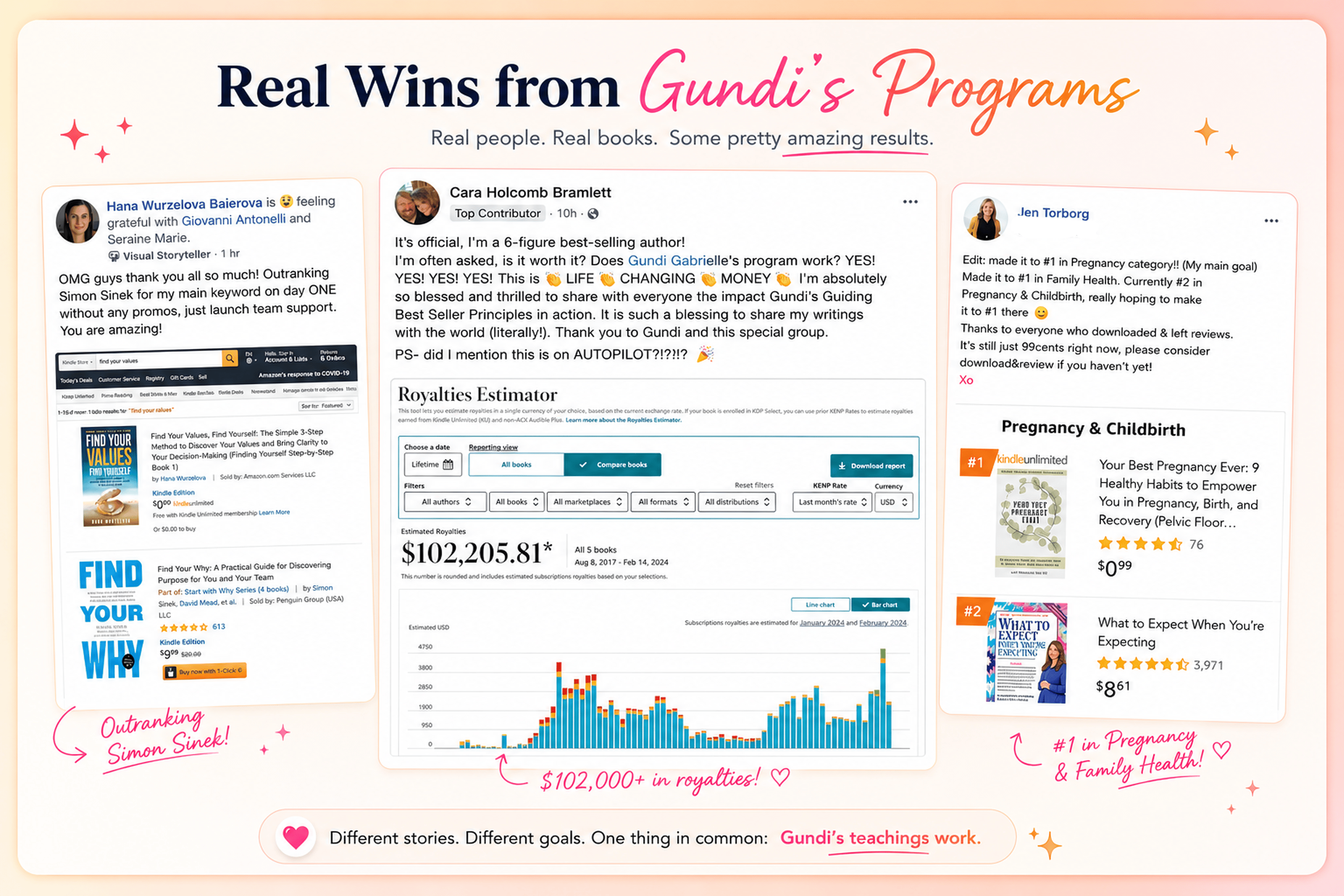
Created By

Top 100 Business Author · Carnegie Hall Conductor · Founder of Golden Bestseller Empire
Hey, I'm Gundi, and for over a decade, I've helped thousands of everyday people turn what they know into a bestselling book.
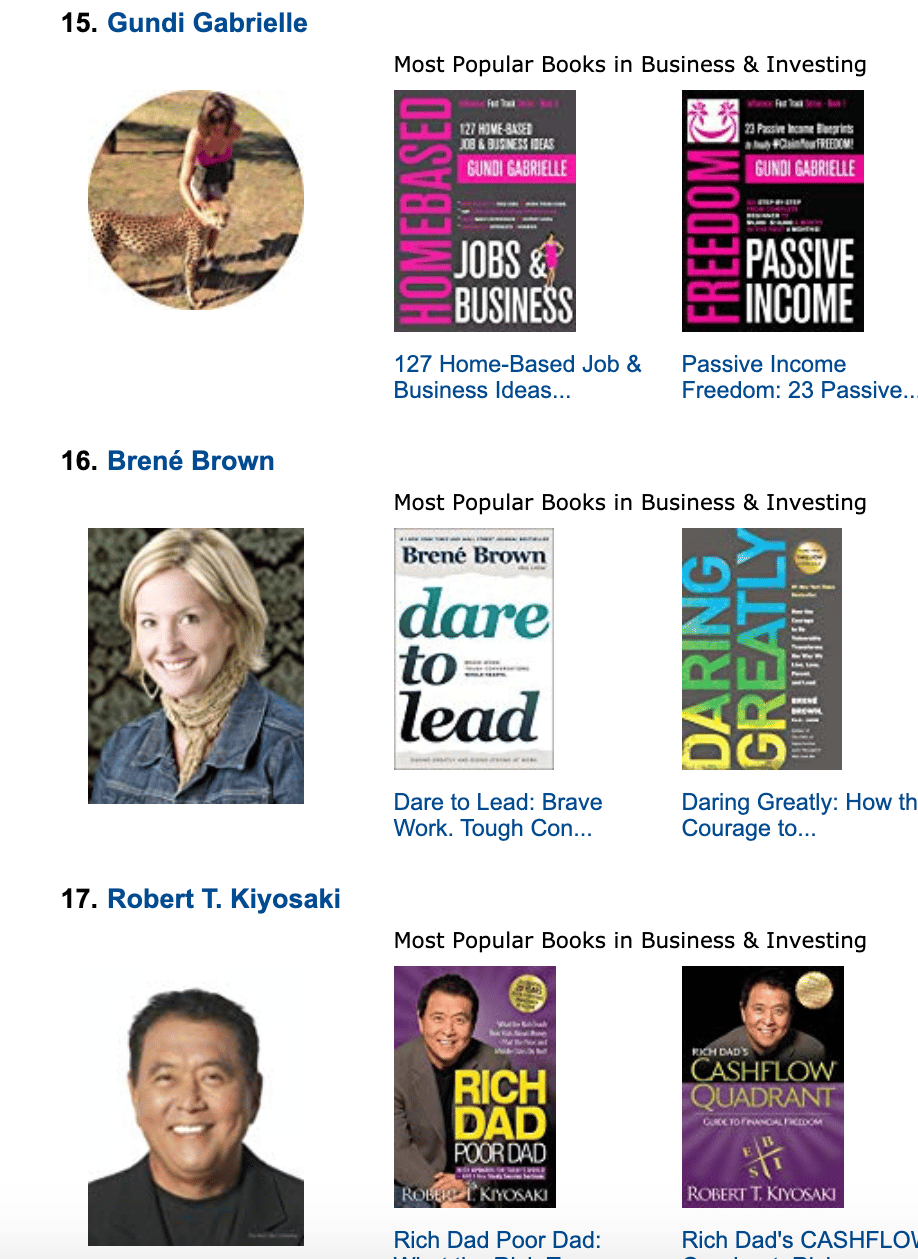
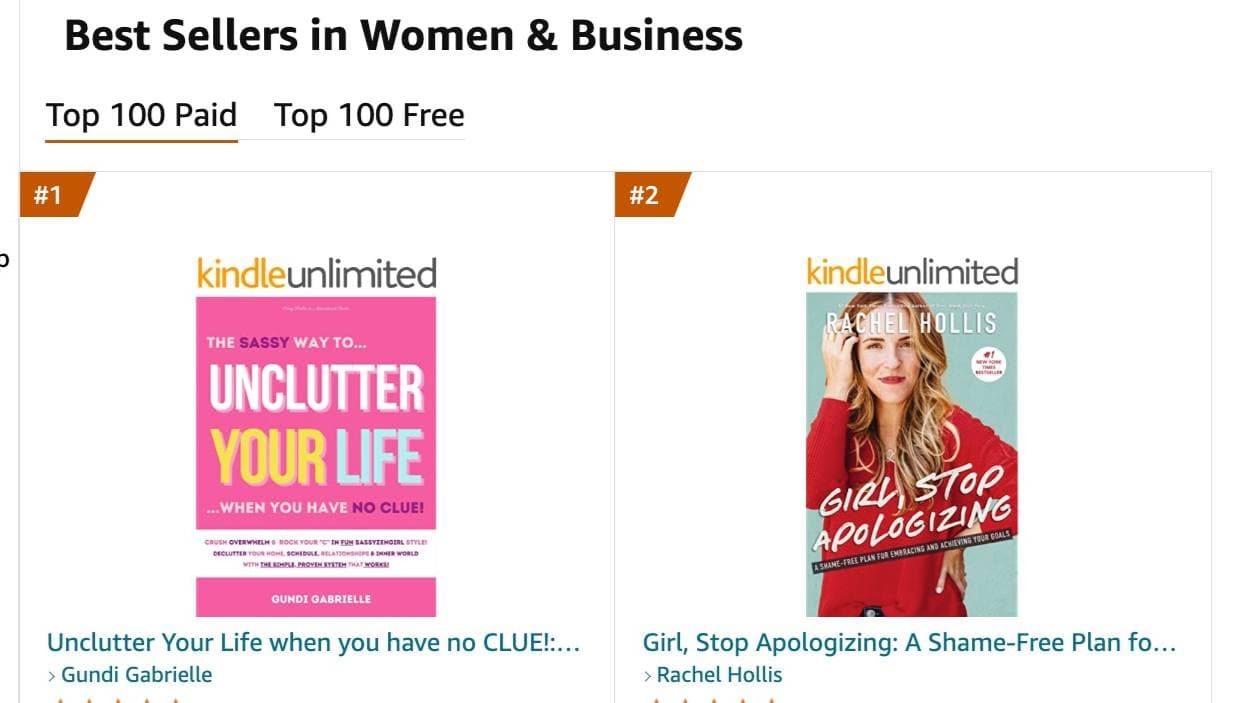
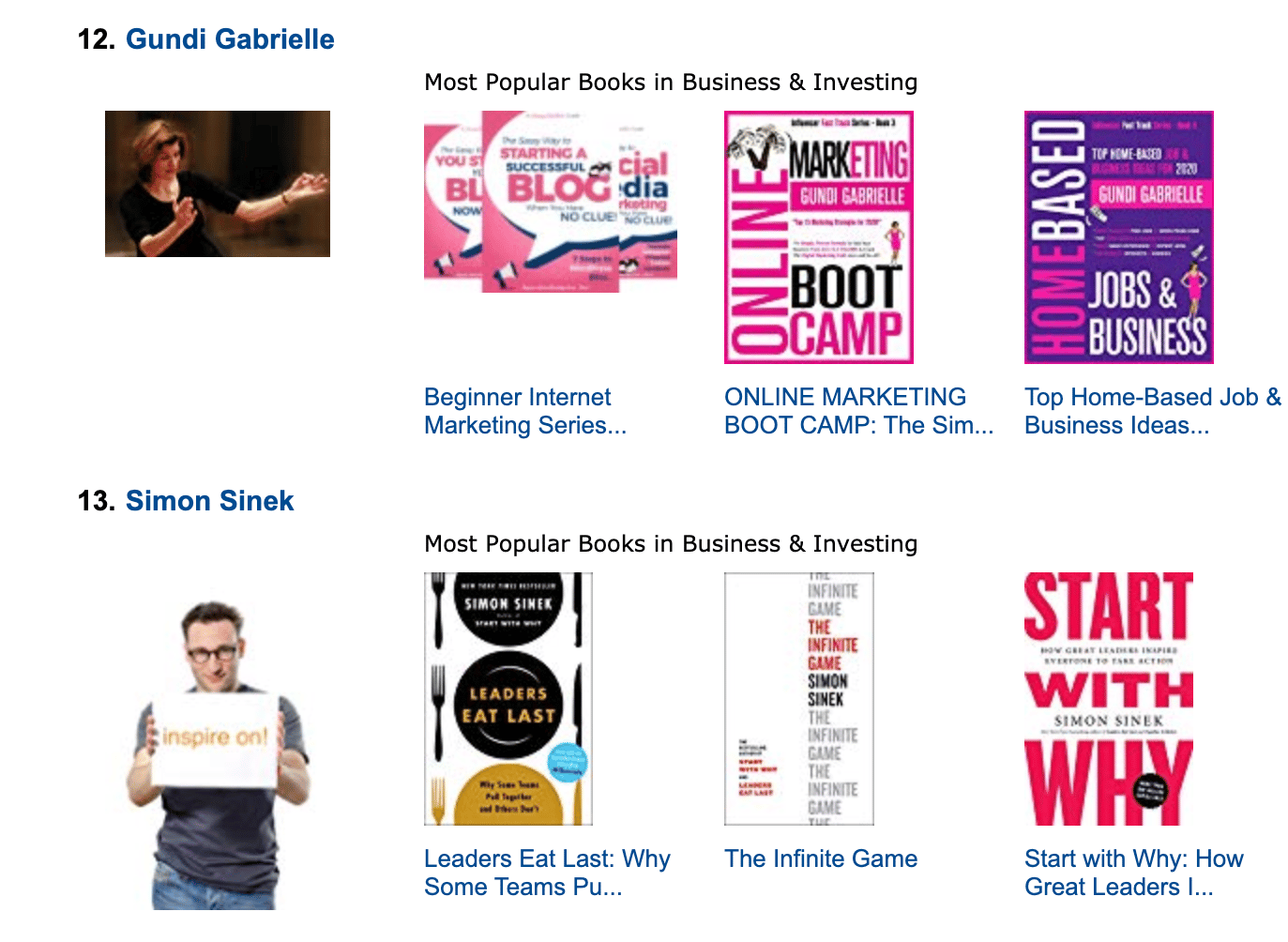
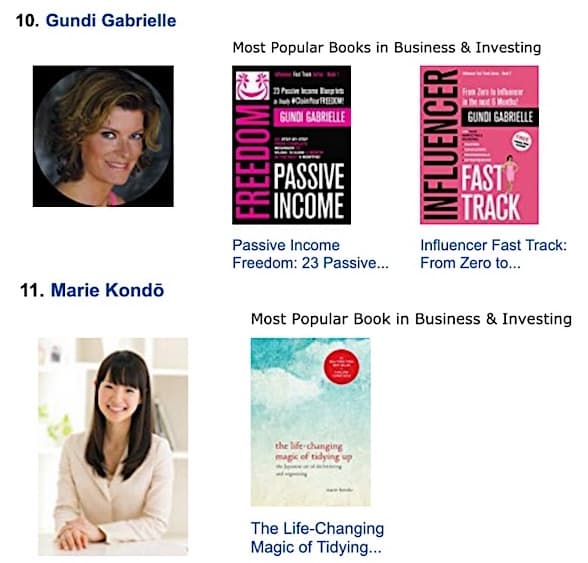
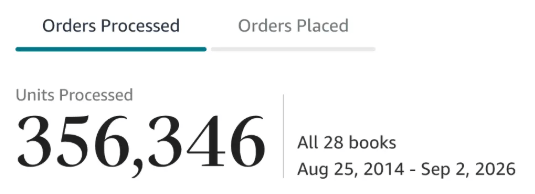
Along the way, I sold over 350,000 books, and was listed in Amazon's Top 100 Business Author Charts, ahead of authors like Simon Sinek, Brené Brown, Tim Ferriss, Robert Kiyosaki, or Brian Tracy.
No traditional publisher. No massive budget. Just understanding Amazon's algorithm and researching what readers actually want.
In my earlier years, I was a classical conductor & organist, touring the world, incl. Carnegie Hall & a performance for the Pope on St. Peter's Square.
These days, I love traveling as a Digital Nomad and orchestrating busy AI Agents 😎. Out of that came Golden Bestseller Empire — a complete AI-Powered Book Publishing Studio now helping authors around the world.
Can't wait to see you inside & help you publish your dream:
Featured In:
More from the Golden Bestseller Blog
Amazon KDP Publishing Guidelines
Start Publishing With KDP: What You Can Publish and Where
Official Amazon KDP Guidelines: what you can publish and how to start, in plain words. This is what KDP's own help page says, not a blog opinion.
Amazon KDP Publishing Guidelines
Self-Publish With KDP: The 3 Simple Steps
Official Amazon KDP Guidelines: the three steps to self-publish with KDP, in plain words. This is what KDP's own help page says, not a blog opinion.
Amazon KDP Publishing Guidelines
Règles relatives au contenu KDP : le guide simple et clair
Règles officielles d'Amazon KDP sur le contenu, expliquées simplement. C'est ce que dit la page d'aide de KDP, pas un avis de blog.
Want a faster way to plan and price your next book?
Golden Bestseller Empire's AI publishing tools help with exactly this kind of decision.