
Kindle Content Quality: KDP's Guide to Quality Issues
Official Amazon KDP Guidelines: Kindle content quality and what KDP removes, in plain words. This is what KDP's own help page says, not a blog opinion.
Critical Issues
Book removed from sale until fixed
Review Tool
Kindle Previewer (free)
Zero Tolerance
Advertising, promoting, or misleading content

By Gundi Gabrielle
16 min read
Kindle content quality is the standard KDP holds every eBook to: it lists the quality problems readers report most, and any "Critical Issue" gets the book removed from sale until you fix it.
Content published through KDP is held to the high standards customers expect from Amazon. If readers report a problem in your book, KDP makes sure you know about it and points you toward the fix. KDP's guide describes the quality issues it sees most often, so you know what to watch while you build your eBook. For details on making books available on Kindle devices and apps, KDP points to its Kindle Publishing Guidelines.
What is KDP's zero-tolerance policy?
KDP has a "zero-tolerance policy for any book content meant to advertise, promote, mislead, or that doesn't accurately represent the contents of the book." KDP wants to give independent publishers the best possible tools and readers the best experience.
- Authors, publishers, and selling partners are responsible for following the content quality guidelines.
- KDP removes content that doesn't follow them and investigates any book with a potential poor customer experience or content inaccuracy.
- KDP may ask for more information about your book before it goes on sale.
- Follow the guidelines so your cover art, metadata, and product description don't create inaccurate or overwhelming search results, or get in the way of readers making good buying decisions.
What are Critical, Destructive and Distracting issues?
It's very important to search your eBook for errors before you upload the original file, and again before you upload a new file after fixing problems after publication. KDP sorts errors into three levels:
- Critical Issues: some errors can make a book incomplete or unusable. Because they "significantly impact the reading experience," any Critical Issue "will result in the book being removed from sale until corrections are made."
- Destructive Issues: errors that prevent the reader from understanding the author's intended meaning.
- Distracting Issues: the most common type. They briefly remove the reader from the author's world.
The combined effect of too many Distracting or Destructive Issues can get the book removed from sale until you fix them. A moderate amount can leave the book on sale with a temporary quality warning on the detail page until you correct them.
How should I review my eBook?
KDP highly recommends the free Kindle Previewer. It shows how your file will look on various Kindle devices and apps. If you format in Microsoft Word, KDP also has a step-by-step formatting guide.
What typos does KDP look for?
Typos are among the most common quality issues customers report. To make a high-quality eBook, make sure it's free of typos. Typos can come from mistyped words, poor optical character recognition in scanned texts, copy and pasting across source documents, or multiple conversions of a source file. KDP's examples:
| Type | Example | Should be |
|---|---|---|
| --- | --- | --- |
| Numbers in place of letters | 5arasota | Sarasota |
| Letters in place of numbers | 1o66 | 1066 |
| Incorrect punctuation | The dog ran, | The dog ran |
| Soft hyphens | re-peat | repeat |
| Missing letters | Nothi g | Nothing |
| HTML tags in place of characters | < sup >® | ® |
| Junk characters | •"gainst | Against |
How do I prevent and fix typos? If there's a typo, search for that term through the whole text so you correct every occurrence, and review the text for errors of a similar kind. You can fix spelling with the Spell Check in Online Previewer, and the search function in Kindle Previewer helps you find every instance of a repeated typo. Spelling the author uses on purpose isn't an error, like character dialogue or dialect. Differences between US and British English aren't errors either.
What are the common metadata issues?
Your metadata shouldn't cause inaccurate search results or make it harder for readers to decide. Common problems:
- The title, series name, edition, subtitle, volume, or contributor in your file don't match the metadata you entered.
- The title, series name, edition, subtitle, or volume in the metadata contains a URL, keywords, genre descriptions, promotions, references to other books within the category, or spelling errors.
- The keywords or categories don't match the nature of the book.
KDP points to its metadata guidelines for the full rules.
👑 Catch errors before readers do. Golden Bestseller Empire has a proofreader built in. → See the writing studio
What are unsupported characters?
If your text shows as strings of jumbled characters or boxed question marks in Kindle Previewer, your book usually contains an unsupported accent mark or character. Review your book in Kindle Previewer and look for square boxes or jumbled characters.
- Prevent and fix: one unsupported character usually means others, so look for the issue throughout the text. Use the search function in Kindle Previewer to find every instance. KDP has a page on supported characters.
- Critical issue: content uploaded in unsupported languages won't display properly on Kindle devices and is removed from sale. KDP has a page listing the languages it supports.
What are the cover issues?
A high-quality cover image can affect whether a reader buys. The most common problems:
- The cover has extra space in the margins, or is too large and doesn't fully display
- The cover image is blurry
- The cover is missing
- The cover image is inserted into the manuscript file, causing an error
- The cover includes references to advertisements or promotions (for example, "free")
KDP points to its guidelines for creating eBook covers.
What are the image quality rules?
Clear, readable images are an important part of the reader experience. Images with text can be a problem if the source quality is poor, so preview them in Kindle Previewer to confirm the text is readable on Kindle. Make sure images aren't blurry, since that can annoy readers and hurt understanding of images that need a lot of detail.
- Critical issue: books that are entire scans "may be rejected upon submission or removed from sale," because they're unreadable in print and on Kindle devices, where readers can't change the text size.
- Manga, comics, children's picture books and similar are excluded from this requirement.
- A small amount of scanned or image-captured text is allowed if it's legible and relevant to the overall content, such as image captions, complex mathematical formulas, or handwritten letters.
- To publish a rejected book, replace scanned or image-captured text in your interior file with reflowable text and resubmit.
- Other quality issues include blurry images and images with illegible text.
To get high-quality images: choose the highest possible quality for your source images. KDP has guidelines and best practices for image formatting.
What are the formatting issues?
Formatting issues affect the visual or layout side of an eBook, like extra spacing between paragraphs or forced text justification. They can stop readers from customizing their reading experience, or make the text flow confusing. For the best reader experience, KDP recommends uploading your book in a reflowable file format such as DOC, DOCX, or HTML.
- How to check: preview your eBook in Kindle Previewer to find formatting errors before you put it on sale. Check the whole manuscript, because formatting errors tend to repeat throughout the book. For example, wrong left or right margins show up on every page.
Critical formatting issues:
- Body text rendered as bold, italicized, underlined, or hyperlinked text
- Extra body text margin padding of more than 1/4 of a screen wide
- Primary content in landscape mode without a disclaimer on the detail page
- Body text not set to the default color
- Forced white text or a forced black background that makes text unreadable. For example, forcing Font = white makes text unreadable in white background mode or on an e-ink device.
- In-line page numbering. Page numbers inside the book file break the reading flow and must be removed.
Other formatting issues:
- Forced alignment of body text
- Body text size forced to be larger or smaller than standard sizes, or body text that changes size
- Bullet points missing from a bulleted list, bullets on a different line than the list item, or missing list formatting. Lists without proper formatting can be unintelligible. A best practice is to keep the reader's customizable reading experience by not forcing formatting.
- Incorrectly added line breaks
- No sign of paragraph separation (indentation or single line spacing)
- Missing line break that marks a section or scene change
- A hard page break in the middle of a section or chapter
- Extract or block quote not set apart from the body text. Extra or missing breaks can confuse the reader and break the narrative flow.
- Sidebar text, a footnote, or an image that interrupts a sentence, paragraph, or section. Improperly placed sidebars, footnotes, or images fragment the reading experience.
- Body text margin padding of less than 1/4 of a screen wide
- Double spacing between each paragraph, or consistently added line padding between section or chapter headings and first paragraphs. Readers should set their own reading preferences and not have to page forward more than needed.
- Split monograms: the first letter of each chapter should appear on the same line as the rest of the word.
- An individual paragraph rendered as bold, italicized, underlined, or hyperlinked text
- Forced black text or a forced white background that makes text unreadable. For example, forcing Font = black is unreadable in black background mode on color devices.
What link rules does KDP set?
All links must go where the reader expects. Readers should also be able to reach the locations in your book's Go To menu (such as cover image, beginning, and Table of Contents). Test links, including Go To items, on your Kindle device before you put the book on sale. If you don't have a device, Kindle Previewer reproduces how content appears on one.
How do I prevent linking issues? Broken or incorrect links usually come from a mistake in the link URL or a wrong link location pasted in. Check the HTML or inserted links in your text. Examples KDP sees:
- A Go To item link that doesn't work
- A link in the Table of Contents (TOC) that doesn't work
- A link at the beginning that takes readers to a TOC at the end of the book
- A link outside the TOC that takes readers to unrelated content at the end of the book
- A link in the TOC that doesn't follow the order of content in the book
- An unlinked footnote
- A prohibited external link
- An external link that doesn't work
- An internal link (TOC, Navigational Control File from XML (NCX), or other) that doesn't go to the right place
- A reference to an unlinked page number
- A missing Logical Table of Contents (NCX)
Examples of prohibited external links:
- Links to pornography
- Links to commercial eBook store sites other than Amazon
- Links to web forms that request customer information (like an email or physical address)
- Links to illegal, harmful, infringing, or offensive content
- Links that are malicious (virus, phishing, or similar)
Warning: unnecessary or confusing hyperlinks, misplaced tables of contents, or disruptive content that takes readers away from the main content can cause a poor customer experience. If a book's formatting causes a poor experience or genuine reader confusion, or is designed to unnaturally inflate sales or pages read, KDP will act to remove titles and protect readers. This includes disruptive or unnecessary enticement to click on elements within TOCs. Repeatedly adding such elements could affect your account status, "up to and including termination." KDP points to its Navigation Guidelines for the TOC and NCX, and its Hyperlink Guidelines for internal and external links.
Critical issue: don't front-load bonus content, like other stories or previews of other books, at the beginning of a book, or use a link that takes readers to the actual book at the end.
What are the table rules?
A common complaint is that part of a table is cut off. This usually happens when tables are used to format non-tabular data like sidebars, lists, or large chunks of text. It's best to avoid using tables to format text or make book elements appear in a certain way.
- Critical issue: any table with content cut off at the bottom of the screen at font size 3 (the default). That makes content inaccessible for most readers.
- Other issues: tables with non-tabular data, and tables that make the reader pan right over non-tabular data. Tables like that often force extra action to read plain text, like forced line breaks or a word in a cell split across lines.
- If the data really must be in a table and you still see the error, try breaking the table into more cells so there are more break points. KDP points to section 3.6 of the Kindle Publishing Guidelines.
- Kindle Previewer and Kindle for PC don't always show tables accurately. If possible, check table formatting on a Kindle device, especially if it looks like a critical issue.
What about duplicated text?
Duplicated text is text that repeats in the book when it isn't meant to. It's usually a copy and paste error, fixed by removing the duplicate.
- Critical issue: a repeated chapter that is also mislabeled.
- Other duplicate text issues: a repeated chapter, or a portion of text repeated within a chapter or section (single words excluded).
What counts as missing content?
Missing content is when part of the book you meant to include was removed by mistake, or the book refers to a part that isn't there.
Critical issues:
- More text is missing than a short phrase
- A missing image section that the product description or the book's contents say should be included
- Main book content that can only be reached through external links
- The product description says the book includes a CD, DVD, or other extra content that isn't accessible
- Missing or unplayable audio or video content in a Kindle edition with audio and video
Other missing content issues include a short missing phrase and a missing image.
Image formatting tip: avoid pasting in images. Insert images as JPEG (.jpg) with center alignment, not copied and pasted from another source. In Word, click "Insert" at the top of the screen, click "Picture" to open a dialogue screen, then locate and select the file.
What is wrong content?
Books with wrong content are always removed from sale. Wrong content means a customer receives something other than what was advertised. It's most often caused by uploading the wrong file, but can also happen if updates to the product information or copy and paste problems make the description incorrect. The easiest fix is to upload the latest version of the correct file.
What content is not suited for reading on Kindle?
Books that aren't suited to Kindle may be rejected on submission or removed from sale. These are books whose main purpose is for the reader to write or color on the pages. They're better published in physical form. Examples:
- Puzzle books
- Blank journals
- Pattern books
- Coloring books
- Facing page translations (one language on the left page and the same content in another language on the right)
What counts as disappointing content?
KDP does not allow content that disappoints customers or creates a poor shopping experience, including but not limited to:
- Content marketed as a subscription, or that sends readers to an external source for the full content
- Content freely available on the web (unless you're the copyright owner or the content is in the public domain). KDP points to the "Illegal and Infringing Content" and "Public Domain and Other Non-Exclusive Content" sections of its Content Guidelines.
- Content whose primary purpose is to solicit or advertise
- Content not significantly different from content in another book in the Kindle Store. Note: if you publish a romance novel, you can publish it with two covers: the original cover and a discreet or alternate version. The content can be the same as long as the covers differ. Differentiate the versions by adding an indicator like "Discreet Version" or "Alternate Version" to the title or subtitle.
- Content that is too short
- Content that is poorly translated
- Content that doesn't provide an enjoyable reading experience
- Bonus content before a book's primary content
- Content excessively reused, recycled, or repeated within or across books
- Content rebranded or re-released with significant changes to the metadata, causing a confusing reader experience
What about companion guides?
Companion guides are not allowed, with limited exceptions for guides with positive reader engagement. This includes summaries, study guides, workbooks, analyses, and other related content based on other books.
What are the rules for multi-work books?
- If you publish multiple stories as one book, the title field and the cover must accurately show the contents, using terms like "Collection," "Compilation," or "Series." Stories in a series must be in sequential order within a book, and collections of individual stories must have all stories listed in the metadata.
- Collections of works and numbered series may include content you've published before. But for a good customer experience, the same content may not be excessively reused across multiple books. KDP considers "excessive" any amount of repetition that would create a poor shopping or reading experience.
- Note: make sure no language in your book title suggests the book is part of a bundled set or boxed set.
- Multi-work books must meet all program guidelines. For example, you must have exclusive publishing rights for all content enrolled in KDP Select. KDP points to its content guidelines and Terms and Conditions.
What this means for you
- Run your eBook through Kindle Previewer before you upload, and again after every fix.
- Search the whole text for each typo you find, because one usually means more.
- Let readers set their own font, size, and color, and don't add page numbers inside the book file.
- Test every link and your table of contents.
- Fix Critical Issues first: they get the book removed from sale.
Related reading
- KDP Content Guidelines
- KDP Save Your Manuscript File
- Amazon KDP Publishing Guide
- Amazon KDP Publishing Guidelines: Every Rule in One Place
Kindle content quality comes down to a clean, honest, readable eBook.
Ready to publish? Sign up for KDP and start for free.
Source: KDP Help: Guide to Kindle Content Quality — checked October 13, 2026.
Frequently Asked Questions
What is the KDP Guide to Kindle Content Quality?
It is KDP's list of the quality issues readers report most often in eBooks, covering typos, metadata, covers, images, formatting, links, tables, duplicated or missing content, and disappointing content.
What is a Critical Issue on Kindle?
A Critical Issue significantly impacts the reading experience. KDP says any Critical Issue will result in the book being removed from sale until corrections are made.
What is KDP's zero-tolerance policy?
KDP has a zero-tolerance policy for any book content meant to advertise, promote, mislead, or that doesn't accurately represent the contents of the book.
What tool does KDP recommend for reviewing my eBook?
KDP highly recommends the free Kindle Previewer, which shows how your file looks on various Kindle devices and apps.
Sources & Citations
This page is maintained independently and is not affiliated with Amazon. Always double-check the latest numbers inside your own KDP account before making pricing decisions.
Found this useful? Get more of this site in your Google.
One tap adds us as a preferred source — Google then shows you our posts more often in Search, Top Stories, and AI Overviews.
Created By

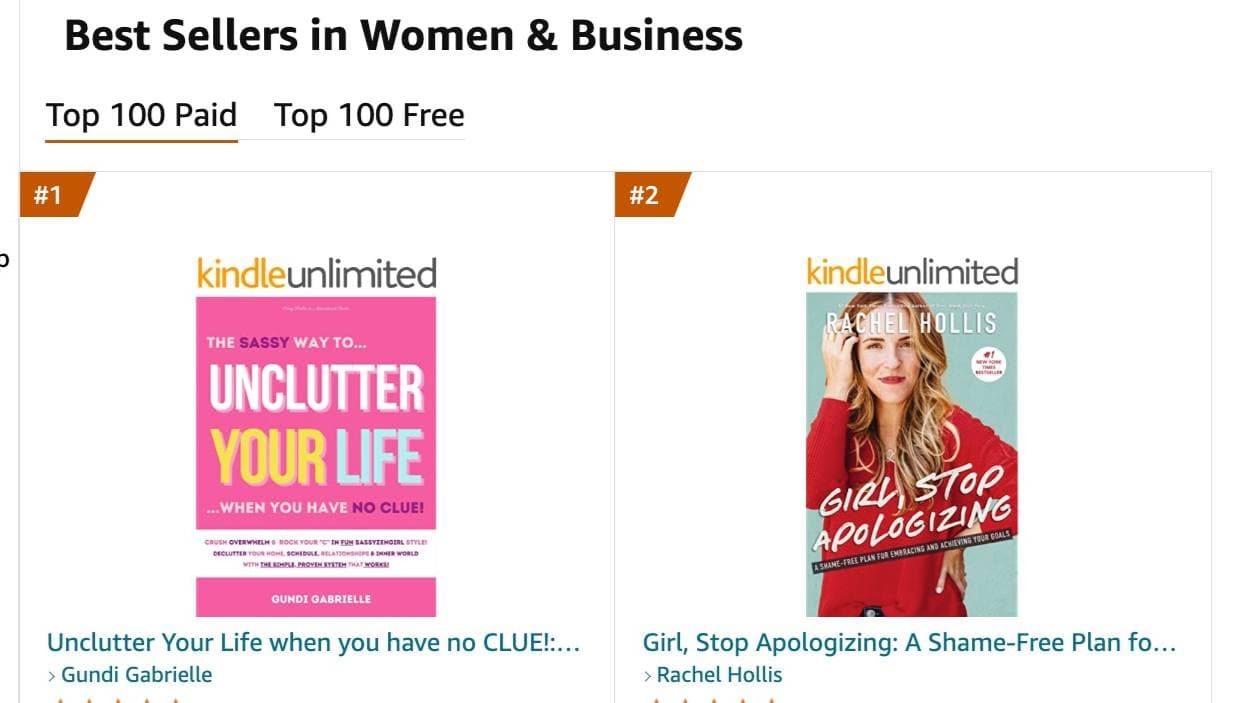
Top 100 Business Author · Carnegie Hall Conductor · Founder of Golden Bestseller Empire
Hey, I'm Gundi, and for over a decade, I've helped thousands of everyday people turn what they know into a bestselling book.
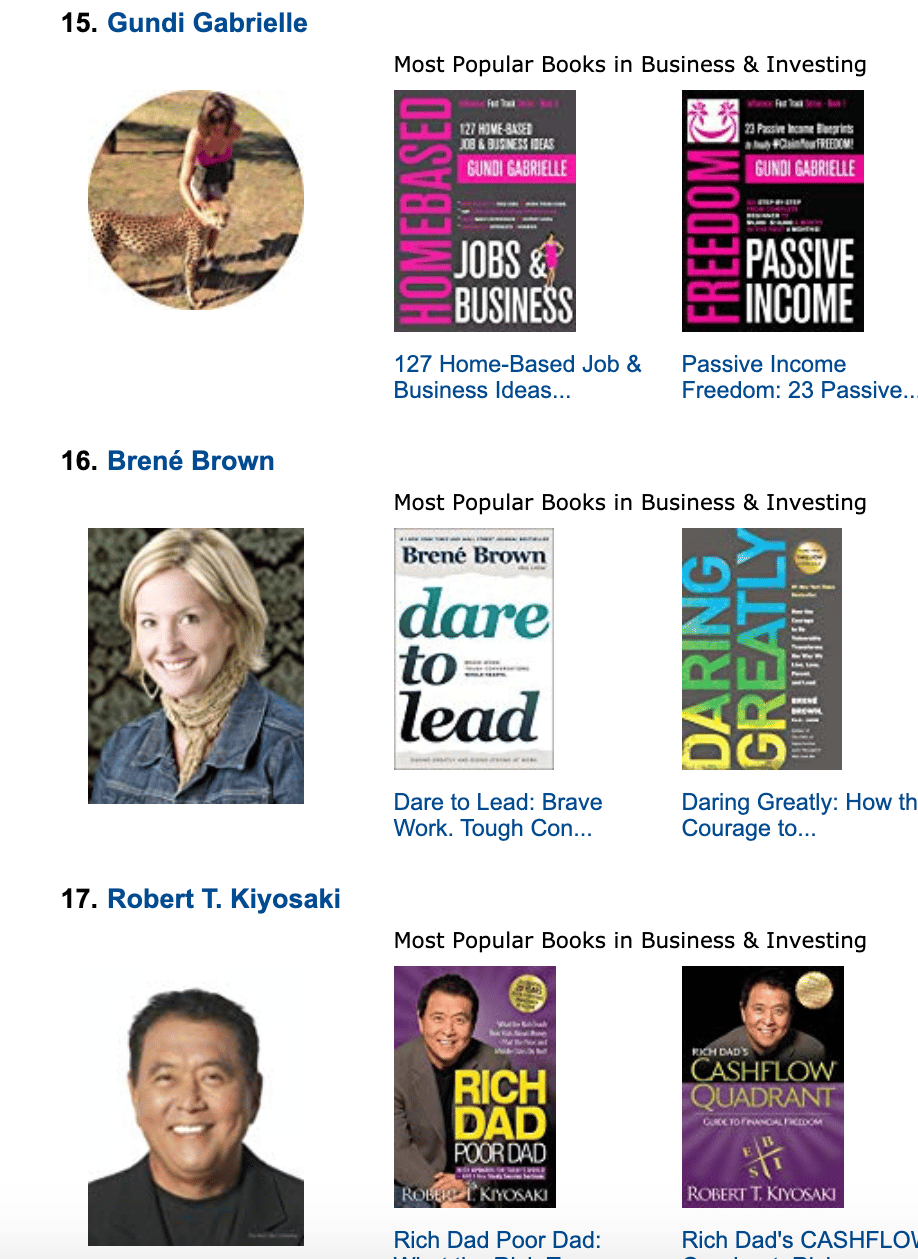
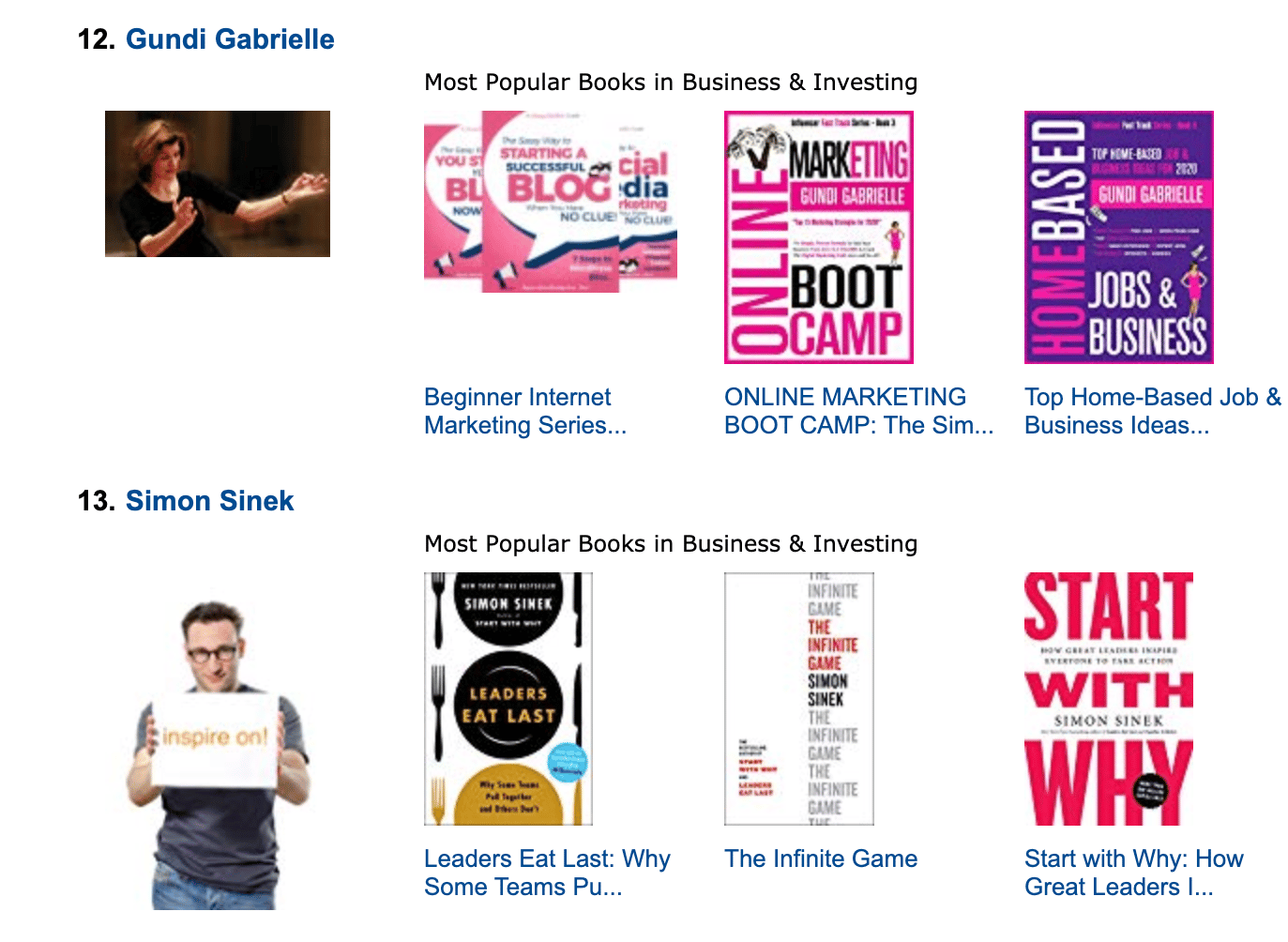
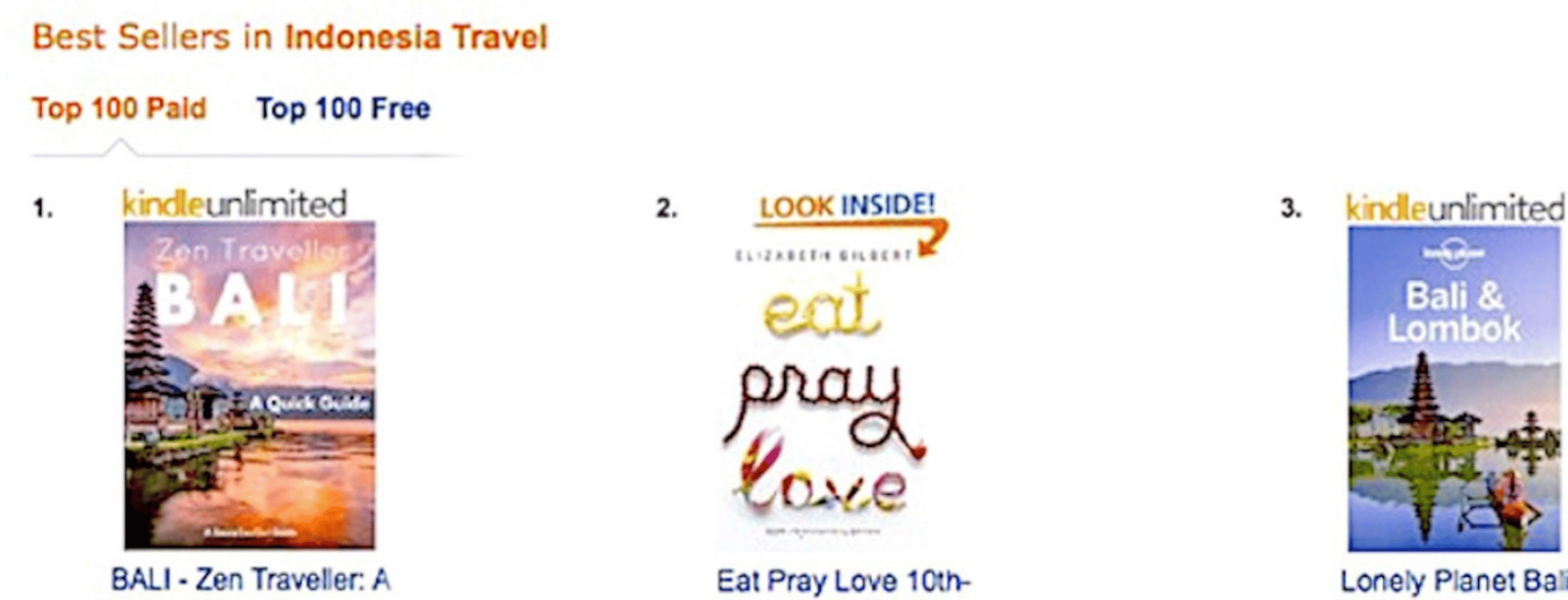
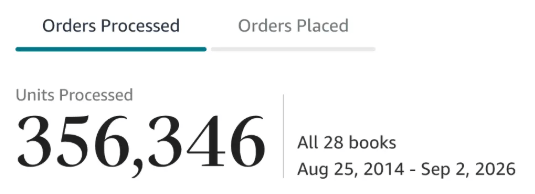
Along the way, I sold over 350,000 books, and was listed in Amazon's Top 100 Business Author Charts, ahead of authors like Simon Sinek, Brené Brown, Tim Ferriss, Robert Kiyosaki, or Brian Tracy.
No traditional publisher. No massive budget. Just understanding Amazon's algorithm and researching what readers actually want.
In my earlier years, I was a classical conductor & organist, touring the world, incl. Carnegie Hall & a performance for the Pope on St. Peter's Square.
These days, I love traveling as a Digital Nomad and orchestrating busy AI Agents 😎. Out of that came Golden Bestseller Empire — a complete AI-Powered Book Publishing Studio now helping authors around the world.
Can't wait to see you inside & help you publish your dream:
Featured In:

More from the Golden Bestseller Blog
Amazon KDP Publishing Guidelines
Start Publishing With KDP: What You Can Publish and Where
Official Amazon KDP Guidelines: what you can publish and how to start, in plain words. This is what KDP's own help page says, not a blog opinion.
Amazon KDP Publishing Guidelines
Self-Publish With KDP: The 3 Simple Steps
Official Amazon KDP Guidelines: the three steps to self-publish with KDP, in plain words. This is what KDP's own help page says, not a blog opinion.
Amazon KDP Publishing Guidelines
Règles relatives au contenu KDP : le guide simple et clair
Règles officielles d'Amazon KDP sur le contenu, expliquées simplement. C'est ce que dit la page d'aide de KDP, pas un avis de blog.
Want a faster way to plan and price your next book?
Golden Bestseller Empire's AI publishing tools help with exactly this kind of decision.