
The Six Parts of the Book Planner
Every question the Book Planner asks, part by part, with an explanation of terms such as ICP, objections, transformation and the elevator pitch.
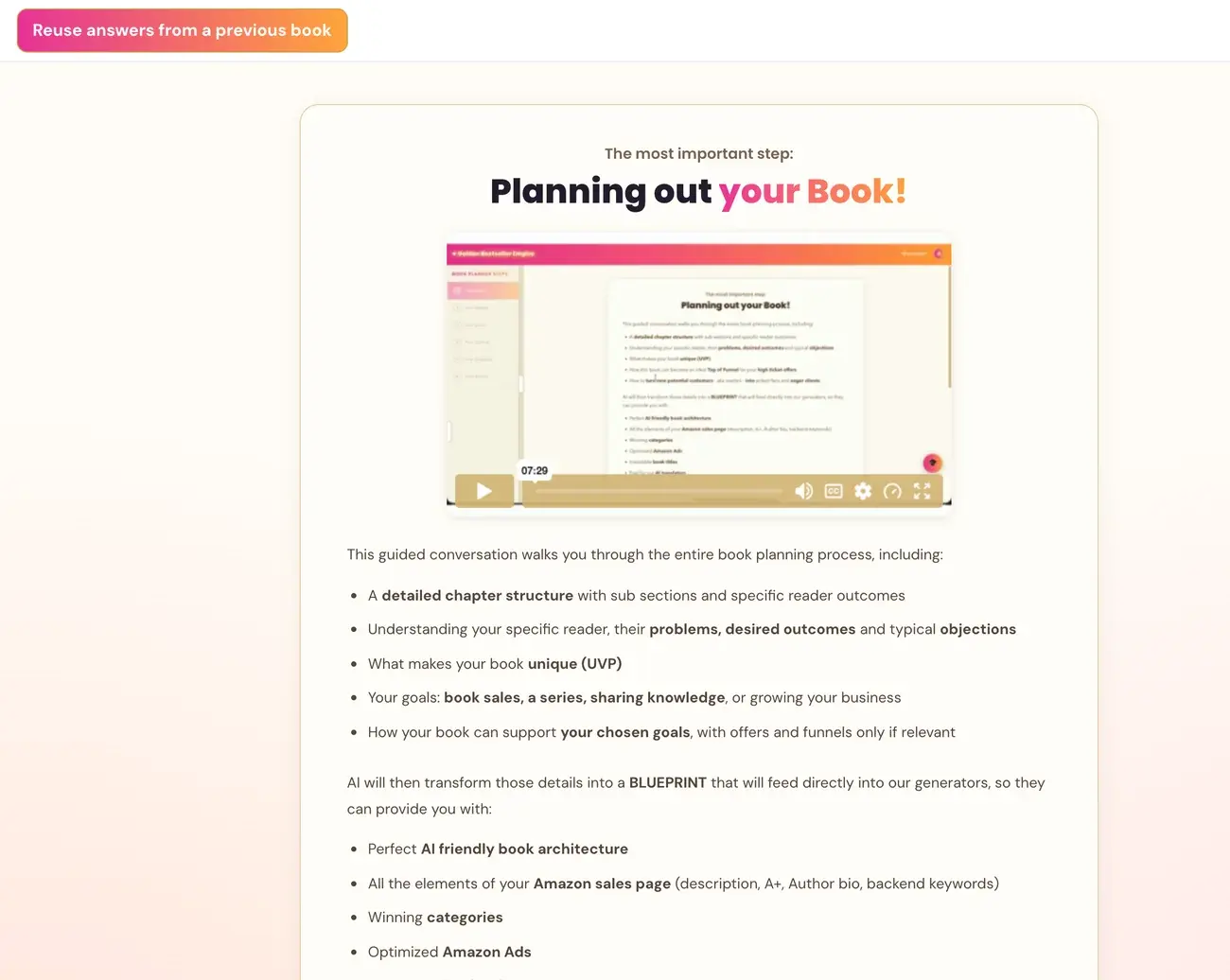
The Book Planner asks its questions in six parts: Your Topic, Your Reader, Your Goals, Your Outline, Your Chapters and Final Details. Each one shapes the Blueprint that feeds every generator after it.
Part 1: Your Topic
- What is your book about? A short paragraph, plus a working title if you have one.
- What makes your book different from others on the same topic? Your unique angle, method or experience.
A working title is just a placeholder name for your book. It does not have to be final or perfect. It helps the AI understand your topic right away, and you will refine it later with the Title Generator.
There are probably other books on your topic, so the second question asks for your own angle, your experience or your method that makes yours more effective or different. It could be your personal story, a framework you developed, a specific niche focus, or a different approach to the same problem.
An elevator pitch is a one-sentence summary of what your book does for the reader: "I help [who] go from [pain] to [outcome] — even if [biggest objection]." It does not have to be perfect at this stage. You will refine it at the very end of the planner.
Part 2: Your Reader
- Show me a specific person. Give them a name. Picture your ideal reader sitting across from you. Who are they?
- What are the two or three biggest pain points your reader is carrying right now?
- What story does your reader tell themselves about why they cannot fix this? Their internal objections, for example "I don't have time" or "I've tried everything".
- What transformation will your reader go through? Who will they become after reading your book?
ICP stands for Ideal Customer Profile: the one specific reader your book is written for. It is not a demographic category but a real person you can picture. Giving them a name and a situation helps the AI ask much better questions, and helps you write a much more focused book.
Objections here are the reasons your reader tells themselves for why they cannot fix their problem. They are not objections to buying the book. Understanding them helps you write a book that speaks directly to what is holding your reader back.
Transformation asks who the reader becomes after reading your book. It is not only what they learn but how their life, identity or situation is different. Think of before the book and after the book. The more specific, the better.
The planner asks about the reader before the chapters because every chapter, section and subheader should be written for your specific reader. The chapters are the vehicle, and the reader is the destination.
Part 3: Your Professional Goals
The planner explains how a book can attract high-ticket clients on autopilot, then asks what your book should achieve for you. This question uses interactive checkboxes, not a text box:
- Attract high ticket clients and customers
- Sell a service or product
- Grow your podcast, YouTube and social media
- Attract speaking engagements
- Other, which opens a text field
Check as many as apply, then click Send. The Send button stays grey until at least one box is checked. If you go back to this question with Previous, your selections are restored.
If you chose any goal, the planner asks three follow-up questions:
- What is your main offer? What would you love a reader to book or buy after finishing your book?
- How do readers typically enter your world? A discovery call, a webinar, a sales page, a free resource and so on.
- How would you love to reverse-engineer your book so that working with you feels like the obvious next step?
If you answer "just the book", that is fine, and the planner moves on without pushing.
If the boxes appear empty after you navigate back, click Previous once more or refresh the page. Your answers are saved to your account and will restore.
Part 4: Your Outline
- How many chapters? Seven is the sweet spot, and up to nine works well.
- What kind of book is it? Problem to Solution, Skill or Method, Journey, Listicle, Reference, or another type.
- Do you have a named method or framework? For example "The 5-Step Reset" or "The Executive Dad Protocol".
- What are the ten expert terms or concepts that absolutely must be in this book? Specific vocabulary, named theories and tools, not vague words such as "stress" or "mindset".
Part 5: Your Chapters
The planner goes chapter by chapter. For each chapter it asks for the title and what the chapter covers, what the reader walks away knowing or able to do, and the search phrases someone would type to find that content.
Part 6: Final Details
How the reader searches on Amazon, wrapping up, and generating your final Blueprint.
If You Do Not Know an Answer
Share what you do know, and the AI will work with it. If you are not sure, say something like "I think...", or describe it roughly. The AI may ask a follow-up to help you get more specific, and you can go back to a previous question at any time. Nothing is final, so give your best current thinking and keep moving.
Next, see Your Book Blueprint Page.
Last checked in the app: October 14, 2026.
Still Need Help?
Inside the app, the Course Coach answers your questions and guides you step by step. You can also write to us and we will get back to you.
Contact Support