
How to Create A+ Content on KDP: Steps, Rules, Reviews
Official Amazon KDP Guidelines: how to create A+ content in KDP, in plain words. This is what KDP's own help page says, not a blog opinion.
Review Time
Within eight business days
Image Quality
JPG or PNG, minimum 300 DPI
AI Ready Modules
English, US only

By Gundi Gabrielle
9 min read
You create A+ content on KDP in the A+ Content Manager: pick a marketplace, name your content and choose a language, add modules with images and text, apply your ASINs, then submit for approval. KDP's page covers how to create, publish, and manage A+ content, and recommends reading its Content Guidelines first to learn what's allowed.
How do I get to the A+ Content Manager?
You create and edit A+ content from the A+ Content Manager page.
- Go to the KDP Marketing page.
- Scroll to the A+ Content section.
- Choose a marketplace.
- Click Manage A+ Content. This takes you to the A+ Content Manager page, where you follow the prompts to create A+ content.
If you're creating A+ content on kdp.amazon.co.jp, it's a standalone site without multiple language options, so there's no dropdown menu for choosing marketplaces. A+ content created on kdp.amazon.co.jp can only be published to Amazon.co.jp, not to other marketplaces.
What are the steps to create A+ content?
- Get started. On the A+ Content Manager page, click Start creating A+ content to start new content, or search for an ASIN or product name to edit existing A+ content.
- Enter content details. Enter a content name to identify the content (think about specific marketing campaigns and seasonality) and choose the language the content is written in. Language is required.
- Add modules. In the Create your content section, click Add module to choose a module. After you pick one, it's added to the content layout. Click Add module again to add another. KDP has A+ Content examples that show the different modules and layouts. Once you've added modules, you can:
- - Re-order or remove modules. Use the icons in the upper right corner of a module to move it up or down. Click the X to remove it. KDP asks you to confirm before it removes a module.
- - Add images. Click "Click to add image" to drag and drop or upload an image from your computer. KDP won't resize images, so make sure the image file is sized correctly.
- - Add text. Type directly into the module text fields or copy and paste text from a file on your computer.
- - Note: you can use generative AI to create A+ content by choosing a module that shows the AI Ready badge. This is an English-only feature, available in the United States only at this time.
- - Make sure your images and text meet KDP's A+ Content guidelines. When your layout is done, click Next: Apply ASINs.
- Apply ASINs. Under Add ASINs, search for the ASINs you want to apply the A+ content to, which are their product detail pages. You can only add ASINs from your own KDP account. If you add an ASIN that isn't on your Bookshelf, you get an error message. After you add an ASIN, it appears in the Applied ASINs section. To make it easier to cover multiple formats of your book, you can add multiple ASINs to one project. Click Apply ASINs when your selection is complete. When it works, KDP tells you at the top of the page. Then click Next: Review and Submit to finish and submit for final approval.
- Review and submit. Preview the content on desktop and mobile before you submit. When you're ready to publish, click Submit for approval. KDP says all content in compliance with the A+ Content Guidelines "will appear on your detail page within eight business days." If your content needs changes, KDP sends you an email with further instructions. Note: during periods of high volume, the review timeline may be longer.
How do I format images?
For the best results, save images as JPG or PNG with a minimum resolution of 300 DPI (dots per inch). Any image under 200 DPI is considered low resolution.
If you don't know whether your images are high resolution, check the image details and calculate the DPI:
- Right-click the image file and select Properties.
- In the window that opens, click the Details tab.
- Look for the number of pixels under the "Image" header.
- Divide the number of pixels by the image size. For example, an image of 1200 width x 1800 height pixels that is 4" x 6" has 300 DPI.
To improve the quality of stock photography, buy a "print quality" or "commercial quality" image. Changing the DPI of an image on your computer may show a higher DPI number but won't actually improve the quality. If the image says 300 DPI but looks blurry or pixelated, either the DPI was manually changed or the image is out of focus. You can't add dots or pixels to an image, so a changed DPI won't show the real resolution.
👑 Know what to put in your A+. Golden Bestseller Empire builds it from your book plan. → See how
How do I update, duplicate, suspend, or delete A+ content?
- Update. If your A+ content needs changes, change it and resubmit. From the A+ Content Manager page, search for the ASIN you want to edit, click the content name, input your changes, click Apply ASINs, then click Submit for approval. Content that complies with the A+ Content Guidelines appears on your detail page within eight business days. If it needs changes, KDP emails you instructions.
- Duplicate. To create new content easily, duplicate existing A+ content. From the A+ Content Manager page, search for the ASIN, click the content name, click the Actions drop-down, click Duplicate, give the copy a new content name, and click View duplicated content. KDP copies all the content to the duplicate, including the module layout, for you to edit.
- Suspend. Removes published A+ content from your detail pages, but it stays visible in the A+ Content Manager so you can edit or re-publish it later. Search for the ASIN, click the content name, click the Actions drop-down, click Suspend, then click Confirm.
- Delete. Removes published A+ content from your detail pages and permanently removes the project in the A+ Content Manager. "If you delete A+ Content, you can't recover it later." Search for the ASIN, click the content name, click the Actions drop-down, click Delete, then click Confirm.
How do I publish A+ content in different Amazon marketplaces?
After you publish, A+ content appears only on that Amazon store. If your book is on other Amazon stores, you must create and publish A+ content for each store separately. To save time, duplicate your existing A+ content as a draft using the Duplicate steps above. KDP's table of where you can copy a draft:
| Original marketplace and language | Copy as draft to |
|---|---|
| --- | --- |
| Amazon.com in English | Amazon.ca, .co.uk, .de, .in, .com.au in English |
| Amazon.com in Spanish | Amazon.com.mx and .es in Spanish |
| Amazon.ca in English | Amazon.com in English |
| Amazon.ca in French | Amazon.fr in French |
| Amazon.com.mx in Spanish | Amazon.com and .es in Spanish |
| Amazon.co.uk in English | Amazon.com, .ca, .de, .in, and .com.au in English |
| Amazon.de in Dutch | Amazon.nl in Dutch |
| Amazon.de in English | Amazon.co.uk in English |
| Amazon.nl in Dutch | Amazon.de in Dutch |
| Amazon.es in Spanish | Amazon.com and .com.mx in Spanish |
| Amazon.in in English | Amazon.com, .co.uk, .ca, and .com.au in English |
| Amazon.com.au in English | Amazon.com, .co.uk, .ca, and .in in English |
Readers see A+ content in their preferred language. For example, if you publish A+ content in Spanish on Amazon.com, only readers with Spanish as their preferred language on Amazon.com see it. The supported languages by marketplace:
| Marketplace | Supported languages |
|---|---|
| --- | --- |
| Amazon.com | English, Spanish, Hebrew |
| Amazon.ca | English, French |
| Amazon.com.mx | Spanish |
| Amazon.com.br | Portuguese |
| Amazon.co.uk | English |
| Amazon.fr | French |
| Amazon.it | Italian |
| Amazon.es | Spanish |
| Amazon.de | German, Czech, Turkish, Polish, Dutch, English |
| Amazon.nl | Dutch, English |
| Amazon.in | English, Hindi, Tamil, Telugu, Kannada, Malayalam |
| Amazon.com.au | English |
| Amazon.co.jp | Japanese, Simplified Chinese, English |
To publish copied content:
- Go to the KDP Marketing page.
- Scroll to the A+ Content section.
- Choose the marketplace.
- Click Manage A+ Content. This opens the A+ Content Manager page for that marketplace.
- Check the Show auto-created content box.
- Click the content name.
- Follow the steps to create A+ content.
- Click Submit for approval when you're ready to publish.
Can I use AI to generate A+ content?
Yes, in the US only, in English only, at this time. If a module shows the AI Ready badge, you can use generative AI to fill in text and images:
- Choose a module with the AI Ready badge.
- Click Select content to generate.
- Choose the fields you want to generate content for.
- Click Generate Content.
- Enter your book's ASIN.
- Optional: add prompts to guide the output. For text, you can add highlights you want to emphasize. For images, you can click "Use product in generated image(s)" or click "Add Image" to upload your preferred image to your Asset Library.
- Click Generate Content.
If you only enter the ASIN with no extra prompts, the feature fills in text from your ASIN and a product image from the product image block. You can also use product images you uploaded to your Asset Library.
KDP generates multiple images and saves them to your Asset Library, but only one image shows in the module at first. You can edit the text within the module. To change an image, go to the Asset Library: select "Edit the background image," click the X in the top right corner of the image, then select "click to select" to see the other options in the Asset Library.
Notes from KDP: it may limit how many times you can use this feature in one day. Review generated content carefully to make sure it's accurate and follows all A+ Content Guidelines and KDP Content Guidelines. KDP says AI-generated content "may include information that wasn't in your original input." You are "ultimately responsible" for what's published to your book's detail page, and Amazon will remove any content that isn't compliant.
What this means for you
- Create A+ content separately for each Amazon store from your KDP Bookshelf, and duplicate it as a draft to save time.
- Use images of at least 300 DPI. KDP won't resize them for you.
- Plan for up to eight business days before it appears.
- If you use the AI Ready modules, check everything the AI creates. You're responsible for it.
Related reading
- KDP A+ Content Guidelines
- Alexa for Shopping for Authors
- Amazon KDP Algorithm
- Amazon KDP Publishing Guidelines: Every Rule in One Place
Create A+ content on KDP once per store, check it against the guidelines, and give KDP up to eight business days.
Ready to publish? Sign up for KDP and start for free.
Source: KDP Help: Create A+ Content — checked October 13, 2026.
Frequently Asked Questions
How do I create A+ content on KDP?
Open the A+ Content Manager from the KDP Marketing page, enter a content name and language, add modules with images and text, apply your ASINs, preview, and click Submit for approval.
How long does A+ content approval take?
KDP says compliant content will appear on your detail page within eight business days, and the review may take longer in periods of high volume.
What is the difference between suspending and deleting A+ content?
Suspend removes it from your detail pages but keeps it in the A+ Content Manager. Delete removes it and permanently removes the project, and you can't recover it.
Can I use AI to create A+ content?
Yes, with modules that show the AI Ready badge. It is an English-only feature available in the US only at this time.
Sources & Citations
This page is maintained independently and is not affiliated with Amazon. Always double-check the latest numbers inside your own KDP account before making pricing decisions.
Found this useful? Get more of this site in your Google.
One tap adds us as a preferred source — Google then shows you our posts more often in Search, Top Stories, and AI Overviews.

Created By

Top 100 Business Author · Carnegie Hall Conductor · Founder of Golden Bestseller Empire
Hey, I'm Gundi, and for over a decade, I've helped thousands of everyday people turn what they know into a bestselling book.
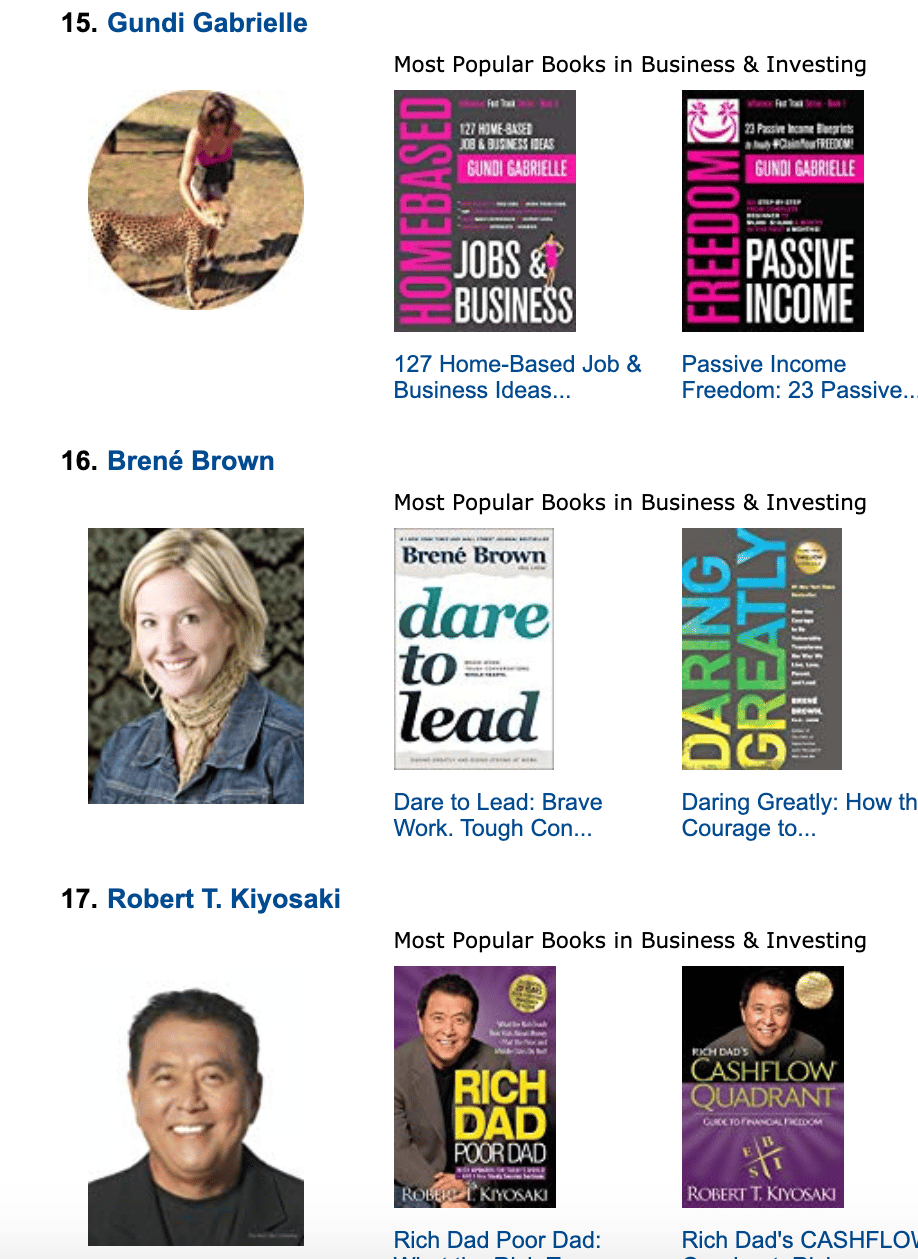
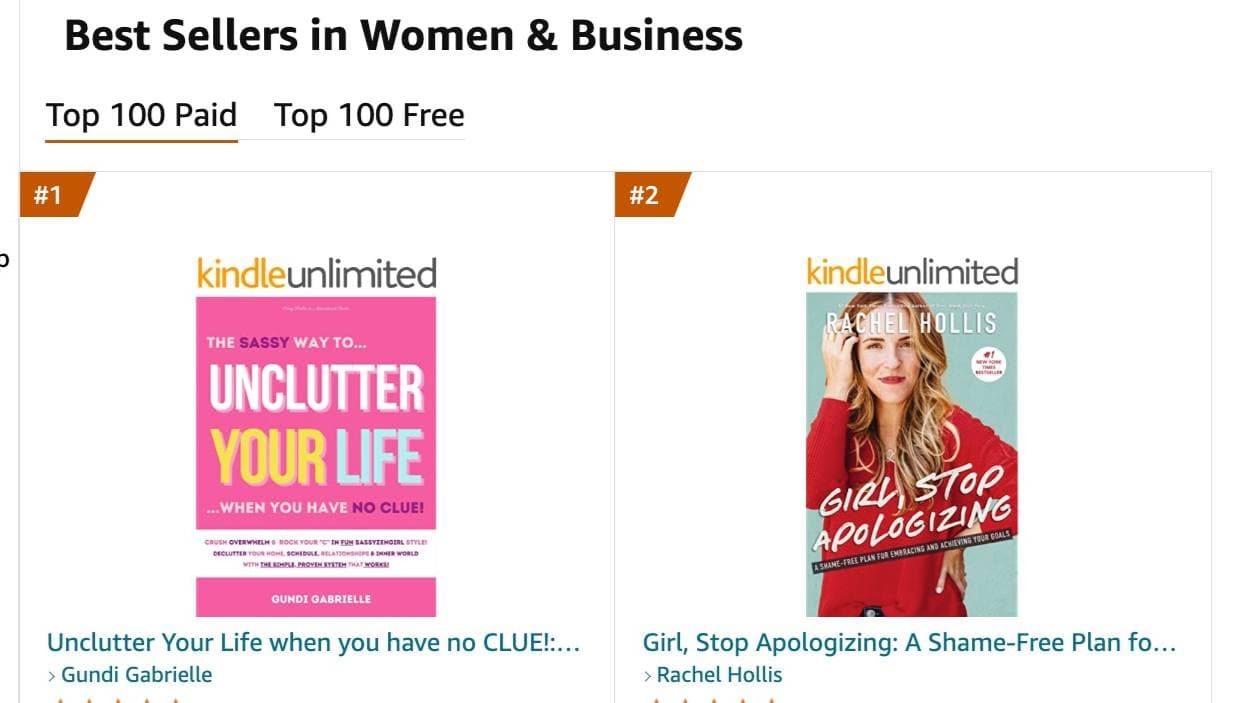
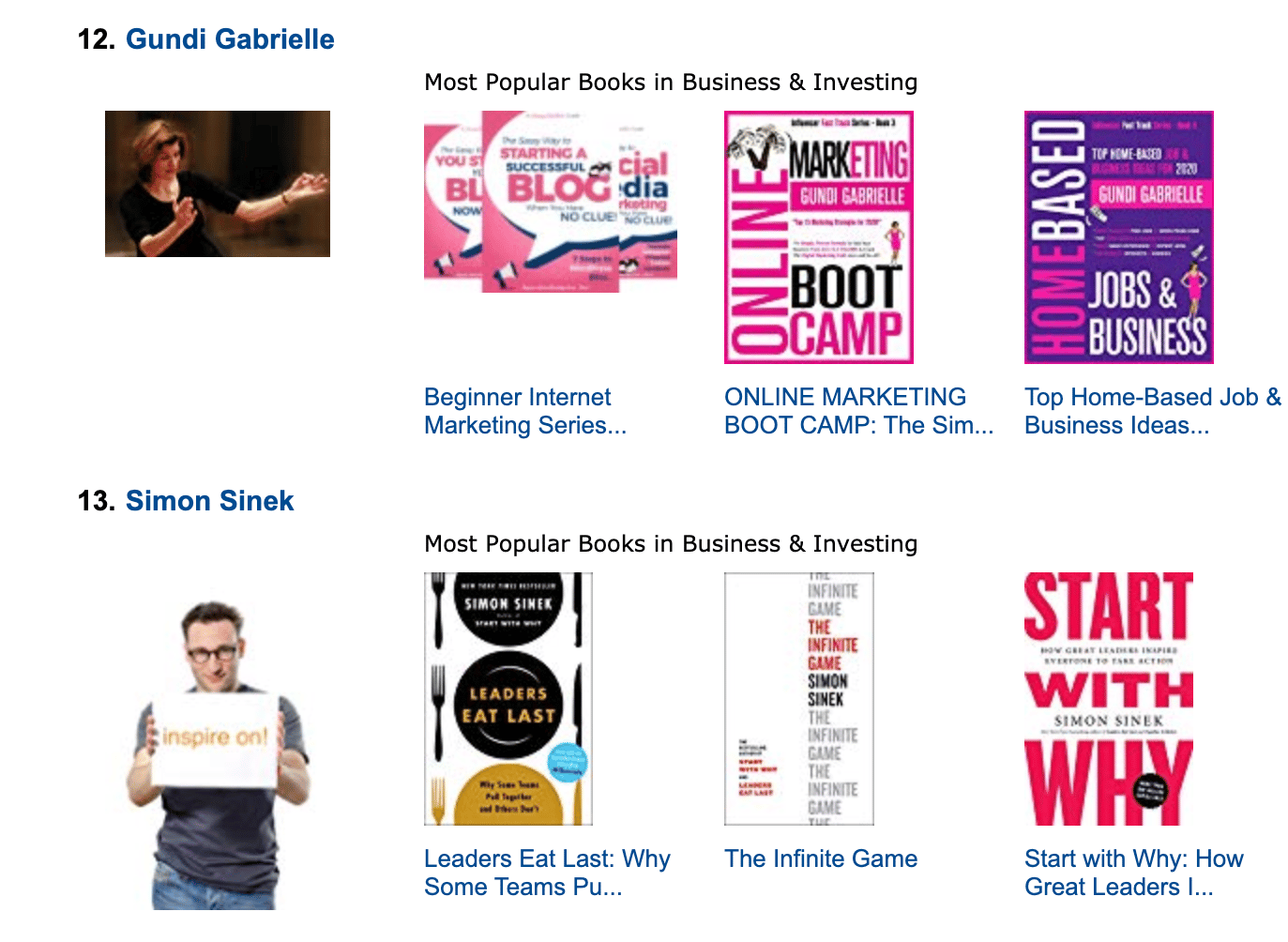
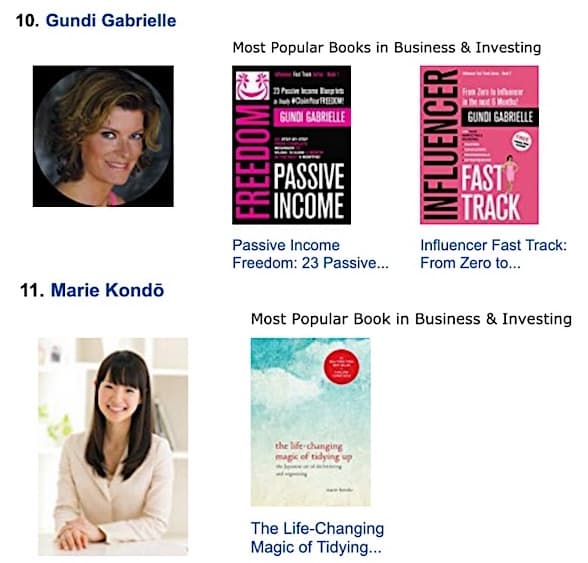
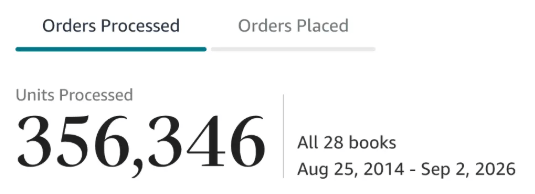
Along the way, I sold over 350,000 books, and was listed in Amazon's Top 100 Business Author Charts, ahead of authors like Simon Sinek, Brené Brown, Tim Ferriss, Robert Kiyosaki, or Brian Tracy.
No traditional publisher. No massive budget. Just understanding Amazon's algorithm and researching what readers actually want.
In my earlier years, I was a classical conductor & organist, touring the world, incl. Carnegie Hall & a performance for the Pope on St. Peter's Square.
These days, I love traveling as a Digital Nomad and orchestrating busy AI Agents 😎. Out of that came Golden Bestseller Empire — a complete AI-Powered Book Publishing Studio now helping authors around the world.
Can't wait to see you inside & help you publish your dream:
Featured In:
More from the Golden Bestseller Blog
Amazon KDP Publishing Guidelines
Start Publishing With KDP: What You Can Publish and Where
Official Amazon KDP Guidelines: what you can publish and how to start, in plain words. This is what KDP's own help page says, not a blog opinion.
Amazon KDP Publishing Guidelines
Self-Publish With KDP: The 3 Simple Steps
Official Amazon KDP Guidelines: the three steps to self-publish with KDP, in plain words. This is what KDP's own help page says, not a blog opinion.
Amazon KDP Publishing Guidelines
Règles relatives au contenu KDP : le guide simple et clair
Règles officielles d'Amazon KDP sur le contenu, expliquées simplement. C'est ce que dit la page d'aide de KDP, pas un avis de blog.
Want a faster way to plan and price your next book?
Golden Bestseller Empire's AI publishing tools help with exactly this kind of decision.