
Alexa for Shopping for Authors: What Changed and What to Do
Alexa for Shopping replaced Rufus on May 13, 2026. Here is how it works for books and exactly what to put in your listing so readers get pointed to you.
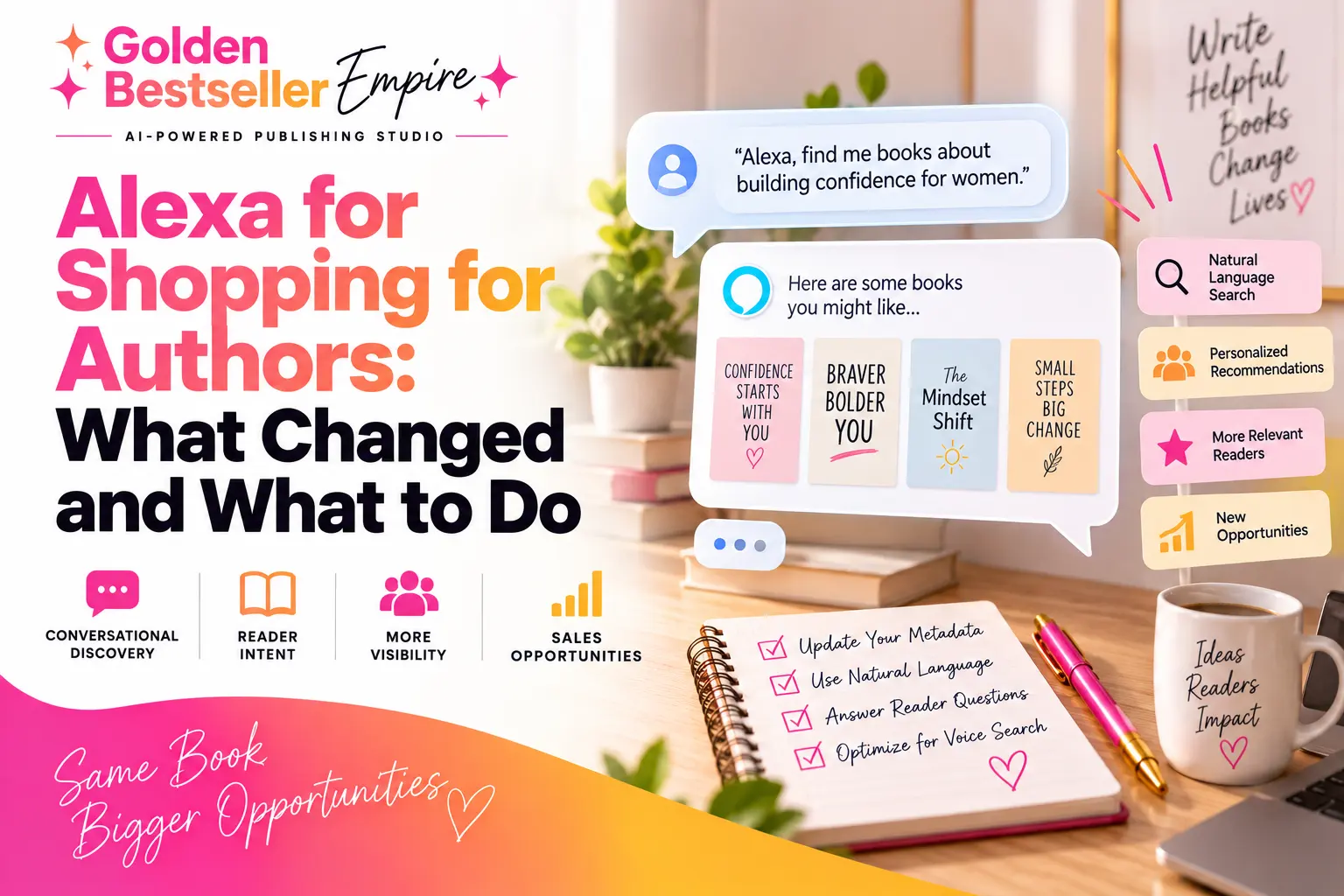
Launched
May 13, 2026, replacing Rufus
Where
Amazon app menu, separate from the search bar
What It Reads
Your listing, reviews, community Q&A and Look Inside
Your Move
Plain words about your reader's real day

By Gundi Gabrielle
13 min read
Alexa for Shopping changed how readers find books... and most authors haven't noticed yet :)
A reader can now ask Amazon, "What's a calm book I can read at night when I can't switch off?" and get an answer, instead of typing two words in the search bar. That's Alexa for Shopping. And it picks books based on what your listing and your reviews say.
Let's walk through it, step by step.
This is part of my Amazon KDP algorithm guide.
What is Alexa for Shopping, and what happened to Rufus?
Alexa for Shopping is Amazon's AI shopping assistant, and it's simply Rufus with a new name. Amazon's announcement says it plainly: "On May 13, 2026, Rufus was renamed Alexa for Shopping."
It lives in the Amazon Shopping app and on the website. Here's what a reader can do with it:
- Ask it questions
- Compare products side by side
- Check price history
- Let it remember what she likes
Amazon says more than 250 million customers used Rufus this year, and that people who use it while shopping are "over 60% more likely to make a purchase during that shopping trip."
That's a lot of buyers asking questions.
What carried over from Rufus?
- Product questions
- Review summaries
- Recommendations
So everything you learned about Rufus still works. Only the name changed.
👑 Readers are asking questions now. Golden Bestseller Empire helps you write a listing that answers them. → See how
Where do readers find Alexa for Shopping?
It sits in the Amazon app menu, behind the little cursive "A" icon, and not in the search bar.
That's a big deal, so let me say it again. The search bar is still the old keyword system. Alexa for Shopping is a separate chat. A reader opens it and just talks, or types, like they would with a friend.
It also works across devices. Ask on an Echo, "Find me a book about burnout," then open the Amazon app later and the conversation is still there. No need to explain it all again.
So you now have two doors into your book. The search bar and the chat. You want both open.
How is asking Alexa different from typing in the search bar?
When someone types in the search bar, Amazon matches their words. When someone asks Alexa, Amazon tries to understand what they actually want.
Say one reader types "stress relief book." Another one asks, "I'm a nurse, I'm exhausted when I get home, what can help me unwind?"
The second reader just told Amazon who she is (a nurse), when she needs it (after a shift), and what she wants (to unwind). Amazon's own page on its AI search says it "understands the intent behind a customer's search. It's not just about matching keywords anymore."
Here's the part that surprises people. The keyword system is still there. The main keywords in your title, subtitle and description do the heavy lifting, because that is how Amazon knows what your book is about and puts it in the pool of candidates. Then Alexa for Shopping adds its conversational layer on top and picks from that pool.
No clear main keywords, no entry. So don't throw them out.
👑 Write for the reader who asks. Golden Bestseller Empire turns her questions into your outline. → See the Book Planner
What does Alexa for Shopping read when it answers a question?
It reads four things:
- Your listing copy. Title, description, everything on your book page.
- Your customer reviews. What readers say about your book.
- The community questions and answers. What shoppers ask and what gets answered.
- Your Look Inside text. When a reader is on your book's page and asks Alexa a question, it reads the preview of your book too.
Amazon Science describes the same sources for Rufus: the assistant pulls from "shopper reviews, product listings, and community Q&A." Their post also says it was trained starting with "the entire Amazon catalogue, for starters." You can read it here: the technology behind Amazon's shopping assistant.
Notice what's on the list. Your words. Your readers' words. And the first pages of your book.
So the books that get picked are the ones that speak to the reader's exact daily situation, in plain human language. Not the ones with the cleverest title.
What can Alexa for Shopping do now?
It does a lot more than old Rufus did, and a few of these are good news for authors.
- Author alerts. Readers can set up scheduled actions, like a heads-up when an author they follow has a new release. Amazon even uses books as the example.
- Comparisons. It puts similar products side by side. Your book gets lined up next to the other ones.
- Price history. Amazon shows a 30 and 90 day price tracker.
- Memory. It remembers what a shopper likes, including her activity on Kindle and Audible.
- Buy for Me. It can buy things on a customer's behalf.
Which means a reader who loved your first book may get pointed to your second one. Sounds great, right?
Series matter more than ever. And your author page does, too.
Do keywords still matter now that Alexa is here?
Yes. Your title, subtitle and description are your entry ticket, and the right words in them are not optional.
Here's how I think about it. There are three systems working together:
- The keyword system (called A9). It reads your title, subtitle and description first. If you're not indexed for the right words, you're invisible to everything else.
- COSMO. It figures out what a shopper means. More on that in a second.
- Alexa for Shopping. The chat layer that reads your listing and reviews and answers buyers.
The ranking itself, who shows up first in the search bar, still comes from sales speed, how many visitors buy, and how relevant you are. Alexa doesn't replace that.
Another thing people get wrong: more keywords in the title is not better. Aim for one or two clear things a real person understands. A stuffed title makes readers scroll right past it.
What about the seven backend keyword boxes in KDP? They are a smaller, supporting help. Fill them with up to seven phrases of two or three words that a reader would really type. But your title, subtitle and description matter far more, so start there.
👑 Keywords get you in the door. Golden Bestseller Empire builds your title, subtitle and description from your book plan. → See the tools
Does Alexa for Shopping use COSMO?
Yes. COSMO feeds Alexa's recommendations, and it's the reason a plain-language listing works so well.
COSMO is Amazon's own research system (it stands for common sense knowledge) that learns why people buy things. It links a product to ideas like who it's for, what it helps with and when you'd use it. Amazon's research paper describes 15 of these links. For books, I add three more: Author, Series and Format. That's the 18 I teach.
COSMO is not the ranking formula. Think of it as the translator. It takes "I can't switch off at night" and connects it to the right ideas, then hands the right books to the ranking system.
I explain this in more detail in how COSMO and Alexa for Shopping work together and in my COSMO guide for authors.
One more thing, and it's my favorite. In Amazon's research, 35% of search-to-purchase links were "typical," meaning the most common reason people buy in that niche. Only 9% of the co-purchase links were typical. So one clear, typical idea beats five vague ones. Pick what most of your buyers actually want and say it clearly.
Does Amazon read the words inside my book?
Yes. Amazon has confirmed it: your manuscript is read, and it matters for where your book shows up. It says so itself on the Read Sample help page: "we use the actual words that match inside the book to return the best possible selection of books."
Every word readers can preview is searchable.
Readers see about the first 10% of your book. That includes:
- Your table of contents
- Your introduction
- The start of chapter 1
Alexa for Shopping uses the introduction as its main source when it answers a buyer's questions.
So your introduction does more work than all your other chapters put together.
Put in it:
- What the book is, and what it's not
- Who it's for, in the reader's own words ("If you've ever thought...")
- The exact daily moments it helps with (the 5pm chaos, the school drop-off, the Tuesday 3pm crash)
- What it promises at the end
Short, warm and specific. Write it like you walked into the room and already knew what she was carrying.
What should my book description say so Alexa can answer questions?
Say every important thing in one plain sentence each, because Alexa can only answer what your listing says.
KDP's metadata guidelines put it nicely: "Think of your book description as a 30-second elevator pitch to persuade a casual browser to buy your book."
Amazon also shows suggested question bubbles on product pages, and they're written by AI from your listing copy. The rule is that every question must be answerable from the listing. So write "This book includes 10 exercises per chapter" and the bubble "Does it include exercises?" can show up. Leave it out and it can't.
Quick test: write down the questions a buyer would ask:
- Who is it for?
- What will I be able to do?
- Does it have exercises?
- When would I use it?
Can you answer each in one sentence from your description? If yes, you're done.
Two KDP rules to keep:
- No reviews, quotes or testimonials in the description
- Your title, subtitle and author name on the cover should match your metadata
👑 One sentence per answer. Golden Bestseller Empire writes your description from your book plan. → Try the Book Planner
How do reviews affect what Alexa says about my book?
Reviews are one of Alexa's main sources, so what readers write becomes part of how your book gets described.
Amazon's review highlights are, in their words, "based solely on the content from customer reviews, automatically updating as new feedback comes in." You can see it on Amazon's shopping AI page.
Here's the sweet spot. If early readers use the same language as your listing, the signal gets stronger. That's why I have my students end each chapter with one quotable sentence. Readers pick it up and put it in their reviews :)
Stay on the right side of the rules, though. KDP says you may give free or discounted copies "as long as you do not require a review in exchange," and offering anything else, "including gift cards, will invalidate a review." Also, only verified purchase reviews count toward your rank, so send early copies through Amazon.
How can you test what Alexa says about your book?
Open the Amazon app, tap the menu, and ask Alexa for Shopping the question your reader would ask.
Try three or four. Then check:
- Does your book show up?
- What does it say about it?
- Is anything wrong?
Don't panic if it's not there yet. Each shopper's answers are a little different, because Alexa remembers what they like. Treat it as feedback, not a score.
What should authors do this week to get ready for Alexa for Shopping?
Start with your listing, because that is the part you can fix in an afternoon. Here's the short list I give my students:
- Read your description out loud. If it sounds like an ad, rewrite it like you're talking to one reader.
- Name your reader. Write who the book is for in the first two lines, in her words.
- Add the daily moment. "After a long shift." "When the kids are finally asleep." Alexa for Shopping loves a real situation.
- Check your title and subtitle. One or two clear ideas. No stuffing.
- Reread your introduction. It is the first thing readers see in the preview.
- Fill the seven backend keyword boxes. Short phrases a reader would type. Quick job, small help.
Do these six things and your book is ahead of most of the ones Alexa for Shopping looks at.
What mistakes do authors make with Alexa for Shopping?
The biggest mistake is writing the listing for Amazon instead of for the reader. I see the same ones again and again:
- Stuffing words. A title packed with keywords reads badly to a person and to an AI chat.
- Being vague. "A book to help you feel better" answers nothing. "A 10 minute evening routine for exhausted nurses" does.
- Skipping the introduction. It's the part of your book Amazon reads first.
- Ignoring reviews. Readers' own words shape what the assistant says about you.
- Waiting. The authors who fix their pages now will be the ones the chat points to first.
It's the same reader-first thinking behind everything in my Amazon KDP algorithm guide. Simple, clear and specific wins.
How does Golden Bestseller Empire get your book ready for this?
It turns your plan into an algorithm-ready outline and a knowledge graph, which is a map of all the ideas around your book, and then builds your whole listing from that map.
In the Book Planner you answer guided questions about your reader, her problem and the result she wants. The app turns that into your outline and your knowledge graph. From the same map you get your book description, A+ content, backend keywords, translations and Amazon ads keywords. All of it says the same thing.
I don't know of another app that does this.
And you stay the author. You write or dictate the book, and the app handles the planning and the listing. I used it to write and publish AI for Beginners. It was faster and easier, and it hit #1 within 3 days.
Want the full checklist for your page? It is in the related reading below.
Related reading
- How COSMO and Alexa for Shopping work together
- How to get your book page ready for AI shopping
- What is a knowledge graph?
- Create A+ Content on KDP
- KDP A+ Content Guidelines
What's the one thing to remember about Alexa for Shopping?
Write for a real reader, in her words, about her actual day.
Alexa for Shopping reads your listing, your reviews and your first pages. The books it cites are the ones that sound like the person asking. Get your main keywords right so you're in the pool, then be clear and specific so you get picked.
Ready to get your book found by Alexa for Shopping? Let's rock it!
Frequently Asked Questions
What is Alexa for Shopping?
It is Amazon's AI shopping assistant. Readers open it from the Amazon app menu and ask questions like "What's a calm book for bedtime?" and it answers using listings, reviews and community questions.
When did Alexa for Shopping replace Rufus?
On May 13, 2026, Amazon renamed Rufus to Alexa for Shopping. Product questions, review summaries and recommendations carried over, so the same optimization steps still work.
What does Alexa for Shopping read about my book?
It reads your listing copy, your customer reviews and the community Q&A. Your introduction in the Look Inside preview is a main source too.
Do I need special keywords for Alexa for Shopping?
No. Your title, subtitle and description do the heavy lifting, written in plain language that answers real questions. The seven backend keyword boxes in KDP are a smaller help, so add up to seven phrases of two or three words a reader would really type.
Does Alexa for Shopping use COSMO?
Yes. COSMO is Amazon's system that maps what a shopper means to the right ideas, and it feeds the conversational recommendations. It is not the ranking formula, though. Ranking still comes from sales, conversion and relevance.
How do I test what Alexa says about my book?
Open the Amazon app menu, tap Alexa for Shopping and ask the question your reader would ask. Try three or four, and treat what you see as feedback, not a score.
Sources & Citations
- Amazon: Rufus is now Alexa for Shopping (announcement)
- Amazon: How Amazon is using generative and agentic AI to transform shopping
- Amazon Science: The technology behind Amazon's GenAI-powered shopping assistant, Rufus (Oct 2024)
- KDP Help: Read Sample (Look Inside the Book)
- KDP Help: Metadata Guidelines for Books
- KDP Help: Customer Reviews
This page is maintained independently and is not affiliated with Amazon. Always double-check the latest numbers inside your own KDP account before making pricing decisions.
Found this useful? Get more of this site in your Google.
One tap adds us as a preferred source — Google then shows you our posts more often in Search, Top Stories, and AI Overviews.
Created By

Top 100 Business Author · Carnegie Hall Conductor · Founder of Golden Bestseller Empire
Hey, I'm Gundi, and for over a decade, I've helped thousands of everyday people turn what they know into a bestselling book.
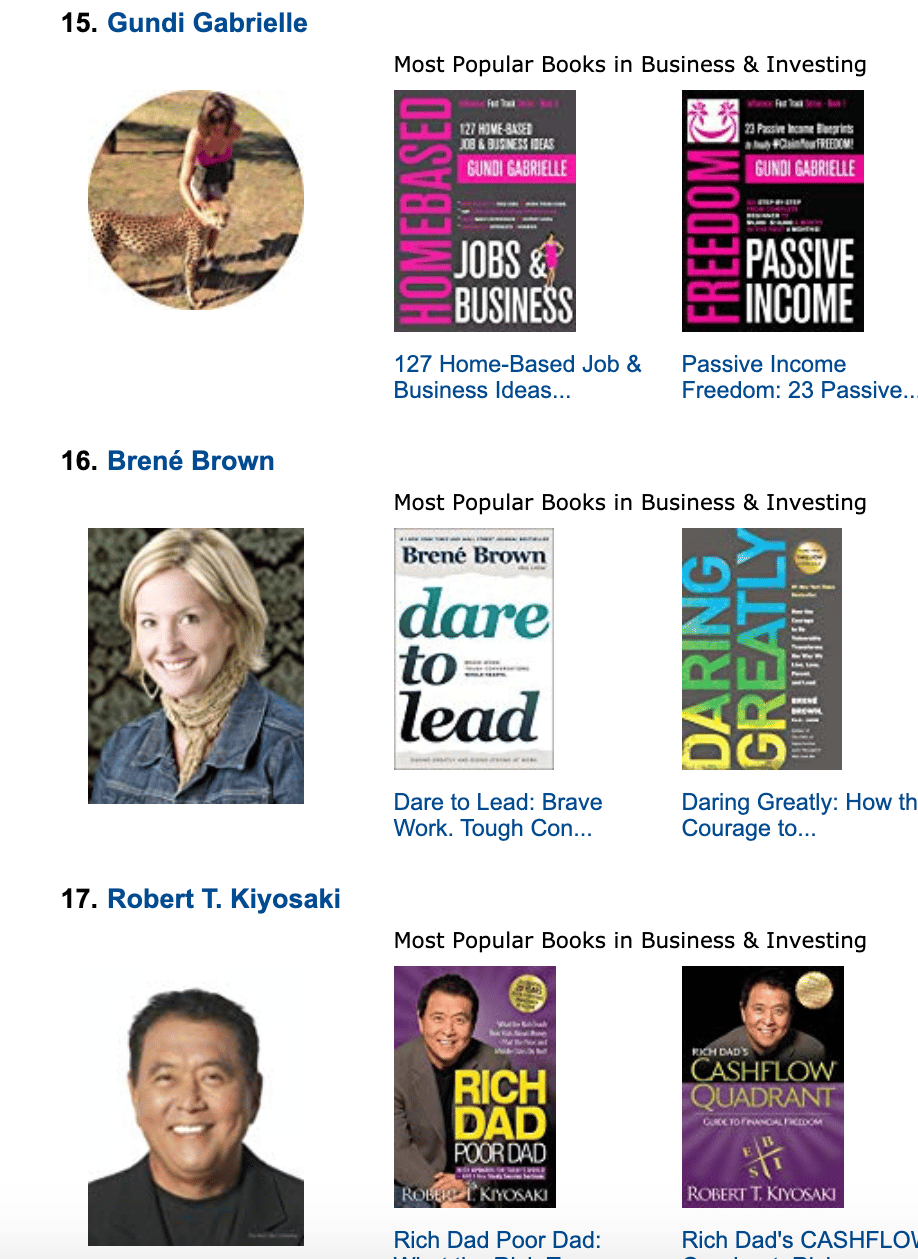
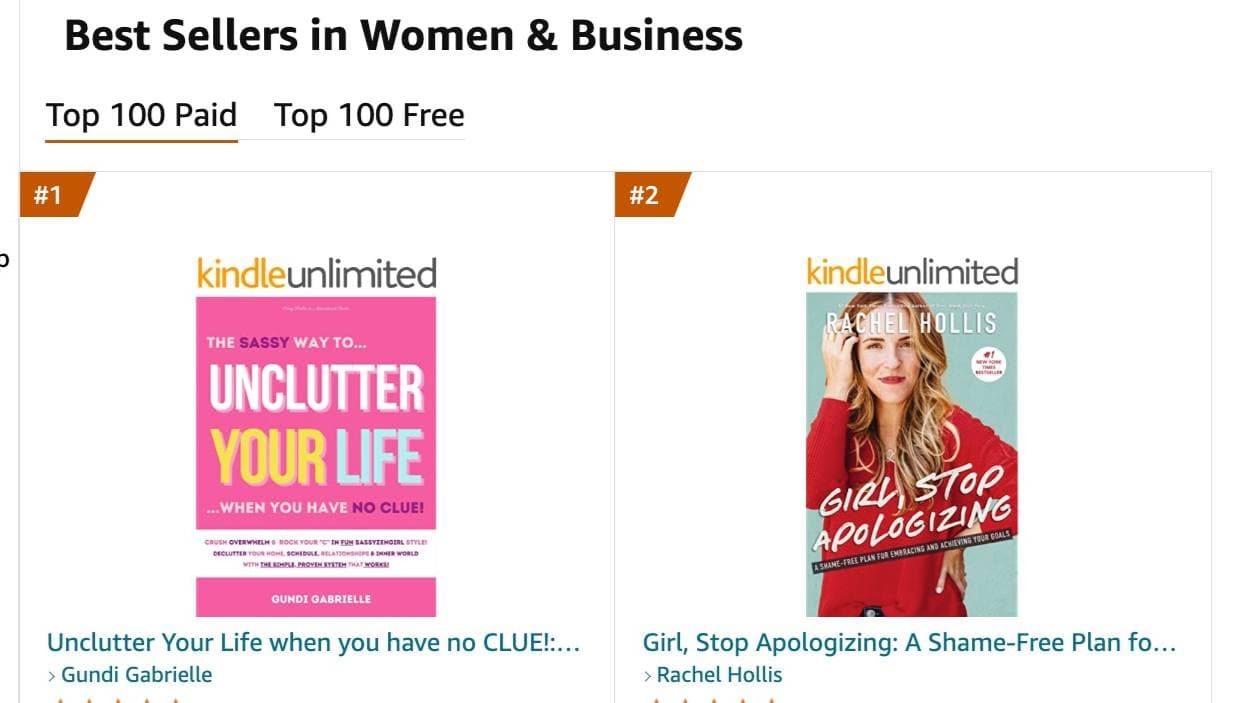
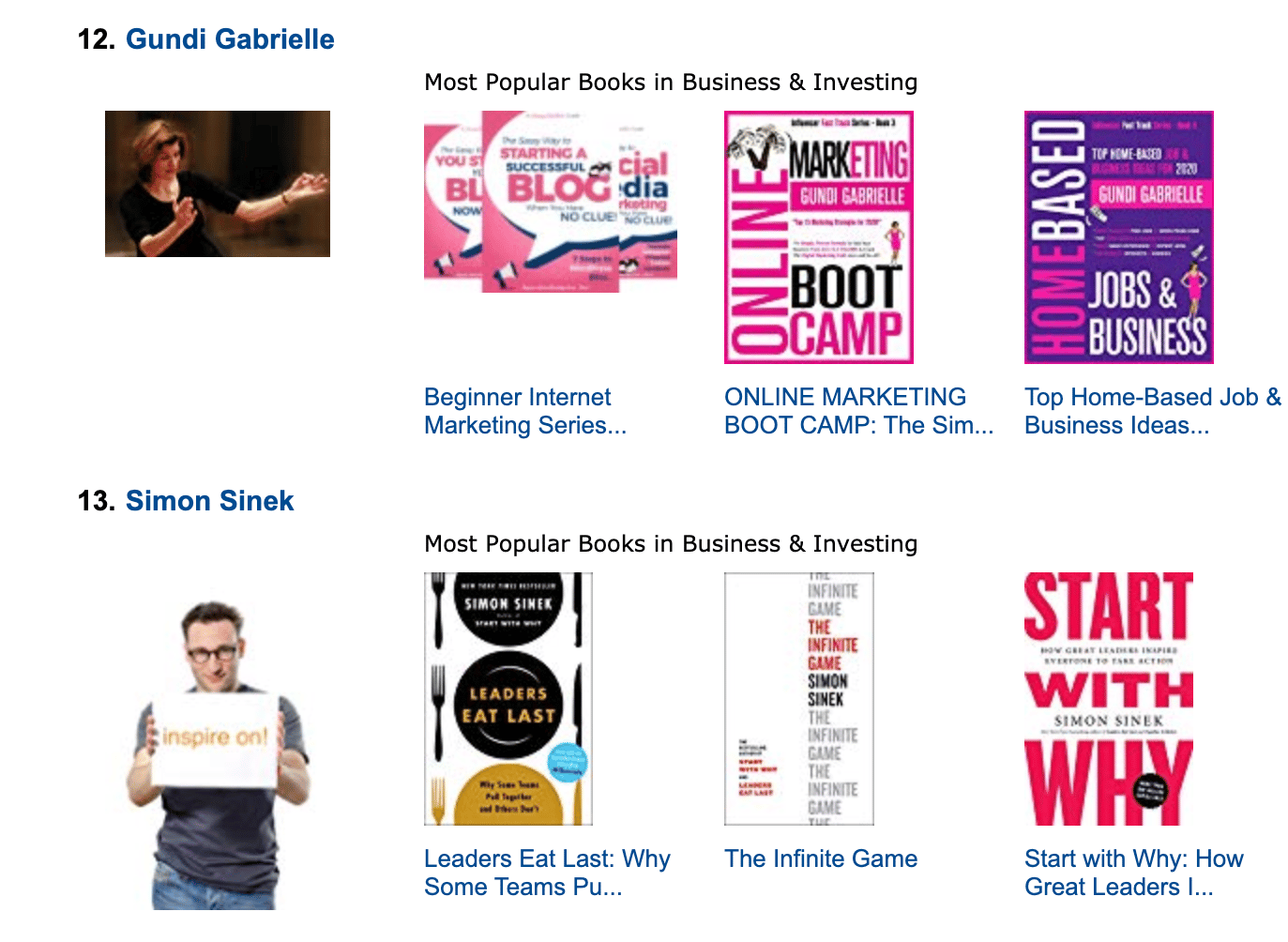
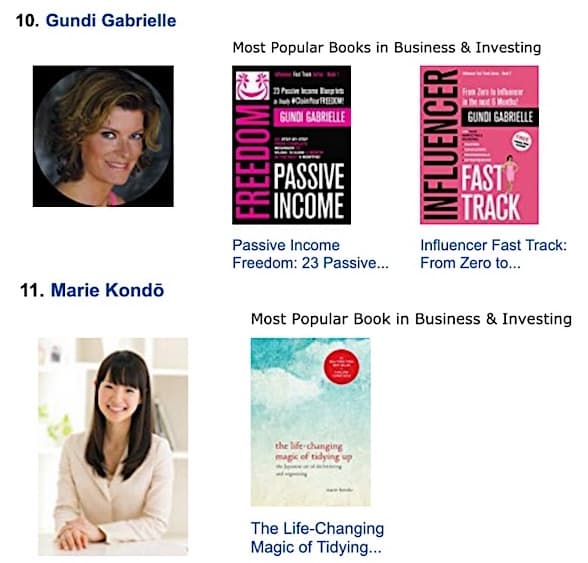
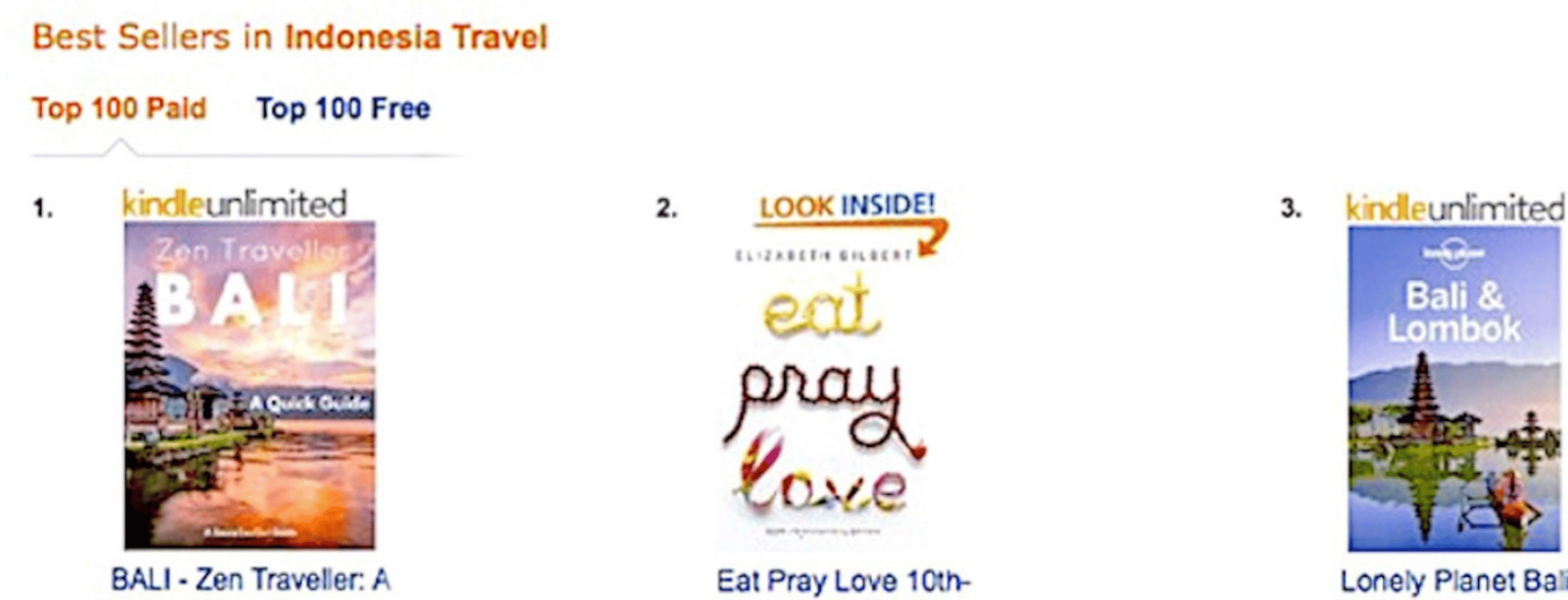
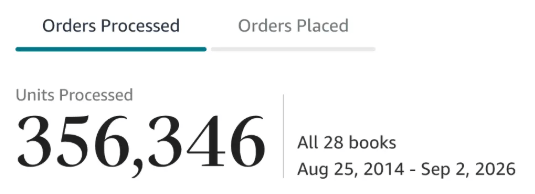
Along the way, I sold over 350,000 books, and was listed in Amazon's Top 100 Business Author Charts, ahead of authors like Simon Sinek, Brené Brown, Tim Ferriss, Robert Kiyosaki, or Brian Tracy.
No traditional publisher. No massive budget. Just understanding Amazon's algorithm and researching what readers actually want.
In my earlier years, I was a classical conductor & organist, touring the world, incl. Carnegie Hall & a performance for the Pope on St. Peter's Square.
These days, I love traveling as a Digital Nomad and orchestrating busy AI Agents 😎. Out of that came Golden Bestseller Empire — a complete AI-Powered Book Publishing Studio now helping authors around the world.
Can't wait to see you inside & help you publish your dream:
Featured In:
More on the Amazon Book Algorithm
Amazon Algorithm
Amazon KDP Algorithm: How It Works in 2027 (Amazon's New AI Algorithm Explained)
How the Amazon KDP algorithm works in 2027: keywords and sales, COSMO, Alexa for Shopping, and how a knowledge graph gets your book found.
Amazon Algorithm
Amazon COSMO Algorithm: What It Is and How Authors Can Use It
The Amazon COSMO algorithm maps why people buy. Here is what it is, what Amazon's own paper shows, and how to use it for your book, in plain English.
Amazon Algorithm
Amazon A10 Algorithm for Authors: How It Ranks Your Book
The Amazon A10 algorithm decides which book shows up first. Here is how it works, where COSMO fits in, and what to do about it.
Amazon Algorithm
Amazon Book Ranking Algorithm: What Really Moves Your Book Up
The Amazon book ranking algorithm in plain English: what KDP says counts, what Best Sellers Rank really measures, and what you can do about it.
Amazon Algorithm
Knowledge Graph vs Keywords: Why Keywords Alone Aren't Enough on Amazon Anymore
Knowledge graph vs keywords on Amazon, in plain English: what each one does, why Amazon says search is not just matching keywords anymore, and how to use both. The seven backend keywords are only a small help.
Amazon Algorithm
What Is a Knowledge Graph for a Book? A Plain-English Guide for Authors
A knowledge graph for a book is a simple map of who it's for, what it does and when it's used. Here's what it is, why Amazon cares, and how to build yours.
Amazon Algorithm
COSMO and Alexa for Shopping: How They Work Together
COSMO figures out what a shopper means. Alexa for Shopping talks to them about it. Here is how COSMO and Alexa for Shopping fit together, in plain English, and what to do as an author.
Amazon Algorithm
COSMO Relations for Books: All 15 Explained (Plus the 3 Extra Ones for Authors)
The 15 COSMO relations from Amazon's paper explain why people buy. Here is each one in plain words, with the paper's example and what it looks like for a book.
Amazon Book Pages
Is Your Amazon Book Page Ready for AI Shopping?
Amazon's shopping assistant now answers questions and compares products in the search bar. Here's what that means for your Amazon book page, and what to check.
Amazon Algorithm
AI-Generated Books and the Amazon Algorithm: Why Specific Beats Generic
AI-generated books can rank on Amazon but rarely sell. Here is what KDP makes you disclose, why generic books lose, and the AI-assisted way to publish.
Want a faster way to plan and price your next book?
Golden Bestseller Empire's AI publishing tools help with exactly this kind of decision.