
KDP Low-Content Books: Rules, ISBN and Setup Guide
Official Amazon KDP Guidelines: low-content books, ISBNs and barcodes on KDP, in plain words. This is what KDP's own help page says, not a blog opinion.
ISBN
Not required; no free KDP ISBN
Setup
Check the Low-content box in Categories
Not Supported
Expanded Distribution and series

By Gundi Gabrielle
5 min read
A KDP low-content book is a book with minimal or no content on the interior pages, generally repetitive and designed to be filled in by the user. You don't need an ISBN to publish one.
KDP says low-content books are generally repetitive. This does not typically include activity books, such as puzzle books or coloring books, which generally don't feature repetitive content on each page. KDP's table of common examples is below, but there can be exceptions.
Do I need an ISBN for a low-content book?
No. Low-content books don't require an ISBN. If you want one, you can use your own ISBN, or you can publish without one. Low-content books aren't eligible for the free KDP ISBN. Note: KDP doesn't currently offer Release Date for low-content books.
What are examples of low-content books?
| Low-content | Not generally low-content |
|---|---|
| --- | --- |
| Notebooks | Novels |
| Planners | Nonfiction |
| Diaries and journals | Puzzle books |
| Prompt journals | Coloring books |
| Log books (for example, tracking habits, activity, thankfulness) | Photography |
| Coupon books | Sheet music |
| Score card templates | Manuals |
| Crafting templates (for example, scrapbook paper, ephemera books) | Textbooks |
| Blank sheet music (also called manuscript or staff paper) | Children's books |
Note: there can be exceptions to these examples.
How do I create a low-content book?
Creating one is similar to creating other print books, but your ISBN options are different.
- Go to your Bookshelf.
- Click + Create new title or series, then select Create paperback or Create hardcover.
- Enter your information for each section:
- Paperback or Hardcover details: enter your title, description, keywords, and so on. Under Categories you need to check the Low-content box. KDP warns: if you don't select this box, or select a different box, your book will be rejected.
- Paperback or Hardcover content: under Print ISBN, choose Publish without an ISBN or Use my own ISBN. Upload your manuscript and cover files, preview your book, and order a proof.
- Paperback or Hardcover rights and pricing: choose the territories where you hold distribution rights and set your list price.
- After you enter your information, click Publish Your Paperback Book or Publish Your Hardcover Book.
KDP has more detailed instructions on creating a book. Hardcover publishing isn't supported on kdp.amazon.co.jp.
What barcode goes on a low-content book?
- If you use your own ISBN, you can upload a cover with or without a barcode.
- If you choose Publish without an ISBN, or decide not to provide your own barcode, KDP automatically puts one on your back cover.
- KDP puts the barcode in a 2" (50.8 mm) by 1.2" (30.5 mm) white box in the lower right corner of the back cover. If you leave images or text in that area, the barcode covers them during printing, which could get your file rejected. Don't put any text or objects there.
- Low-content books published without an ISBN aren't eligible for Transparency codes. Note: Transparency codes are being retired from KDP print barcodes and aren't available for books created after November 2025.
KDP has a page with more on barcodes.
👑 Writing a real book, not a blank one? Golden Bestseller Empire is AI-assisted. You write it. → See how
What can I update after publishing a low-content book?
After you publish, certain features are locked. KDP has a page about the changes you can make after publishing.
Can I change my ISBN option?
No, not after you've published. If you need to change your ISBN selection, you have to unpublish your book from your KDP Bookshelf and then republish it. KDP has more on unpublishing a book.
What's different between using my own ISBN and publishing without one?
| Feature | What KDP says |
|---|---|
| --- | --- |
| Expanded Distribution | Not supported for low-content books, whichever ISBN option you choose. |
| Read Sample (Look Inside the Book) | The sample and the back cover thumbnail aren't currently supported for low-content books published without an ISBN. To turn on this feature, KDP recommends buying your own ISBN from Bowker or through your local ISBN agency. Alternatively, use A+ Content to add images of your book's interior so buyers can see what it looks like. These images appear on your book detail page. |
| Series | Low-content books aren't eligible for creating a series, whichever ISBN option you choose. |
| Transparency codes | Not available to low-content books published without an ISBN. Transparency codes are being retired from KDP print barcodes and aren't available for books created after November 2025. |
What this means for you
- Check the Low-content box when you set up the book in KDP, or it will be rejected.
- Choose your ISBN option before you publish, because you can't change it later.
- Keep the lower right corner of the back cover (2" by 1.2") free for the barcode.
- Without an ISBN, you can't use Look Inside, Expanded Distribution, or a series.
Related reading
- KDP Metadata Guidelines
- KDP Book Titles and Editions
- What Is Amazon KDP?
- Amazon KDP Publishing Guidelines: Every Rule in One Place
Know the KDP low-content book rules before you publish, because the ISBN choice can't be changed afterwards.
Ready to publish? Sign up for KDP and start for free.
Source: KDP Help: Low-Content Books — checked October 13, 2026.
Frequently Asked Questions
What is a low-content book on KDP?
A low-content book has minimal or no content on the interior pages. It is generally repetitive and designed to be filled in by the user, like notebooks, planners, and journals.
Do low-content books need an ISBN on KDP?
No. You can use your own ISBN or publish without one. Low-content books are not eligible for the free KDP ISBN.
Is a coloring book or puzzle book low-content on KDP?
KDP's table lists puzzle books and coloring books as not generally low-content, though it notes there can be exceptions.
Can I change my ISBN option after publishing a low-content book?
No. To change it you must unpublish the book from your KDP Bookshelf and republish it.
Sources & Citations
This page is maintained independently and is not affiliated with Amazon. Always double-check the latest numbers inside your own KDP account before making pricing decisions.
Found this useful? Get more of this site in your Google.
One tap adds us as a preferred source — Google then shows you our posts more often in Search, Top Stories, and AI Overviews.
Created By

Top 100 Business Author · Carnegie Hall Conductor · Founder of Golden Bestseller Empire
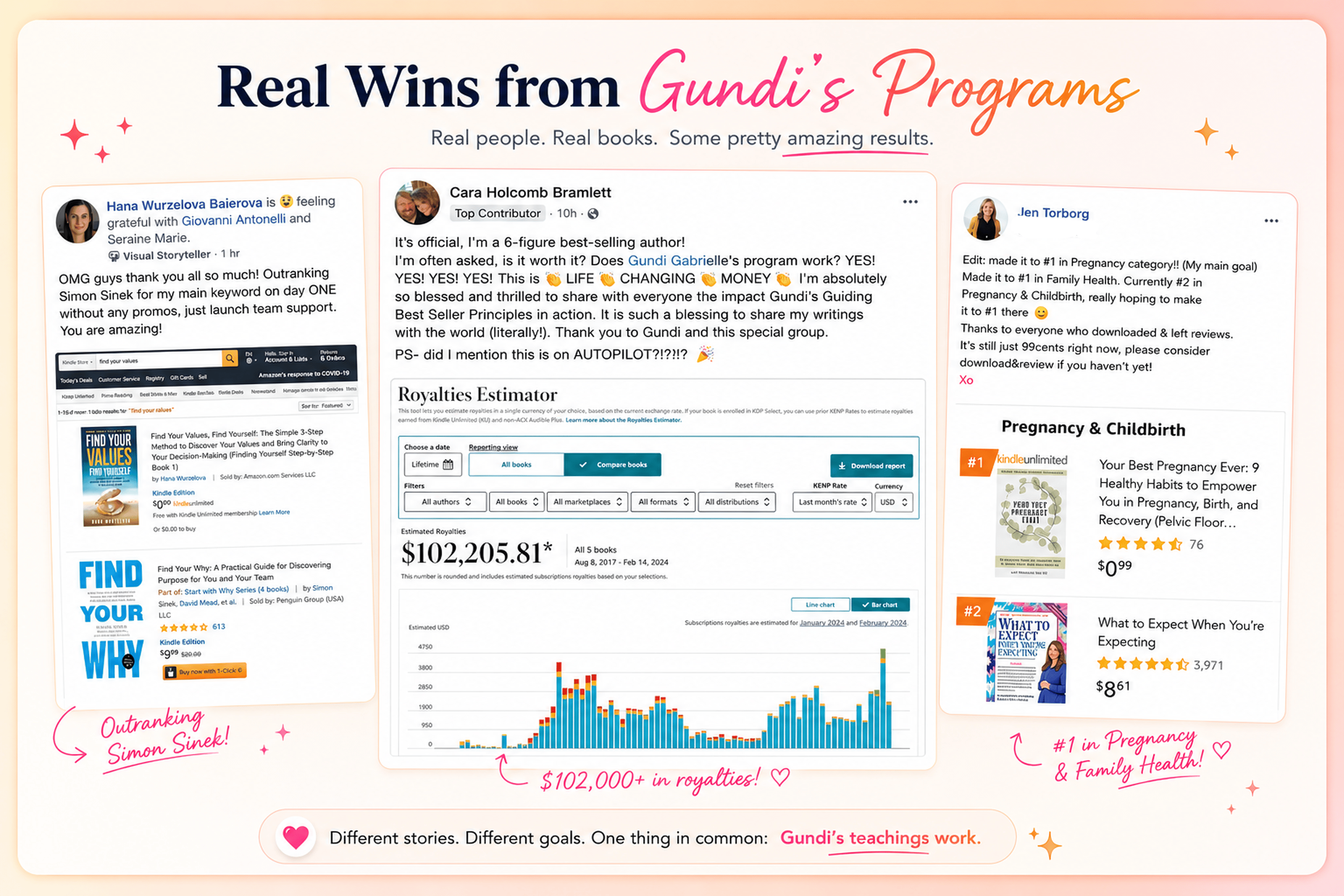
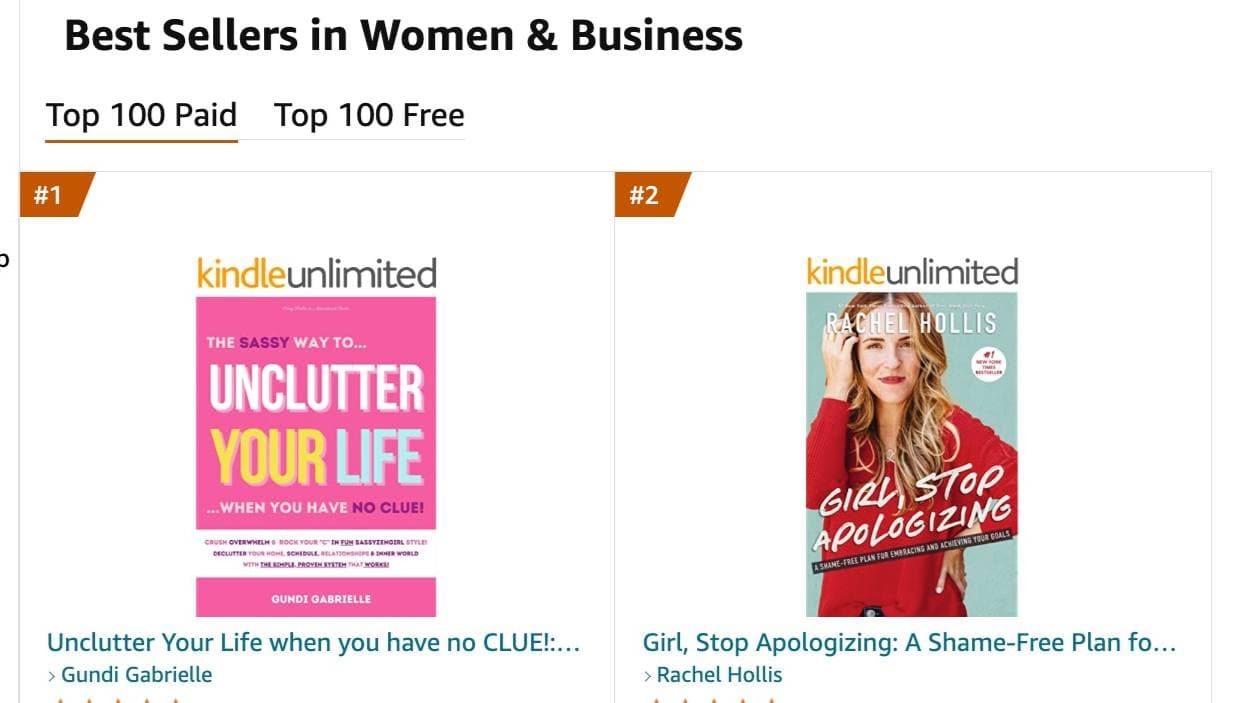
Hey, I'm Gundi, and for over a decade, I've helped thousands of everyday people turn what they know into a bestselling book.
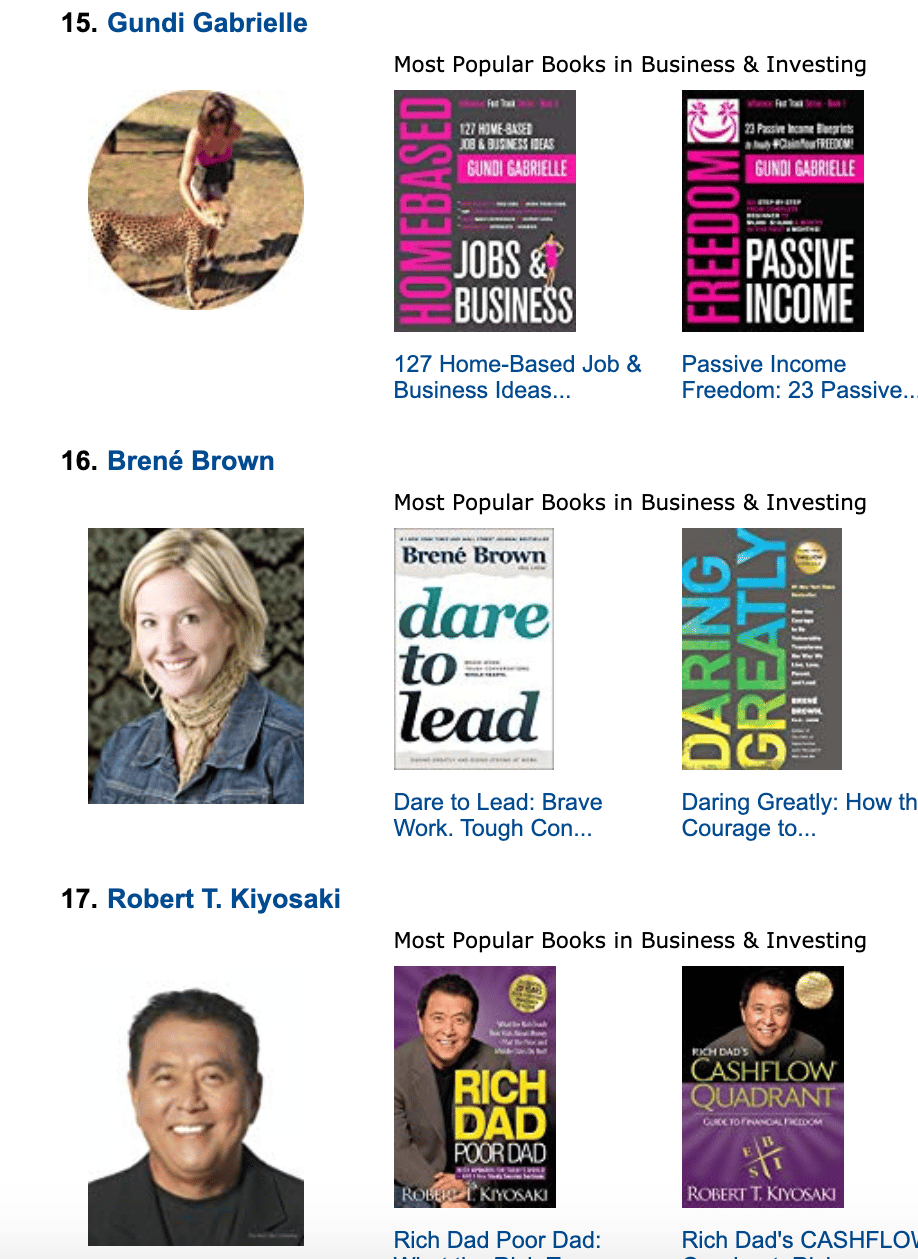
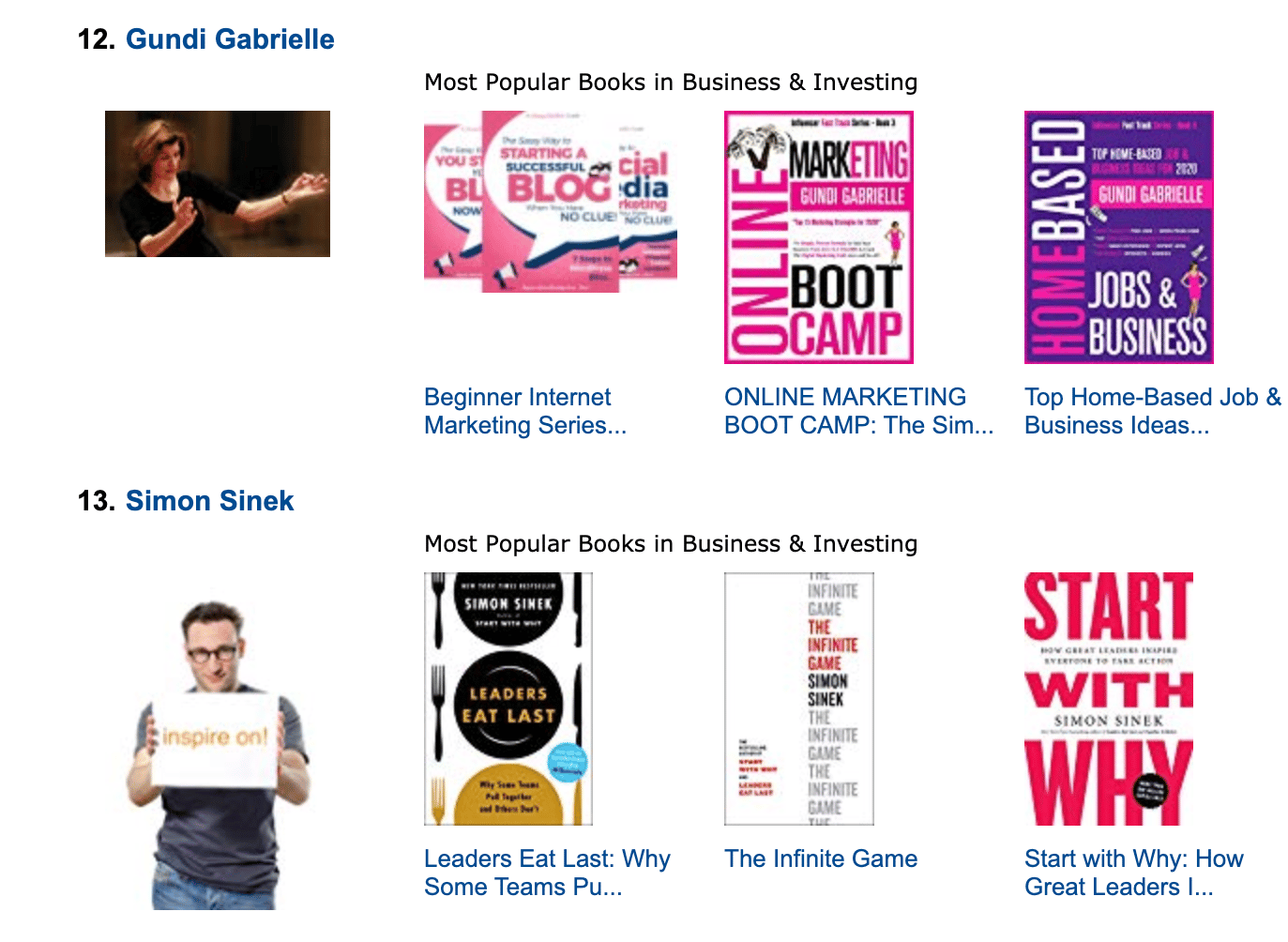
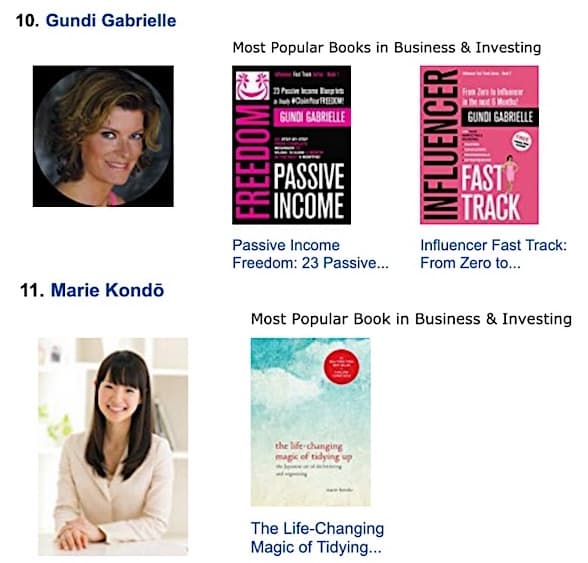
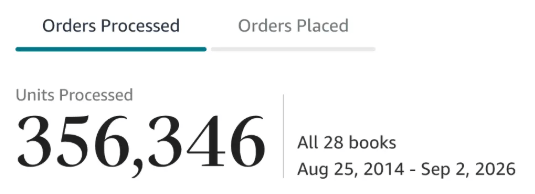
Along the way, I sold over 350,000 books, and was listed in Amazon's Top 100 Business Author Charts, ahead of authors like Simon Sinek, Brené Brown, Tim Ferriss, Robert Kiyosaki, or Brian Tracy.
No traditional publisher. No massive budget. Just understanding Amazon's algorithm and researching what readers actually want.
In my earlier years, I was a classical conductor & organist, touring the world, incl. Carnegie Hall & a performance for the Pope on St. Peter's Square.
These days, I love traveling as a Digital Nomad and orchestrating busy AI Agents 😎. Out of that came Golden Bestseller Empire — a complete AI-Powered Book Publishing Studio now helping authors around the world.
Can't wait to see you inside & help you publish your dream:
Featured In:
More from the Golden Bestseller Blog
Amazon KDP Publishing Guidelines
Start Publishing With KDP: What You Can Publish and Where
Official Amazon KDP Guidelines: what you can publish and how to start, in plain words. This is what KDP's own help page says, not a blog opinion.
Amazon KDP Publishing Guidelines
Self-Publish With KDP: The 3 Simple Steps
Official Amazon KDP Guidelines: the three steps to self-publish with KDP, in plain words. This is what KDP's own help page says, not a blog opinion.
Amazon KDP Publishing Guidelines
Règles relatives au contenu KDP : le guide simple et clair
Règles officielles d'Amazon KDP sur le contenu, expliquées simplement. C'est ce que dit la page d'aide de KDP, pas un avis de blog.
Want a faster way to plan and price your next book?
Golden Bestseller Empire's AI publishing tools help with exactly this kind of decision.