
What the Section Editor Is and How to Use It
The Section Editor is an AI editing conversation focused on the section you are in. It reviews structure, flow, clarity and voice.
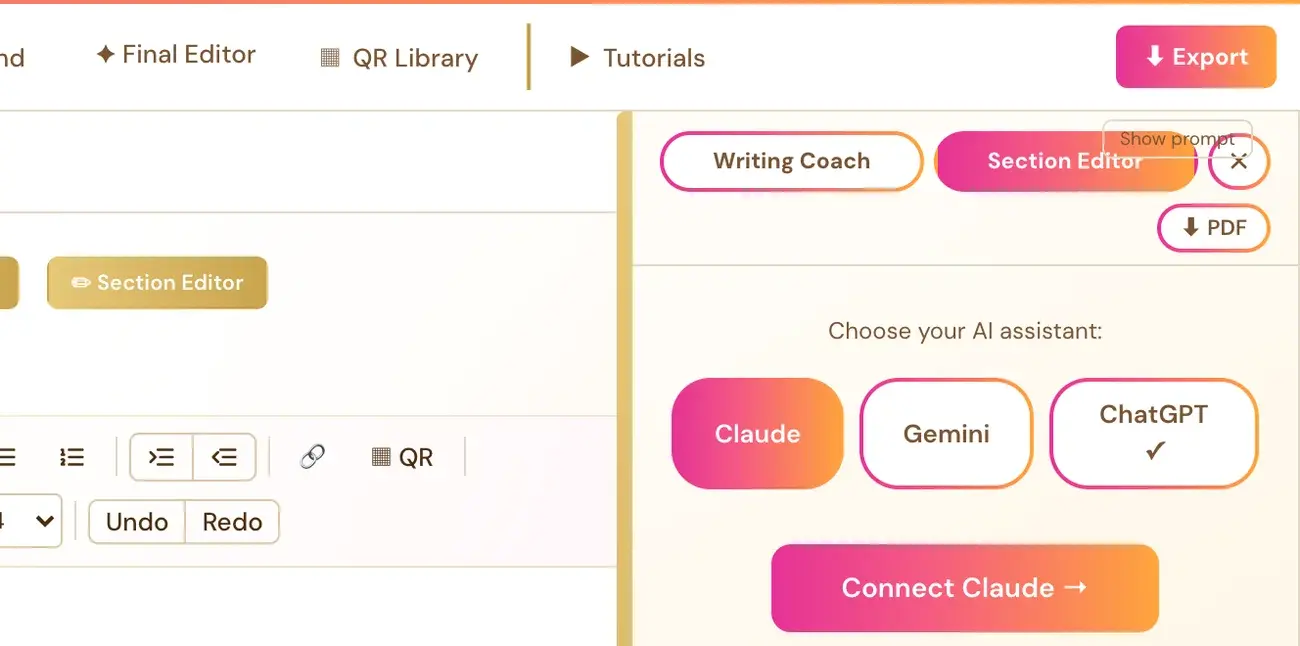
The Section Editor opens an AI editing conversation focused on the section you are in. It reviews structure, flow, clarity and voice. Click Section Editor next to the Visual Editor and Page Preview tabs to open it.
What does the Section Editor review?
It reviews the current section's:
- Structure.
- Flow.
- Clarity.
- Voice.
On the Step 4 · WRITE roadmap page, this is part of "Coach, edit & polish as you go."
Where is it?
The Section Editor is one of the four action buttons shown right next to the Visual Editor and Page Preview tabs, with Proofread, Writing Coach and Authority Audit. It works in the Visual Editor only, not in Page Preview.
How do I run it?
- Open the section you want reviewed.
- Click Section Editor.
- Read the notes and talk it through in the conversation.
The Section Editor always follows whichever section is currently active. There is no separate section picker.
Do I need an AI key?
Yes. The Section Editor requires a personal API key, from Claude, Gemini or ChatGPT. Connecting one is super easy. It takes only a few seconds, and the app guides you through it step by step. Using your own key is free or costs very little, and Gemini has a free tier.
The same key setup also covers the Writing Coach and the Final Editor. Connect once, and all three work. Whichever provider you pick for the Writing Coach also becomes the default for the Section Editor and Final Editor. Each has the same Claude, Gemini and ChatGPT switch, so you can still switch per tool if you have connected more than one key. See How do I connect my AI key?.
What is the difference between the Section Editor and Proofread?
Proofread is your spell check and grammar check for the current section. See Is there a spell check?. The Section Editor reviews structure, flow, clarity and voice.
What is the difference between the Section Editor and the Writing Coach?
The Writing Coach coaches with questions, feedback and ideas, and can draft a section when you ask. The Section Editor is the editing conversation for the section you are in.
Not sure where to start? The Course Coach inside the app guides you through each step, so you are never stuck on a button.
Related Articles
Last checked in the app: October 14, 2026.
Still Need Help?
Inside the app, the Course Coach answers your questions and guides you step by step. You can also write to us and we will get back to you.
Contact Support