
How to Connect Gemini to the Writing Coach With Your Own API Key
Create a free key at Google AI Studio, paste it in Save & Connect, and use Gemini in the Writing Coach. Gemini has a free tier.
Gemini is the quickest one to connect. You sign in with Google, click Create API Key, and paste it into the Writing Studio. It takes a few seconds, and the app guides you.
What Does Gemini Cost?
The Gemini window says it connects you to Gemini's free tier, with no credit card required. It also says the free tier lets you run every generator in Golden Bestseller Empire, including full manuscript translations. If you use it heavily, you may sometimes need to wait for Gemini's daily free-tier reset, like with any free AI tool.
A few generators need small token payments, and the cost is extremely low. The app gives an example: 60 to 80 cents for a midsize book, including a fully formatted, exportable PDF and ePub. It is not a monthly subscription. It's pay-as-you-go, and separate from your regular Gemini or ChatGPT.
How Do I Connect Gemini?
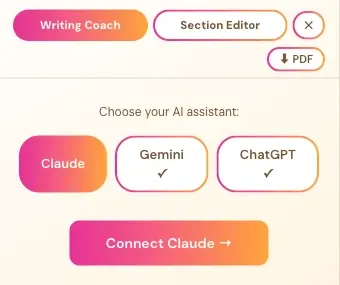
- In the Writing Studio, click Writing Coach, then choose Gemini.
- Click Connect Gemini →.
- Go to aistudio.google.com/app/apikey and sign in with Google.
- Click Create API Key and copy the long string.
- Paste it into the box and click Save & Connect.
What If I Reach My Free Limit?
A window says You've reached your Free Limit. It usually resets within 24 hours. If you don't want to wait, connect your Gemini API key and add a payment method in the Google tab under Set up Billing, and keep going right away.
Where Else Does Gemini Come Up?
Many Golden Bestseller Empire generators and the Authority Audit run on your Gemini key. Where a Connect your Gemini Key prompt shows, it's the same few-seconds setup. You can also manage it under Connected Services in your profile.
Never paste your key into the Course Coach chat or into an email. Only paste it into the Save & Connect box inside the app.
What Comes Next?
Read How to Use the Writing Coach. Not sure where to start? The Course Coach inside the app guides you through every step, so you're never stuck on a button.
Related Articles
Last checked in the app: October 14, 2026.
Still Need Help?
Inside the app, the Course Coach answers your questions and guides you step by step. You can also write to us and we will get back to you.
Contact Support