
Alexa for Shopping: How Amazon's AI Recommends Books
Alexa for Shopping, Amazon's AI shopping assistant, reads your listing and your reviews to answer buyers. Learn how it works and how to be the answer.
Alexa for Shopping is Amazon's AI shopping assistant. When a shopper asks it for a book, it reads your listing copy, your reviews and the community questions, then recommends the books that fit. Write in your reader's own words, and your book gets mentioned.
What Is Alexa for Shopping?
Amazon renamed its AI shopping assistant from Rufus to Alexa for Shopping on 13 May 2026. Shoppers open it from the menu in the Amazon app, behind the cursive "A" icon. It is a separate chat, not the search bar. The search bar is still purely A9. It also works across devices, and Echo speakers can now browse the full Amazon store by voice for the first time.
Amazon's Nova and Claude models power it on Amazon Bedrock, and Amazon runs more than seventy models behind it. Every optimization strategy in the course stays the same. Only the name changed.
What Can It Do?
- It remembers the conversation across devices. A shopper can ask Alexa on an Echo to find a book about burnout, then open the Amazon app and carry on, with no need to explain again.
- Scheduled Actions set up repeat purchases and alerts for new releases by an author. Amazon names books as an example.
- Auto-Buy buys an item when it reaches a price the shopper sets.
- "Buy for Me" buys from 400,000 other websites.
- Echo Show can browse the full Amazon store by voice.
- It compares products side by side from search results.
- It shows one year of price history on hundreds of millions of products.
Product questions and answers, review summaries, recommendations and listing optimization signals carried over from Rufus.
What Does It Read?
When Alexa for Shopping answers a buyer's question, it reads customer reviews, community questions and answers, and your listing copy. Books that speak naturally to the reader's exact daily situation get recommended in its conversations.
How Do I Write for It?
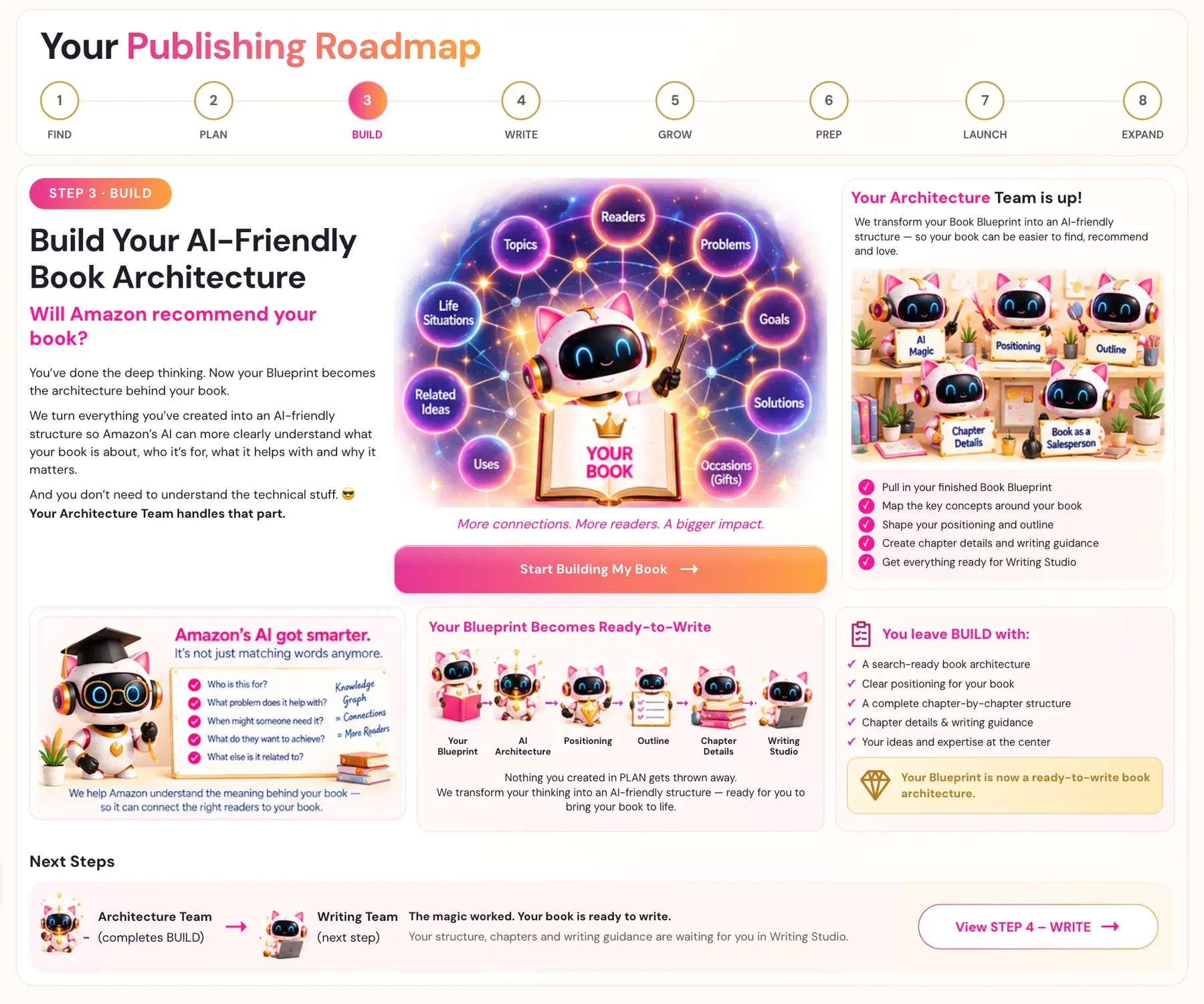
Write the way your reader talks about their day, so Amazon's systems and AI assistants like Alexa can connect every sentence to ideas they already know. You are not stuffing in keywords. Here is how:
- Write chapter subheaders as your reader's own question or situation, not as topic labels.
- Name the exact moment, such as 5pm chaos, school drop-off or the Tuesday 3pm crash, not the general category.
- Use the phrases from your Knowledge Graph naturally in your sentences. They should be there, but never stuffed in.
- Treat the introduction as your most valuable space. Confirm all 18 connections there first, then strengthen them through the chapters.
- Make every subheader count. Aim for five to six per chapter, written as answers or situations, not abstract labels.
The Alexa for Shopping Gap Finder in Step 1 uses this same logic to find your gap. See How to Use the Alexa for Shopping Gap Finder. In Step 3, your Knowledge Graph is how your book earns its place in the answer.
What Comes Next
Continue with How to Use the Knowledge Graph Generator.
Last checked in the app: October 14, 2026.
Still Need Help?
Inside the app, the Course Coach answers your questions and guides you step by step. You can also write to us and we will get back to you.
Contact Support