
KDP Categories and Metadata: What You Can Change After You Publish
KDP lets you change categories, keywords, your description and your ebook title after publishing. See what you can edit, the timings and what to check.
Editable Any Time
Description, keywords, categories and contributors
Categories
Up to 3 per book, and changes can take up to 72 hours to show
Title Changes
Ebook titles can change any time; print titles for 72 hours

By Gundi Gabrielle
6 min read
Alrighty, let's talk about the stuff you can (and can't!) change after you hit Publish... because knowing this can save you from a very annoying surprise :)
Here's the news in one sentence: on KDP you can change your categories, keywords and description any time, and your ebook title too, but a paperback or hardcover title and subtitle lock 72 hours after publishing.
Authors across the self-publishing community report a big wave of new categories this year, so it's the perfect moment to check where your books sit. I'm keeping every rule tied to KDP's own help pages.
Ready? Let's rock it!
What can you change after you publish a KDP book?
Almost everything that helps readers find your book stays editable. Only a few details lock. KDP's "Update your book details" page has the full table. Here's the simple version:
| Detail | Ebook | Paperback and hardcover |
|---|---|---|
| Description | Editable | Editable |
| Keywords | Editable | Editable |
| Categories | Editable | Editable |
| Contributors | Editable | Editable |
| Title and subtitle | Editable | Editable for 72 hours, then locked |
| Language | Locked | Locked |
| Edition number | Locked | Locked |
ISBN updates also need a new edition. Your cover and manuscript have their own update pages on KDP.
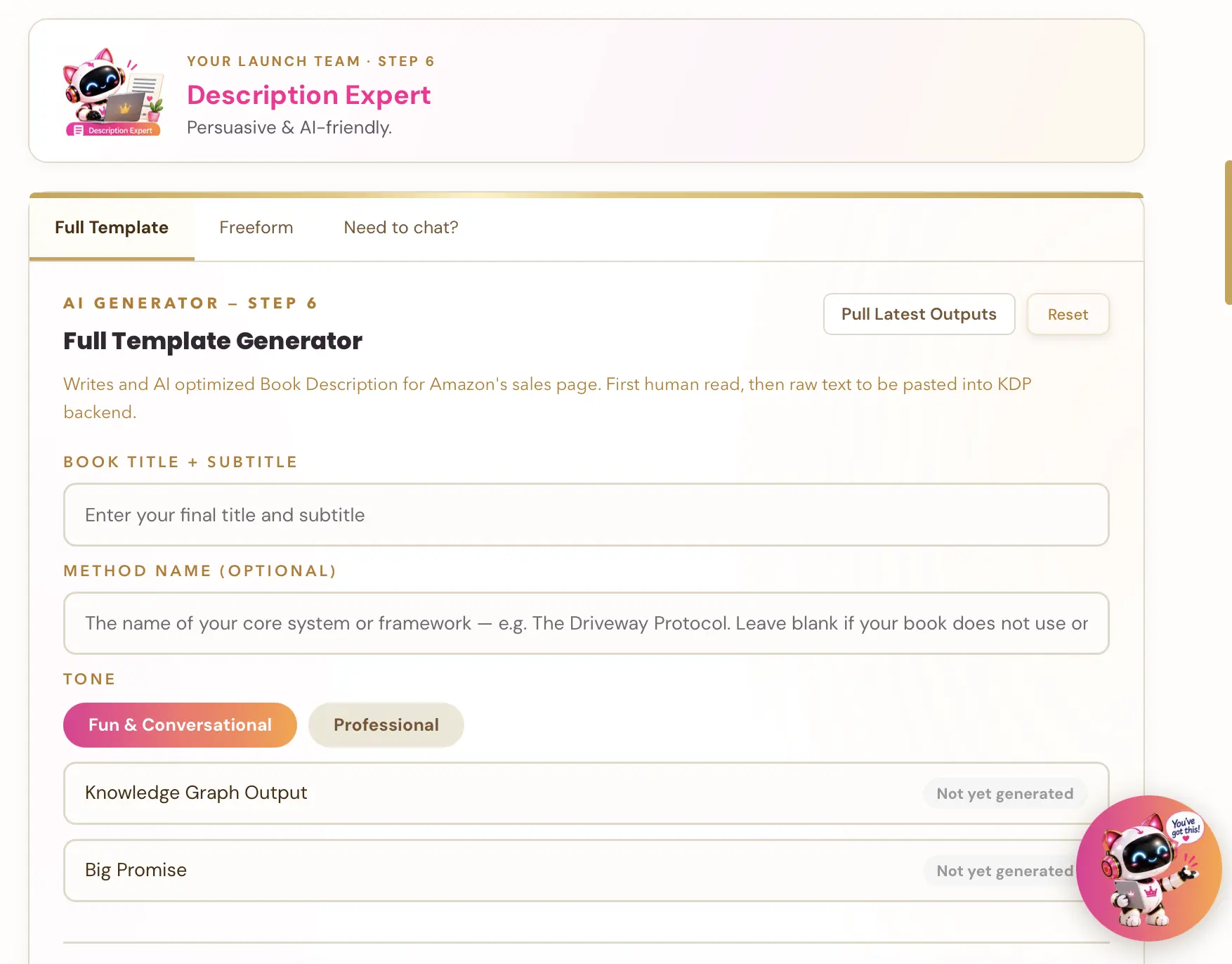
👑 Not sure which keywords fit your book? Golden Bestseller Empire's one-click generators build your entire book listing page. That's your title and subtitle, description, A+ Content and backend keywords, all optimized for Amazon's new COSMO. → Start optimizing yours
How many categories can my book be in?
Three. KDP lets you pick 3 categories when you set up your book, and you can change them any time after publishing. You choose them in the Details step of the book setup.
To change them later: open your Bookshelf, choose Edit details, go to the Details tab, and in the Categories section click Edit categories (or Choose categories if you haven't picked any yet).
It can take up to 72 hours for your book to show up in its new categories, so don't worry if nothing happens right away :) And KDP can change a book's categories itself at any time, so it's worth peeking at them now and then.
Why do KDP categories matter?
Categories put your book on the shelf next to the books your readers already love. They're one of the ways readers browse Amazon, and they're one of the signals that tell Amazon what your book is about. A book in the right categories sits next to the books its readers already like. A book in the wrong ones can sit in front of the wrong readers, or nobody at all.
That's why I always choose categories from my reader's point of view, not from which shelf looks easiest to win.
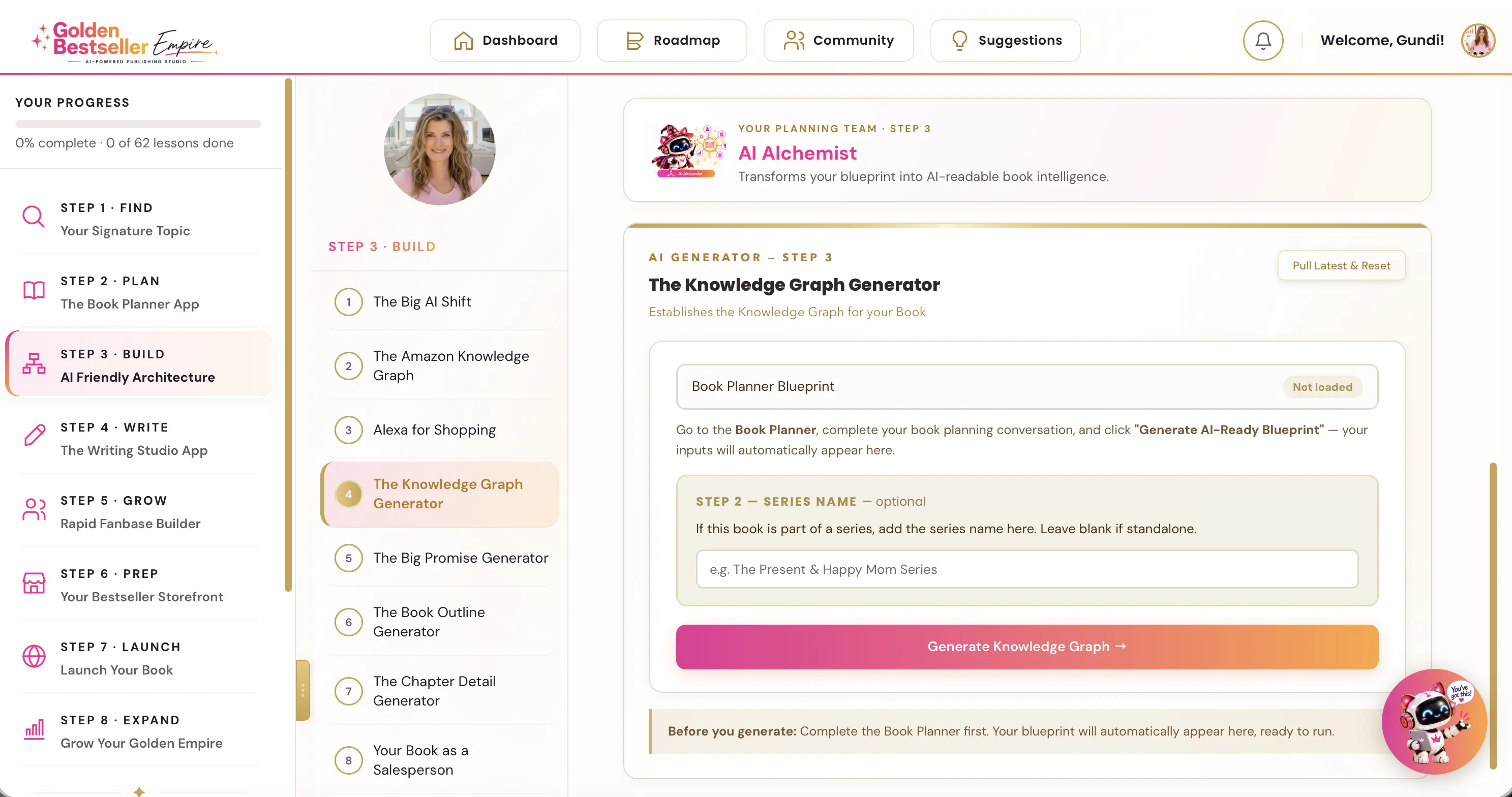
👑 Want Amazon to understand exactly who your book is for? Golden Bestseller Empire is the only app that builds a Knowledge Graph for your book with one click, optimized for Amazon's new COSMO, straight from your Book Planner Blueprint. Then it uses that map to create your outline, chapter details, title, description, A+ Content, backend keywords and even your Amazon ads, 1-click optimization to Amazon's new AI while most authors are still guessing. → See how it works
Can I change my book title after publishing on KDP?
Yes for ebooks, any time. For paperbacks and hardcovers, only in the first 72 hours.
For paperbacks and hardcovers, KDP says you can edit the title, subtitle or primary author name within 72 hours of the title's initial publication date. An edit in that window returns your book to In Review status. After 72 hours, those fields are fully locked. So get your print title right before you publish!
What if I need to change a locked detail?
You publish a new edition. KDP says that to update locked details, you need to publish a new edition of your book. For a title that has already been published, KDP says you can also publish it as a new title, with a disclaimer at the top of the description.
Small changes, like typo or capitalization fixes, don't need a new edition number. So don't panic about a missing comma. Panic a little about a wrong subtitle.
What do the new KDP categories mean for you?
A new category is only worth it if your readers actually browse it. Whenever Amazon adds categories, a new shelf can look like an easy win. A ranking badge in a category nobody browses doesn't sell books, though.
Before you move a book, check whether readers actually look in that category, and whether your book belongs there. The best category is the one your reader would really browse.
What should authors do now?
Here's your quick to-do list:
- Open each book on your Bookshelf and look at its three categories.
- Ask who the book is for, and whether those shelves match that reader.
- If a better category exists, change it under Edit details, and allow up to 72 hours for it to show.
- For a paperback, get the title and subtitle right in the first 72 hours, because after that they are locked.
- If you do need a locked detail changed, plan for a new edition.
I keep every change I can verify in one place: the latest Amazon KDP updates. For the bigger picture on how Amazon decides what to show, see my guide to the Amazon KDP algorithm.
My take after 10 years of publishing
The details you can't change later deserve the most love before you publish. Categories and keywords are forgiving. A print title is not. So if you only do one thing today: open your newest book and read its title and subtitle out loud. Does it tell your reader exactly what they'll get?
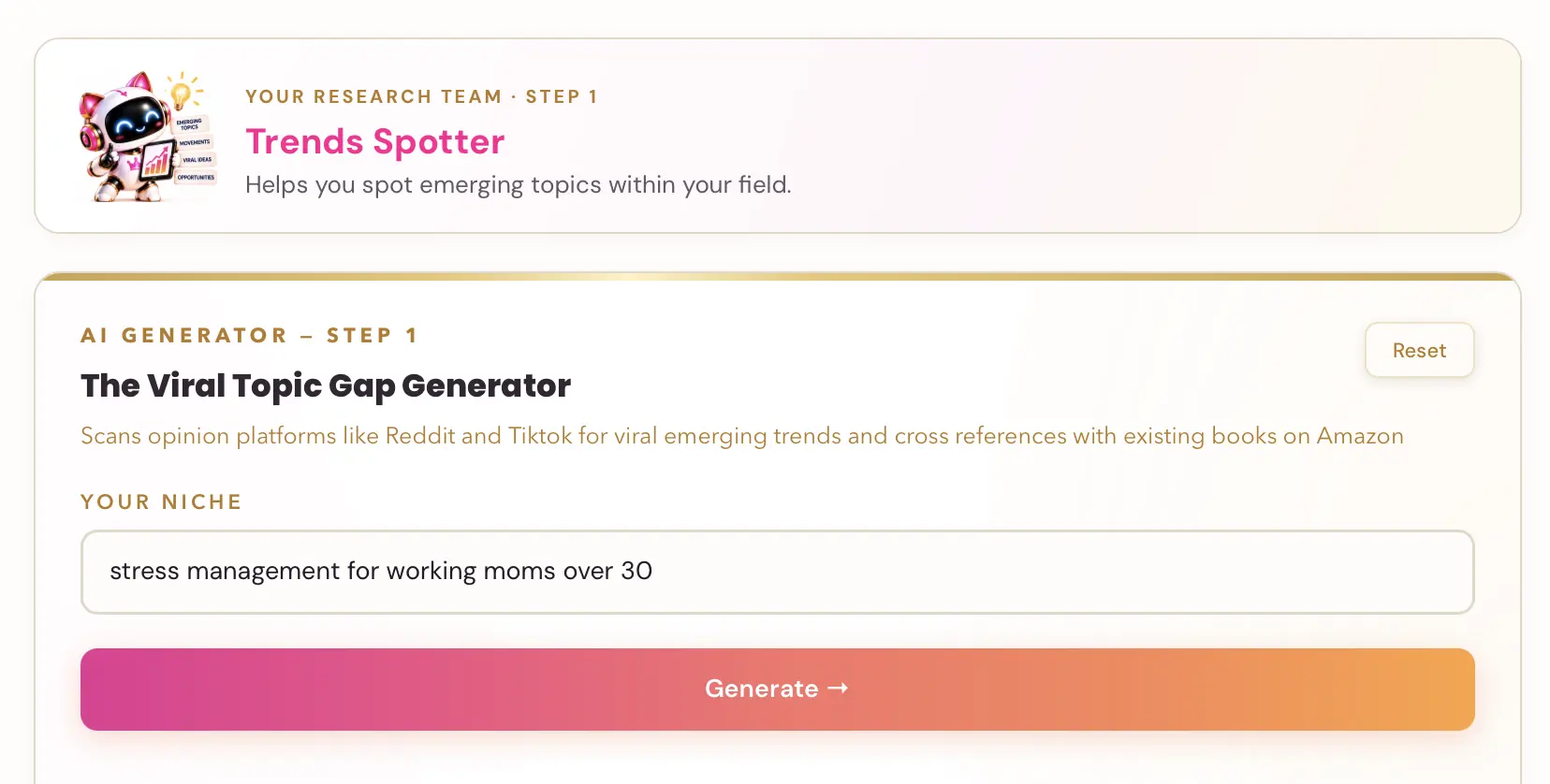
👑 The right title starts with the right topic. Golden Bestseller Empire's 5 Research AI Generators help you find your Signature Topic: where what you know meets what readers in your niche actually want. → Find your Signature Topic
Happy publishing... and may your books always sit on the right shelf :)
Related reading
- The Amazon KDP algorithm, explained: how Amazon decides what to show.
- How to publish on KDP: the full walk-through.
Frequently Asked Questions
What can I change on a published KDP book?
KDP lets you edit the description, keywords, categories and contributors after publishing. You can also change the title and subtitle of an ebook at any time. For paperbacks and hardcovers, the title, subtitle and primary author can be edited within 72 hours of initial publication. Language and edition number are locked.
How many categories can a KDP book be in?
KDP says you can select 3 categories when you create a book. You can change them after publishing from Edit details, the Details tab and Edit categories.
How long do category changes take to show on KDP?
KDP says it can take up to 72 hours for your book to display in your new categories.
Can I change the title or subtitle after publishing?
Yes. On an ebook you can change the title and subtitle at any time. For paperbacks and hardcovers you can edit them within 72 hours of the initial publication date, which returns the book to In Review. After 72 hours they are locked and you need to publish a new edition.
Do small typo fixes need a new edition?
No. KDP says small changes such as typos or capitalization fixes do not require a new edition number.
Sources & Citations
- KDP Help: Categories
- KDP Help: Update your book details
- KDP Help: Book Titles & Editions
- KDP Help: Content Guidelines
- Living changelog: Amazon KDP & Related Marketplace Changes
This page is maintained independently and is not affiliated with Amazon. Always double-check the latest numbers inside your own KDP account before making pricing decisions.
Found this useful? Get more of this site in your Google.
One tap adds us as a preferred source — Google then shows you our posts more often in Search, Top Stories, and AI Overviews.
Created By

Top 100 Business Author · Carnegie Hall Conductor · Founder of Golden Bestseller Empire
Hey, I'm Gundi, and for over a decade, I've helped thousands of everyday people turn what they know into a bestselling book.
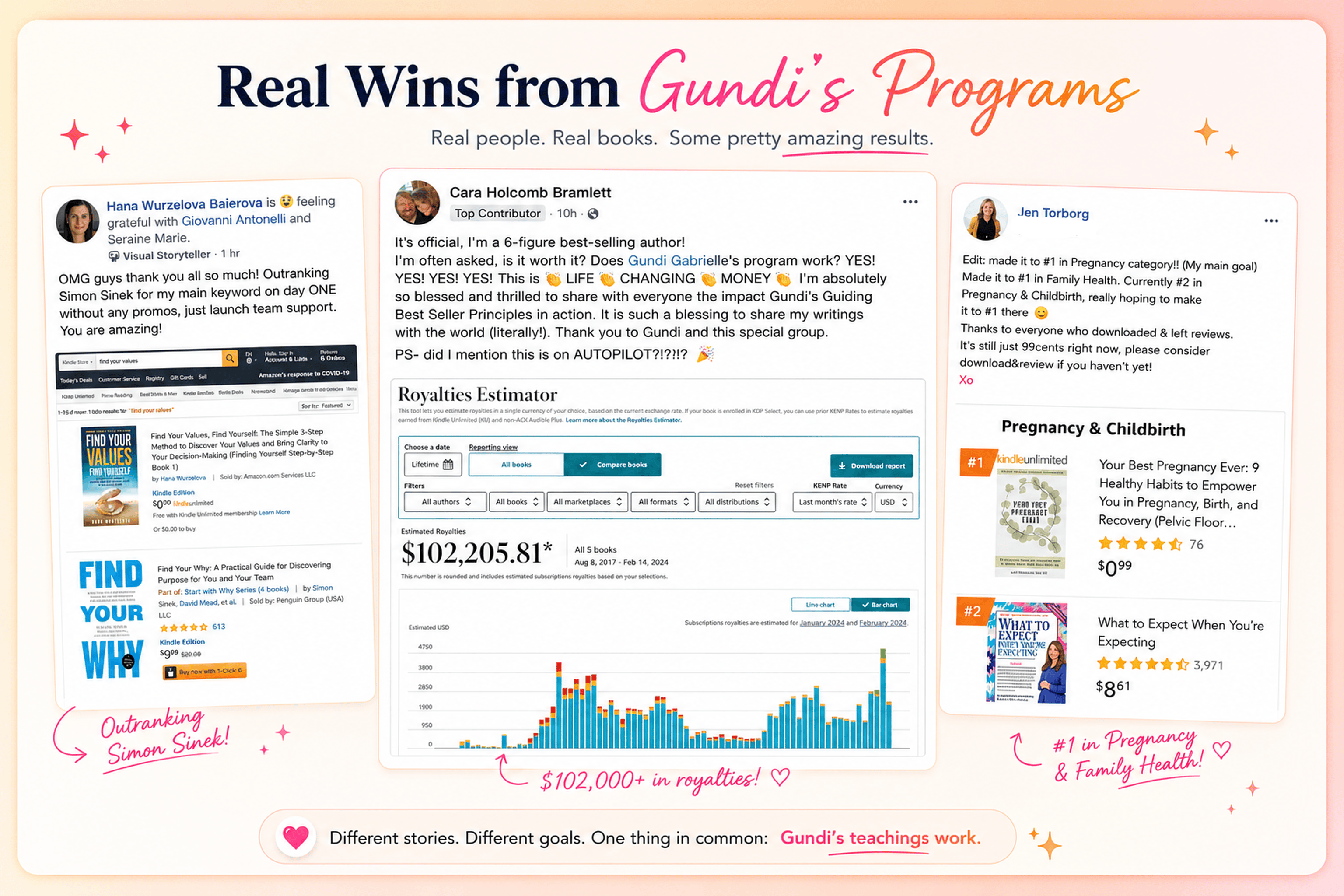
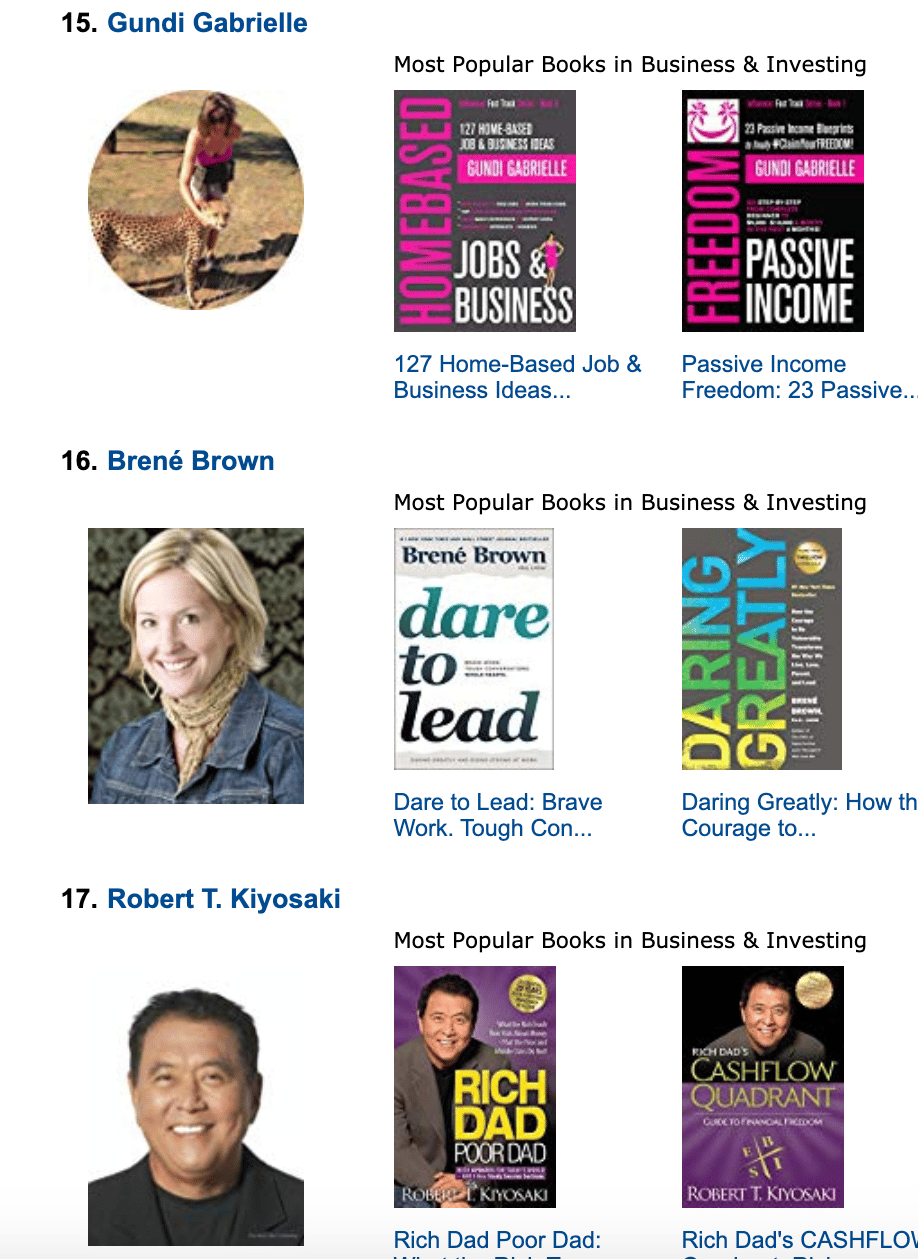
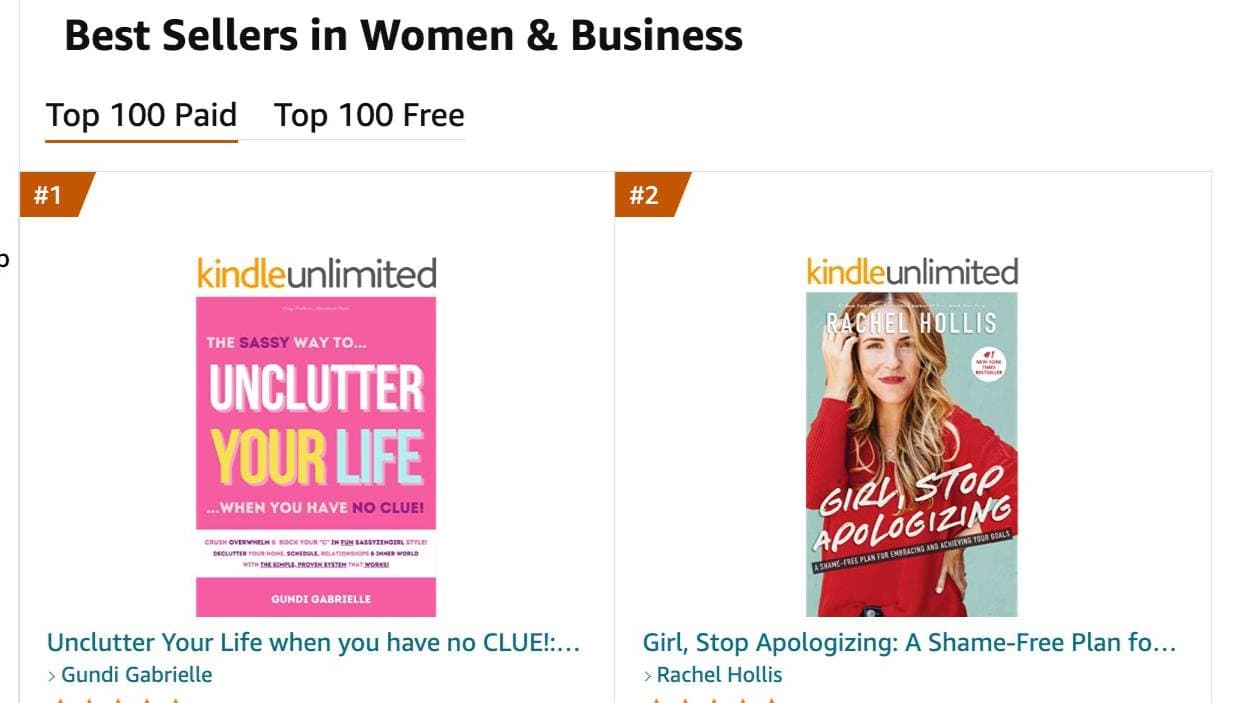
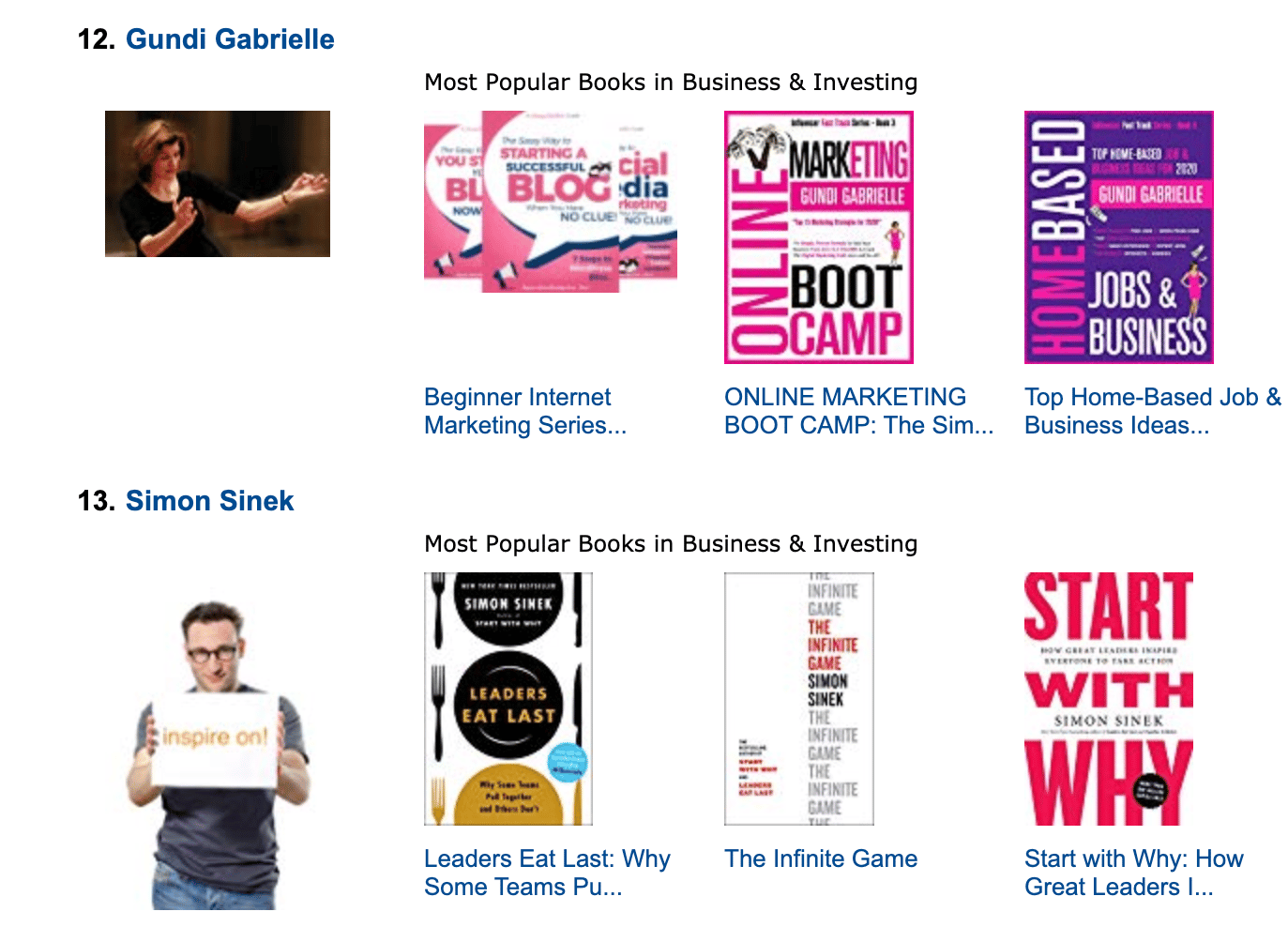
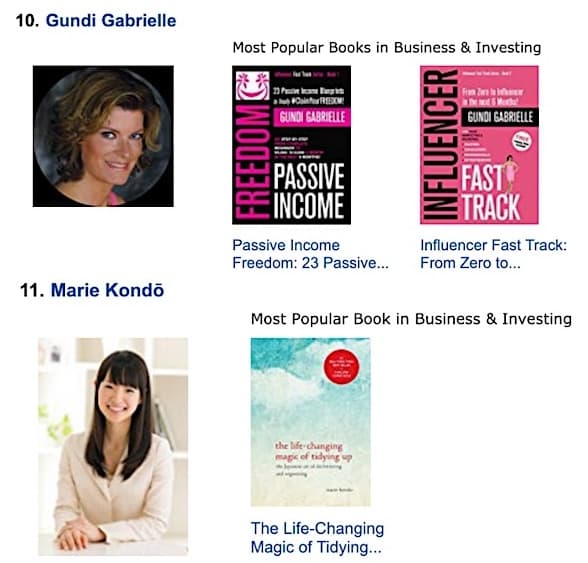
Along the way, I sold over 350,000 books, and was listed in Amazon's Top 100 Business Author Charts, ahead of authors like Simon Sinek, Brené Brown, Tim Ferriss, Robert Kiyosaki, or Brian Tracy.
No traditional publisher. No massive budget. Just understanding Amazon's algorithm and researching what readers actually want.
In my earlier years, I was a classical conductor & organist, touring the world, incl. Carnegie Hall & a performance for the Pope on St. Peter's Square.
These days, I love traveling as a Digital Nomad and orchestrating busy AI Agents 😎. Out of that came Golden Bestseller Empire — a complete AI-Powered Book Publishing Studio now helping authors around the world.
Can't wait to see you inside & help you publish your dream:
Featured In:
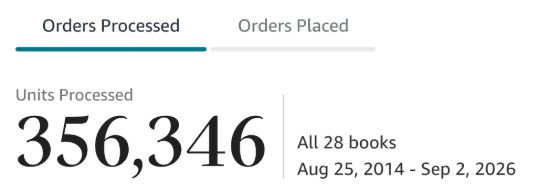
More from the Golden Bestseller Blog
Amazon Algorithm
Amazon Listing Optimization for Authors: 10 Ways FBA Sellers Optimize for Amazon's New AI — That Authors Still Ignore
Amazon sellers are rewriting their listings for COSMO and Alexa for Shopping. Here are the 10 listing strategies FBA sellers use, and exactly how KDP authors can copy each one.
Amazon KDP Updates
KDP Select Global Fund: How Kindle+ Pays Authors Now That Audiobooks Share the Fund
The KDP Select Global Fund now pays for Kindle+ pages read AND pages listened. Here's the latest payout, what audiobooks mean for your page reads, and where to find your Kindle+ royalties.
Amazon KDP Updates
Amazon Ads Removed Estimated KENP Royalties: What Qualified Borrows Mean for Kindle Unlimited Authors
Amazon Ads no longer shows estimated KENP royalties. It now reports Kindle Unlimited qualified borrows and estimated KU royalties. Here's what changed and how to read your ads now.
Want a faster way to plan and price your next book?
Golden Bestseller Empire's AI publishing tools help with exactly this kind of decision.