
How to Contact Support
Email contact@goldenbestseller.com, or click Contact in your profile menu. Include the page, the exact message and a screenshot.
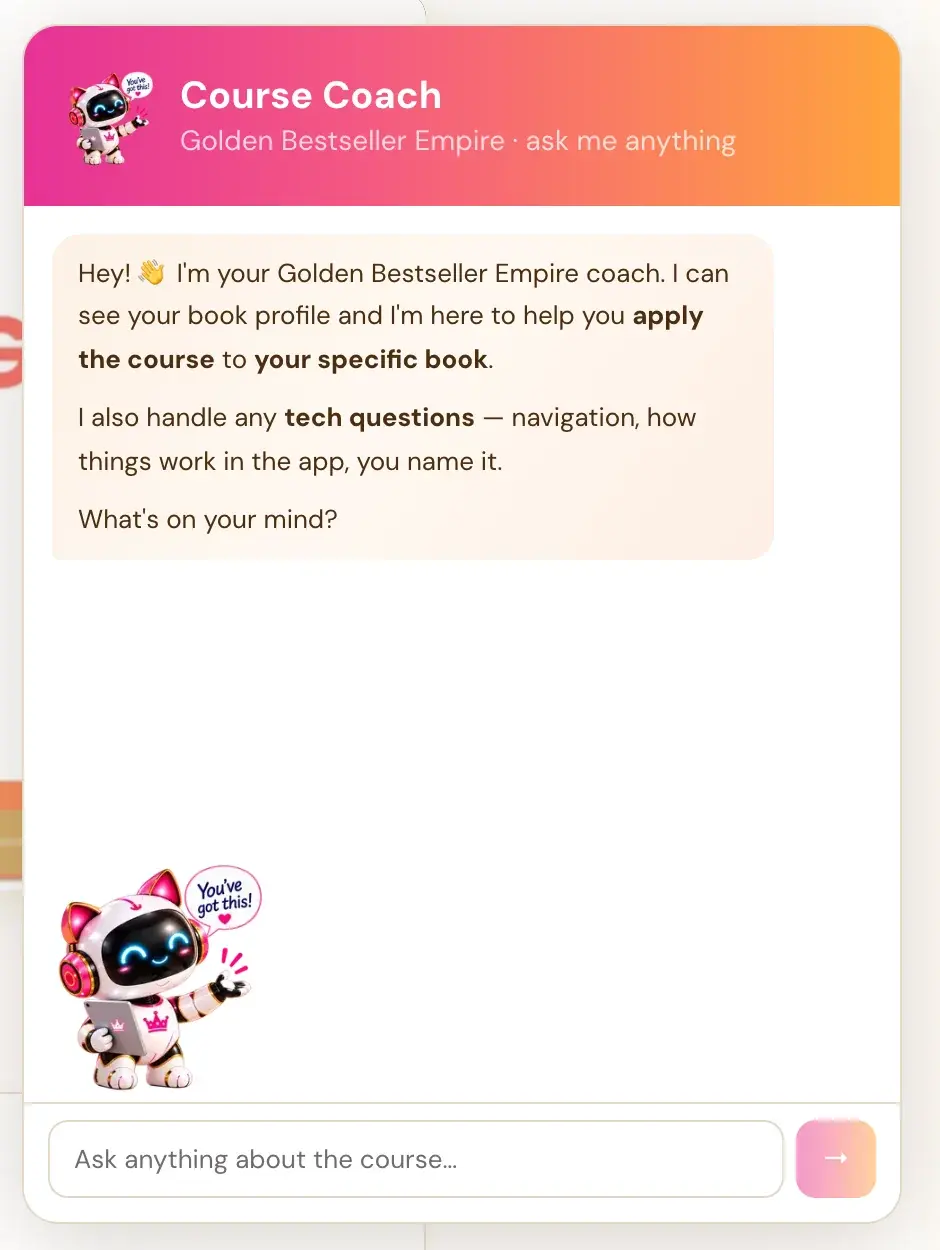
Email contact@goldenbestseller.com, or click your profile picture and choose Contact. The Course Coach answers most how-do-I questions first, and for repeated failures or missing content it points you straight to this address.
When should I contact support?
- A problem repeats after you tried the fix in the app.
- The same error message returns after you waited a minute and retried.
- You need an earlier version of your book restored.
- Content looks missing after you checked the easy explanations.
- An import repeatedly fails or imports without all of your content.
- A page looks clipped or a button cannot be tapped on your device.
- You see an account restriction that nothing in the app explains.
What should I include?
The more exact you are, the faster we can help.
- Where it happened: The page, step, tool or generator name, and the stage if you can see one.
- The exact message: The exact error text.
- When it happened: The approximate time and your time zone.
- A screenshot: On a Mac press Cmd + Shift + 4 and drag. On Windows press Windows + Shift + S and drag. Then attach it to your email.
- Your device and browser: For example, an iPhone and Safari, or a Windows laptop and Chrome.
- The book: Which book you were in. If content is missing, say roughly when it was last correct.
What should I never send?
Never include your AI key, your password or your whole private manuscript. Support never needs them.
Can the Course Coach help first?
Yes. The Course Coach can help you read an error message and walk you through the fix step by step. From the chat, it cannot see your key, your remaining credit, your provider's logs or your saved checkpoint, so it may point you to support for those. It does not file a support ticket for you, so email us yourself.
What should I do while I wait?
If you saw a "Not saved" message, keep the page open and copy any unsaved text somewhere safe. If you want a copy of your book, use Export in the Writing Studio. Please do not keep trying things or assume your work is lost for good. See Is my book safe?
Not sure where to start? The Course Coach inside the app helps you every step of the way.
Related Articles
Last checked in the app: October 14, 2026.
Still Need Help?
Inside the app, the Course Coach answers your questions and guides you step by step. You can also write to us and we will get back to you.
Contact Support