
How My Writing Voice Works With the Writing Coach
Save a sample of your own writing in My Writing Voice, and the Writing Coach reads it so that anything it drafts for you sounds like you.
My Writing Voice lets you save a sample of your own writing. The Writing Coach reads it on every message, so anything it drafts sounds like you.
What does My Writing Voice do?
The Writing Coach can draft a section, or part of one, when you ask. With a saved voice, anything it drafts sounds like you. The sample is used only for how you sound. It is never copied into the book.
How do I save my voice?
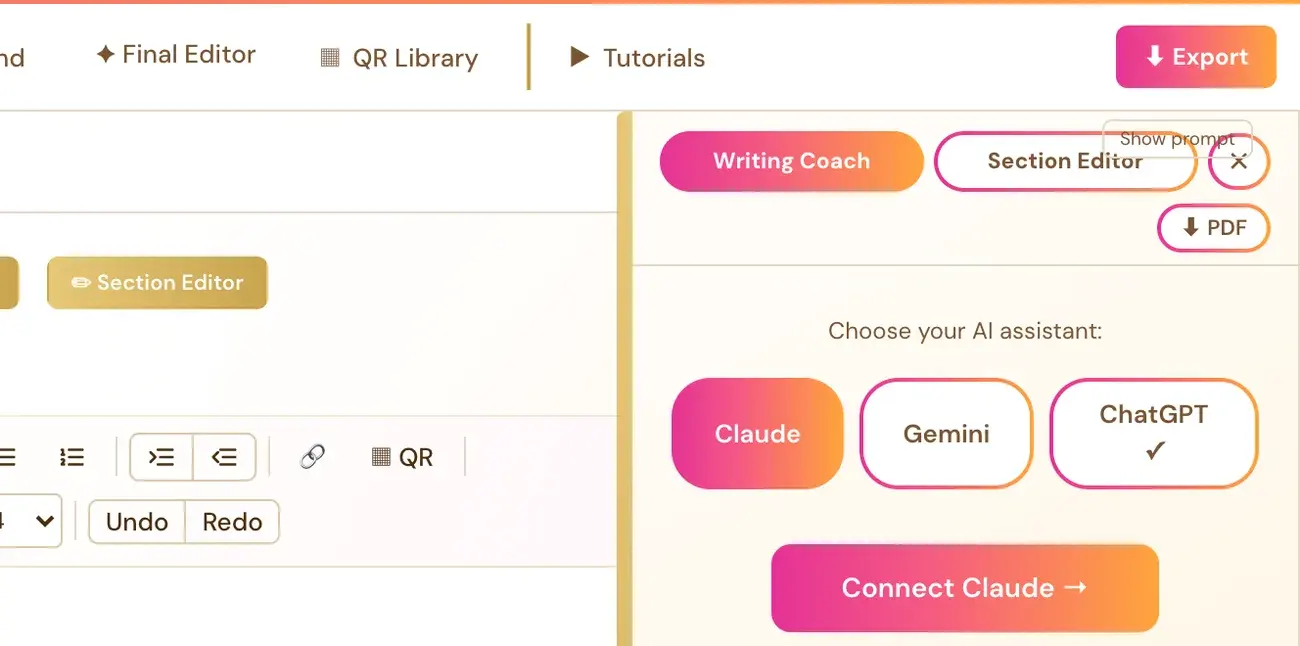
- Click Writing Coach to open the panel. The Writing Coach needs a connected key first. See How do I use the Writing Coach?.
- Under the Writing Coach panel, click the 🎙 My writing voice link.
- Paste a sample of your own writing, or upload a Word (.docx) or text (.txt) file.
- Click Save my voice.
A ✓ shows next to the link once a voice is saved. The sample is saved with your account, not just the browser.
What makes a good sample?
500 to 2,000 words is best, such as emails, posts or earlier chapters.
How do I remove my voice?
Open 🎙 My writing voice again and click Remove my saved voice. That clears it.
Does it use up my AI credits?
Longer samples use slightly more of your own API credits, because the Writing Coach reads the sample on every message. Connecting your own key is super easy and takes only a few seconds, and the app guides you through it step by step. Using your own key is free or costs very little, and Gemini has a free tier.
Not sure where to start? The Course Coach inside the app guides you through each step, so you are never stuck on a button.
Related Articles
Last checked in the app: October 14, 2026.
Still Need Help?
Inside the app, the Course Coach answers your questions and guides you step by step. You can also write to us and we will get back to you.
Contact Support