
How Running Headers and Page Numbers Work in Your Printed Book
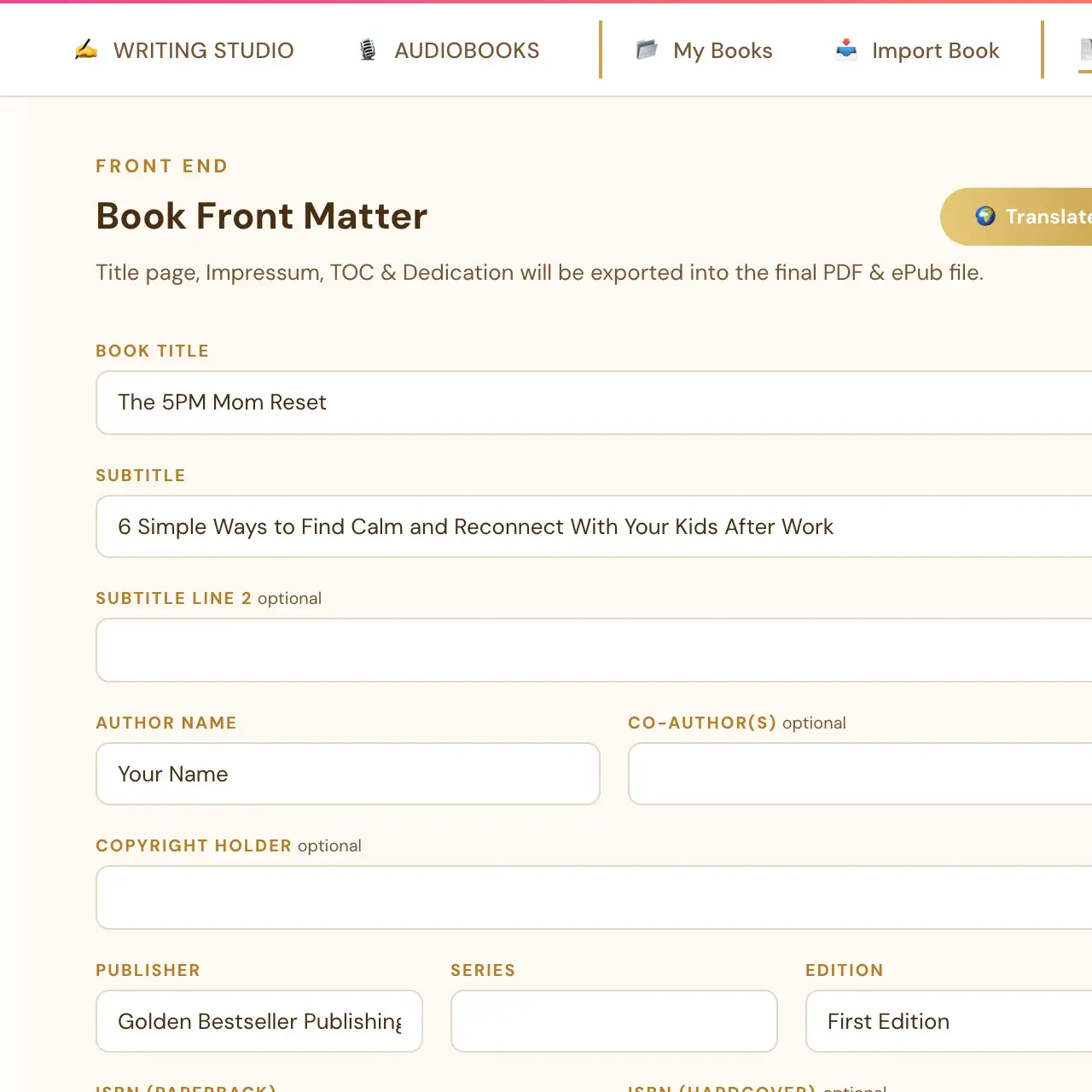
Your book title and author name print at the top of body pages once both are filled in on the Front End tab. Page Preview numbers run lower than the PDF's.
Your book title and author name print automatically at the top of your body pages once both are filled in on the Front End tab. The title appears on left-hand pages and the author name on right-hand pages.
What is a running header?
A running header is the small line of text at the top of the pages in a printed book. In your book it is the book title on left-hand pages and your author name on right-hand pages.
What do I need to do to get one?
Fill in the book title and author name on the Front End tab. Once both are filled in, the header prints automatically at the top of body pages. See What do I fill in on the Front End tab?
Which pages leave the header off?
The header is automatically left off chapter-opening pages and front-matter pages (title page, copyright, table of contents), matching standard book formatting. See Why is there a blank page before my chapter? for how chapters begin on right-hand pages.
Why do the page numbers in Page Preview look lower than my PDF?
While you are writing, Page Preview leaves out the front matter (title page, copyright, table of contents). So the preview's page numbers are lower than the PDF's by the number of front pages. The front matter appears in the real exported PDF. See How do Page Preview and Full Screen work?
Does the table of contents have page numbers?
The PDF table of contents has page numbers. In an ePub, the table of contents entries are navigation links. See How does the table of contents work?
What about page numbers in an ePub?
The ePub preview is a simulation. Real e-readers such as Kindle and Apple Books choose their own page size and text size, so the page numbers in the ePub preview are not real page numbers.
How do I change the wording of the header?
The header uses the book title and author name filled in on the Front End tab. To change the wording, change those two fields there.
Not sure where to start? The Course Coach inside the app guides you through each step, so you are never stuck on a button.
Related Articles
Last checked in the app: October 14, 2026.
Still Need Help?
Inside the app, the Course Coach answers your questions and guides you step by step. You can also write to us and we will get back to you.
Contact Support