
How the Table of Contents Works and How to Change It
Your table of contents is built from your chapter titles in the chapter list. Rename a chapter to change its entry.
Your table of contents is built from the chapter titles in your chapter list. To change an entry, rename the chapter in the chapter list.
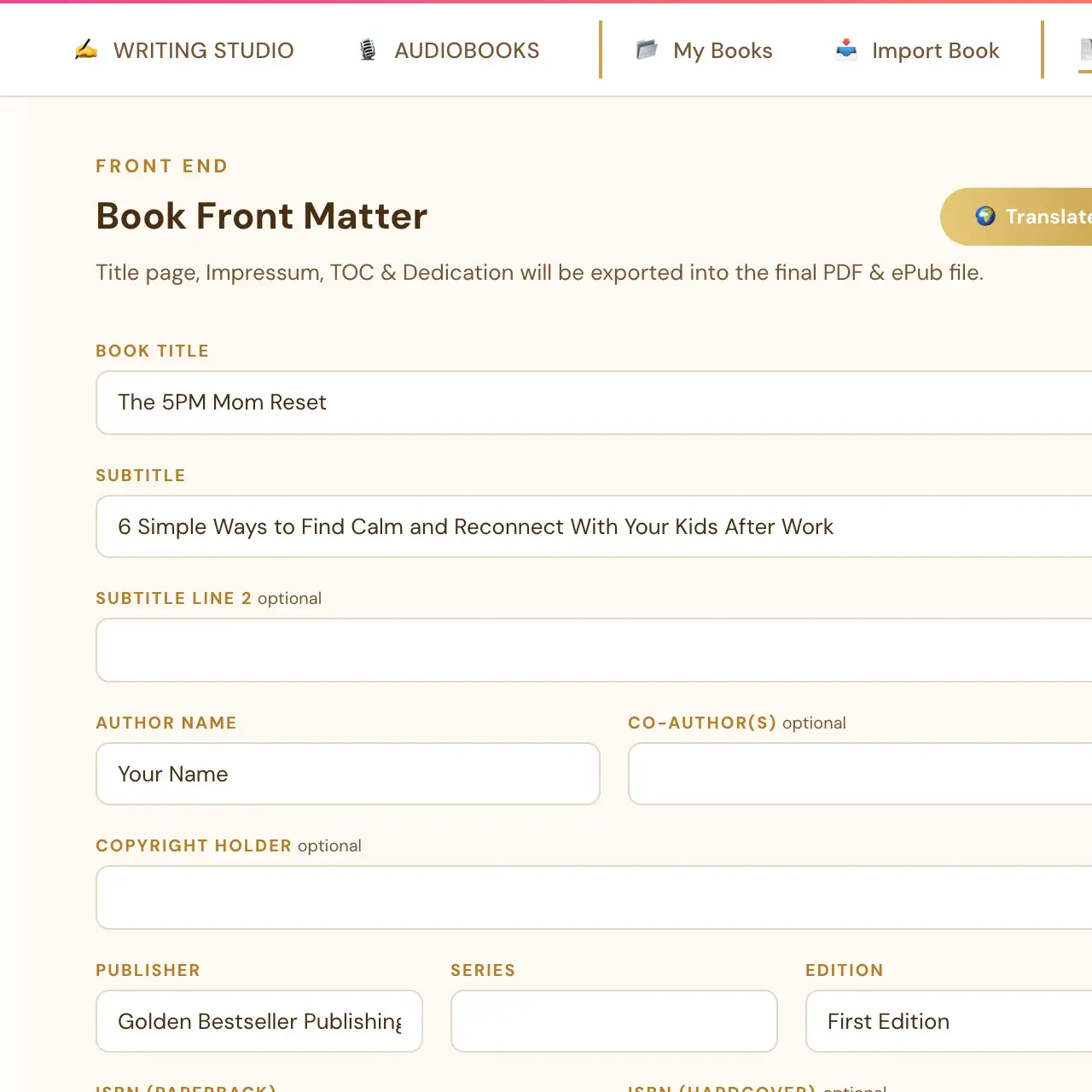
Where is the table of contents?
Open the Front End tab. On the right, click the Table of Contents thumbnail. It opens a live, editable preview of that exact page, a pixel-accurate preview of the real exported PDF.
Where do the entries come from?
The Table of Contents entries always mirror the real chapter titles from the Chapters panel. That is why you cannot type in the ToC canvas itself. To change an entry, rename the chapter, and the ToC follows. Imported chapter titles are preserved without adding duplicate chapter prefixes.
How do I rename a chapter title?
The small "Chapter N · Title" heading shown above each chapter's content is editable. Click it and type whatever heading text you want. It stays exactly as typed from then on. It no longer reverts to the auto-generated "Chapter N" form on its own.
Is the ePub table of contents different?
Yes. The PDF table of contents has page numbers. In an ePub, the entries are navigation links.
Does the table of contents show a running header?
The book title and author name header is automatically left off front-matter pages, matching standard book formatting. See How do running headers and page numbers work?
Why does the table of contents matter?
The Table of Contents should read like a complete map of the reader's problem space. Every concern, objection and question your reader has should be visible as a subheader before they even start reading. The Table of Contents appears at the front of the book, directly visible in Amazon's Look Inside preview.
For moving and resizing blocks on the page, see How do I move, resize or bold the text blocks on my front pages?
Not sure where to start? The Course Coach inside the app guides you through each step, so you are never stuck on a button.
Related Articles
Last checked in the app: October 14, 2026.
Still Need Help?
Inside the app, the Course Coach answers your questions and guides you step by step. You can also write to us and we will get back to you.
Contact Support