
Is Your Amazon Book Page Ready for AI Shopping?
Amazon's shopping assistant now answers questions and compares products in the search bar. Here's what that means for your Amazon book page, and what to check.
What Changed
Amazon's AI assistant now answers questions and compares products in the search bar
What It Means
Your book page is what an assistant has to work with, so make it clear
Important
Amazon hasn't said how the assistant reads a book page

By Gundi Gabrielle
7 min read
Alrighty, let's talk about something that quietly changed how readers find books: shoppers on Amazon can now ask a question in the search bar and get an answer from an AI assistant.
That raises a question for every author: when an assistant compares your book with another one, what does it have to work with? The answer is your Amazon book page.
I'm keeping this to what Amazon and its researchers have actually published, and I'll tell you clearly where something is a seller-side report or my own practical reading. No guessing about how any algorithm works.
What changed in Amazon's AI shopping (the official version)
Amazon's announcement introduces Alexa for Shopping, an assistant that combines product knowledge, information from across the web, and your shopping history. Amazon says you can now ask it questions right in the Amazon search bar, and that you can select several products from your search results and have it compare them side by side on features, prices, and reviews.
Amazon also says all customers can use it free when signed in, with no Echo device or Prime membership needed, and that it's rolling out to U.S. customers in the Shopping app and on the website.
Trade press, including The Daily Upside, reports that this replaced Rufus, Amazon's earlier shopping chatbot, in mid-May 2026. Amazon's own page describes the new assistant as bringing Rufus's product knowledge together with Alexa+.
What is COSMO, and what does it have to do with your Amazon book page?
Short answer: COSMO is a knowledge system Amazon researchers described in a peer-reviewed paper. It learns what products are used for, and who they're for, from how customers search and buy.
The paper, COSMO: A Large-Scale E-commerce Common Sense Knowledge Generation and Serving System at Amazon, was presented at SIGMOD 2024, and Amazon Science's own write-up summarizes it. Amazon describes it as a framework that uses large language models to discern commonsense relationships implicit in customer interaction data. Its example: it can link "slip-resistant shoes" with "pregnant women" through a "used for audience" relationship. The paper also says COSMO has been deployed in Amazon search applications such as search navigation.
Here's what I can't tell you. The paper doesn't say how COSMO treats books, and Amazon hasn't published a list of what Alexa for Shopping reads from a book page. Seller sources say COSMO rewards pages that clearly state a product's use and audience over repeated keywords. That's a seller reading, not an Amazon rule, so treat it as a sensible direction, not a guarantee.
What should your Amazon book page answer?
Short answer: Make your book page answer the questions a shopper, or an assistant, would ask: who is this for, what problem does it solve, what is it like, what format is it, and where does it sit in a series.
Amazon's assistant compares features, prices, and reviews. For a book, the clearest way to stand up to a comparison is to state those things plainly on the page. This is my practical reading of the shift, built on the details KDP already asks you for:
| Question a shopper might ask | What to check on your Amazon book page |
|---|---|
| Who is this book for? | Say the reader in plain words in the title, subtitle, and description |
| What problem does it solve? | Open the description with the problem and the promise |
| What is it like? | Name the kind of book it is, so it sits beside the right comparable books |
| Which format should I buy? | Make sure each format is set up cleanly and the details match |
| Is there more? | Put the book in a series if it belongs in one, with matching series names |
👑 Want your book page to say the same thing everywhere? Golden Bestseller Empire maps your book's architecture before you write a word. → Meet your Planning Team
Where do you set each of these in KDP?
Short answer: In your book details, also called metadata. KDP's Metadata Guidelines cover each field.
Here's what Amazon's own guidance says for the fields that matter most on a book page:
- Description: don't include contact details like phone numbers, email addresses, or website URLs, and don't include reviews, testimonials, or spoilers.
- Series: series titles follow the same rules as book titles, and the series number is entered as a digit, such as "3."
- Keywords: phrases of 2 to 3 words work best, and they must describe your book accurately. Don't use other authors' names, sales rank references, or promotional terms.
- Categories: you can choose up to three, based on your primary audience and marketplace. Don't pick misleading or irrelevant ones.
None of this is new. What's new is that a shopper might never scroll your page. An assistant may read it for them and answer from what's there. If you want the full upload walkthrough, see how to publish on KDP.
Which parts of your Amazon book page does AI shopping care about most?
Short answer: Amazon hasn't said. Based on what it does say, the parts a shopper can compare are the safest to get right: features, price, and reviews, and for books, the description, categories, series, and format.
- Reviews: Amazon says comparisons include reviews. You can't write these yourself, so the practical step is a launch plan that invites honest reviews from real readers.
- Price: Amazon says comparisons include prices. If you changed your ebook price recently, check the new range in Amazon's 70% royalty news.
- Description and details: the part you control completely.
Your checklist for an AI-ready Amazon book page
- Read your title, subtitle, and first description paragraph. Does a stranger know who the book is for?
- Say the problem your book solves in the first two sentences of the description.
- Check that your three categories match your real audience, not just popular shelves.
- Check your keywords. Are they 2 to 3 word phrases that describe your book honestly?
- If you have more than one book in a series, enter the series name the same way on every title.
- Compare your page side by side with two books like yours, the way a shopper would.
- Make sure the ebook, paperback, and hardcover details all tell the same story.
If you're still planning the book itself, my Amazon KDP publishing guide walks through Step 3, building an Amazon-friendly book architecture, before you write.
Still unknown (and worth watching)
- Which parts of a book page Alexa for Shopping actually reads. Amazon hasn't published that for books.
- Whether Amazon will give authors any way to see how the assistant describes their book. Nothing I've found says it will.
- How COSMO is used for books specifically. The paper covers 18 major categories at Amazon and doesn't list them in the abstract.
I keep every change I can verify in one place: the latest Amazon KDP updates.
A quick note from someone who's been doing this a while
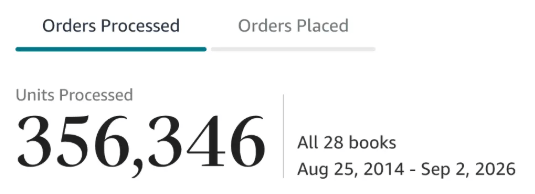
After a decade of publishing and over 350,000 books sold, here's my honest take: whoever or whatever is reading your book page, the winning move is the same. Be clear about who the book is for and what it gives them.
That's also why I built the planning tools inside Golden Bestseller Empire as 1-click generators. They don't write your book for you. They help you decide your reader, your promise, and your structure, so every part of your page says the same thing.
If you only do one thing after reading this: open your book page and read the first three lines of the description as if you'd never heard of the book.
Frequently Asked Questions
What is Alexa for Shopping?
It's Amazon's AI shopping assistant. Amazon says it combines product knowledge, information from across the web, and your shopping history, and that you can ask it questions right in the Amazon search bar. Trade press reports it replaced Rufus in mid-May 2026.
Can Alexa for Shopping compare books?
Amazon says you can select multiple products from your search results and have it compare them side by side on features, prices, and reviews. Amazon's announcement doesn't say anything specific about books.
What is COSMO at Amazon?
COSMO is a commonsense knowledge system described in a peer-reviewed Amazon paper (SIGMOD 2024). It uses large language models to find relationships between products and the people and uses they're connected to, based on customer interaction data. The paper says it has been deployed in Amazon search applications such as search navigation.
Does Amazon say how AI shopping reads a book page?
No. Amazon hasn't published a list of what Alexa for Shopping reads from a book page. The safest approach is to make the details KDP already asks for (description, categories, keywords, series, and format) clear and consistent.
What should I check on my Amazon book page first?
Read the title, subtitle, and first lines of the description. A stranger should be able to tell who the book is for and what problem it solves. Then check that your categories, keywords, and series details match.
Sources & Citations
- Amazon: Meet Alexa for Shopping
- Amazon Science: COSMO paper (SIGMOD 2024)
- Amazon Science: Building commonsense knowledge graphs to aid product recommendation
- KDP Help: Metadata Guidelines for Books
- The Daily Upside: Amazon retires Rufus (trade report)
- Living changelog: Amazon KDP & Related Marketplace Changes
This page is maintained independently and is not affiliated with Amazon. Always double-check the latest numbers inside your own KDP account before making pricing decisions.
Found this useful? Get more of this site in your Google.
One tap adds us as a preferred source — Google then shows you our posts more often in Search, Top Stories, and AI Overviews.
Created By

Top 100 Business Author · Carnegie Hall Conductor · Founder of Golden Bestseller Empire
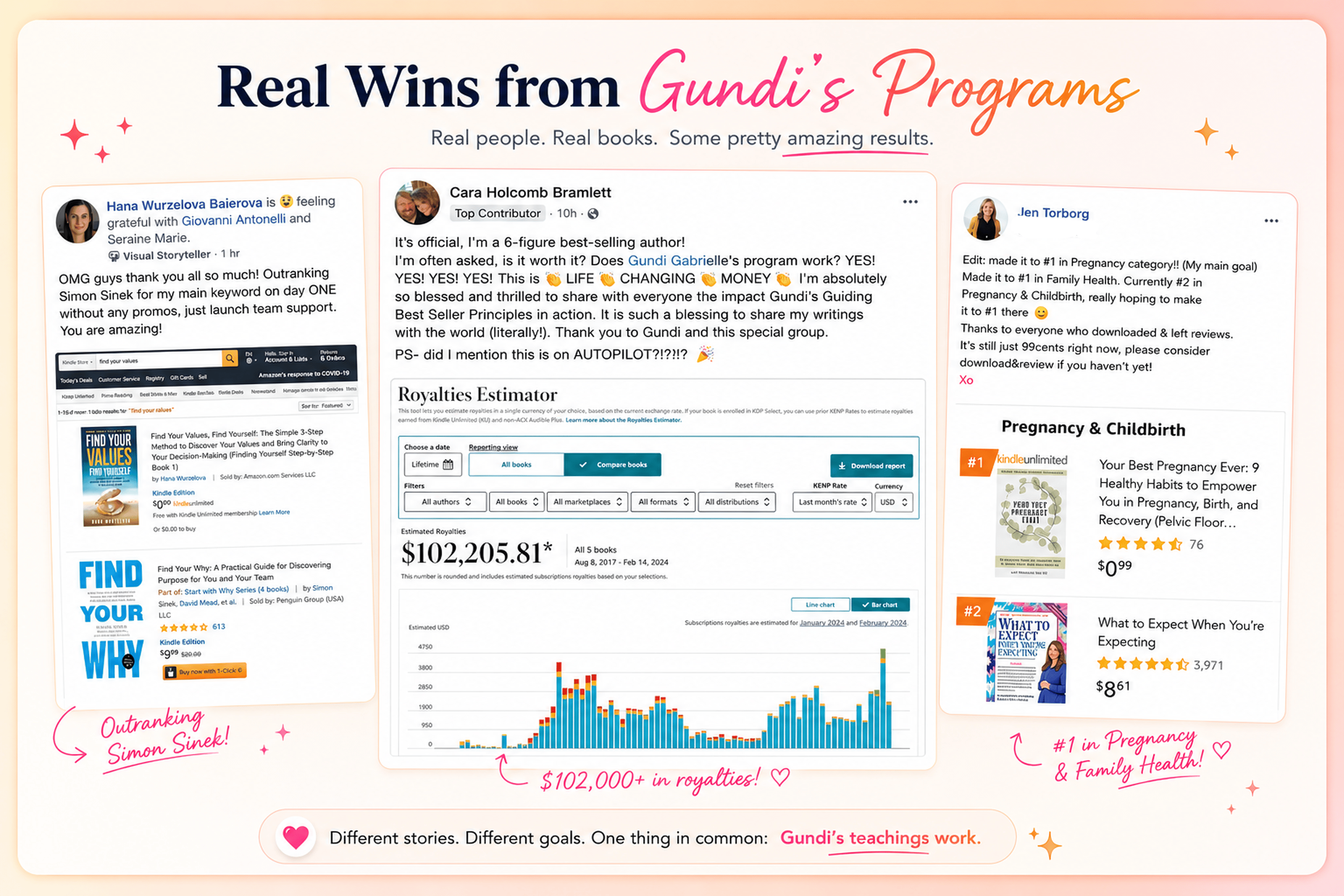
Hey, I'm Gundi, and for over a decade, I've helped thousands of everyday people turn what they know into a bestselling book.
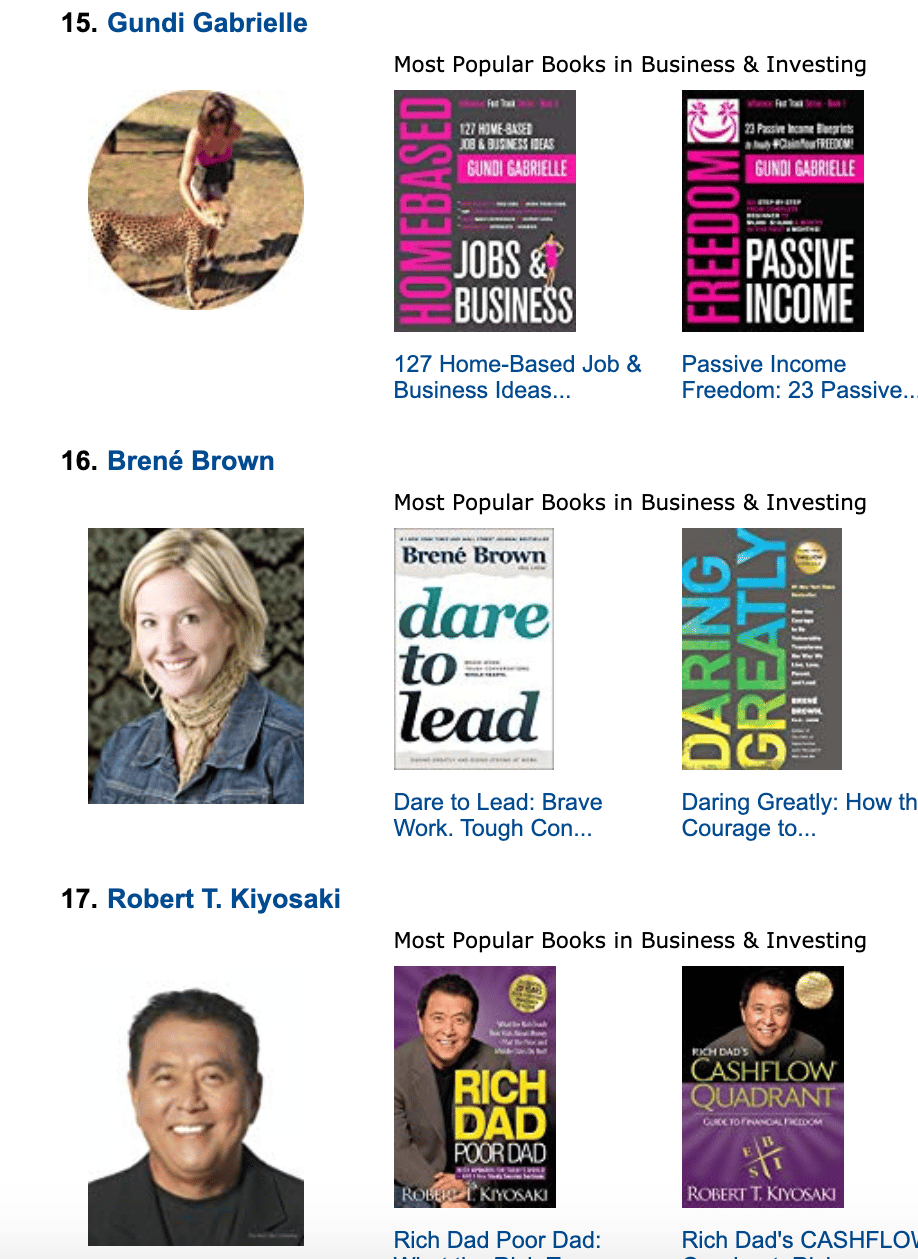
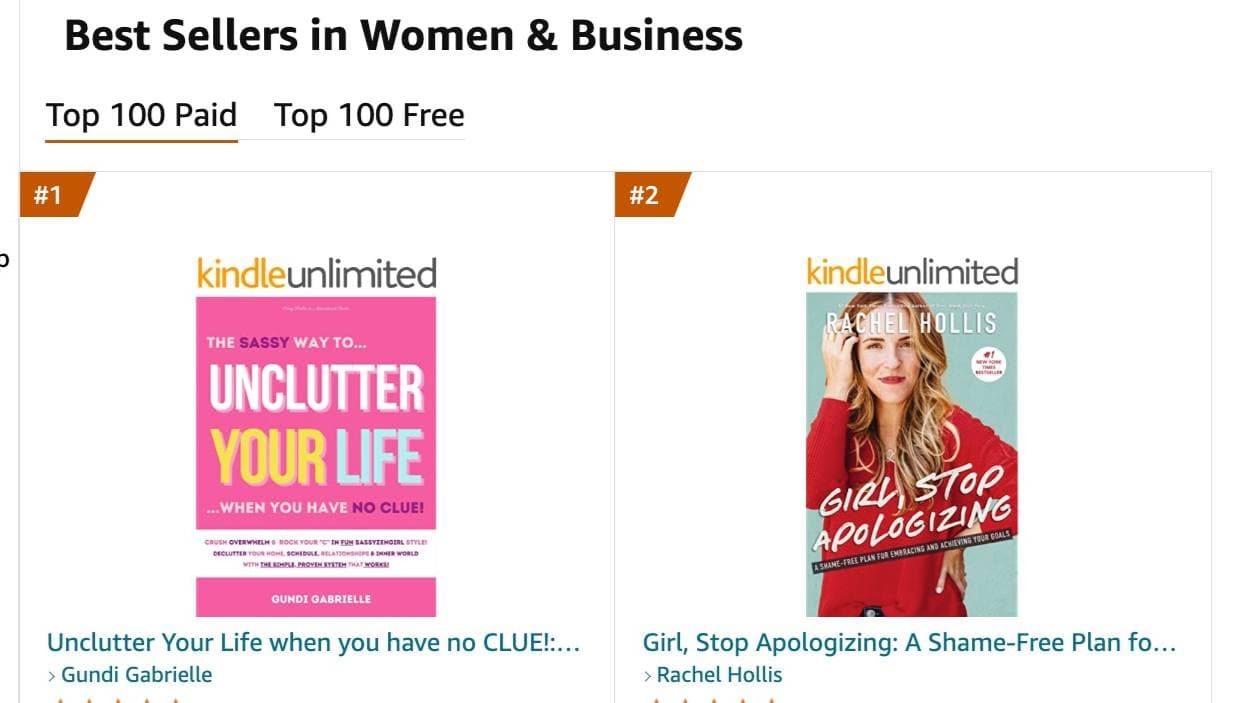
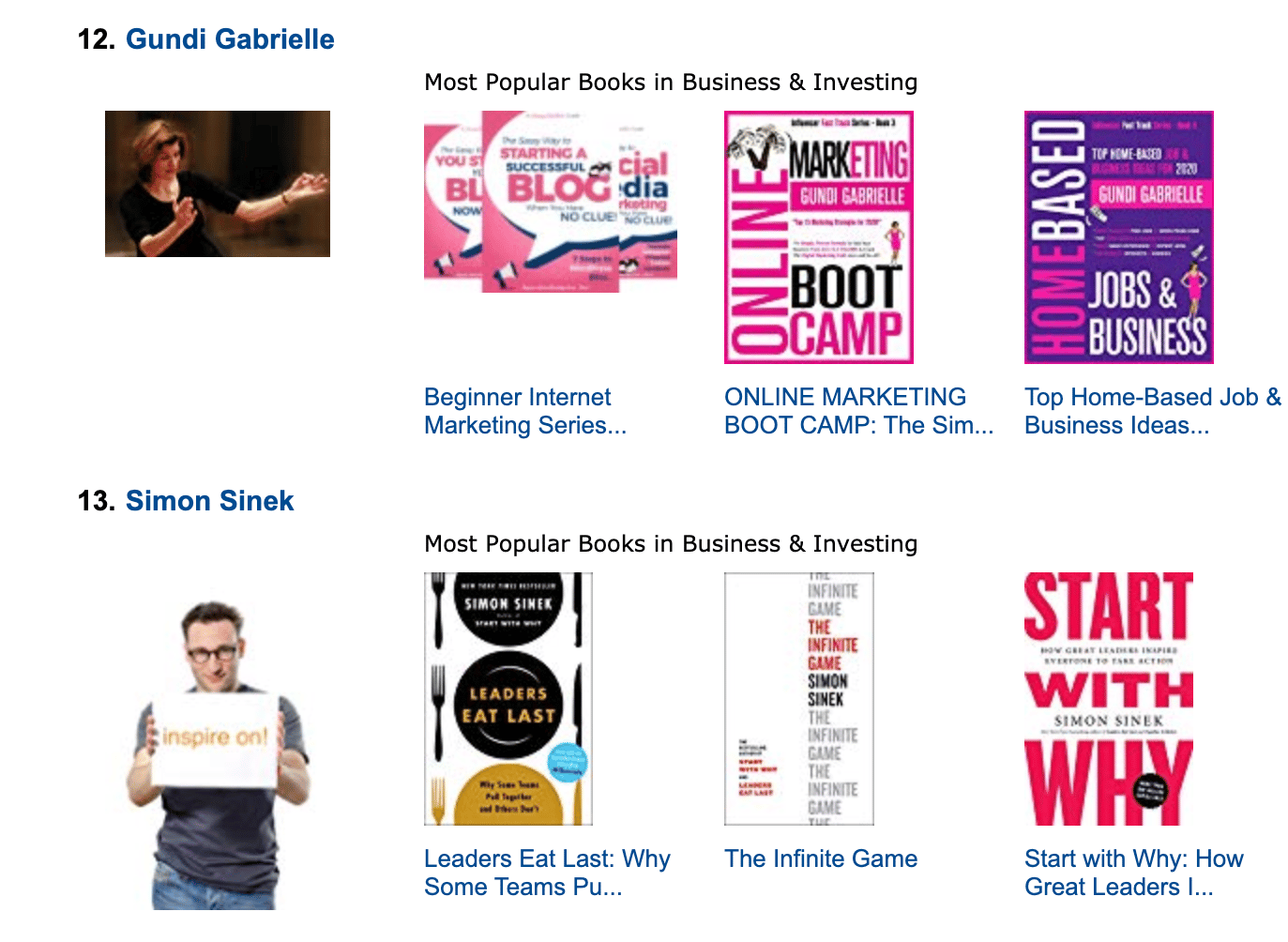
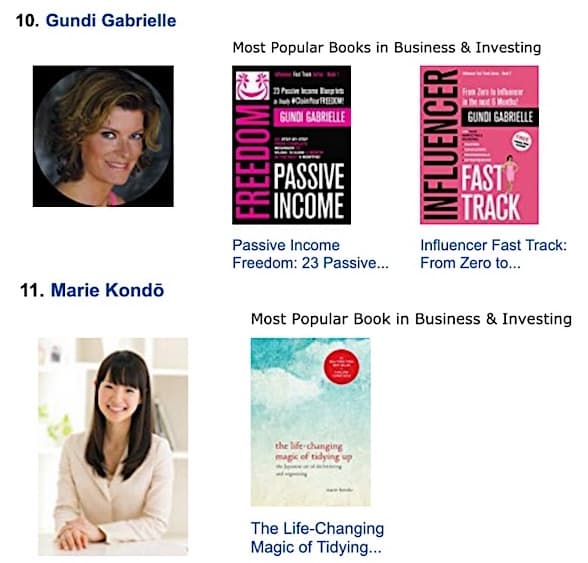
Along the way, I sold over 350,000 books, and was listed in Amazon's Top 100 Business Author Charts, ahead of authors like Simon Sinek, Brené Brown, Tim Ferriss, Robert Kiyosaki, or Brian Tracy.
No traditional publisher. No massive budget. Just understanding Amazon's algorithm and researching what readers actually want.
In my earlier years, I was a classical conductor & organist, touring the world, incl. Carnegie Hall & a performance for the Pope on St. Peter's Square.
These days, I love traveling as a Digital Nomad and orchestrating busy AI Agents 😎. Out of that came Golden Bestseller Empire — a complete AI-Powered Book Publishing Studio now helping authors around the world.
Can't wait to see you inside & help you publish your dream:
Featured In:
More from the Golden Bestseller Blog
AI Book Publishing
AI in Book Publishing: What Authors Need to Know Before They Publish
AI in book publishing is legal, allowed on Amazon KDP, and works best when AI assists and you write. Here is what the rules say and how Amazon's new algorithm fits in.
KDP Title Limits
KDP's 2-Titles-Per-Week Limit: What Counts as Creating vs. Submitting
KDP now limits you to 2 new titles per format per week, with a separate 2-title limit on submitting. Here's what counts, what doesn't, and when it resets.
KDP Pre-Orders
Smashwords Preorders vs. KDP Pre-Orders: The Side-by-Side
Smashwords now takes ebook preorders up to 12 months out, while KDP allows 18. Here's how the two compare on timing, files, and sales rank.
Want a faster way to plan and price your next book?
Golden Bestseller Empire's AI publishing tools help with exactly this kind of decision.