
What to Do When Your AI Says You Are Out of Credits
Your key is working. Add credits on your AI company's billing page, or wait for Gemini's free limit to reset within 24 hours.
An out-of-credits message means your key is working, but your account with the AI company has no credits. It is about that company's account, not something broken in the app. You do not need a new key.
What do I do for Claude or ChatGPT?
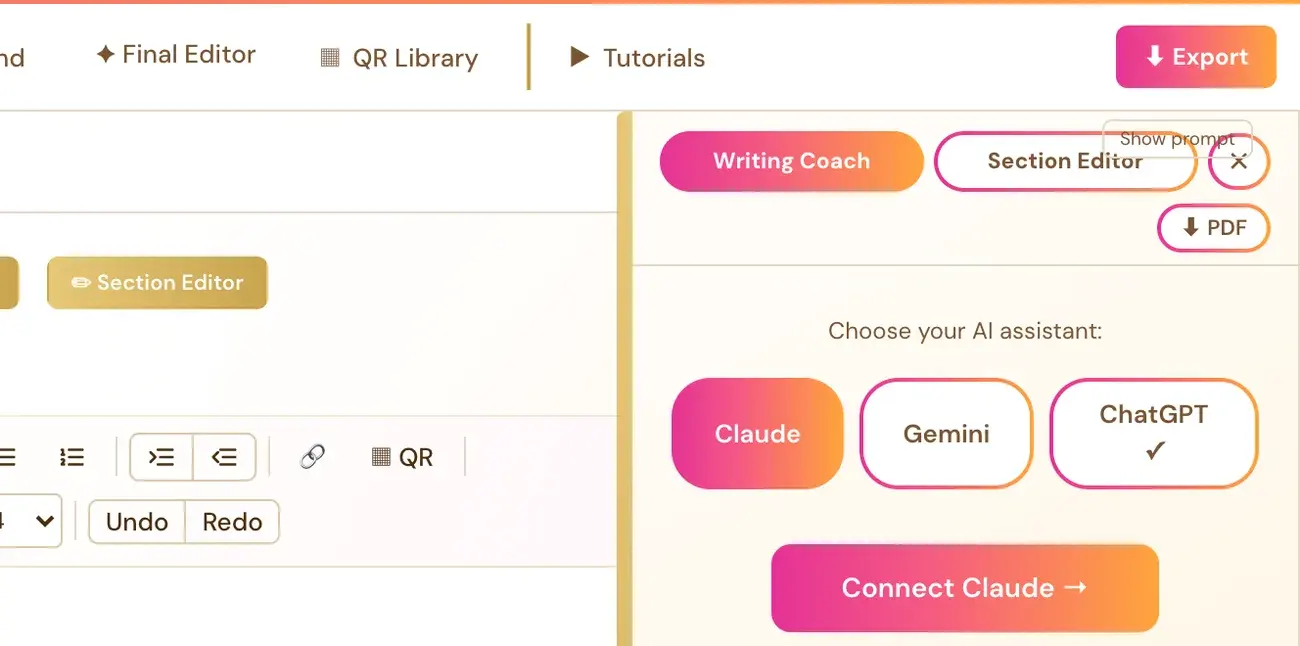
The Writing Coach panel says that your key works but the account has no credits, and it links to that provider's billing page. Connecting your own AI key is super easy and takes only a few seconds, the app guides you through it step by step, and using your own key is free or minimal in cost.
- Click the billing link in the message. Claude uses Anthropic's billing page. ChatGPT uses OpenAI's billing page. Each company has its own page.
- Add credit on that page.
- Go back to the Writing Studio and try again.
Claude and ChatGPT are pay-as-you-go. You are billed directly by the AI company for what you use.
What do I do for Gemini?
Gemini starts free. The message says the free limit resets within 24 hours. If you would rather not wait, you can add billing at aistudio.google.com to keep going. Adding billing is optional.
You may also see a pop-up that says "You've reached your Free Limit." This means your already connected Gemini key hit Google's own free-tier usage limit for the moment. It is not a fee from us, and it is not the same as the Connect your Gemini Key pop-up, which has a different cause and a different message. It resets on its own, and the pop-up includes a link to add a payment method on Google's side if you do not want to wait. Adding billing there is optional and your choice. This is Google's tier limit, not something wrong with your setup.
What if the message is about the AI being busy?
A "busy" or "at capacity" message (for example a 503) is a different problem. It is an availability error, not proof of an invalid key, exhausted credit or unpaid billing. Wait about a minute, then try once more. If it keeps happening, contact contact@goldenbestseller.com with the exact message.
What if the message says my key is invalid?
Follow the wording of that exact message. If it says the key is invalid or lacks permission, see How do I change or remove my AI key?
Can the Course Coach check my credit?
No. The Course Coach cannot see your key, your credit balance or your provider's logs. It can help you read the message you see. Never send your key to it.
Not sure where to start? The Course Coach inside the app helps you every step of the way.
Related Articles
Last checked in the app: October 14, 2026.
Still Need Help?
Inside the app, the Course Coach answers your questions and guides you step by step. You can also write to us and we will get back to you.
Contact Support