
How to Reuse Answers From a Previous Book in the Book Planner
Click Reuse answers from a previous book, choose a saved blueprint, tick only the answers you want, review them, then click Use these reviewed answers.
In the Book Planner, click Reuse answers from a previous book, choose a saved blueprint, check only the categories that fit your new book, review and edit them, and click Use these reviewed answers. Nothing is selected or applied automatically.
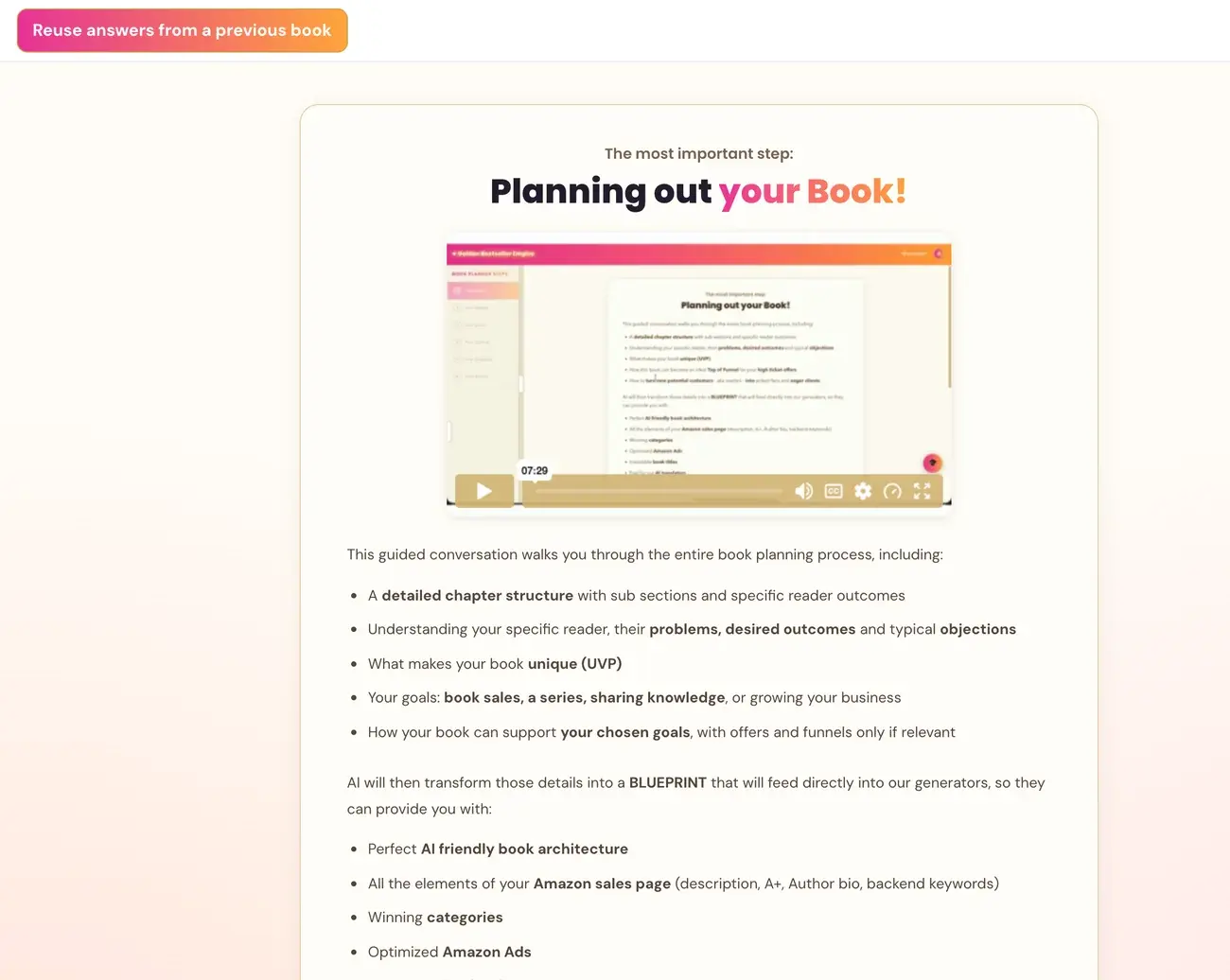
What is this option for?
"Reuse answers from a previous book" is an optional control in The Book Planner (Step 2 · PLAN). It lets you bring selected answers across from a blueprint you already saved, so the Planner does not ask those questions again.
It is optional. Different topic or audience? Leave the categories that do not fit unchecked.
Which answers can I reuse?
There are seven categories:
- Ideal-reader profile (ICP). ICP stands for Ideal Customer Profile, the one specific reader your book is written for.
- Goals.
- Writing voice and preferred style.
- Expert terminology.
- Reader search phrases.
- Complementary themes.
- Bold truth.
Only the answers you select are reused. Your new book's topic, elevator pitch, outline and chapters stay separate.
How do I reuse answers?
- In the Book Planner, click Reuse answers from a previous book. The panel opens with the heading "Start with what you already know".
- Under Previous book, open the list and choose a saved blueprint. Each one shows its working title and date.
- Check the categories you want. Each one is labeled "Reuse" followed by its name. A category that has no saved answer is greyed out.
- For every category you check, a text box opens with the saved answer. Review it and edit it so it fits this book.
- Click Use these reviewed answers.
The panel closes, and your reviewed answers count as already answered. There is no need to repeat those questions.
What if I have no saved blueprint yet?
The panel says: "Your completed blueprints will appear here once you save your first one." If there is no completed saved blueprint yet, finish and save your first Book Blueprint before using reuse.
Does it change my original book?
No. The original blueprint is unchanged. Only the answers you checked and reviewed are used.
Do older blueprints ever fill in my answers on their own?
No. The Planner never silently fills chapter or final-detail forms from an older Blueprint. Reusing completed answers requires you to choose them in the reuse control.
If you are unsure, the Course Coach inside the app guides you through every step.
Related Articles
Last checked in the app: October 14, 2026.
Still Need Help?
Inside the app, the Course Coach answers your questions and guides you step by step. You can also write to us and we will get back to you.
Contact Support