
The Rapid Fanbase Builder: Build Your Audience Without Daily Posting (Step 5 · GROW)
The Rapid Fanbase Builder is the simple system behind Step 5. You set it up once and it runs mostly on autopilot. Only Golden Bestseller Empire offers this.
Here's my method for building an audience while you write, and it isn't a secret. It's super easy, inexpensive and fast. You set it up once, and then it runs mostly on autopilot. No daily posting. No social media treadmill. It's optimized for Amazon's new COSMO and its relations, and only Golden Bestseller Empire offers this.
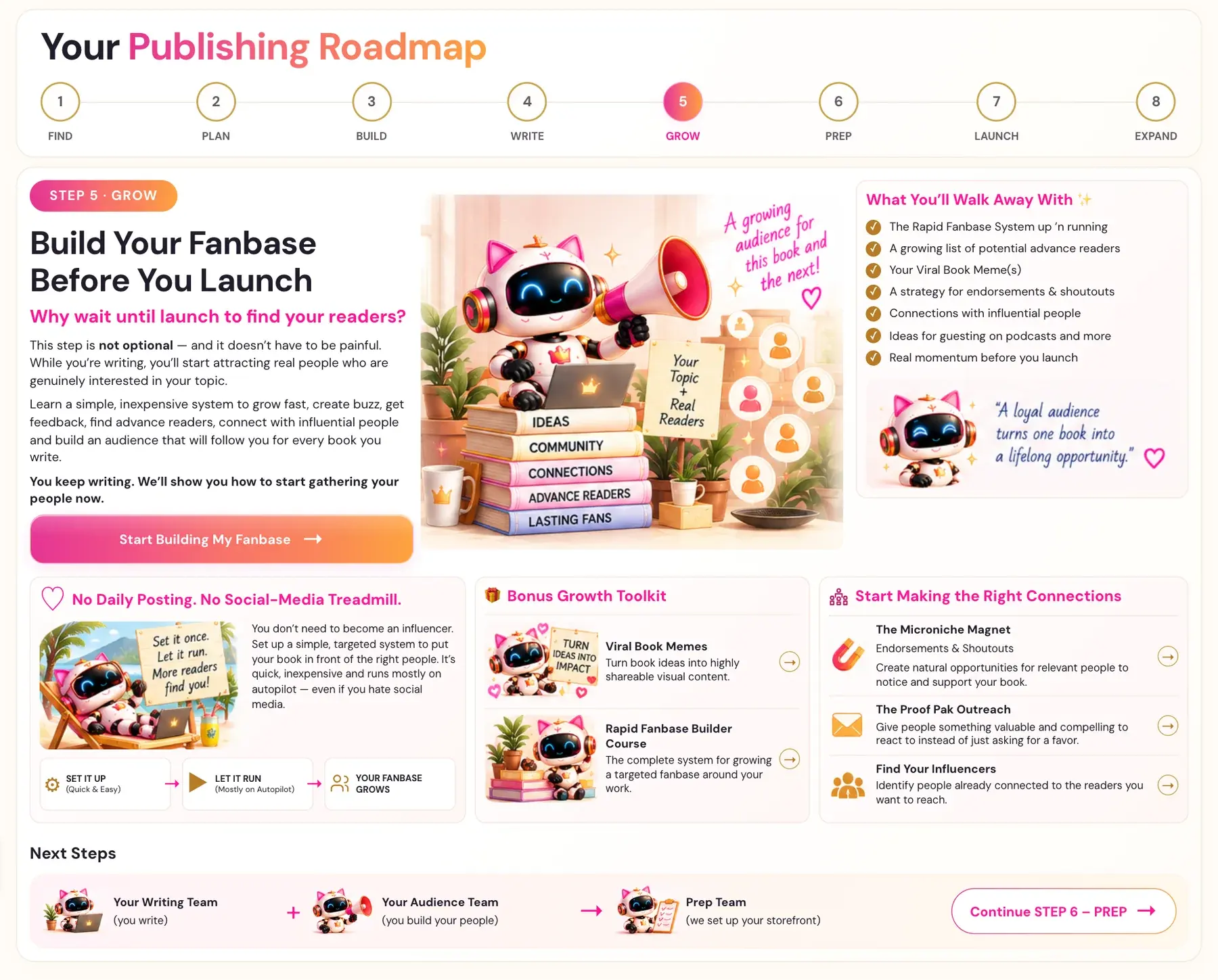
What Is the Rapid Fanbase Builder?
It's the heart of Step 5 · GROW. It's three simple moves. Set it up, which is quick and easy. Let it run, mostly on autopilot. And watch your fanbase grow. You don't have to become an influencer. If you don't like social media, this is for you.
Where Do You Find It?
The lessons are called The Rapid Fanbase Builder and The Rapid Fanbase Builder - Pt. 2. They're the first two lessons in Step 5, and they're videos for students inside Golden Bestseller Empire. The full Rapid Fanbase Builder Course is in the Bonus Content below the lesson list.
- Click STEP 5 · GROW in the left sidebar.
- Open The Rapid Fanbase Builder in the lesson list.
- Watch the video, write your notes in the notes box, and click MARK COMPLETE →.
What Do You Walk Away With?
- The Rapid Fanbase System up and running
- A growing list of people who could read your book early
- Your Viral Book Meme(s)
- A plan for endorsements and shoutouts
- Connections with influential people
- Ideas for guesting on podcasts and more
- Real momentum before you launch
A loyal audience turns one book into a lifelong opportunity.
Can You Do This While You Write?
Yes, that's the whole idea. You keep writing, and your audience grows alongside your book. Step 5 also has a lesson about Your Launch Team, and you use that team on launch day in Step 7 · LAUNCH.
What Comes Next?
Back to Step 5 · GROW. Not sure where to start? The Course Coach inside the app guides you through every step, so you're never stuck on a button.
Related Articles
Last checked in the app: October 15, 2026.
Still Need Help?
Inside the app, the Course Coach answers your questions and guides you step by step. You can also write to us and we will get back to you.
Contact Support