DRM-Free Kindle Books Can Now Be Downloaded as EPUB or PDF
Readers can now download EPUB and PDF files of DRM-free Kindle books. See what it means for your DRM setting, which books qualify and how to change it.
Who Can Download
Verified purchasers of confirmed DRM-free books
Readers Can Download
EPUB and PDF files of confirmed DRM-free books
Your Control
Change your DRM setting any time in Edit eBook Content

By Gundi Gabrielle
6 min read
Alrighty, let's talk about a little checkbox you probably clicked once and forgot about... your DRM setting :)
Here's the news in one sentence: readers who buy a DRM-free Kindle book can now download it as an EPUB or PDF file they keep, so your DRM choice matters more than it used to.
I'm keeping this tied to KDP's own Digital Rights Management page, so you can check your books against the official rules.
Ready? Let's rock it!
What changed for DRM-free Kindle books?
Verified buyers of DRM-free Kindle books can now download them as EPUB and PDF files. KDP says that readers can download EPUB and PDF files of your DRM-free books from Manage Your Content and Devices. Effective January 20, 2026, verified purchasers can download the EPUB and PDF files of your confirmed DRM-free books.
Quick translation: DRM stands for digital rights management. It's the copy protection setting you choose when you publish an ebook. If you chose "no DRM", readers who bought the book can now get a file they can keep.
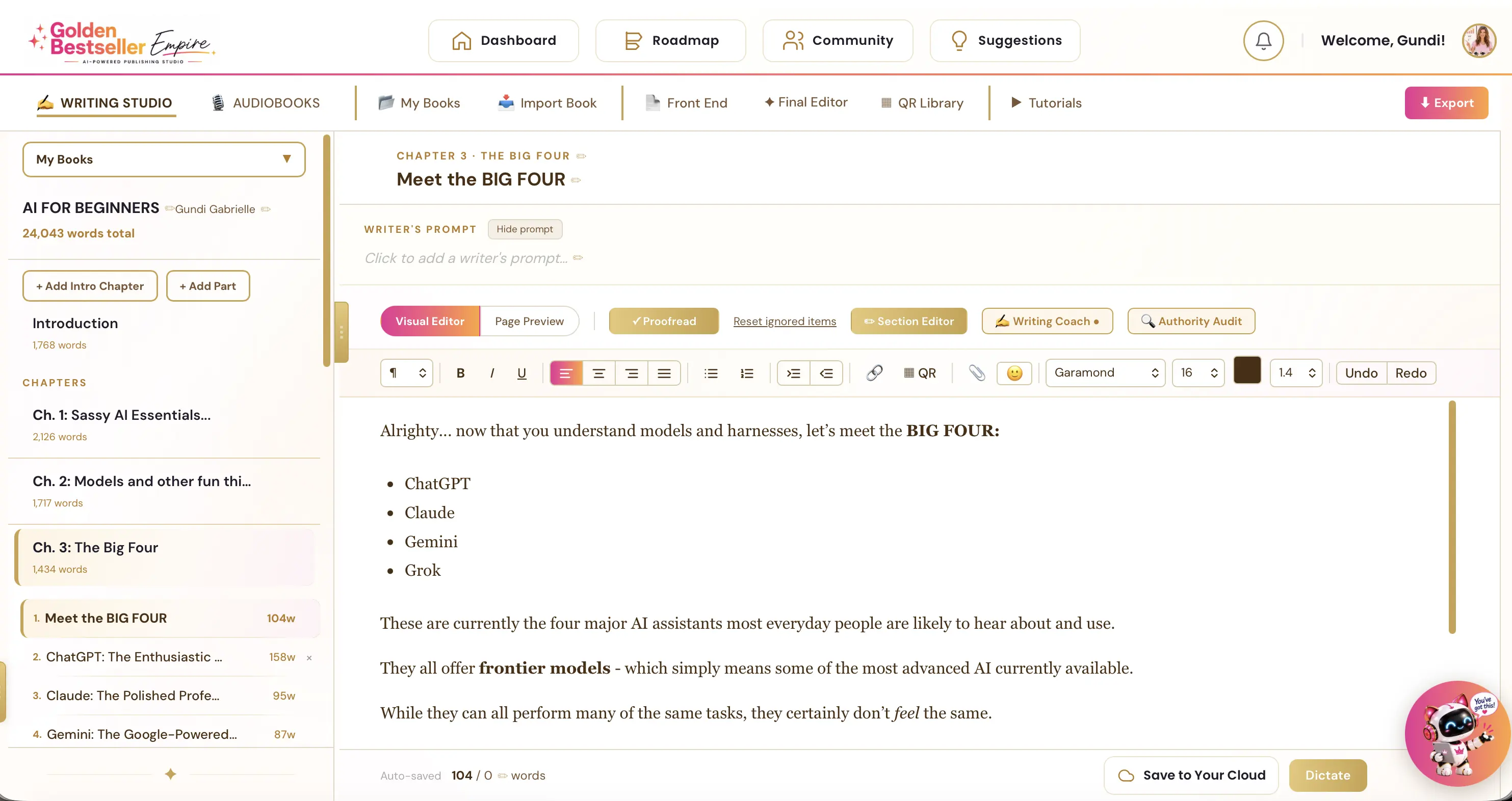
👑 Want one book, ready in every format? Golden Bestseller Empire's Writing & Formatting App helps you turn your own ideas into a finished book. An AI Writing Coach, editor and proofreader help along the way. Then it exports KDP-ready PDF and EPUB files. → See how it works
Which Kindle books can readers download as EPUB or PDF?
Only DRM-free books, and only for readers who bought them. The option is for verified purchasers of books that are confirmed as DRM-free. A few details from KDP's page:
- Books you published after December 9, 2025 with no DRM qualify.
- For books you published before December 9, 2025 without applying DRM, KDP asks you to confirm the option yourself.
- Borrowed titles, such as those read through Kindle+, don't qualify.
- DRM-protected books keep their protection. The download option is for DRM-free books.
Should I turn DRM on or off for my Kindle book?
It depends on the book, so decide title by title. Before this change, "no DRM" mostly meant readers could use the book on other apps. Now it also means readers who bought your book can download a file they can keep.
For many authors, that's totally fine, and some even like it, because it feels generous. For others, it's a reason to think again. Here's a simple way to decide:
- Off tends to make sense if you sell wide, if your book is a course extra or a guide, or if you want readers to keep a copy.
- On tends to make sense if your genre has a higher risk of piracy, or if you'd rather readers stay inside Kindle.
How do I change my DRM setting on KDP?
Bookshelf → three dots → Edit eBook Content → Digital Rights Management. Step by step:
- Open your KDP Bookshelf and click the three dots next to your ebook.
- Choose Edit eBook Content.
- In the Manuscript section, find Digital Rights Management (DRM).
KDP says you have full control over your DRM settings, and you can change them at any time. One thing to know: files that readers have already downloaded while your book was DRM-free stay with them, even if you turn DRM on later.
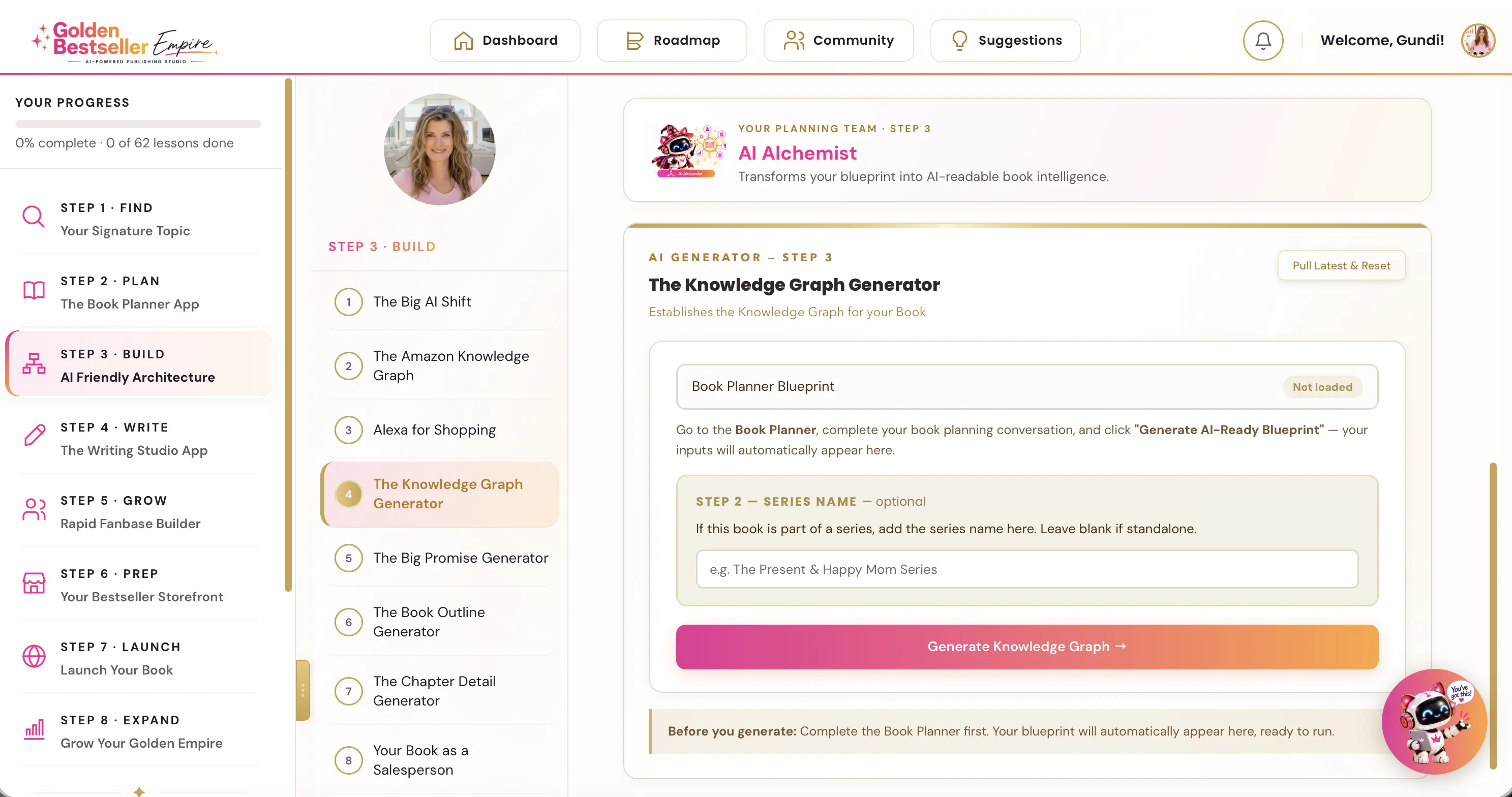
👑 Planning your book from first idea to launch? Golden Bestseller Empire is the only app that builds a Knowledge Graph for your book with one click, optimized for Amazon's new COSMO, straight from your Book Planner Blueprint. Then it uses that map to create your outline, chapter details, title, description, A+ Content, backend keywords and even your Amazon ads, 1-click optimization to Amazon's new AI while most authors are still guessing. → See how it works
What about the Kindle DRM and library loan news?
Those come from news reports, not from KDP, so treat them as news, not policy. Two other stories came out around the same time, and they come from news and blog reports, not from KDP.
In mid-August 2026, reports said a firmware update for the Kindle Oasis added hardened DRM, so tools that remove DRM would no longer work. Separately, reports said that a Kindle software update ended the airplane-mode trick some readers used to keep a Libby library loan. Reports on the second one are not uniform, so treat both as news, not as KDP policy.
Do very old Kindles still work?
Kindles from 2012 or earlier can no longer connect to Amazon after May 20, 2026. Amazon's support pages say that Kindle e-readers released in 2012 or earlier can no longer connect to Amazon's services after May 20, 2026. Owners of those devices can't buy, borrow or download new books on them. Books already on a device that stays registered can still be read.
For you as an author, it's a reminder that some of your oldest readers use older devices. Amazon also refreshed its Kindle lineup this year, which I cover in my Kindle hardware update.
What should authors do now?
Here's your quick to-do list:
- Open your Bookshelf and list which ebooks have DRM on and which have it off.
- For each DRM-free book, decide whether you're happy for readers to download an EPUB or PDF.
- For books you published before December 9, 2025 without DRM, check whether you want to confirm the download option.
- Change any setting you don't like, from Edit eBook Content.
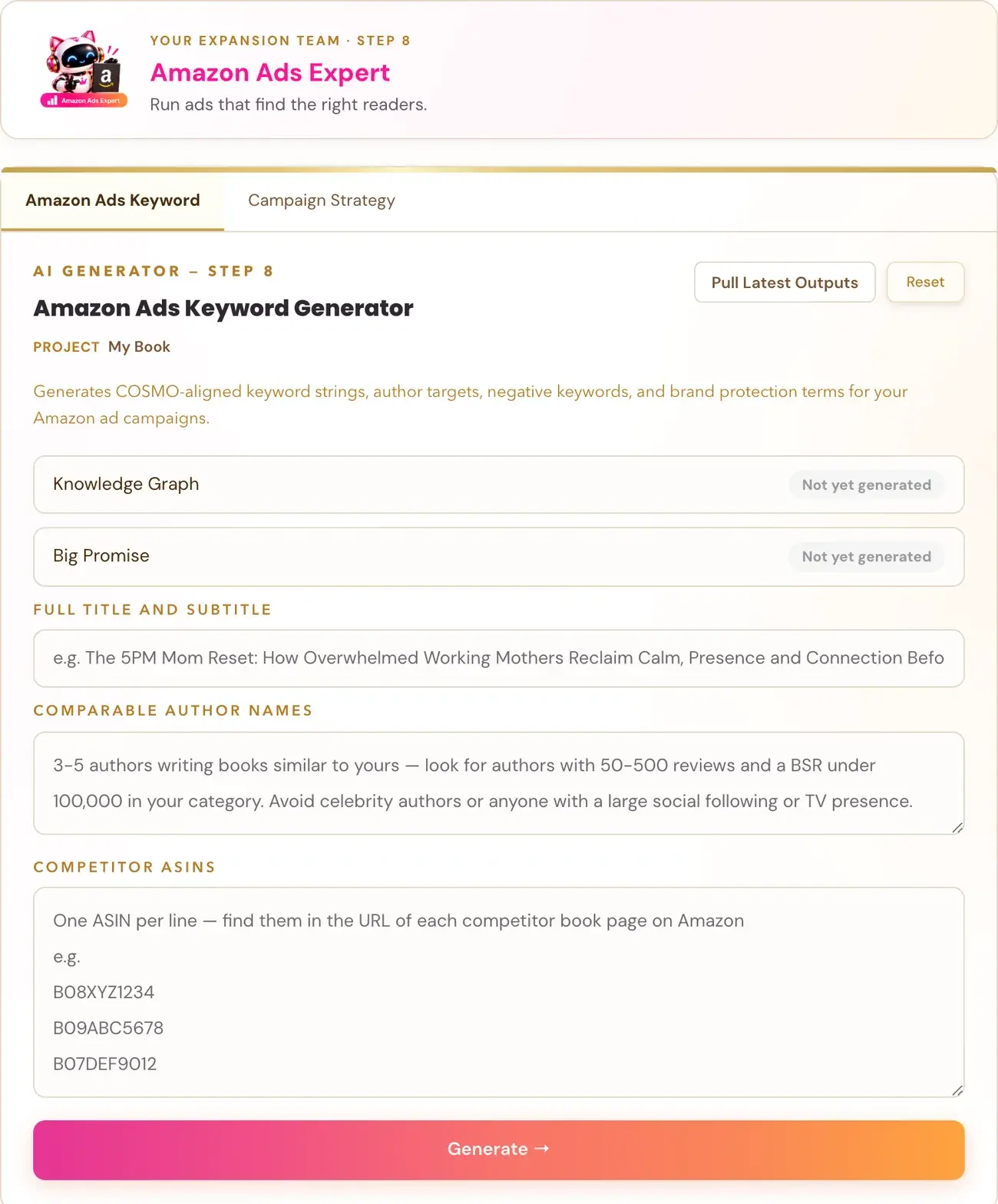
👑 Ready to reach more readers? Golden Bestseller Empire's Ad Campaign Strategy Generator plans your campaigns. Then the Amazon Ads Keyword Generator builds your keyword lists with one click. → See how it works
I keep every change I can verify in one place: the latest Amazon KDP updates. For the bigger picture on publishing, see my Amazon KDP publishing guide.
My take: revisit the settings you clicked once
After 10 years of publishing, I've learned that the settings you choose once and never revisit are the ones that surprise you later. DRM is a perfect example. So if you only do one thing today: open your best-selling ebook and look at its DRM setting.
👑 The best-protected book is one readers love to buy. Golden Bestseller Empire's 5 Research AI Generators help you find your Signature Topic: where what you know meets what readers in your niche actually want. → Find your Signature Topic
Happy publishing... and happy (DRM-smart) selling :)
Related reading
- How to publish on KDP: the full walk-through.
Frequently Asked Questions
Can readers download my Kindle book as EPUB or PDF?
KDP says readers can download EPUB and PDF files of your DRM-free books from Manage Your Content and Devices. Effective January 20, 2026, verified purchasers can download the EPUB and PDF files of your confirmed DRM-free books.
Which Kindle books qualify for EPUB and PDF downloads?
Books you published after December 9, 2025 with no DRM qualify. For books published before that date without DRM, KDP asks you to confirm the option yourself. Borrowed titles do not qualify, and DRM-protected books keep their protection.
Where do I change my DRM setting on KDP?
Open your KDP Bookshelf, click the three dots next to your ebook, choose Edit eBook Content, and find Digital Rights Management (DRM) in the Manuscript section.
Can I change my DRM setting after publishing?
Yes. KDP says you have full control over your DRM settings and can change them at any time. Files that readers already downloaded while the book was DRM-free stay with them.
Should I turn DRM on or off?
It depends on the book. Off tends to suit wide distribution, course extras and readers who want to keep a copy. On tends to suit genres with a higher risk of piracy. Decide title by title.
Sources & Citations
- KDP Help: Digital Rights Management (DRM)
- Amazon: Kindle E-Readers Released in 2012 or Earlier
- Living changelog: Amazon KDP & Related Marketplace Changes
This page is maintained independently and is not affiliated with Amazon. Always double-check the latest numbers inside your own KDP account before making pricing decisions.
Found this useful? Get more of this site in your Google.
One tap adds us as a preferred source — Google then shows you our posts more often in Search, Top Stories, and AI Overviews.
Created By

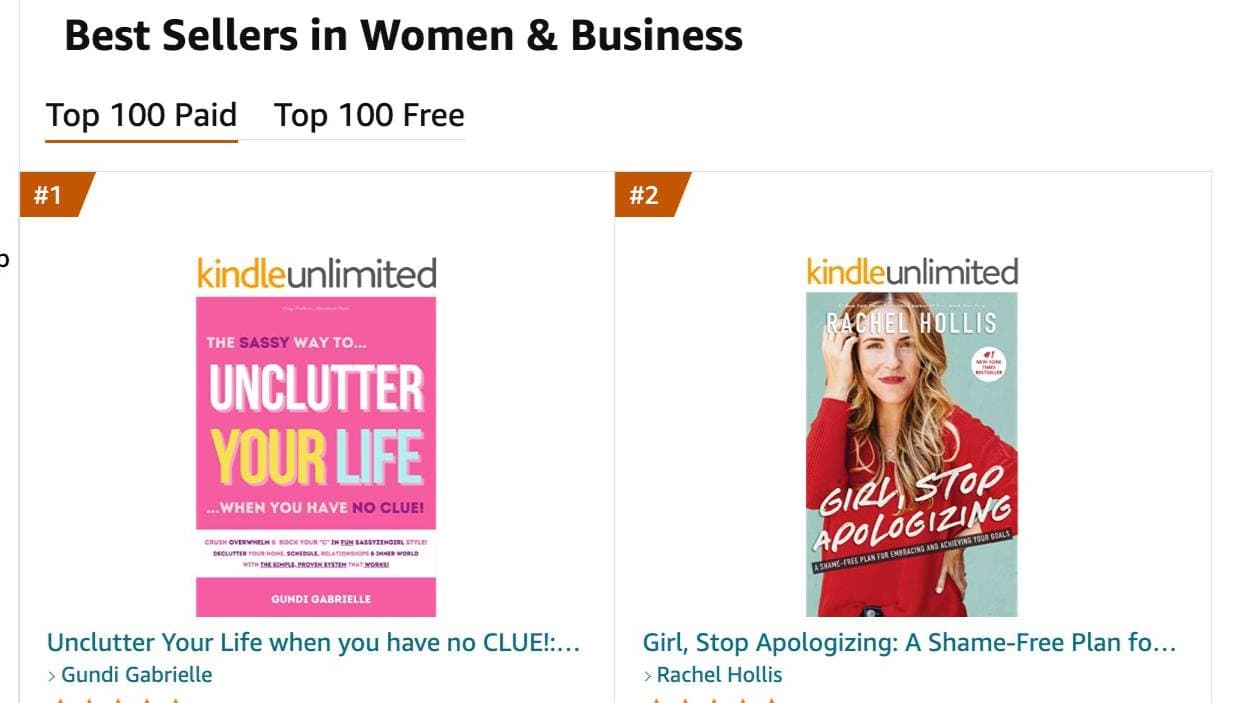
Top 100 Business Author · Carnegie Hall Conductor · Founder of Golden Bestseller Empire
Hey, I'm Gundi, and for over a decade, I've helped thousands of everyday people turn what they know into a bestselling book.
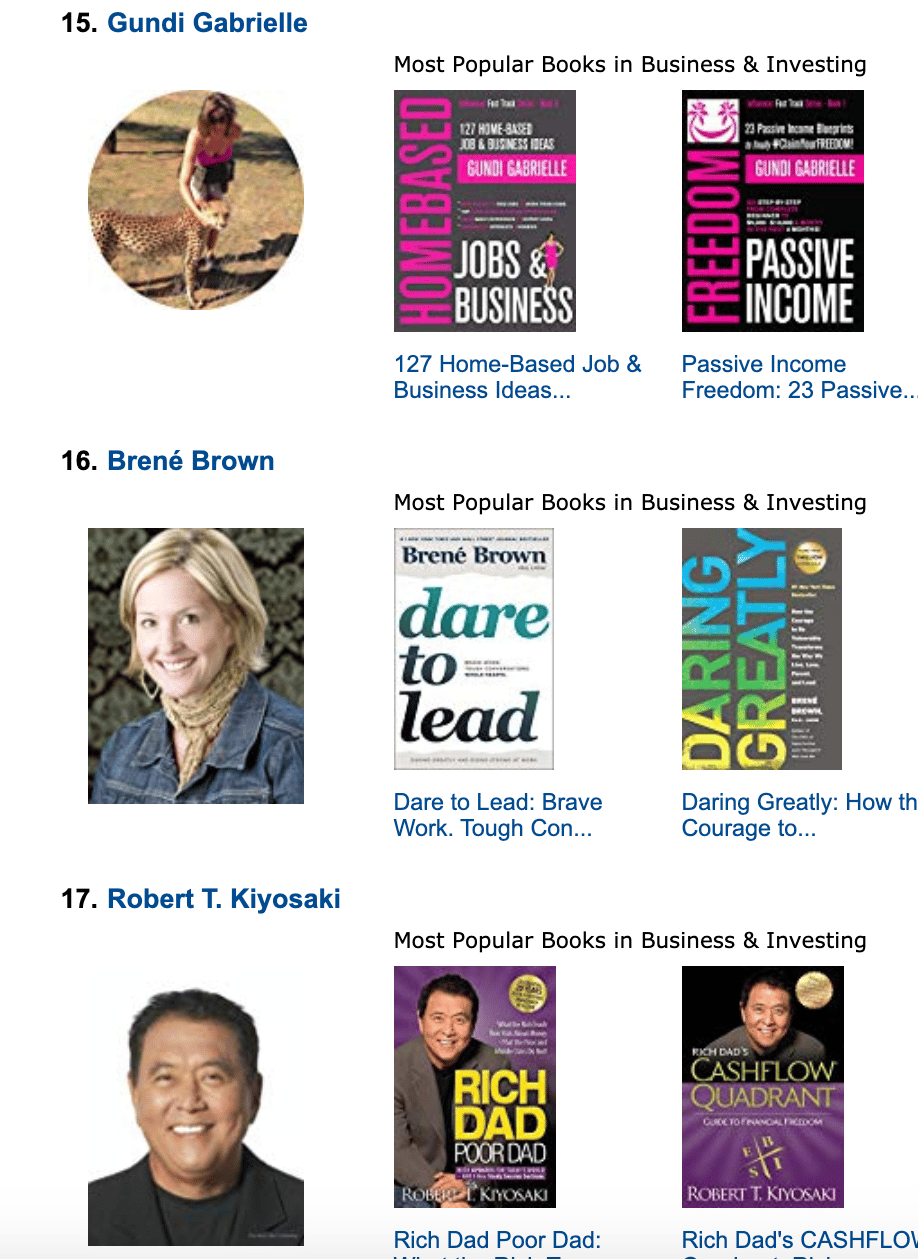
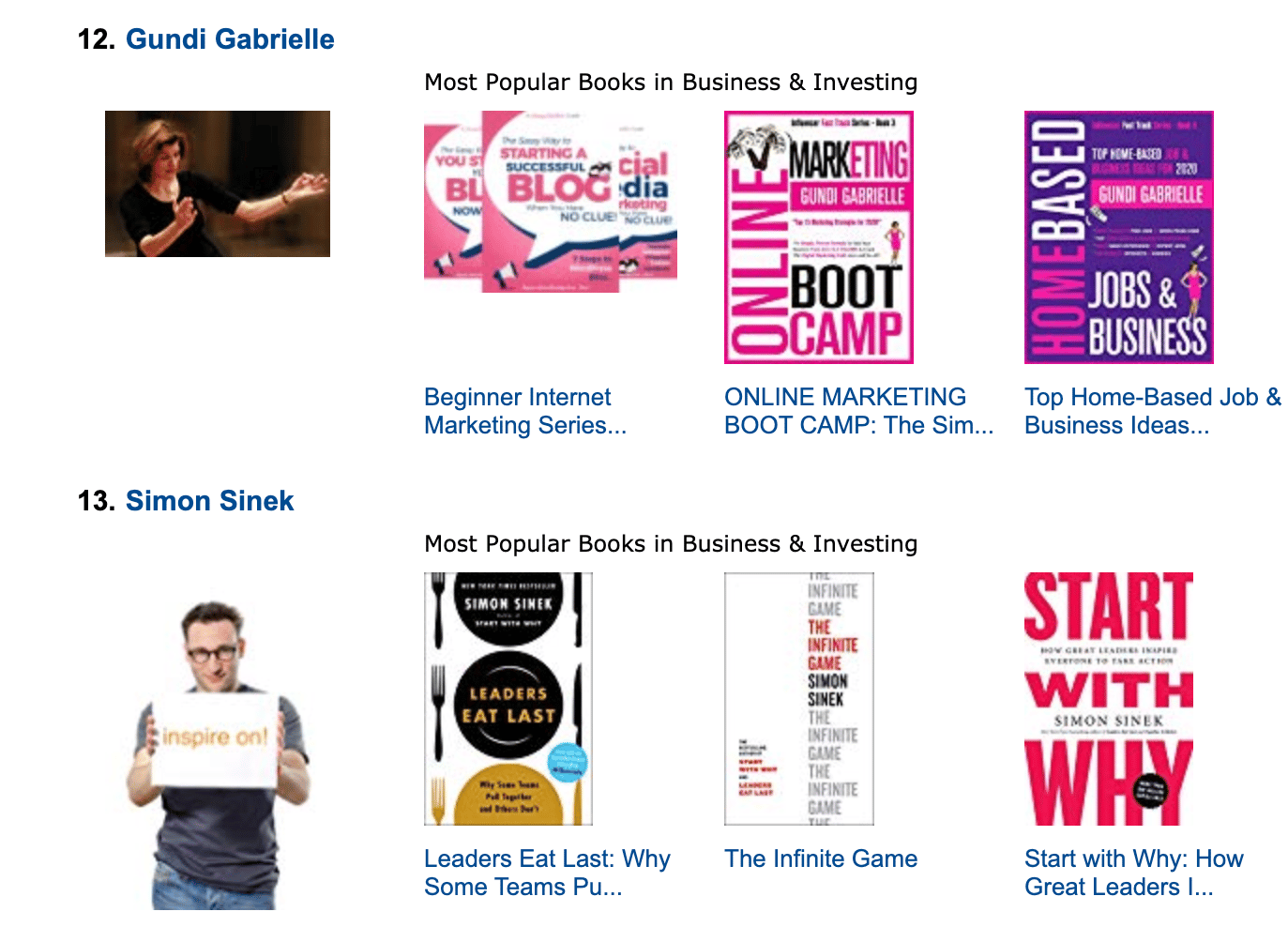
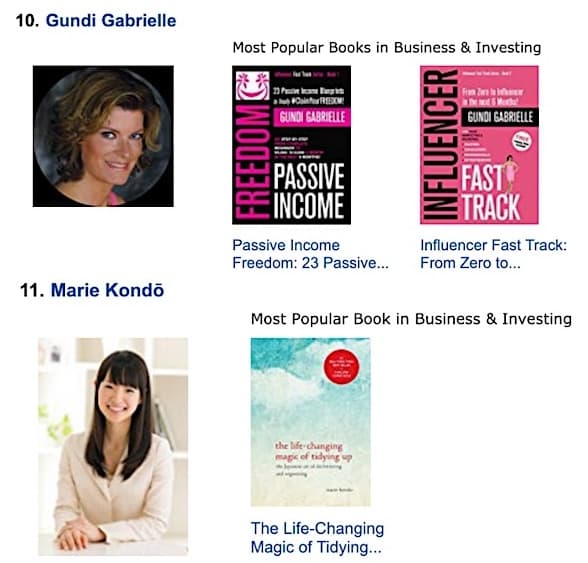
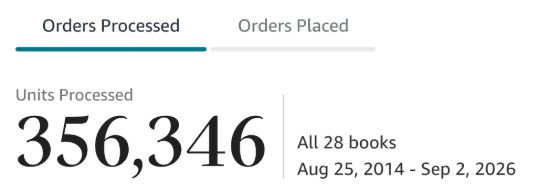
Along the way, I sold over 350,000 books, and was listed in Amazon's Top 100 Business Author Charts, ahead of authors like Simon Sinek, Brené Brown, Tim Ferriss, Robert Kiyosaki, or Brian Tracy.
No traditional publisher. No massive budget. Just understanding Amazon's algorithm and researching what readers actually want.
In my earlier years, I was a classical conductor & organist, touring the world, incl. Carnegie Hall & a performance for the Pope on St. Peter's Square.
These days, I love traveling as a Digital Nomad and orchestrating busy AI Agents 😎. Out of that came Golden Bestseller Empire — a complete AI-Powered Book Publishing Studio now helping authors around the world.
Can't wait to see you inside & help you publish your dream:
Featured In:
More from the Golden Bestseller Blog
Amazon Algorithm
Amazon Listing Optimization for Authors: 10 Ways FBA Sellers Optimize for Amazon's New AI — That Authors Still Ignore
Amazon sellers are rewriting their listings for COSMO and Alexa for Shopping. Here are the 10 listing strategies FBA sellers use, and exactly how KDP authors can copy each one.
Amazon KDP Updates
KDP Select Global Fund: How Kindle+ Pays Authors Now That Audiobooks Share the Fund
The KDP Select Global Fund now pays for Kindle+ pages read AND pages listened. Here's the latest payout, what audiobooks mean for your page reads, and where to find your Kindle+ royalties.
Amazon KDP Updates
Amazon Ads Removed Estimated KENP Royalties: What Qualified Borrows Mean for Kindle Unlimited Authors
Amazon Ads no longer shows estimated KENP royalties. It now reports Kindle Unlimited qualified borrows and estimated KU royalties. Here's what changed and how to read your ads now.
Want a faster way to plan and price your next book?
Golden Bestseller Empire's AI publishing tools help with exactly this kind of decision.