
Kindle Translate: KDP's Invite-Only AI Translation Beta Explained
Kindle Translate is KDP's invite-only AI translation beta. See the languages, how it works, who qualifies, the royalties and what to check before you enroll.
Status
Invite-only beta
Languages
English with Spanish, German, French, Italian and Portuguese
Timing
Created in up to 24 hours, live in up to 72 hours

By Gundi Gabrielle
8 min read
Alrighty, imagine your ebook selling in Spanish, German and French... without you writing a single extra word :) That's the promise of Kindle Translate.
Here's the news in one sentence: Kindle Translate is KDP's invite-only AI translation beta that translates your eligible ebook between English and Spanish, German, French, Italian or Portuguese and publishes it for you, but Amazon owns the translated files.
That last part is important, so let's go through it all in plain English. I'm keeping everything tied to KDP's own Kindle Translate help pages and Amazon's announcement.
Ready? Let's rock it!
What is Kindle Translate?
It's KDP's own AI translation service: it translates your eligible ebook and publishes the translation for you. Kindle Translate is a KDP service that translates your eligible ebook with AI and publishes the translation for you. KDP's help page says that, at this time, it's an invite-only beta for eligible KDP ebooks on kdp.amazon.com. It isn't available for books on kdp.amazon.co.jp.
Amazon also says that Kindle Translate titles are clearly labeled for readers, so a shopper can tell they're looking at a translated edition.
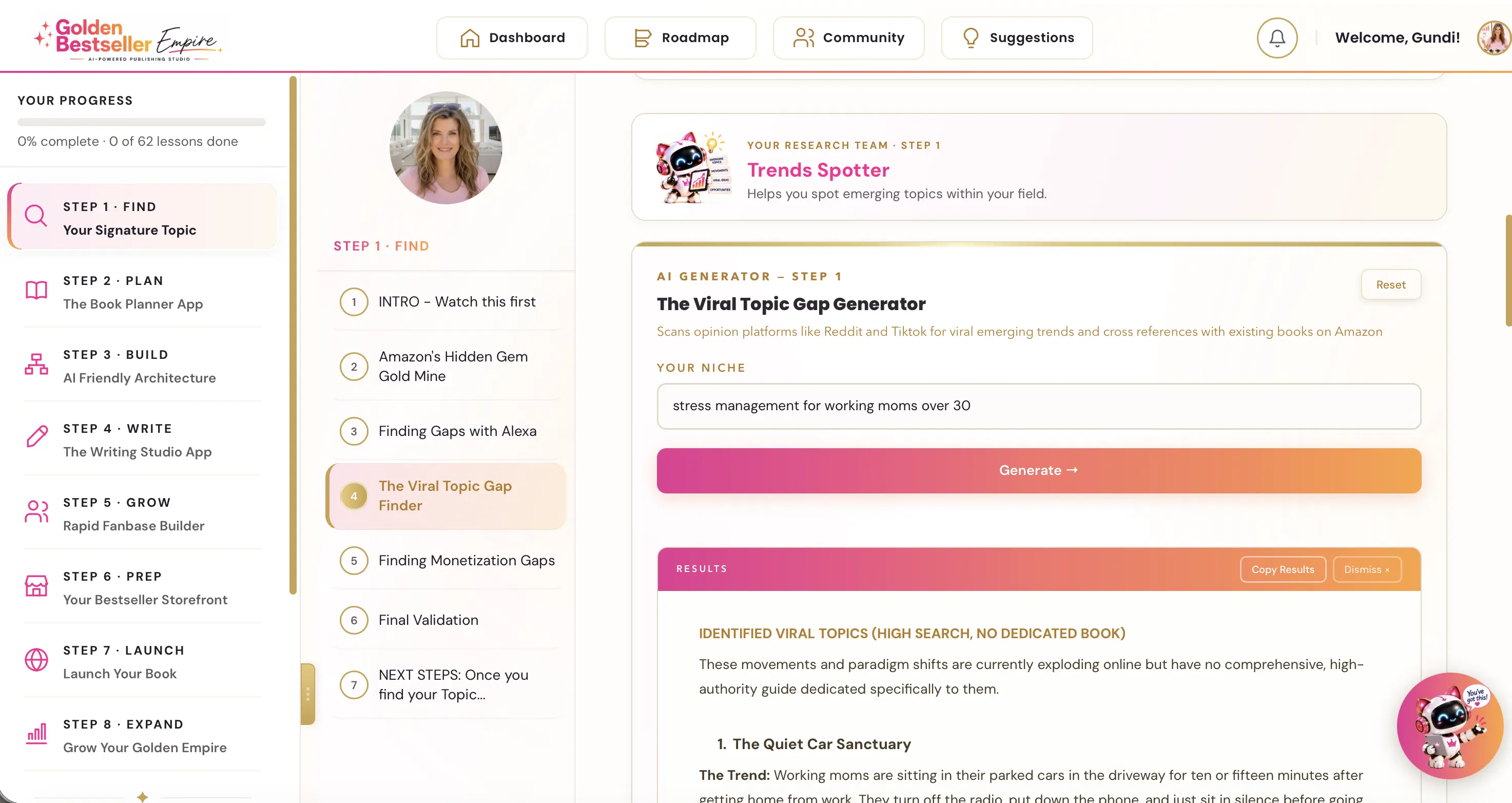
👑 Want your book in more languages, on your terms? Golden Bestseller Empire guides you through the entire publishing process. It starts with finding your Signature Topic and takes you all the way to publishing your first Bestseller. → See how it works
Which languages does Kindle Translate support?
English to and from Spanish, German, French, Italian and Portuguese. Amazon says the service now supports translations between English and Spanish, German, French, Italian and Portuguese. On KDP's languages page, an English book can be translated into French (France), German, Italian, Portuguese (Brazil) and Spanish (Spain). When you translate into English, the default is English (US).
The source languages KDP lists are English, French, German, Italian, Portuguese and Spanish. Japanese books aren't eligible. KDP says the languages page is regularly updated as new translation options are added.
Which books qualify for Kindle Translate?
Live, reflowable ebooks in one of the six languages that you hold the translation rights for. KDP lists these requirements:
- It has Live status, so not a book that is still publishing, and not a pre-order.
- It's a reflowable ebook, not fixed-format.
- Its primary language is English, French, German, Italian, Portuguese or Spanish.
- It's not in the public domain, and it's not already a translation.
- It has a cover and a primary author or contributor.
- It's suitable for translation, so not empty or image-heavy.
You also need to hold the translation rights. KDP's beta terms say you grant Amazon a nonexclusive, irrevocable license to translate your book. After your ebook goes Live, KDP runs an eligibility check, which can take up to 72 hours.
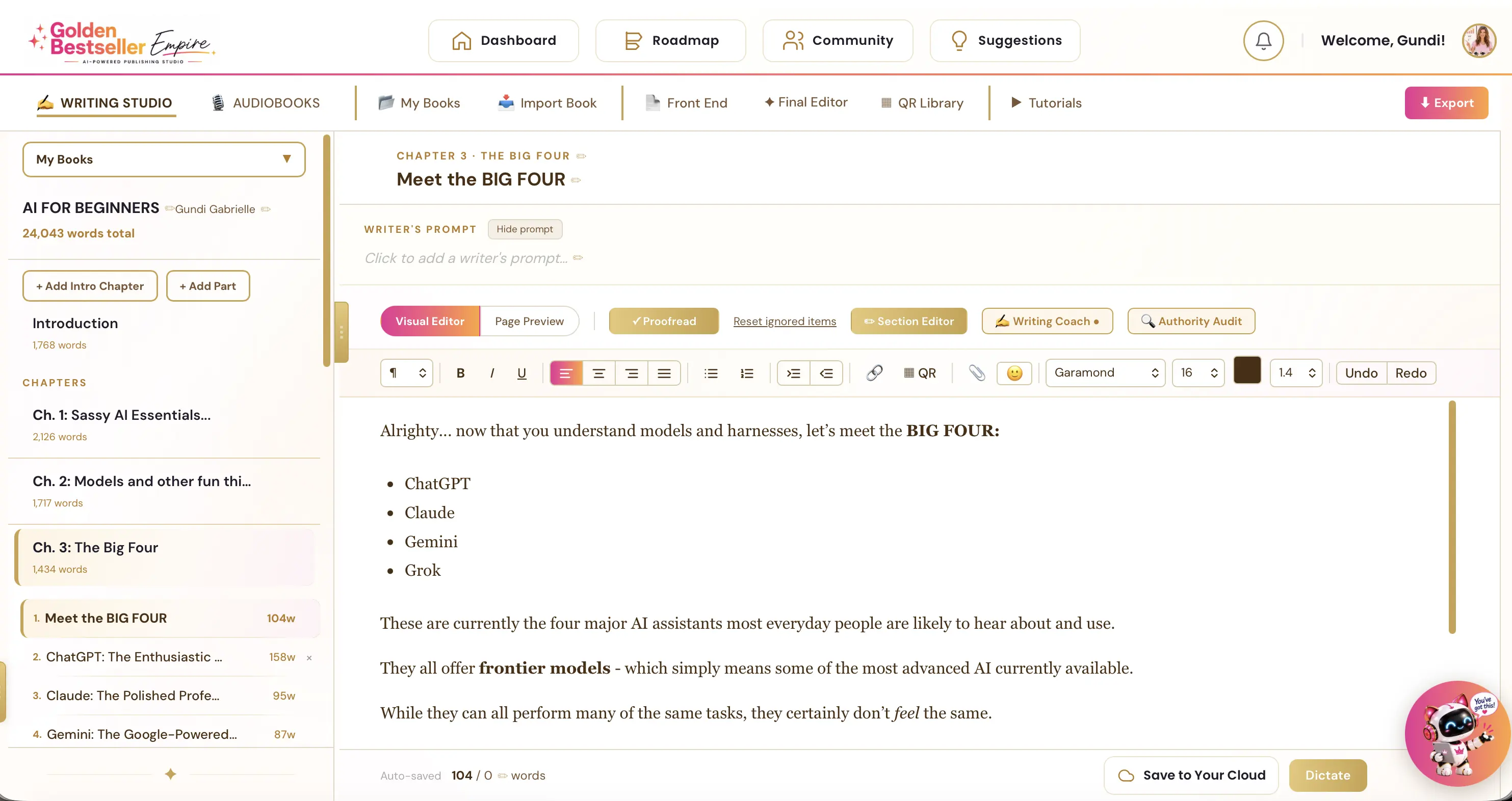
👑 Want your ebook formatted right from day one? Golden Bestseller Empire's Writing & Formatting App helps you turn your own ideas into a finished book. An AI Writing Coach, editor and proofreader help along the way. Then it exports KDP-ready PDF and EPUB files. → See how it works
How do I use Kindle Translate?
Click "Translate your eBook" next to your book on the KDP Bookshelf, if you see it. If your book is eligible, you'll see Translate your eBook next to it on your KDP Bookshelf. From there you:
- Choose your target languages.
- Choose whether the translation joins KDP Select, and set your territorial rights.
- Set the pricing.
- Optionally change the cover for the translated edition.
- Select Submit for publishing.
If a book isn't eligible, KDP shows the reasons under Why isn't my eBook eligible? You manage your translations on the Bookshelf under Manage translations, and orders, royalties and payments appear in your KDP Reports.
You can also enable automatic translation and publication, so new languages are added as they become available. That requires worldwide distribution rights.
How long does Kindle Translate take?
A few hours to a day for the translation, then up to 72 hours to show up in the store. KDP says translations can take a few hours to be created, and up to 24 hours. After that, it can take up to 72 hours for the translation to appear in the Amazon store.
Every translation also has to pass a 7-step quality assurance threshold. The result is either "Ready to publish" or "Cannot be published". If a translation is rejected, Amazon retranslates the book automatically after service improvements.
What royalties do Kindle Translate books earn?
The same 35% and 70% royalty options as your other ebooks. KDP says you have the same royalty options for translations created through Kindle Translate: the 35% and 70% plans, with 35% outside the 70% territories. By default, KDP uses your source ebook's list price and royalty plan for every translated edition. You can set a different price in the Kindle Translate pricing and royalties settings.
If your source book is enrolled in KDP Select, the translations are enrolled for 90 days with auto-renewal, and you can opt out on the Kindle Translate management page.
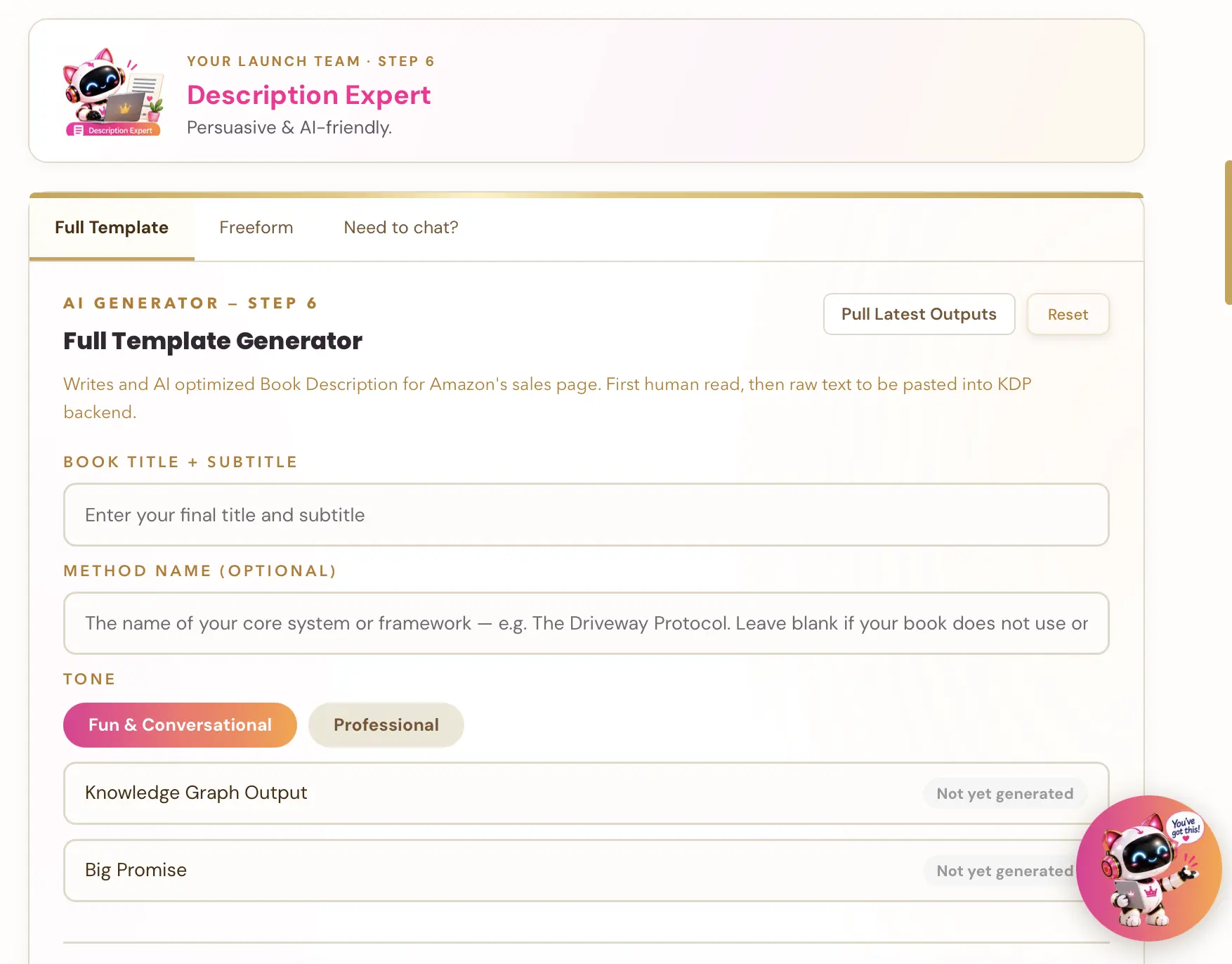
👑 A translated book needs a book page that sells in that language. Golden Bestseller Empire's one-click generators build your entire book listing page. That's your title and subtitle, description, A+ Content and backend keywords, all optimized for Amazon's new COSMO. → Start optimizing yours
Who owns a Kindle Translate translation?
Amazon does. You can't sell those translated files anywhere else. This is the part to read carefully, friend :) KDP's beta terms say Amazon owns the Kindle Translate Edition files, and you can't sell or distribute those files outside the program.
You can still publish other translations of your book in the same language outside the program, unless the translation is in KDP Select. And Amazon can remove a Kindle Translate edition from sale at any time.
KDP's content guidelines also define AI-generated content as text, images or translations created by an AI-based tool. So if you ever translate a book with an AI tool on your own, check KDP's disclosure rules for that translation, which I explain in my KDP AI disclosure update.
How good are Kindle Translate translations?
Amazon says readers rate them 4+ stars on average, but check your own book. Amazon says customers have read millions of pages of translated titles and rated them 4+ stars on average. That's Amazon's own figure, so I'd treat it as a starting point and check the quality for your own book.
If you can, ask a native speaker to read a sample, especially for your title, subtitle and description, since those words sell the book.
What should authors do now?
Here's your quick to-do list:
- Check your Bookshelf for Translate your eBook next to your titles.
- If you don't see it, check KDP's eligibility page to see whether your book meets the requirements.
- Make sure you hold the translation rights for every book you'd translate.
- Decide which language readers of your book would want first.
- If you're invited, read the translated edition carefully before you let it go live.
Keep an eye on two things: KDP says new languages will be added, and since the beta is invite-only for now, the rules may change when it opens up.
I keep every change I can verify in one place: the latest Amazon KDP updates. For the bigger picture, see my Amazon KDP publishing guide.
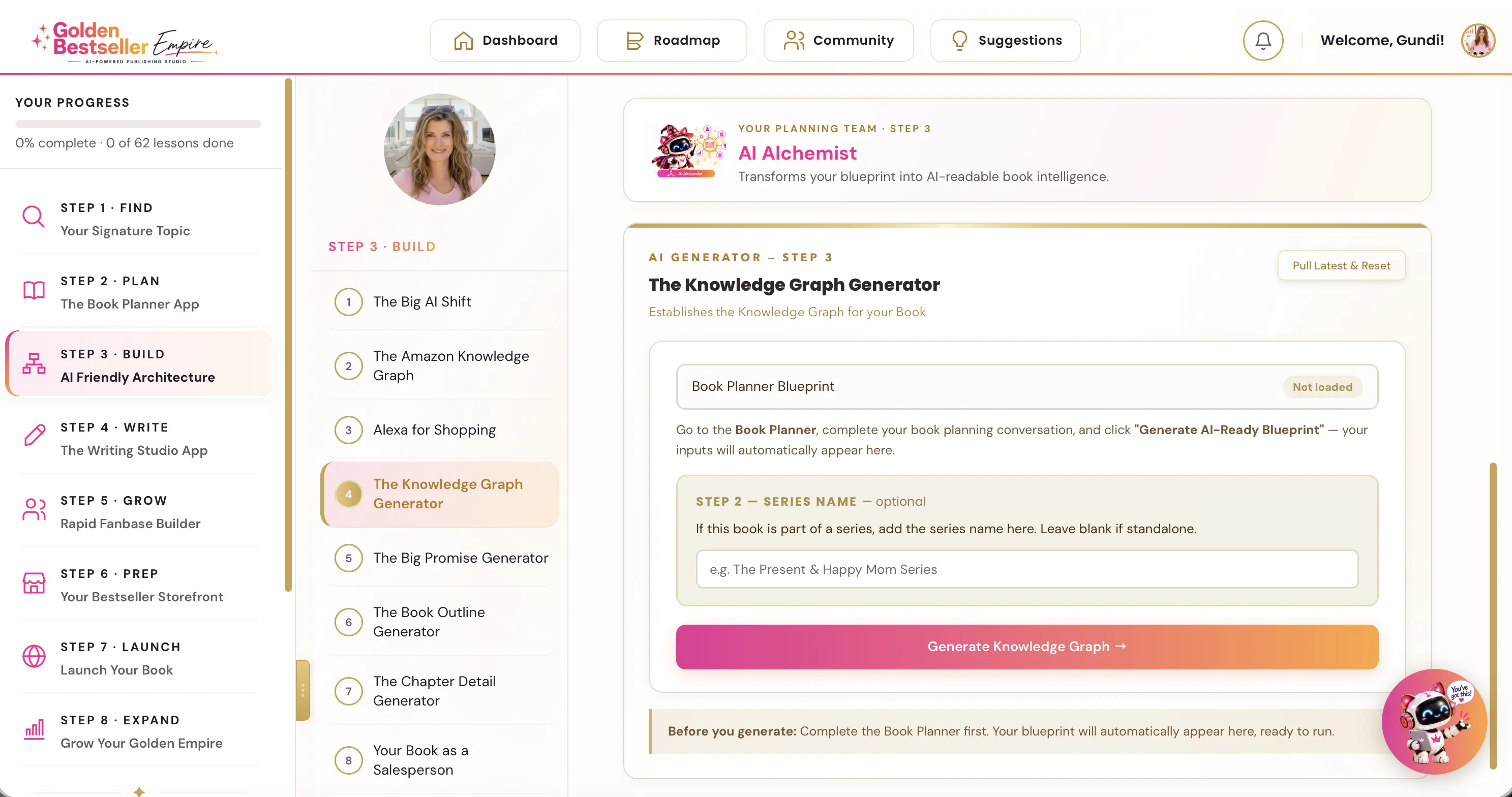
👑 Want Amazon's AI to know who your book is for, in every language? Golden Bestseller Empire is the only app that builds a Knowledge Graph for your book with one click, optimized for Amazon's new COSMO, straight from your Book Planner Blueprint. Then it uses that map to create your outline, chapter details, title, description, A+ Content, backend keywords and even your Amazon ads, 1-click optimization to Amazon's new AI while most authors are still guessing. → See how it works
My take: a new language is a new market
After 10 years of publishing, I've learned that a new language means a whole new market, but only if the book page in that language is as good as the book. A translation hiding behind a weak title and description is easy to overlook. So if you only do one thing today: pick one book and one language, and write down why a reader there would love it.
👑 Some topics travel the world better than others. Golden Bestseller Empire's 5 Research AI Generators help you find your Signature Topic: where what you know meets what readers in your niche actually want. → Find your Signature Topic
Happy publishing... ¡buena suerte, viel Glück and bonne chance! :)
Related reading
From the Help Center:
- Global Book Translator: the steps: Step 8, Expand.
- Amazon KDP publishing guide: the full process.
Frequently Asked Questions
What is Kindle Translate?
Kindle Translate is a KDP service that translates eligible ebooks and publishes the translation. At this time, KDP says it is an invite-only beta for eligible KDP ebooks on kdp.amazon.com.
Which languages does Kindle Translate support?
Amazon says it supports translations between English and Spanish, German, French, Italian and Portuguese. KDP's languages page says it is regularly updated as new options are added.
How long does a Kindle Translate translation take?
KDP says translations can take a few hours to be created, up to 24 hours, and it can take up to 72 hours for them to appear in the Amazon store.
What royalties do Kindle Translate editions earn?
KDP says you have the same royalty options as for other titles, the 35% and 70% plans. By default KDP uses your source ebook's list price and royalty plan, and you can set a different price in the Kindle Translate pricing and royalties settings.
Who owns a Kindle Translate edition?
KDP's beta terms say Amazon owns the Kindle Translate Edition files, and you can't sell or distribute those files outside the program. You can still publish other translations in the same language outside the program, unless the translation is in KDP Select.
Sources & Citations
- KDP Help: Getting Started with Kindle Translate
- KDP Help: Kindle Translate Languages
- KDP Help: Kindle Translate Eligibility and Troubleshooting
- KDP Help: Pricing, royalties, and reports for translations
- KDP Help: Terms and Conditions for the Beta Version of Kindle Translate
- Amazon: Kindle Translate for books and authors
- Living changelog: Amazon KDP & Related Marketplace Changes
This page is maintained independently and is not affiliated with Amazon. Always double-check the latest numbers inside your own KDP account before making pricing decisions.
Found this useful? Get more of this site in your Google.
One tap adds us as a preferred source — Google then shows you our posts more often in Search, Top Stories, and AI Overviews.
Created By

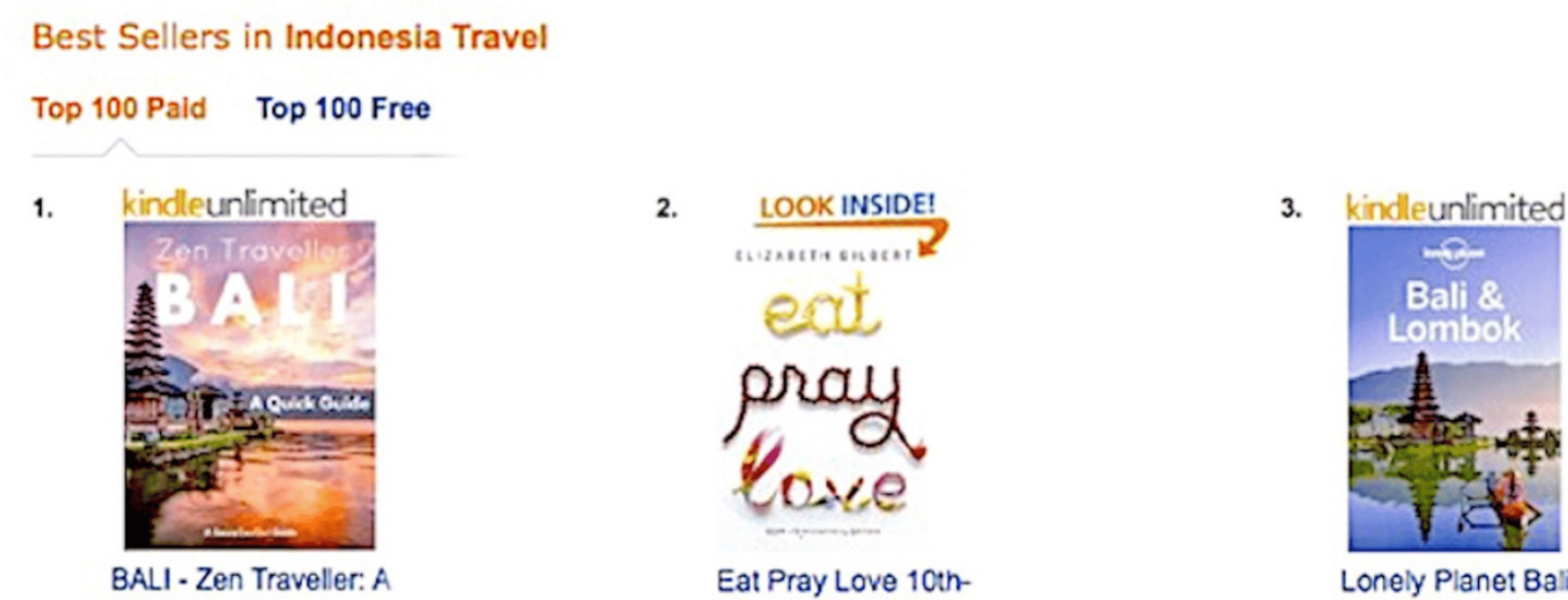
Top 100 Business Author · Carnegie Hall Conductor · Founder of Golden Bestseller Empire
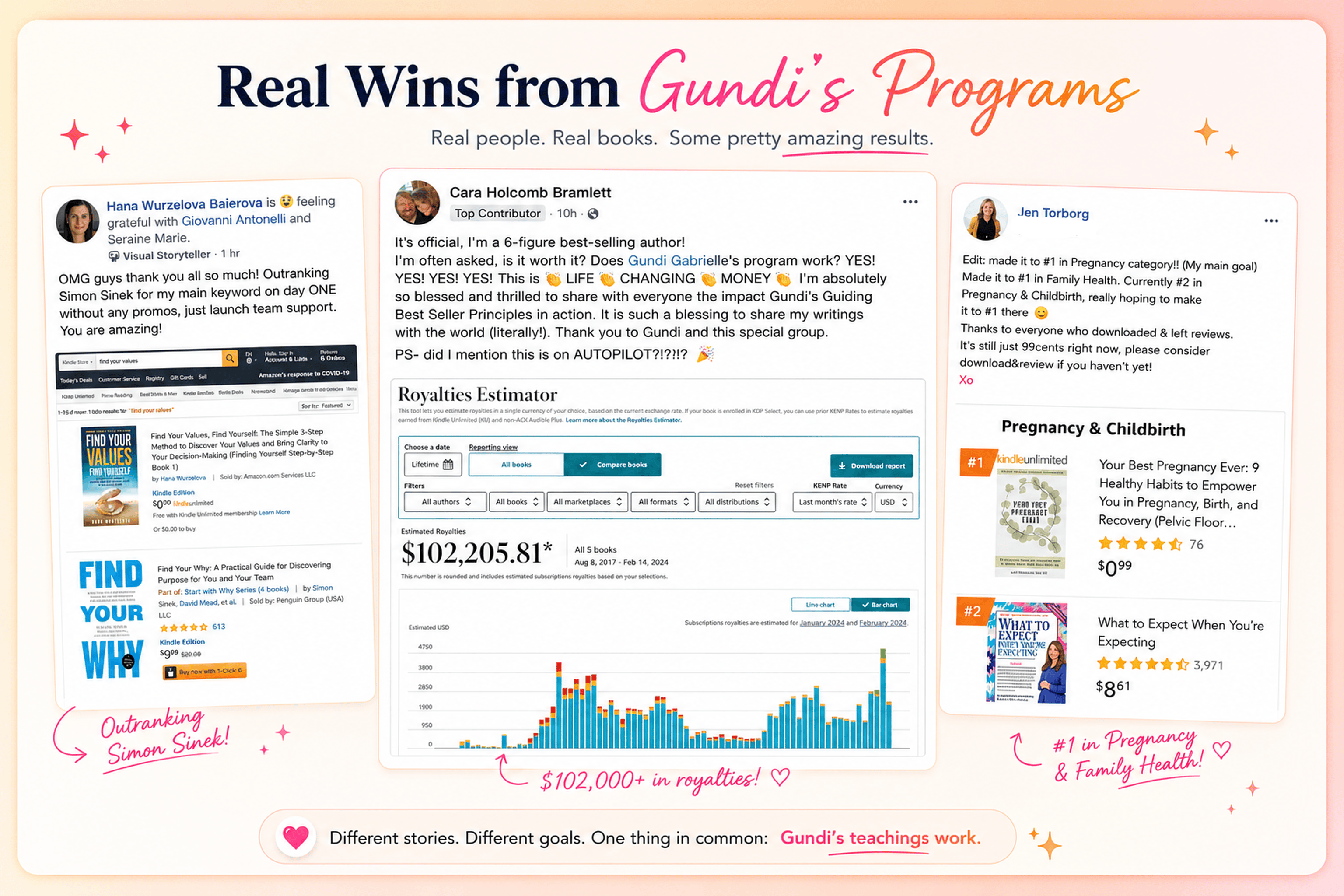
Hey, I'm Gundi, and for over a decade, I've helped thousands of everyday people turn what they know into a bestselling book.
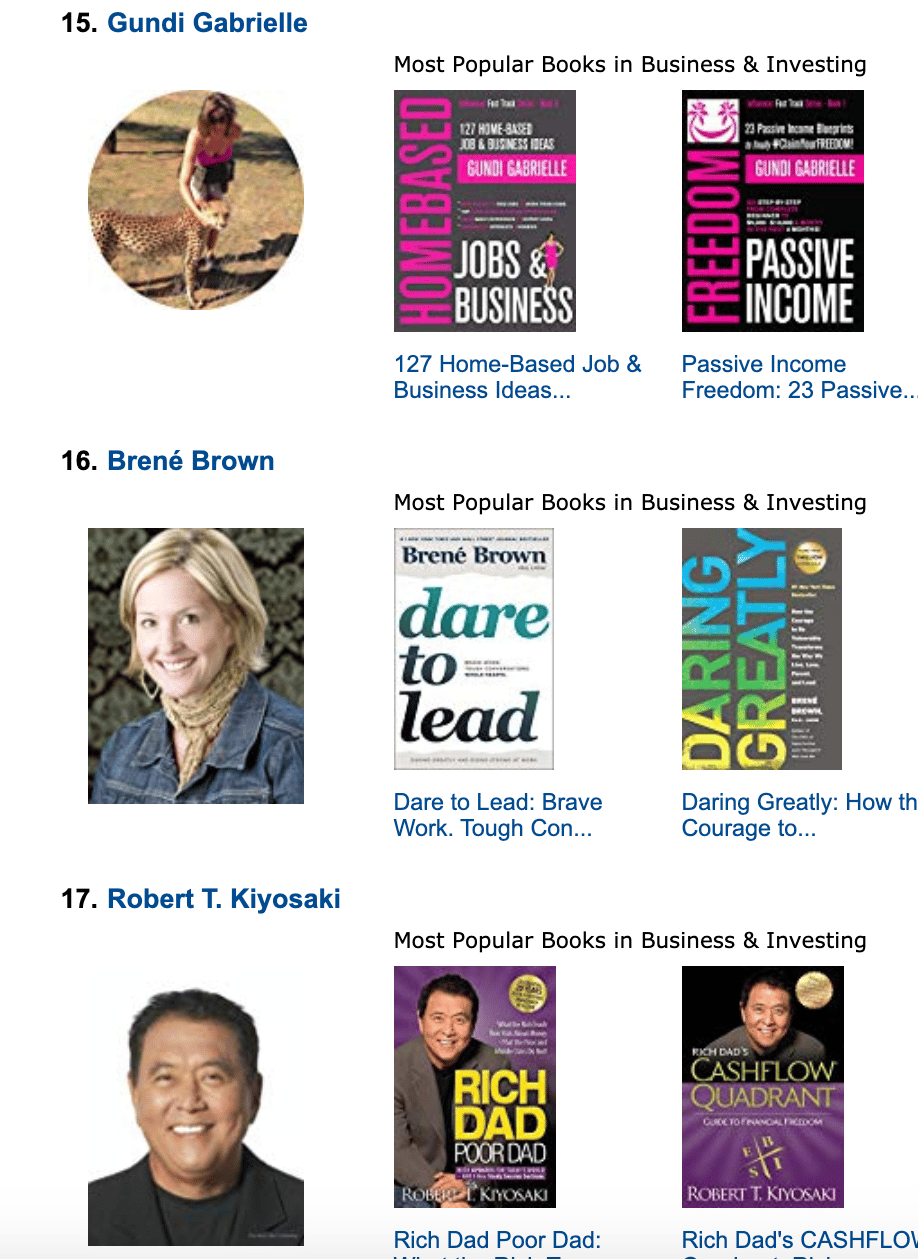
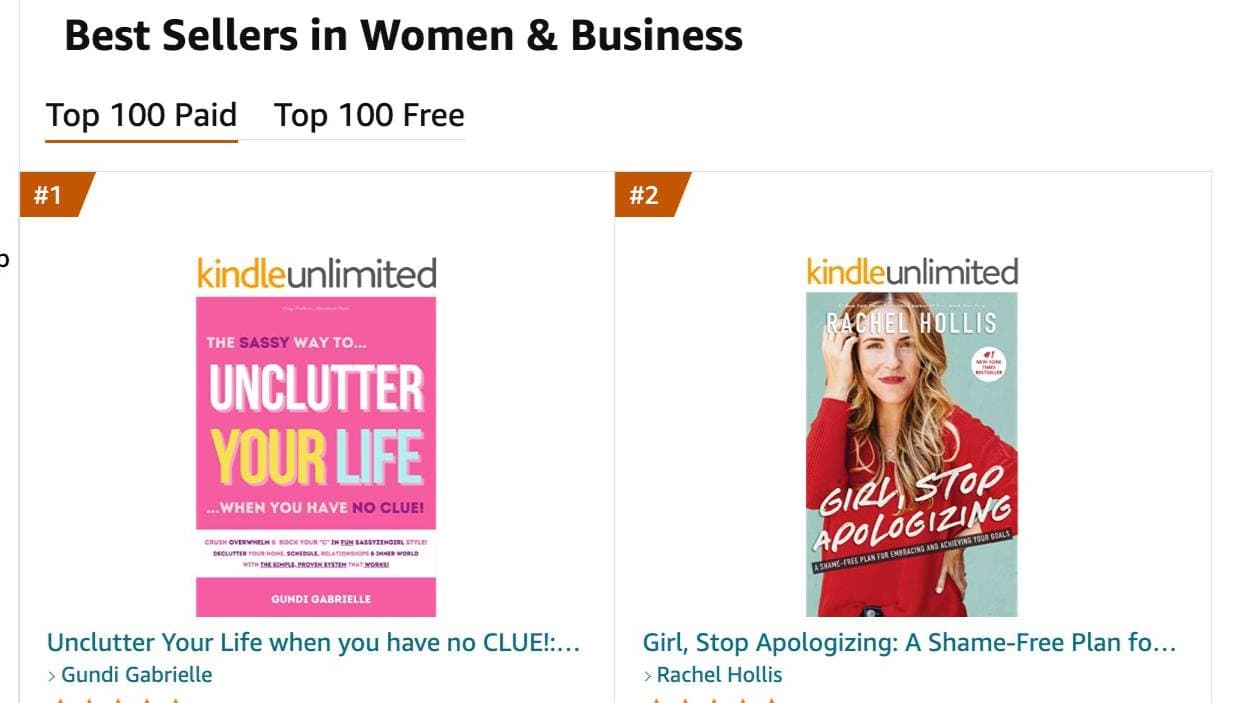
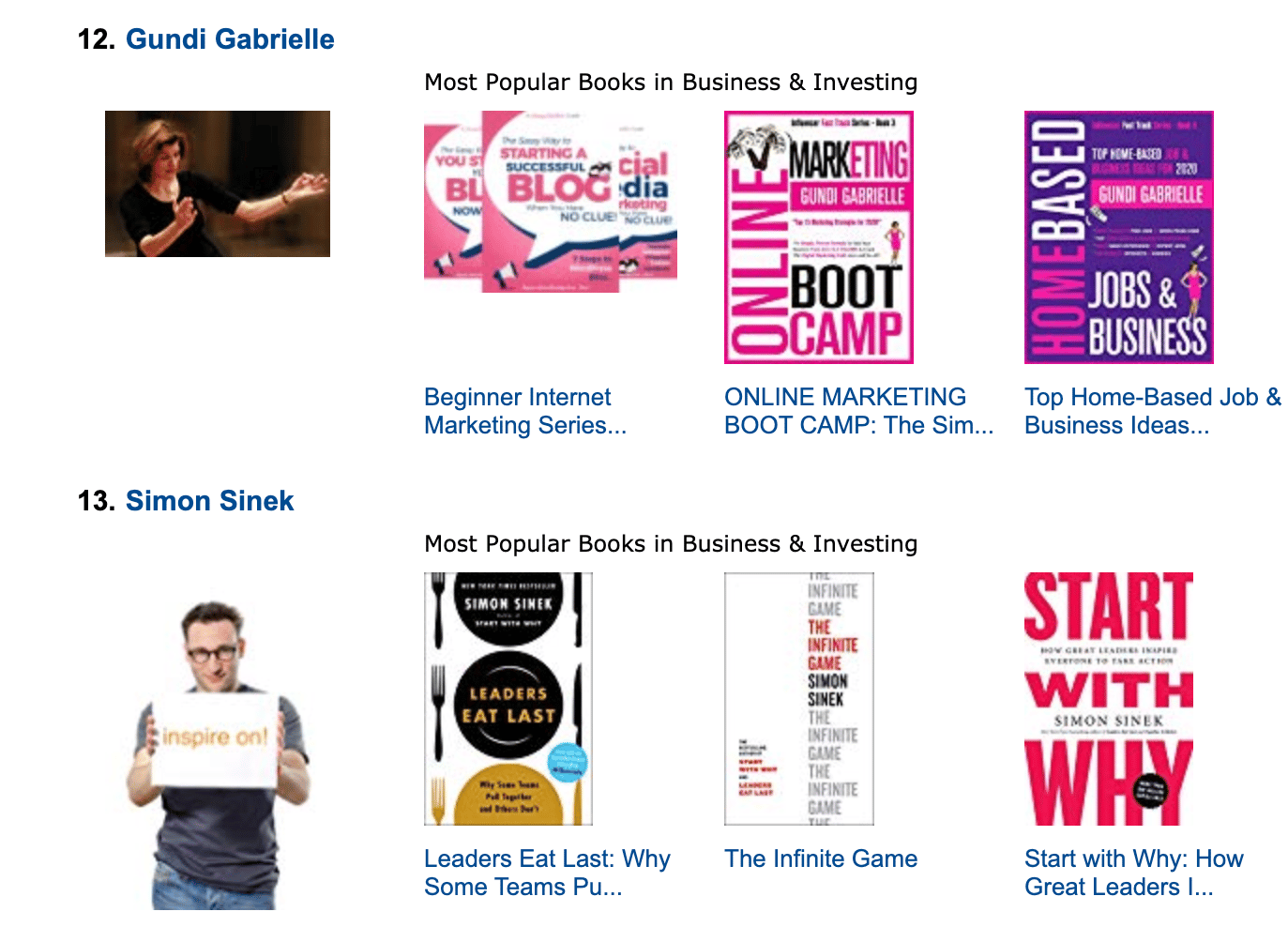
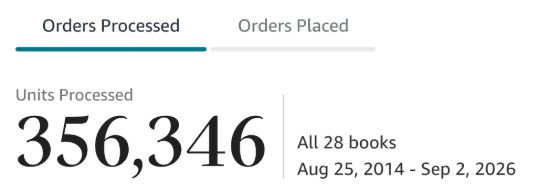
Along the way, I sold over 350,000 books, and was listed in Amazon's Top 100 Business Author Charts, ahead of authors like Simon Sinek, Brené Brown, Tim Ferriss, Robert Kiyosaki, or Brian Tracy.
No traditional publisher. No massive budget. Just understanding Amazon's algorithm and researching what readers actually want.
In my earlier years, I was a classical conductor & organist, touring the world, incl. Carnegie Hall & a performance for the Pope on St. Peter's Square.
These days, I love traveling as a Digital Nomad and orchestrating busy AI Agents 😎. Out of that came Golden Bestseller Empire — a complete AI-Powered Book Publishing Studio now helping authors around the world.
Can't wait to see you inside & help you publish your dream:
Featured In:

More from the Golden Bestseller Blog
Amazon Algorithm
Amazon Listing Optimization for Authors: 10 Ways FBA Sellers Optimize for Amazon's New AI — That Authors Still Ignore
Amazon sellers are rewriting their listings for COSMO and Alexa for Shopping. Here are the 10 listing strategies FBA sellers use, and exactly how KDP authors can copy each one.
Amazon KDP Updates
KDP Select Global Fund: How Kindle+ Pays Authors Now That Audiobooks Share the Fund
The KDP Select Global Fund now pays for Kindle+ pages read AND pages listened. Here's the latest payout, what audiobooks mean for your page reads, and where to find your Kindle+ royalties.
Amazon KDP Updates
Amazon Ads Removed Estimated KENP Royalties: What Qualified Borrows Mean for Kindle Unlimited Authors
Amazon Ads no longer shows estimated KENP royalties. It now reports Kindle Unlimited qualified borrows and estimated KU royalties. Here's what changed and how to read your ads now.
Want a faster way to plan and price your next book?
Golden Bestseller Empire's AI publishing tools help with exactly this kind of decision.