
Finish Step 1 and Start the Book Planner: Turn Your Topic Into a Blueprint
Your research is done. Here is what to carry forward from Step 1 and how to begin the Book Planner, which turns your topic into a strategic blueprint.
Your research is done. What now? Next comes the Book Planner. It's the bridge between Step 1 and everything after it. It turns your confirmed topic into a full book blueprint: your structure, chapters, reader, transformation and every detail the later generators need.
This is where Golden Bestseller Empire turns your topic into a blueprint.
What Is the Last Lesson of Step 1?
The seventh and last lesson of Step 1 is called NEXT STEPS: Once you find your Topic.... It's a strategy lesson that comes after the five generators. It points you to the Book Planner once your first planning and research are done.
Nothing in the course is ever locked. Every step is open from the day you join, and you can jump to any step at any time. The order is the path we recommend for the best results. The app doesn't force it.
What Do I Carry Forward From Step 1?
If you ran all five generators in order, you arrive at the Book Planner with a lot in hand:
- A confirmed topic that real readers want
- A niche you know is monetizable
- A specific angle nobody has taken yet
- Three positioning phrases from the Alexa for Shopping Gap Finder. They go straight into your title and description work in Step 6 · PREP.
- A list of Substack partners for your outreach in Step 7 · LAUNCH
You also leave Step 1 with the potential for a book series. Your first book can introduce the big idea. Later books can go deeper into specific problems, methods or aspects, for the same readers.
Why Does the Book Planner Come Next?
The Book Planner is where your topic becomes a complete blueprint. Don't skip it and go straight to the Step 3 generators. Finish your Book Planner first, because everything in Step 3 builds on your blueprint.
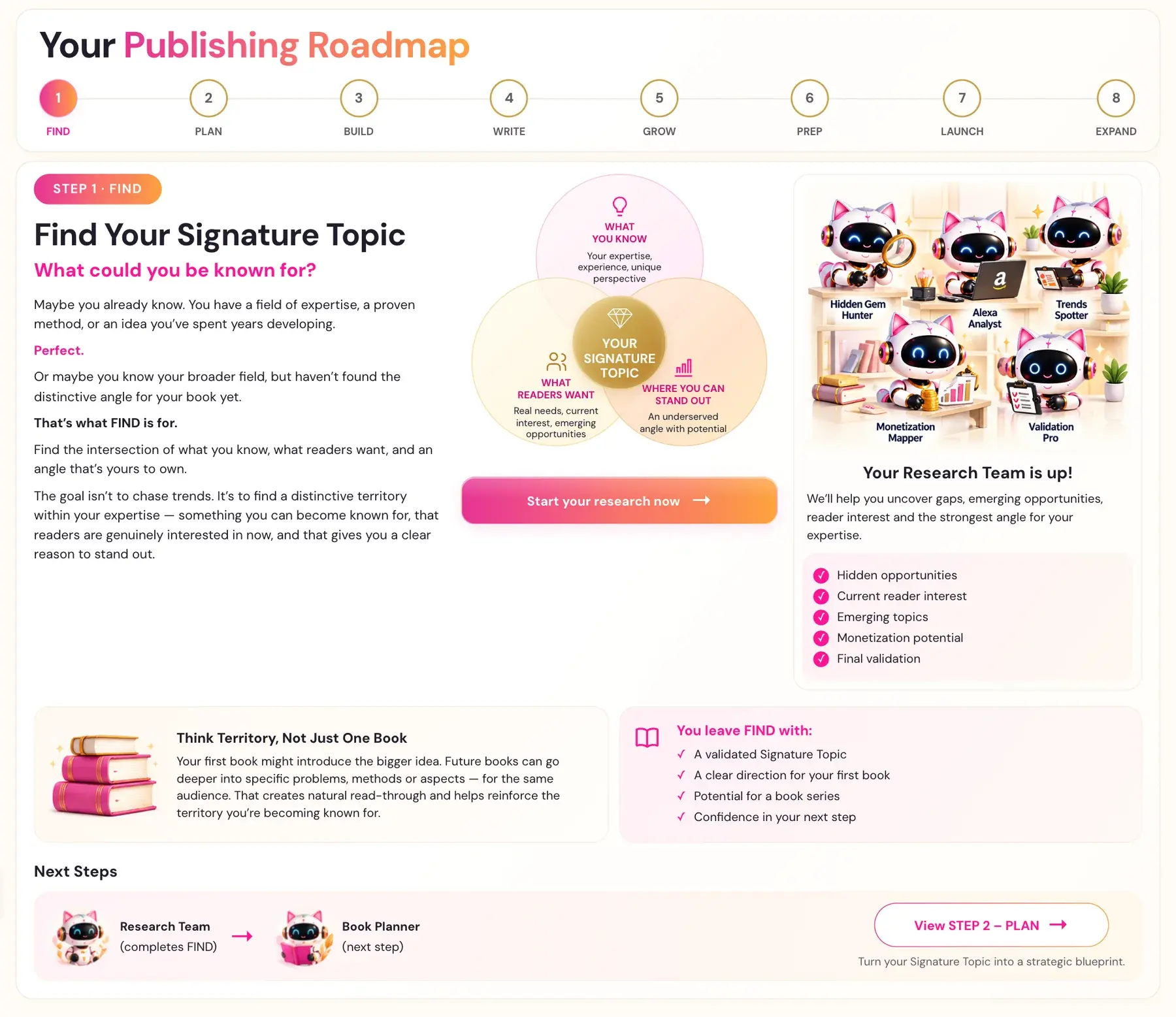
On the Roadmap, your Research Team finishes Step 1 · FIND and hands over to the Book Planner. The Roadmap sums up the next step in one line: turn your Signature Topic into a strategic blueprint.
How Do I Start the Book Planner?
Click View STEP 2 – PLAN → at the bottom of the Step 1 Roadmap page, or choose STEP 2 · PLAN in the left sidebar. The first time you open a step from the sidebar, you see its Roadmap page, with a button that takes you into the tool.
The Book Planner is a guided conversation. You answer one question at a time. It's the deep-thinking stage of the course, so take your time, even a few days. Continue with The Book Planner App: Plan Out Your Book.
What If My Final Validation Verdict Was REFINE or RECONSIDER?
A REFINE doesn't mean give up on your topic. It means sharpen your angle. A RECONSIDER means demand and competition are both tough for your current angle. Look again at the Action Gaps from the Hidden Gem Gold Mine, and shift your angle a few degrees. Both are explained in Final Validation Generator: Check Your Book Topic Before You Write It.
Where Can I Find My Reports Again?
Your reports are saved. Open any of them from your saved results whenever you want to read it again. No need to generate it again.
Related Articles
Last checked in the app: October 14, 2026.
Still Need Help?
Inside the app, the Course Coach answers your questions and guides you step by step. You can also write to us and we will get back to you.
Contact Support