
Write Your Book in the Writing Studio: Write, Dictate and Get AI Coaching (Step 4 · WRITE)
Your blueprint is built and your chapters are mapped. Now write your book in the Writing Studio: write from scratch, dictate, or get help from your AI Writing Coach.
Let's get to writing this baby! Your blueprint is built. Your chapters are mapped. Your writing guidance is ready. Now it's time to turn all of that into your actual book.
Why Did I Build My Own Writing App?
I've been publishing for over a decade. In that time, I've used tools like Atticus, Vellum and Scrivener, and I had many frustrations with them. I'm not here to put them down, but they had a lot of limitations and felt clunky at times, and none of them ever gave me what I needed. So I built the "perfect" writing app for myself. Then other authors wanted to use it too, and here we are :)
How Do You Write Your Book in the Writing Studio?
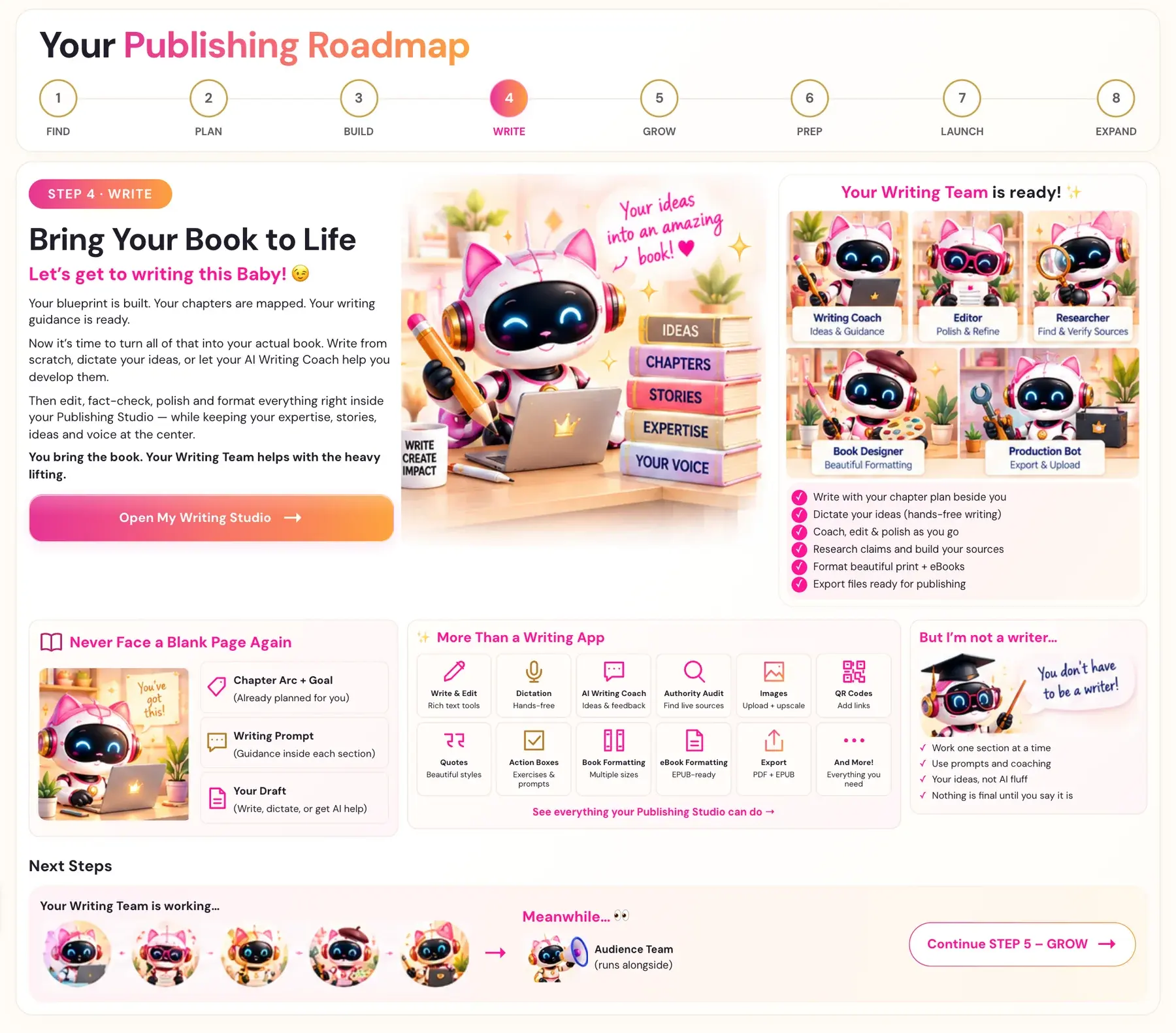
Write from scratch, dictate your ideas, or let your AI Writing Coach help you develop them. Then edit, fact-check, polish and format everything right inside your Writing Studio, while your expertise, stories, ideas and voice stay at the center.
You bring the book. Your Writing Team helps with the heavy lifting.
What Can Your Writing Team Do for You?
Your Writing Team helps you:
- Write with your chapter plan beside you
- Dictate your ideas, hands-free
- Coach, edit and polish as you go
- Research claims and build your sources
- Format beautiful print books and eBooks
- Export files that are ready for publishing
How Do You Avoid the Blank Page?
Every section arrives with its help ready:
- Chapter Arc and Goal. Already planned for you.
- Writing Prompt. Guidance inside each section.
- Your Draft. Write it, dictate it, or get AI help.
That's the plan you built in Step 3 · BUILD. See how to show or hide the guidance in How to Show or Hide the Writer's Prompt.
What Else Can the Writing Studio Do Besides Writing?
- Write and Edit. Rich text tools.
- Dictation. Hands-free writing.
- AI Writing Coach. Ideas and feedback.
- Authority Audit. Find live sources.
- Images. Upload and upscale.
- QR Codes. Add links.
- Quotes. Beautiful styles.
- Action Boxes. Exercises and prompts.
- Book Formatting. Multiple sizes.
- eBook Formatting. EPUB-ready.
- Export. PDF and EPUB.
- And more! Everything you need.
Take the Writing Studio tour to see it all.
What If I'm Not a Writer?
You don't have to be one!
- Work one section at a time.
- Use prompts and coaching.
- Dictate it. Just talk, and your words appear. See How to Dictate Your Book.
- Keep your ideas. No AI fluff.
- Nothing is final until you say it is.
Worried about AI and your book? Read AI-Assisted vs AI-Generated Books on KDP.
How Do You Start Writing?
Click Open My Writing Studio → on the Step 4 Roadmap page, or choose STEP 4 · WRITE in the left sidebar. Then follow How to Write Your First Section.
What Comes Next?
Your Writing Team keeps working while you write. Meanwhile, your Audience Team gets ready in Step 5 · GROW.
Last checked in the app: October 14, 2026.
Still Need Help?
Inside the app, the Course Coach answers your questions and guides you step by step. You can also write to us and we will get back to you.
Contact Support