
How to Expand One Book Into a Series
Expand to a Series is a video lesson with no generator. Discover why a series works so well on Amazon and how to begin planning your next book.
Expand to a Series is Lesson 6 in Step 8 · EXPAND. It is a strategy video lesson, so watch the video for the strategy. There is no generator on this lesson.
Why is nothing showing below the video?
Lesson 6 (Expand to a Series) is a strategy and instructional video lesson with no AI generator attached. There is nothing to fill in, nothing to generate and no tool card on that lesson page. If you wonder where the generator is, the answer is that this particular lesson does not have one. It is pure video instruction, so rewatch the lesson video for the specific strategy being taught.
The same is true for Lesson 8 (Evergreen Recommendations), Lesson 9 (Promos, Awards & Professional Reviews) and Lesson 10 (High Ticket Funnels).
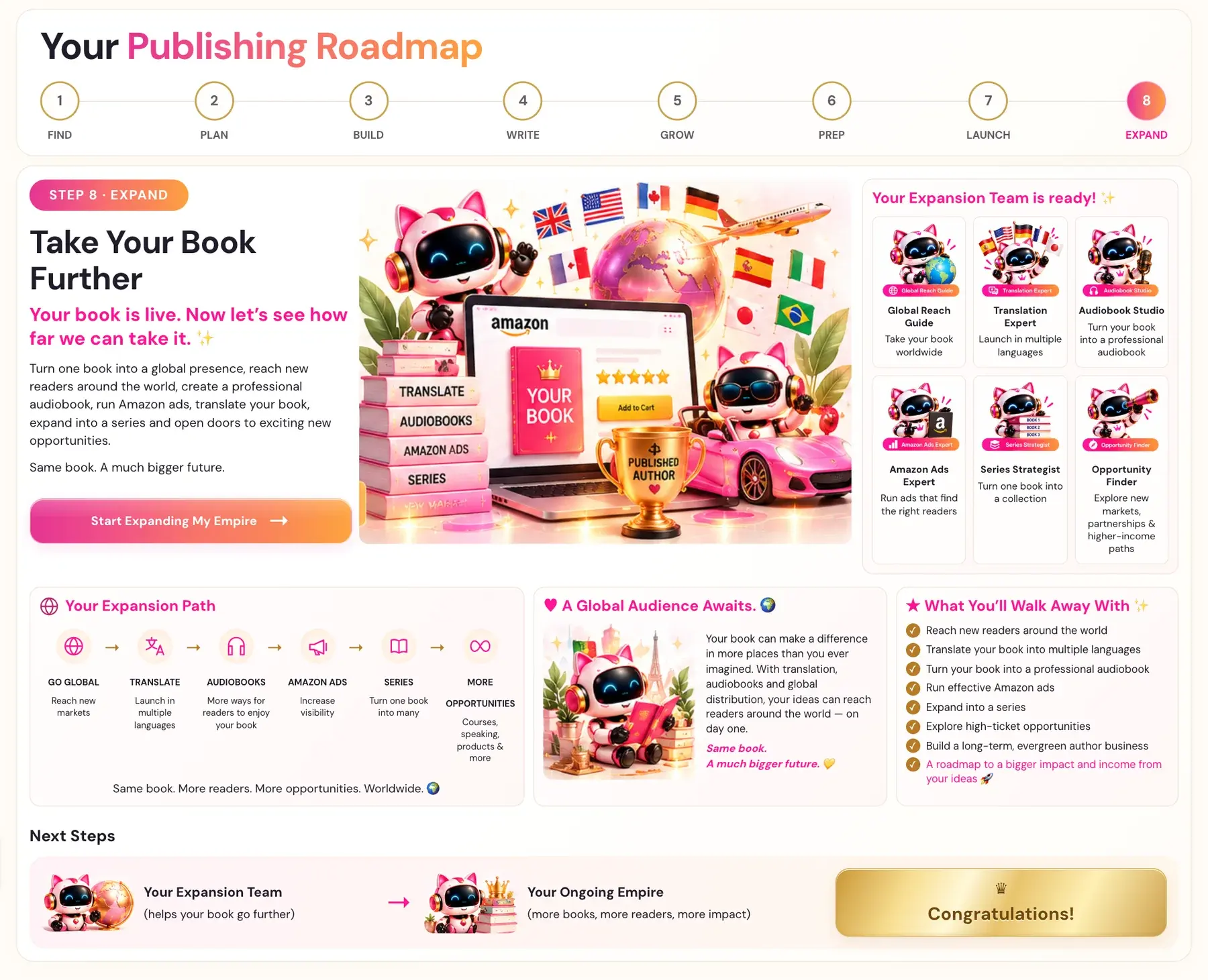
In Step 8 · EXPAND, the Series Strategist is the guide that helps you turn one book into a collection.
Why does a series work so well?
There can only be one primary anchor idea, the one Amazon indexes the book as the authority on. If a book tries to own three ideas equally, the primary signal dilutes and Amazon cannot confidently classify it.
This is exactly why the series strategy is so powerful. Each book in the series cleanly owns its own primary idea. For example, Book 1 is the authority on one idea, and Book 2 is the authority on a neighboring idea. The books cluster together in Amazon's graph, because they share the audience and several supporting ideas, while each book individually owns its territory.
A series of three books means three owned primary ideas, which is dramatically more semantic coverage than one book trying to cover everything. Each book in a series cleanly owns its own primary concept node while sharing the audience and satellite nodes.
Think territory, not just one book
Your first book might introduce the bigger idea. Future books can go deeper into specific problems, methods or aspects — for the same audience. That creates natural read-through and helps reinforce the territory you're becoming known for. Students leave FIND with, among other things, the potential for a book series.
Where does a series show up in the Knowledge Graph?
The course maps 18 nodes for books. They are the 15 that Amazon published in its research on product search, plus three book-specific entities: Author, Series and Format. If your book is part of a series, Amazon groups the books as a named entity. A series name creates a cluster entity with a reading order.
How do I start planning my next book?
See How do I start an additional project? and What is the difference between projects and books?.
Not sure where to start? The Course Coach inside the app guides you through each step, so you are never stuck on a button.
Related Articles
Last checked in the app: October 14, 2026.
Still Need Help?
Inside the app, the Course Coach answers your questions and guides you step by step. You can also write to us and we will get back to you.
Contact Support