
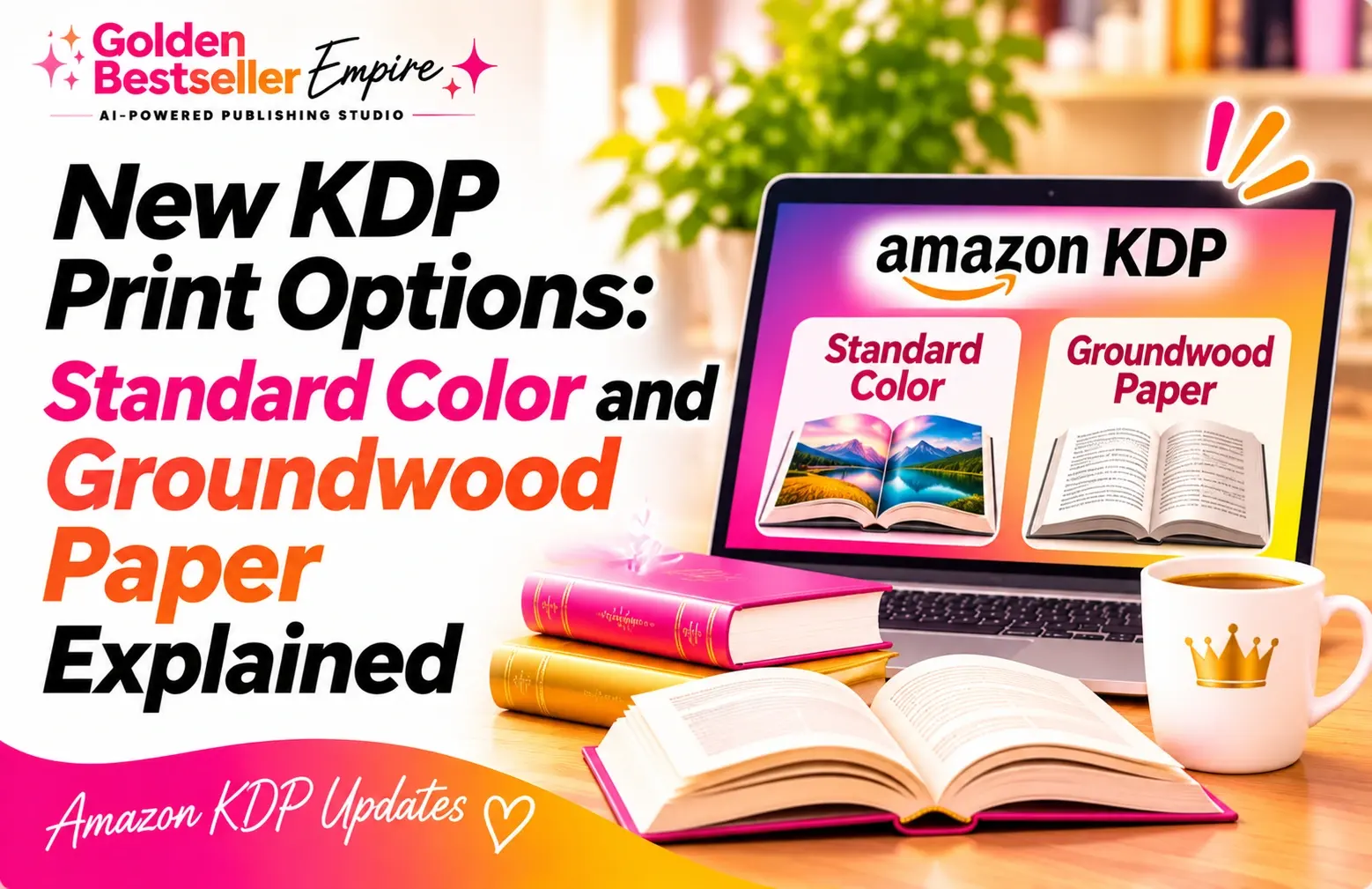
New KDP Print Options: Standard Color and Groundwood Paper Explained
KDP print options now include standard color and groundwood paper. See the real per-page costs, who each fits, and how to check your own book's price.
Best For
Long books where the per-page cost adds up
Groundwood Paper
About 5% lower cost per page, black and white books only
Standard Color
$0.0255 per page vs $0.065 for premium (US, regular trim)

By Gundi Gabrielle
9 min read
KDP print options now include standard color and groundwood paper, and both can lower what it costs to print your book.
I'm keeping this update tied to KDP's own help pages, so you can see the real numbers for your own book in a few minutes.
What are KDP's new print options?
When you set up (or edit) a paperback, KDP asks you to pick an ink and paper type. You'll see five choices:
- Black and white interior with white paper
- Black and white interior with cream paper
- Black and white interior with groundwood paper
- Standard color interior with white paper
- Premium color interior with white paper
Groundwood shows a small green leaf icon, which is KDP's symbol for an environmentally conscious choice.
👑 Cheaper printing only helps if the book sells. Golden Bestseller Empire's 5 Research AI Generators help you find your Signature Topic: where what you know meets what readers in your niche actually want. → Find your Signature Topic
How much cheaper is standard color than premium color?
A lot cheaper per page. Here are KDP's published US numbers for a regular trim size:
| On Amazon.com | Standard color | Premium color |
|---|---|---|
| Fixed cost per book | $1.00 | $1.00 |
| Cost per page (regular trim) | $0.0255 | $0.065 |
| Cost per page (large trim) | $0.0402 | $0.080 |
| KDP's 120-page example (regular trim) | $4.06 | $8.80 |
On the regular-trim numbers, that's roughly 60% less per page. KDP's formula is simple: fixed cost, plus page count times cost per page, equals your printing cost.
Who should choose standard color (and who should skip it)?
KDP says standard color is best for books with a high page count and fewer images. Premium color is best for image-heavy books, like children's books, cookbooks and photo books.
Here's what else KDP says about standard color:
- It's available for paperbacks only, not hardcovers.
- It needs at least 72 pages and goes up to 600 pages. Premium goes from 24 to 828 pages.
- The paper is lighter and has a matte finish, compared with premium color.
- Trim sizes run from 4 x 6 up to 8.5 x 11 inches, and it's not available in A4.
- Once your book is published, the ink type is locked. You can't switch between black and white, standard color and premium color.
If your book is mostly text with a handful of color pages, standard color is worth a look. If your book is all about the pictures, check the premium sample first.
👑 Page count drives your printing cost. Golden Bestseller Empire's Writing & Formatting App helps you turn your own ideas into a finished, KDP-ready book. You stay in charge of every word. → See the Writing & Formatting App
What is groundwood paper?
Groundwood paper is a new paper choice for black and white paperbacks. KDP calls it an alternative to white and cream paper, and says it's available in all trim sizes and in KDP's main marketplaces.
It's for black and white interiors only. KDP doesn't offer it with color ink.
KDP says groundwood has higher opacity and a more textured feel than white or cream paper. For the green side of it, KDP says an independent life cycle assessment found a lower carbon footprint than standard uncoated paper.
KDP also says heavy ink coverage isn't recommended on groundwood. If a book has printing problems, KDP may switch it to cream or white paper.
How much does groundwood paper save?
KDP says printing costs per page are about 5% lower than cream or white paper for black and white ink. The published US tables match that:
| Black and white, Amazon.com | Cream or white paper | Groundwood paper |
|---|---|---|
| Cost per page (regular trim) | $0.012 | $0.0114 |
| Cost per page (large trim) | $0.017 | $0.0162 |
| Fixed cost, 24 to 112 pages | $2.30 | $2.23 |
That is about 5% on regular trim and about 4.7% on large trim, so "about 5%" is accurate.
In real money, a 300-page book on regular trim goes from $3.60 to $3.42 in per-page cost. That's 18 cents per copy, before the fixed cost. It's small per book, and it adds up on long books you print a lot.
How do I check or change my print options in my KDP account?
This works for a book you've already published, too, so you can see what your printing cost would be before you change anything. Here's the walk-through.
- Open your KDP Bookshelf and choose Edit paperback content for the book.
- Scroll down to Print Options, then to Ink and Paper Type.
- Pick the ink and paper type you want to look at. In my example, I picked black and white with groundwood paper, and you can see the green leaf icon next to it.
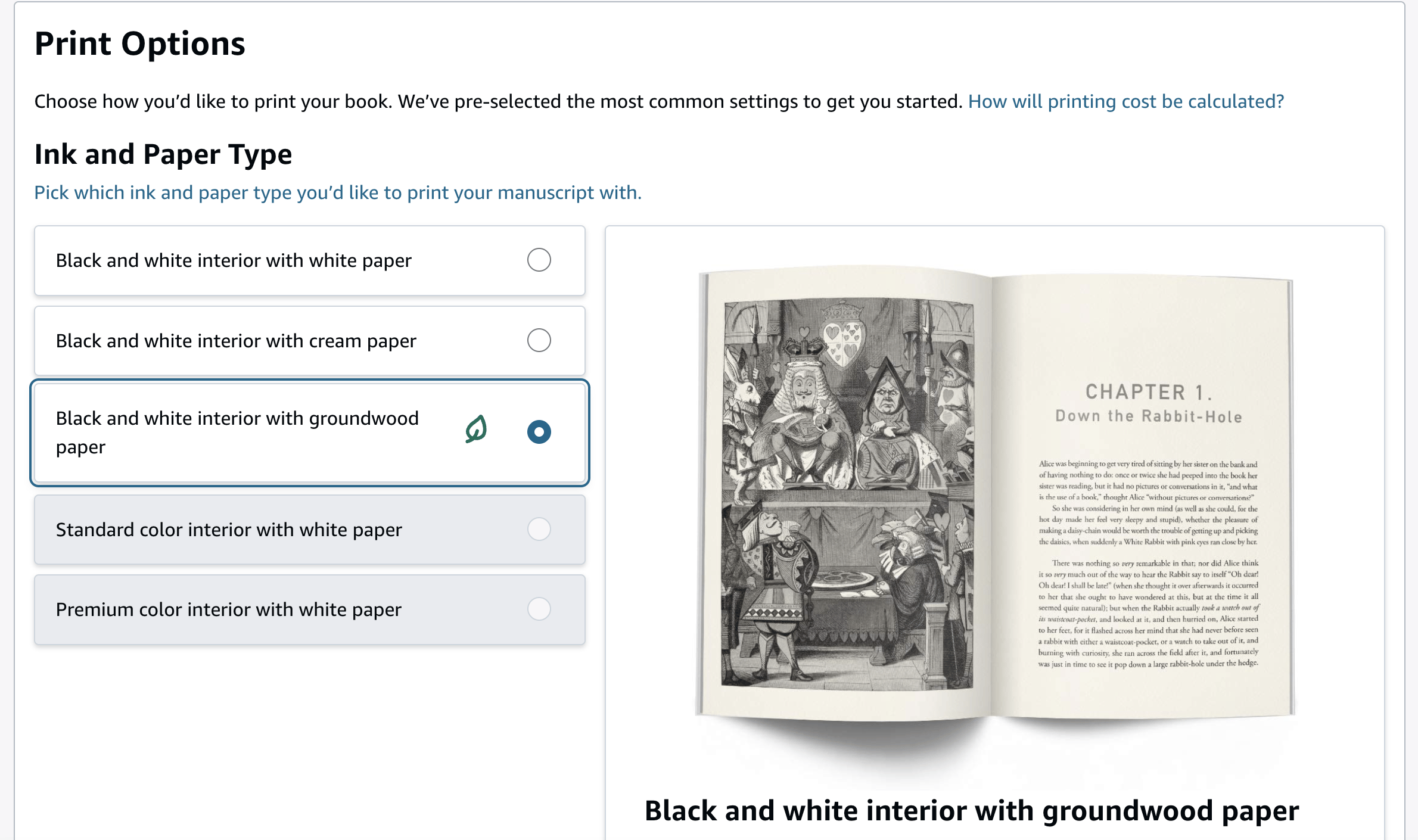
On a published black and white book, the two color options are greyed out. That's because KDP doesn't let you change the ink type after publishing.
- Scroll down to the Summary. It shows your ink and paper type, trim size and page count, and Your Printing Cost: the cost per book on Amazon.com, with the cost for every other Amazon store underneath.
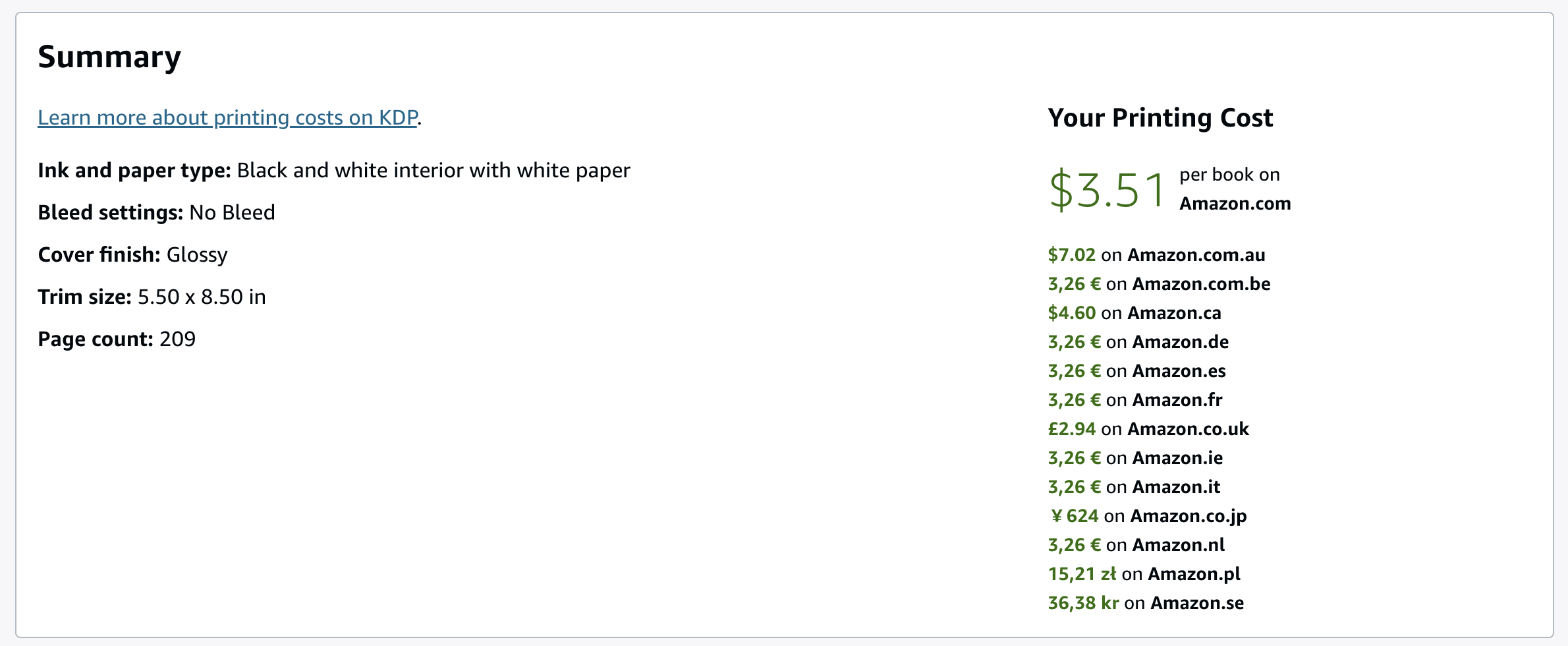
In this example, a 209-page book at 5.5 x 8.5 inches on white paper costs $3.51 per book on Amazon.com.
- Compare the numbers, then follow KDP's prompts to save your change and republish.
If the book is black and white, KDP says you can switch to groundwood on a title you've already published. You do it one title at a time on the paperback content page, or with KDP's bulk update tool. One catch: KDP says proofs you order right before the change may come from existing stock, and those aren't eligible for a replacement or refund.
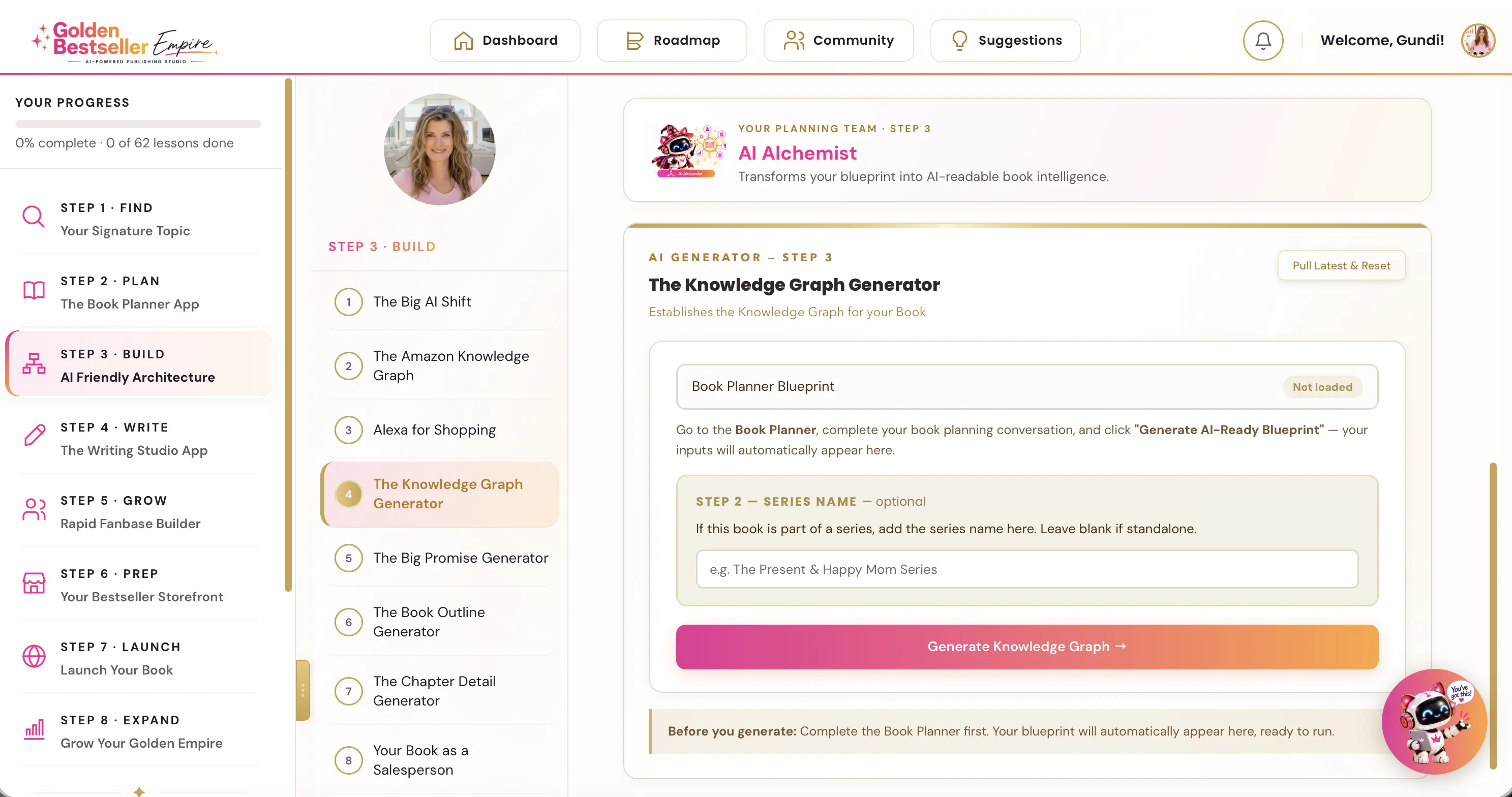
👑 Print cost is one decision of many. Golden Bestseller Empire is the only app that builds a Knowledge Graph for your book with one click, optimized for Amazon's new COSMO, straight from your Book Planner Blueprint. Then it uses that map to create your outline, chapter details, title, description, A+ Content, backend keywords and even your Amazon ads, 1-click optimization to Amazon's new AI while most authors are still guessing. → See how it works
What should I check before I switch?
Check these four things first:
- The cover spine. KDP says groundwood is thicker. For a book over 350 pages on cream, or over 525 pages on white, KDP says the cover spine needs adjusting, and it links to its cover calculator.
- Your ink coverage. Heavy ink coverage isn't recommended on groundwood.
- Your page count. Standard color needs at least 72 pages, and the groundwood per-page rate in KDP's table starts at 114 pages.
- A proof. If the look and feel matter to you, order a proof once the change is live.
Which option fits which book?
Here's how I'd think about it, using KDP's own guidance:
- Long nonfiction, black and white: look at groundwood, because the per-page saving adds up across hundreds of pages.
- Mostly text with a few color pages, and a high page count: look at standard color.
- Picture-heavy books: check premium color, which KDP recommends for image-heavy interiors.
How does a lower printing cost change my royalty?
KDP's royalty formula is: royalty rate times list price, minus printing costs, equals your royalty. So when printing costs go down and your list price stays the same, your royalty per copy goes up. I explain the 50% and 60% rate split in my print royalty update.
Here's an example, using KDP's published numbers. Take a 300-page black and white book on regular trim, priced at $14.99 with the 60% rate. The royalty before printing cost is about $8.99. With white paper, printing costs $4.60, so you keep about $4.39. With groundwood, printing costs $4.42, so you keep about $4.57.
Your own numbers will depend on your page count, trim size and marketplace, so check the live figures in your own account.
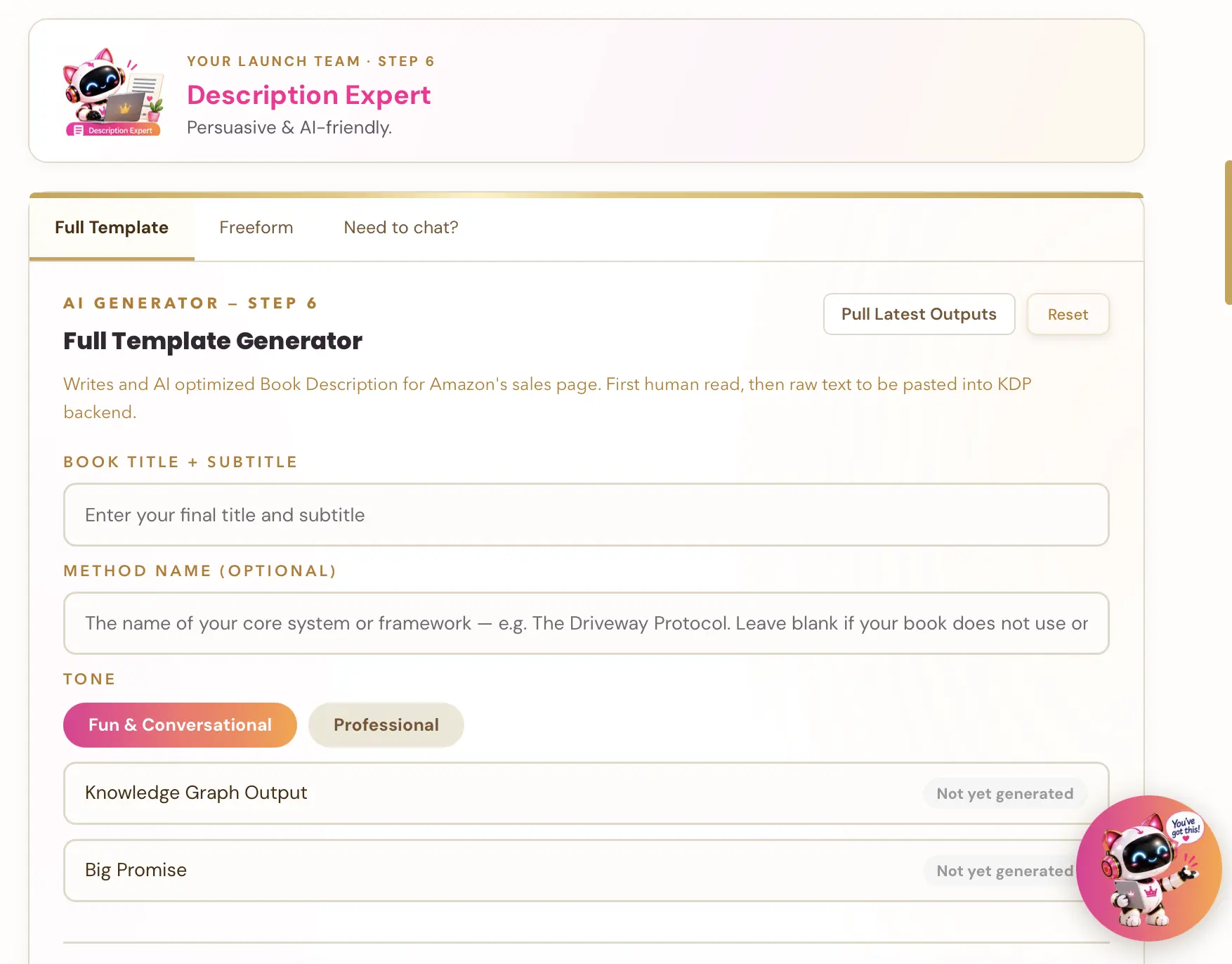
👑 Cheaper to print, easier to find? Golden Bestseller Empire's one-click generators build your entire book listing page. That's your title and subtitle, description, A+ Content and backend keywords, all optimized for Amazon's new COSMO. → Start optimizing yours
What to watch
- Printing rates can change, so treat any percentage as a guide and check KDP's printing cost page and its calculator before you decide.
- It's worth looking at the Print Options section whenever you update a book, in case KDP's choices have changed.
I keep every change I can verify in one place: the latest Amazon KDP updates. For the bigger picture on pricing and publishing, see my Amazon KDP publishing guide.
A quick note from someone who's been doing this a while
After a decade of publishing, I've learned that print cost is one of the few numbers you can actually check and change yourself. It's easy to set a price once and never look at it again, and that's where money quietly slips away.
If you only do one thing after reading this: open one of your paperbacks today, go to Print Options, and look at the printing cost KDP shows.
Related reading
From the Help Center:
- Launch Pricing Strategy: set your launch price.
- How the Writing Studio prepares your pictures for print and ePub: what happens to your images before KDP.
Frequently Asked Questions
What is standard color printing on KDP?
Standard color is a paperback ink option that costs less per page than premium color. KDP lists it at $0.0255 per page on Amazon.com for a regular trim size, against $0.065 for premium color, with a $1.00 fixed cost for both. It is for paperbacks only, not hardcovers.
What is groundwood paper on KDP?
Groundwood is a paper choice for black and white paperbacks, offered next to white and cream paper. KDP says its printing cost per page is about 5% lower, it is not offered with color ink, and eligible titles show a leaf icon.
Can I switch a published book to groundwood paper?
KDP says you can switch a black and white paperback to groundwood paper, one title at a time on the paperback content page or with its bulk update tool. The ink type cannot be changed after publishing.
Does groundwood paper change my cover spine?
KDP says groundwood paper is thicker. For a book over 350 pages on cream paper, or over 525 pages on white paper, KDP says the cover spine needs adjusting and links to its cover calculator.
How do I check my printing cost on KDP?
Open your book in KDP, go to the paperback content page, and scroll to Print Options. Choose an ink and paper type, then check the Summary at the bottom. It shows your printing cost per book for each Amazon store.
Sources & Citations
- KDP Help: Color Ink Options
- KDP Help: Groundwood Paper
- KDP Help: Paperback Printing Cost
- KDP Help: Paperback Royalty
- KDP Help: Printing Cost & Royalty Calculator
- Living changelog: Amazon KDP & Related Marketplace Changes
This page is maintained independently and is not affiliated with Amazon. Always double-check the latest numbers inside your own KDP account before making pricing decisions.
Found this useful? Get more of this site in your Google.
One tap adds us as a preferred source — Google then shows you our posts more often in Search, Top Stories, and AI Overviews.
Created By

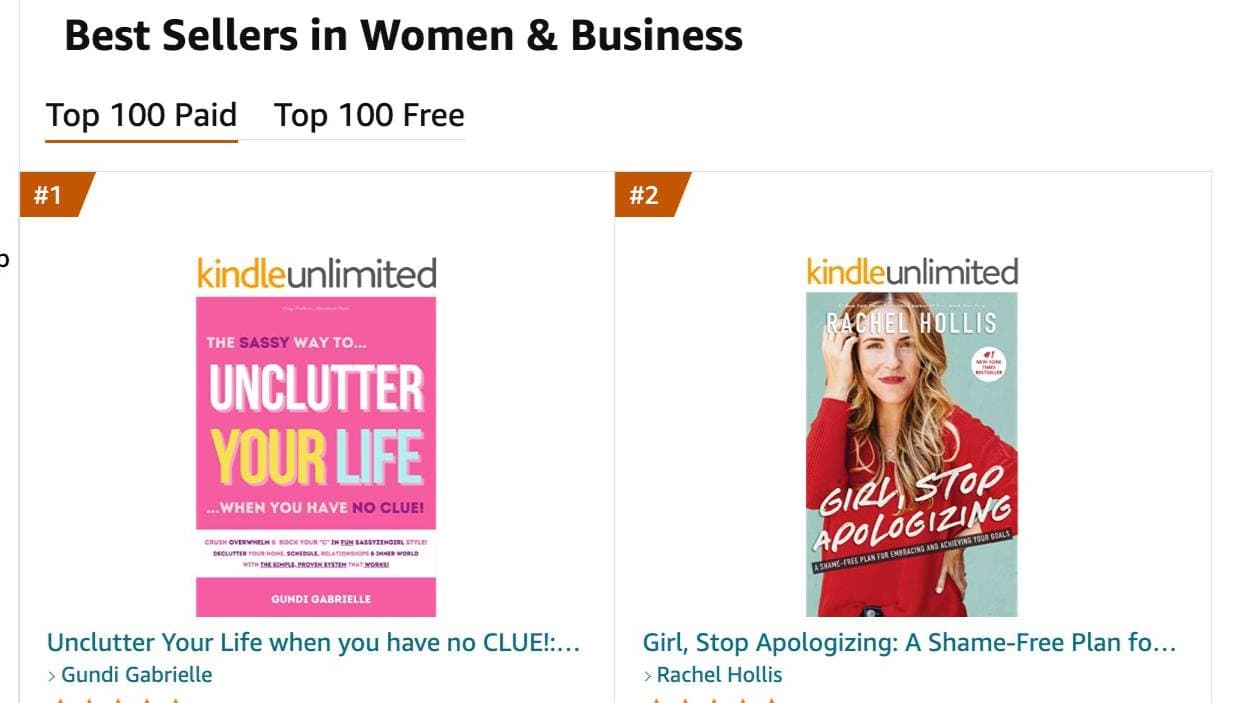
Top 100 Business Author · Carnegie Hall Conductor · Founder of Golden Bestseller Empire
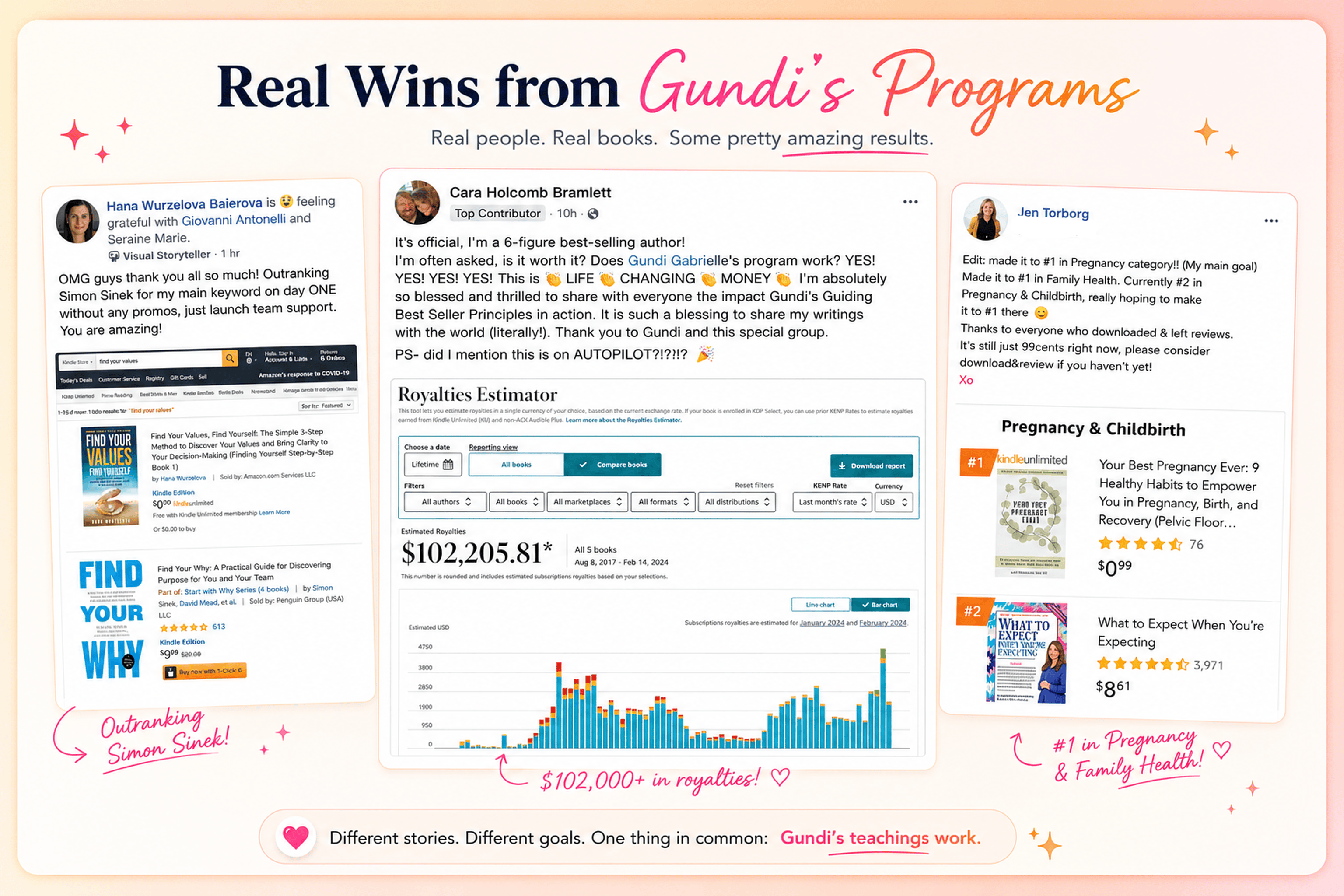
Hey, I'm Gundi, and for over a decade, I've helped thousands of everyday people turn what they know into a bestselling book.
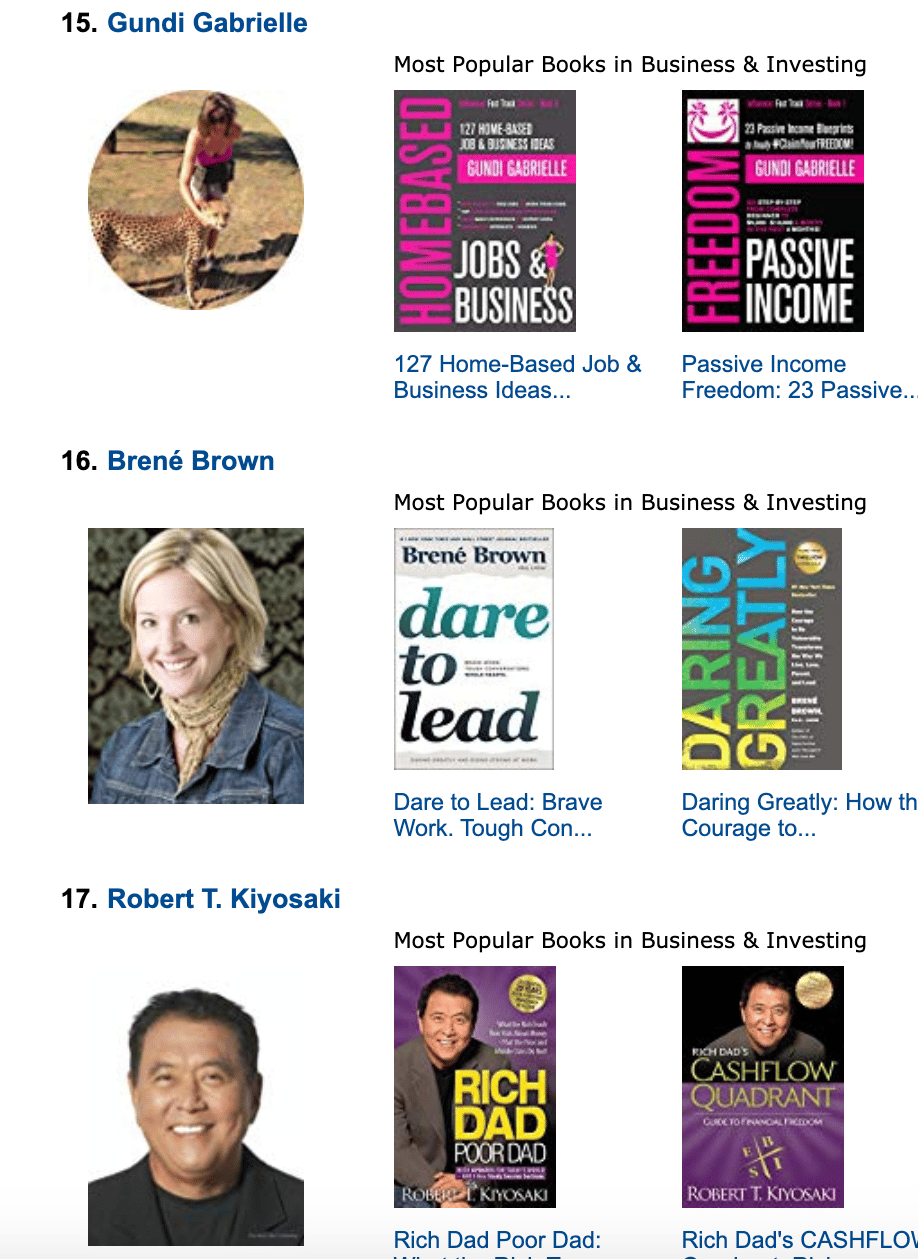
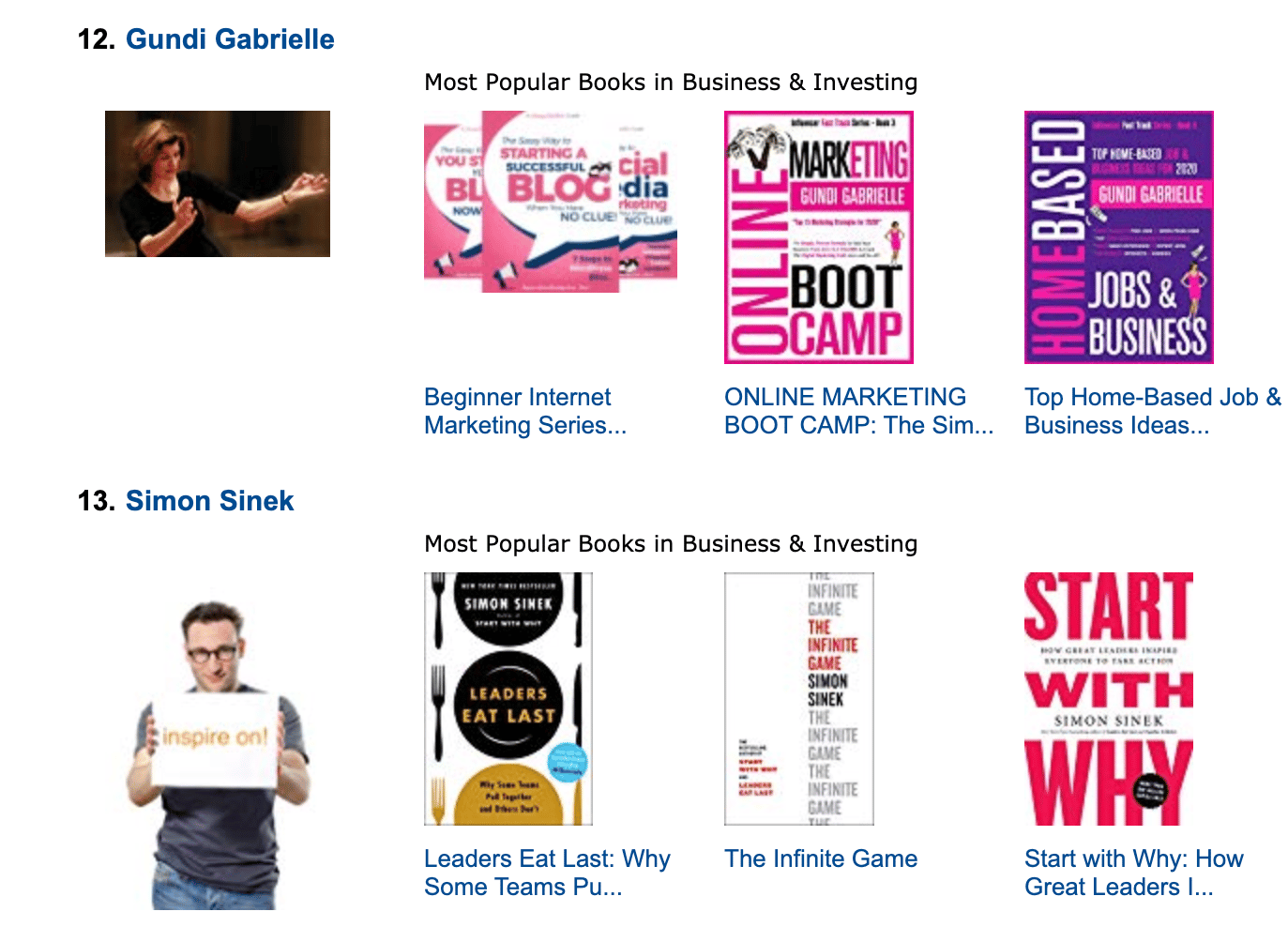
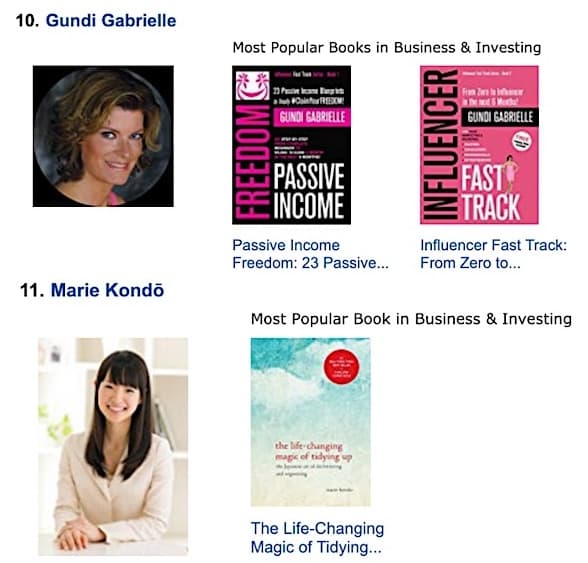
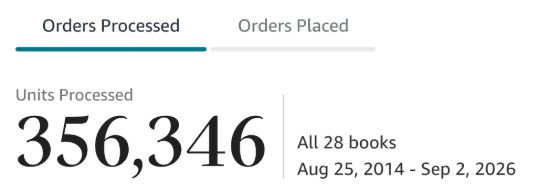
Along the way, I sold over 350,000 books, and was listed in Amazon's Top 100 Business Author Charts, ahead of authors like Simon Sinek, Brené Brown, Tim Ferriss, Robert Kiyosaki, or Brian Tracy.
No traditional publisher. No massive budget. Just understanding Amazon's algorithm and researching what readers actually want.
In my earlier years, I was a classical conductor & organist, touring the world, incl. Carnegie Hall & a performance for the Pope on St. Peter's Square.
These days, I love traveling as a Digital Nomad and orchestrating busy AI Agents 😎. Out of that came Golden Bestseller Empire — a complete AI-Powered Book Publishing Studio now helping authors around the world.
Can't wait to see you inside & help you publish your dream:
Featured In:
More from the Golden Bestseller Blog
Amazon Algorithm
Amazon Listing Optimization for Authors: 10 Ways FBA Sellers Optimize for Amazon's New AI — That Authors Still Ignore
Amazon sellers are rewriting their listings for COSMO and Alexa for Shopping. Here are the 10 listing strategies FBA sellers use, and exactly how KDP authors can copy each one.
Amazon KDP Updates
KDP Select Global Fund: How Kindle+ Pays Authors Now That Audiobooks Share the Fund
The KDP Select Global Fund now pays for Kindle+ pages read AND pages listened. Here's the latest payout, what audiobooks mean for your page reads, and where to find your Kindle+ royalties.
Amazon KDP Updates
Amazon Ads Removed Estimated KENP Royalties: What Qualified Borrows Mean for Kindle Unlimited Authors
Amazon Ads no longer shows estimated KENP royalties. It now reports Kindle Unlimited qualified borrows and estimated KU royalties. Here's what changed and how to read your ads now.
Want a faster way to plan and price your next book?
Golden Bestseller Empire's AI publishing tools help with exactly this kind of decision.