
Irresistible Covers: Why Your Book Cover Is the Conversion Gate (Step 6 · PREP)
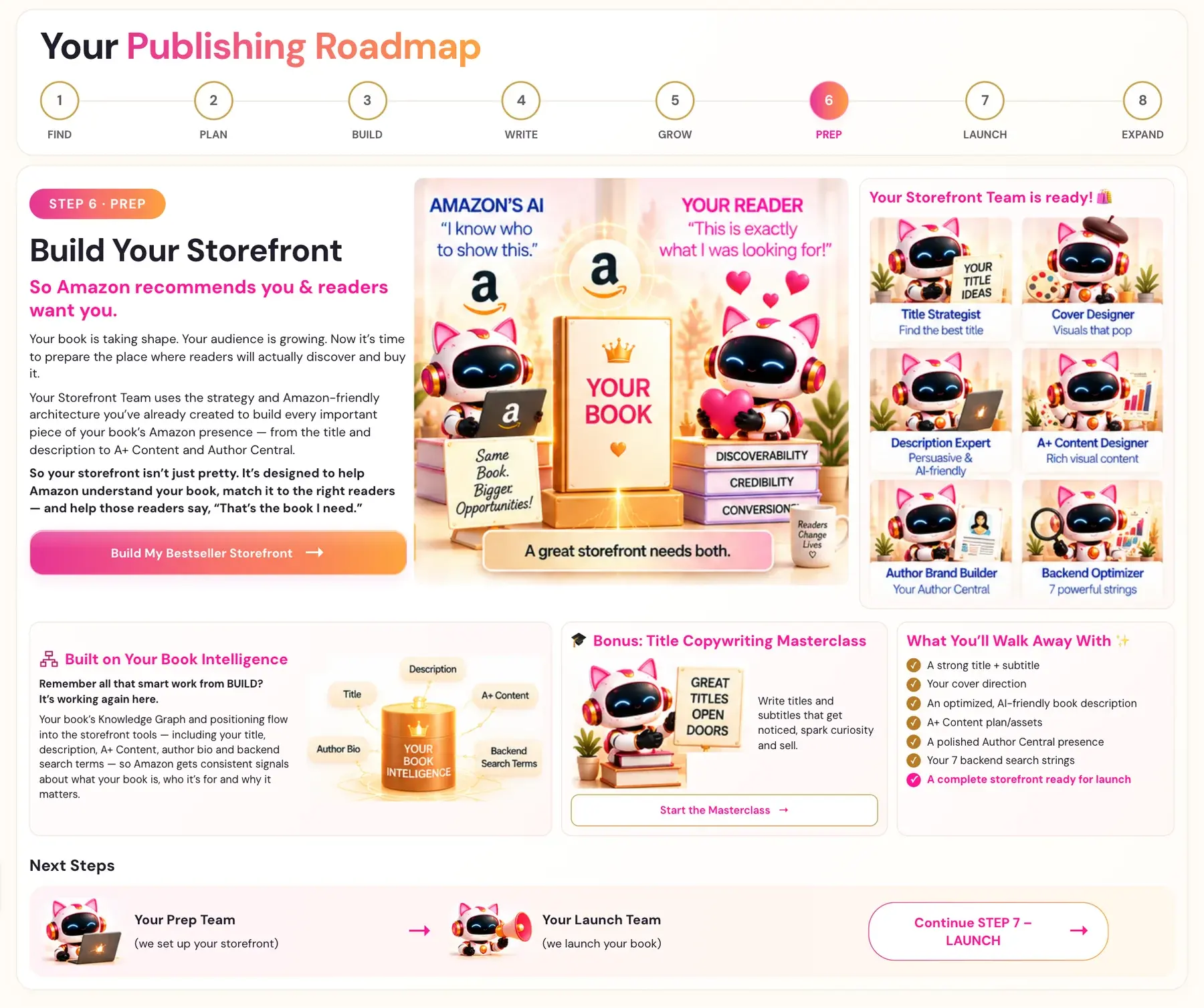
Your cover is what makes a reader stop scrolling. Lesson 3 of Step 6 teaches you how to design a cover that pulls readers in.
Humans scroll past a bad cover before they read a single word. Lesson 3 of Step 6 · PREP, Irresistible Covers, is where you learn to make visuals that pop.
Why Does My Book Cover Matter So Much on Amazon?
Alrighty, here's the thing. Your cover is the conversion gate. Amazon's algorithm can't fix a bad cover. Your title words get you found, and your cover gets you the click.
What Is in the Irresistible Covers Lesson?
It's lesson 3 of Step 6 · PREP, and it's a video lesson. There's no generator in this lesson. Your Storefront Team calls this role the Cover Designer, with the tagline "Visuals that pop." The video is for students inside Golden Bestseller Empire.
Where Do I Find the Lesson?
- Click STEP 6 · PREP in the left sidebar.
- Open Irresistible Covers in the lesson list.
- Watch the video, write your notes in the notes box, and click MARK COMPLETE →.
What Do I Walk Away With?
Your cover direction. It's one of the things you leave Step 6 with, together with your title and subtitle, your book description, your A+ Content, your Author Central page and your 7 backend search strings.
Does My Cover Go Into the Writing Studio?
Your cover is part of your Amazon storefront. The Writing Studio builds your interior, and the Front End tab has a place for your cover designer's credit. See What to Fill In on the Front End Tab.
What Comes Next?
Choose your words next: How to Choose Your Book Title and Subtitle. Then write your description: How to Use the Book Description Generator. Not sure where to start? The Course Coach inside the app guides you through every step, so you're never stuck on a button.
Related Articles
Last checked in the app: October 14, 2026.
Still Need Help?
Inside the app, the Course Coach answers your questions and guides you step by step. You can also write to us and we will get back to you.
Contact Support