
A+ Content Walk-Through: Add Your A+ Content on Amazon (Step 7 · LAUNCH)
Lesson 6 of Step 7 is a video walk-through of adding the A+ Content you made in Step 6 to your Amazon book page.
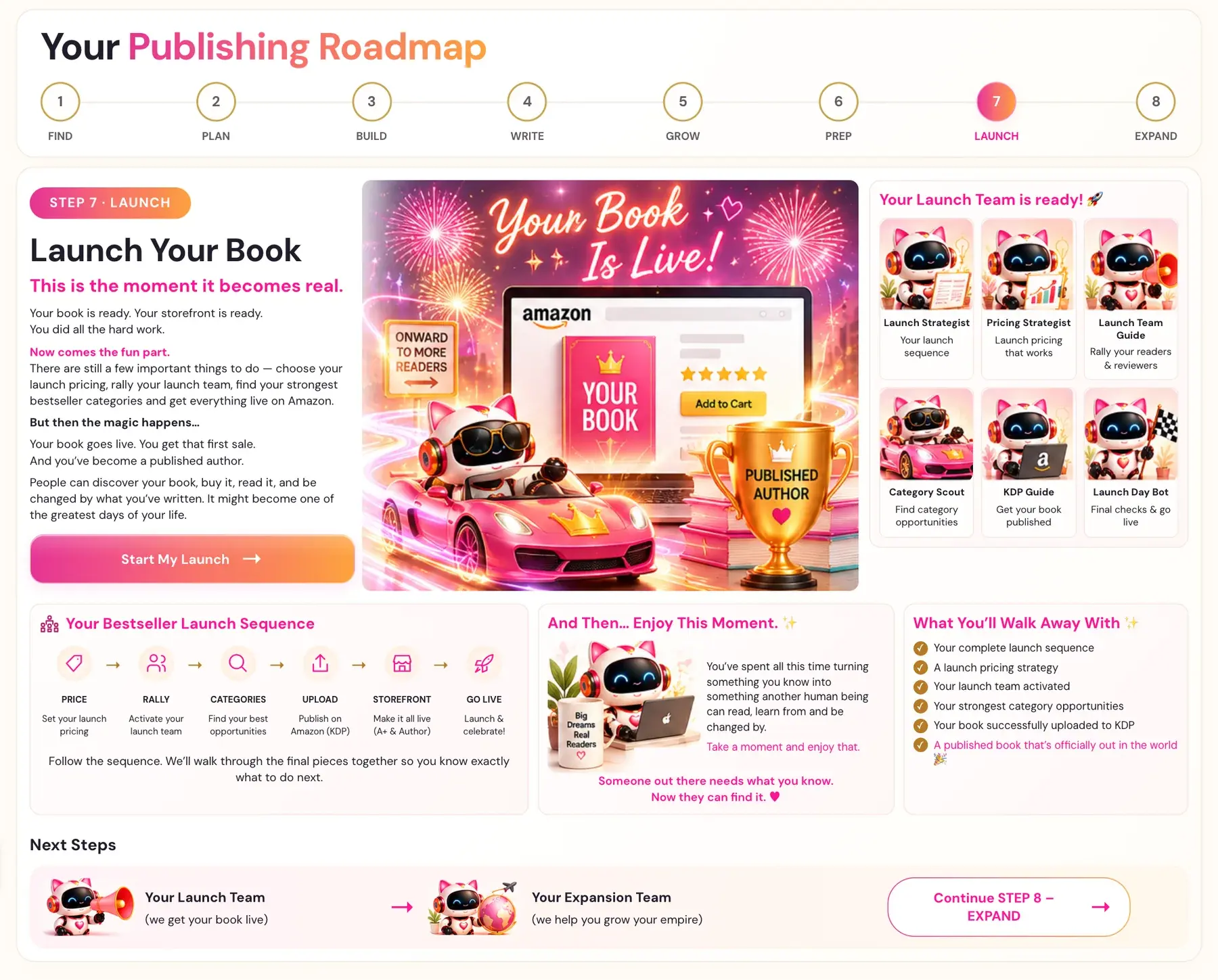
This is the STOREFRONT stage of your launch: make it all live. In the A+ Content Walk-Through you add the A+ Content you made in Step 6 · PREP to your Amazon book page.
What Is the A+ Content Walk-Through?
It's lesson 6 of Step 7 · LAUNCH, and it's a video. There's no generator in this lesson, because your A+ Content already comes from the A+ Content Generator in Step 6. The video is for students inside Golden Bestseller Empire.
Where Do I Find It?
- Click STEP 7 · LAUNCH in the left sidebar.
- Open A+ Content Walk-Through in the lesson list.
- Watch the video, write your notes in the notes box, and click MARK COMPLETE →.
What Do I Need Before I Start?
Your A+ Content from Step 6. It's optimized for Amazon's new COSMO and its relations, and only Golden Bestseller Empire offers this.
For Amazon's side, see our Amazon KDP A+ Content Guidelines and How to Create A+ Content on KDP.
What Comes Next?
Add your author bio next: Author Central Walk-Through. Then see your Go-Live Checklist. Not sure where to start? The Course Coach inside the app guides you through every step, so you're never stuck on a button.
Related Articles
Last checked in the app: October 15, 2026.
Still Need Help?
Inside the app, the Course Coach answers your questions and guides you step by step. You can also write to us and we will get back to you.
Contact Support