
Sales Page Translation Generator: Localize Your Amazon Page for Another Store (Step 8 · EXPAND)
Lesson 4 of Step 8 localizes your book description, A+ Content, backend keywords and categories for the Amazon store you choose.
Your Amazon page needs to speak your reader's language. The Sales Page Translation Generator localizes your book description, your A+ Content, your 7 backend keywords and your categories for another Amazon store. It's optimized for Amazon's new COSMO and its relations, and only Golden Bestseller Empire offers this.
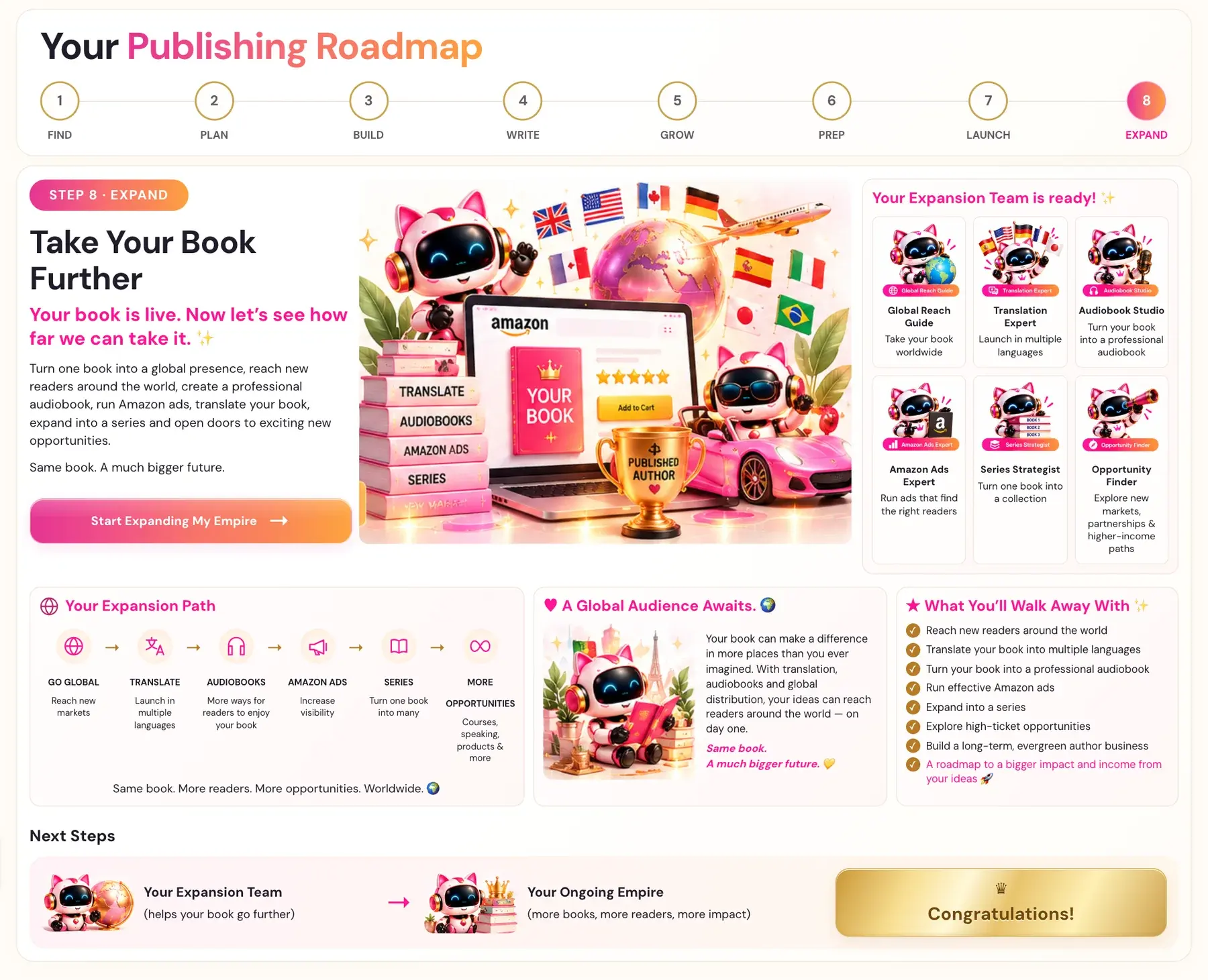
What Is the Sales Page Translation Generator?
It's lesson 4 of Step 8 · EXPAND. It has one tab for each part of your Amazon page: Book Description, A+ Content, 7 Backend Keywords and Category Scout. It builds on what you made in Step 6 · PREP and Step 7 · LAUNCH, and on your localized Knowledge Graph and Big Promise from the lesson before.
What Do I Choose?
Your Target Language and your Target Country / Amazon Store, the same way as in the earlier translation lessons. The result is made for that store. It is not a word-for-word translation of your English page.
Where Do I Find It?
- Click STEP 8 · EXPAND in the left sidebar.
- Open Sales Page Translation Generator in the lesson list.
- Pick a tab and scroll down to the generator.
Why Does Your Knowledge Graph Make All the Difference?
Amazon understands a book through the ideas it connects to, and your Knowledge Graph records those connections with all 15 COSMO intent vectors and relations. Your English page was built on it. Your translated page is built on its localized version, so each Amazon store receives the same clear message in the words its own readers use. Golden Bestseller Empire is the only book publishing platform offering generators that apply a book's Knowledge Graph to every sales page item, in every language.
What Comes Next?
Localize your ads too: How to Use the Amazon Ads Translation Generator. Not sure where to start? The Course Coach inside the app guides you through every step, so you're never stuck on a button.
Related Articles
Last checked in the app: October 15, 2026.
Still Need Help?
Inside the app, the Course Coach answers your questions and guides you step by step. You can also write to us and we will get back to you.
Contact Support